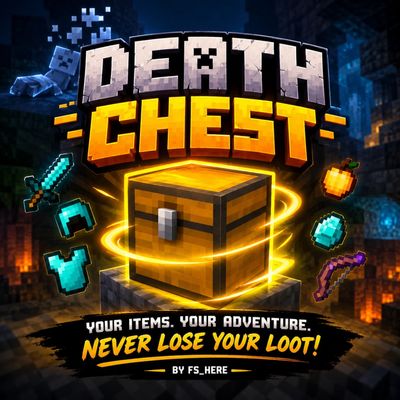
Death chest
Bedrock add-on listed for Minecraft 26.x (behavior pack only). File opened and checked on 13 Oct 2026; installs from the MC Bedrock Mods app on Android.
⬇ Download on CurseForge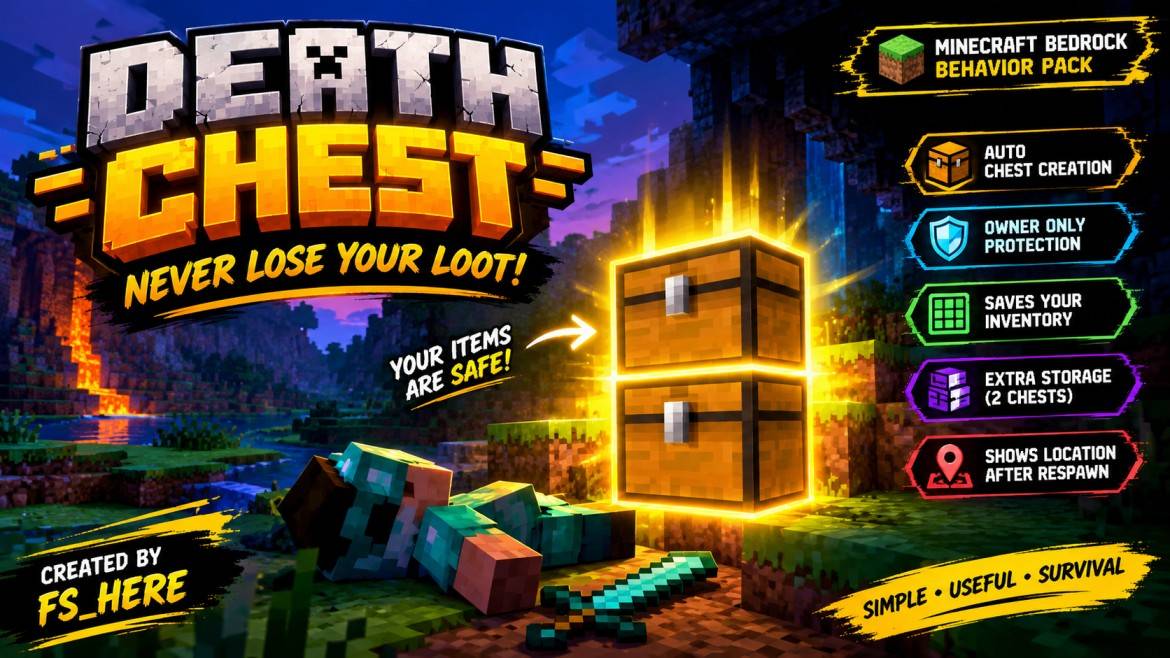
💀 DEATH CHEST
Never Lose Your Loot Again!
⚔️ Created by fs_here
📦 About This Add-on
Death Chest is a Minecraft Bedrock Edition Behavior Pack that helps you recover your items after death. It automatically creates a chest near your death location and transfers your saved inventory into it.
Explore caves, fight dangerous mobs, mine valuable ores, and continue your survival adventure with greater peace of mind!
✨ Features
🎒 Automatic Inventory Backup
Periodically saves your 36 inventory slots, armor, and offhand item.
💀 Automatic Death Detection
Detects player deaths and attempts to create a Death Chest when saved items are available.
📦 Automatic Chest Creation
Searches for a suitable location near your death coordinates.
🗃️ Extra Storage
A second chest can be placed above the first when more than 27 item stacks need to be stored.
🔒 Owner-Only Protection
Other players cannot open or break your protected Death Chest.
💥 Explosion Protection
Protected chests are excluded from TNT and creeper explosion destruction.
📍 Death Coordinates
Receive your chest's X, Y, and Z coordinates in chat after respawning.
🌍 Persistent Ownership
Ownership data is saved in the world so protection can persist after restarting it.
🛠️ Installation Guide
- Download DeathChest.mcpack.
- Open the file with Minecraft.
- Wait for the pack to import.
- Open your world settings.
- Go to Behavior Packs → My Packs.
- Activate Death Chest and enter your world.
Multiplayer: The world host or Realm owner must activate the Behavior Pack.
⚙️ Technical Information
- Creator: fs_here
- Version: 1.0.0
- Platform: Minecraft Bedrock Edition
- Pack Type: Behavior Pack
- Minimum Engine Version: 1.26.40
- Script API: @minecraft/server 2.9.0
- Resource Pack: Not required
- Custom Textures: None
- Experimental Toggles: Not required according to the pack configuration
⚠️ Important Notes
- Back up your world before testing.
- The add-on uses periodically saved inventory snapshots.
- Items missing from the saved snapshot may not be recovered.
- If no suitable chest location is found, items drop normally.
- Test inventory recovery, armor, offhand items, and multiplayer protection before publishing.
🎮 YOUR ITEMS. YOUR ADVENTURE.
Death Chest — Your Loot Deserves a Second Chance!
© COPYRIGHT NOTICE
© 2026 fs_here. All Rights Reserved.
Death Chest is an independent community add-on created by fs_here. The original code, branding, description, and promotional materials are claimed by their respective creator, subject to applicable law and third-party rights. Unauthorized redistribution or claiming the original work as your own is not authorized.
Minecraft is a trademark of Microsoft/Mojang. This project is not affiliated with or endorsed by Microsoft or Mojang.
MADE WITH PASSION BY fs_here
- Edition: Minecraft Bedrock
- File type: .mcpack or .mcaddon
- Minecraft versions listed: 26.20, 26.13, 26.30
- How to install: Download the .mcpack or .mcaddon file. → Open it — Minecraft imports it. → In your world: Behavior Packs → Available → Activate, then the same under Resource Packs.
- Where to get it: Opens on CurseForge — not every file is mirrored on our own servers.
Install steps are the general flow for this file type — How to install Minecraft Bedrock addons & mods walks through it step by step.
- Pack type: .mcpack — a single pack
- Manifest requires Minecraft 1.26.40 or newer
- Complete pack — everything it depends on is inside the file
- Download size: 3 KB
- Download link checked 13 Oct 2026 — working
These come from our own check of the pack file, not from the source page.