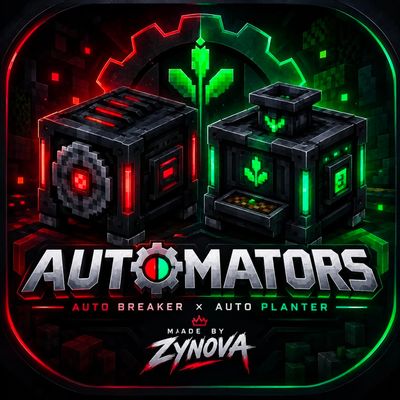
Zynova's AUTOMATORS
Bedrock add-on listed for Minecraft 1.21–26.x (behavior + resource pack). Installs from the MC Bedrock Mods app on Android.
AUTOMATORS Add-On | Auto Breaker & Auto Planter Automate your farms in Minecraft Bedrock Edition! Tired of manually breaking blocks and replanting crops?…
⬇ Download on CurseForge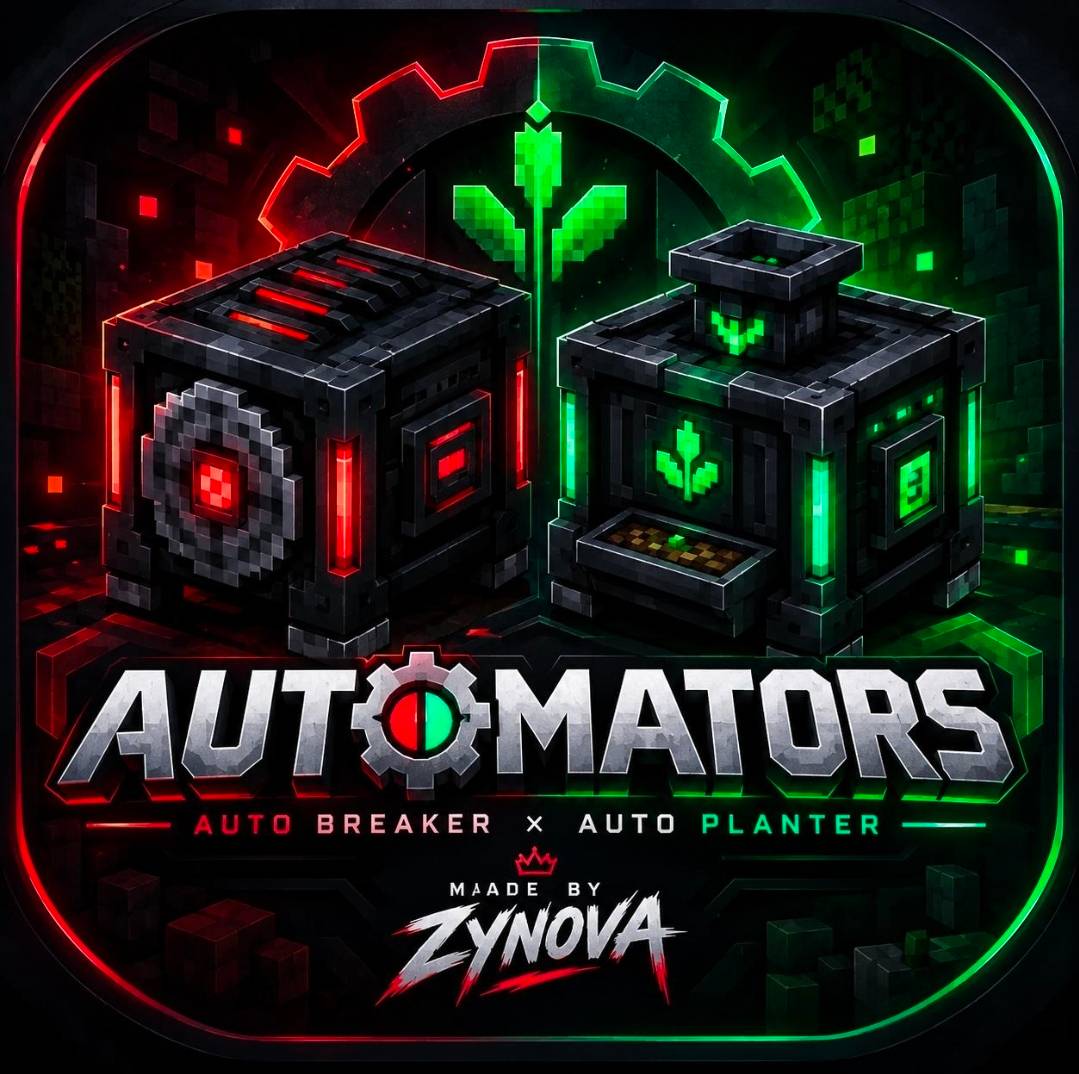
AUTOMATORS Add-On | Auto Breaker & Auto Planter
Automate your farms in Minecraft Bedrock Edition!
Tired of manually breaking blocks and replanting crops? Meet AUTOMATORS, an automation add-on by ZYNOVA that introduces two useful machines to help you build more efficient farms: the Auto Breaker and the Auto Planter.
Whether you're building a tree farm, automating crop replanting, or experimenting with custom farm designs, Automators gives you more ways to automate your world!
⚙️ Features
⛏️ Auto Breaker
- Automatically breaks blocks within its configured working area.
- Uses the appropriate tool for the blocks it is designed to break.
- Supports different tools for different types of blocks.
- Useful for automated tree farms and other compatible farm designs.
🌱 Auto Planter
- Automatically plants supported saplings, seeds, and vegetables.
- Uses coordinates to determine where planting takes place.
- Allows you to configure the delay between planting actions.
- Set a custom delay, such as 2 or 5 seconds, to suit your farm.
- Remove the configured planting item using a stick.
🔧 Extra Controls
- Toggle the machines on and off by crouching and interacting with them.
- Configure your planter for different farm layouts.
- Combine the Auto Breaker and Auto Planter to create automated farming systems.
🌳 What Can You Build?
Tree Farms: Combine Auto Planters with Auto Breakers to automatically replant saplings and break harvested wood.
Crop Farms: Configure your planter to replant supported crops after harvesting.
Custom Automation: Experiment with coordinates, planting delays, and machine placement to create your own farm designs.
📦 How to Install
1. Download the Automators add-on file.
2. Open the file and import it into Minecraft Bedrock Edition.
3. Create a new world or edit an existing one.
4. Activate the required Automators pack or packs in your world settings.
5. Enter your world, place the machines, configure them, and start automating!
💬 Feedback & Support
Automators is created by ZYNOVA. If you discover a bug, have a suggestion, or want to see new features, leave a comment!
If you enjoy the add-on, consider supporting the project by downloading it, sharing it with your friends, and showing what you build with it.
Made by ZYNOVA ❤️
Build smarter. Farm faster. Automate your world.
- Edition: Minecraft Bedrock
- File type: .mcpack or .mcaddon
- Minecraft versions listed: 26.20, 26.30, 26.40
- How to install: Download the .mcpack or .mcaddon file. → Open it — Minecraft imports it. → In your world: Behavior Packs → Available → Activate, then the same under Resource Packs.
- Where to get it: Opens on CurseForge — not every file is mirrored on our own servers.
Install steps are the general flow for this file type — How to install Minecraft Bedrock addons & mods walks through it step by step.
- Pack type: .mcaddon — behaviour and resource pack in one file
- Manifest requires Minecraft 1.21.90 or newer
- Complete pack — everything it depends on is inside the file
- Download size: 828 KB
- Download link checked 13 Oct 2026 — working
These come from our own check of the pack file, not from the source page.