Shadow Link - ADI7811
Bedrock add-on listed for Minecraft 26.x. Download on the author's site.
⬇ Download on CurseForge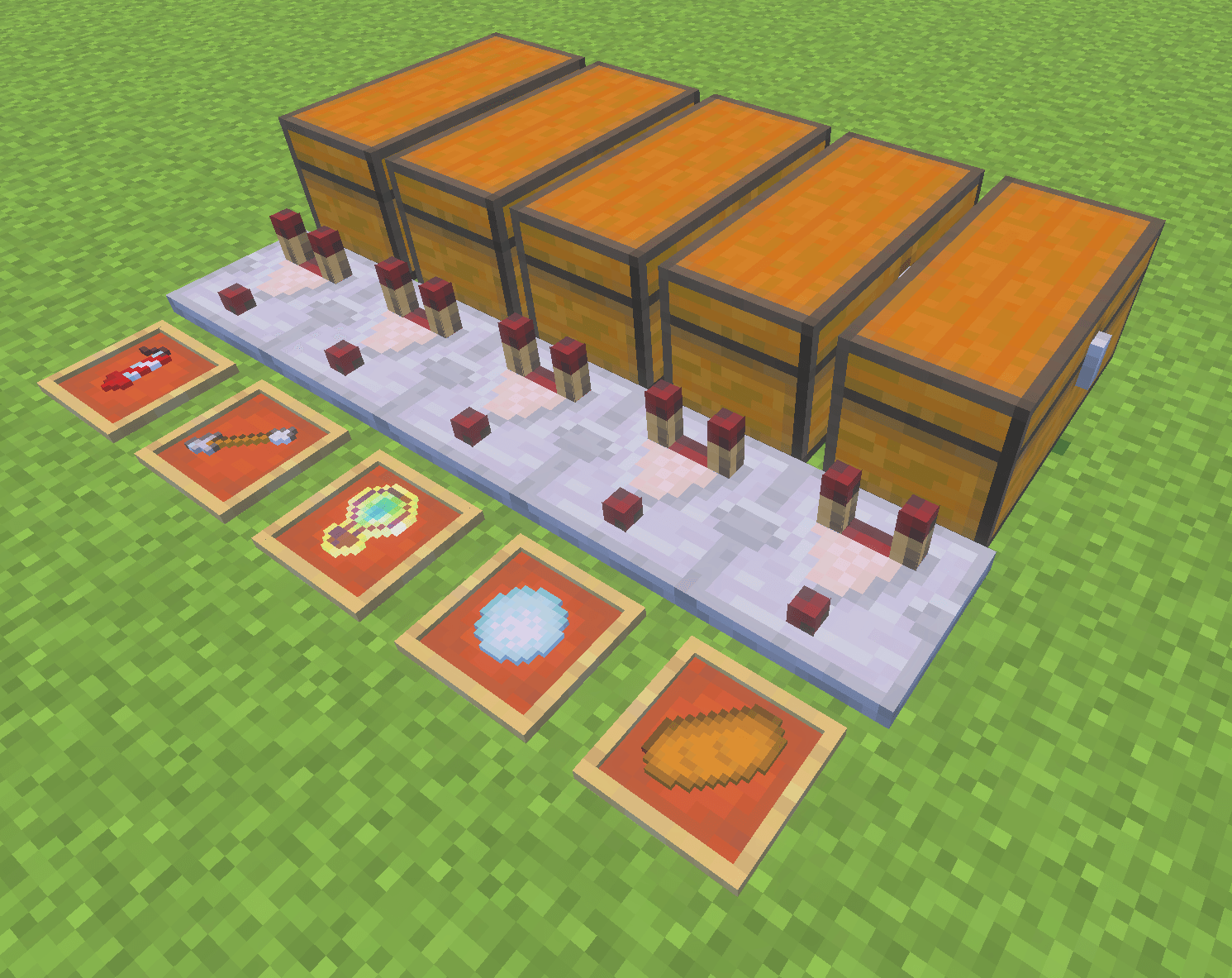
SHADOW LINK – ADI7811
Automatic Inventory Refilling for Minecraft Bedrock Edition
Never run out of essential items while building, exploring, or working on technical Minecraft projects!
Shadow Link is a survival-friendly addon inspired by the Item Shadowing concept from Minecraft Java Edition. It allows players to automatically replenish supported items directly from a connected storage container using a simple redstone-based structure.
No creative-mode item generation. No intentional item duplication. Resources are taken from real storage.
FEATURES
-
Automatic Refilling: Replenishes supported stackable items in your inventory.
-
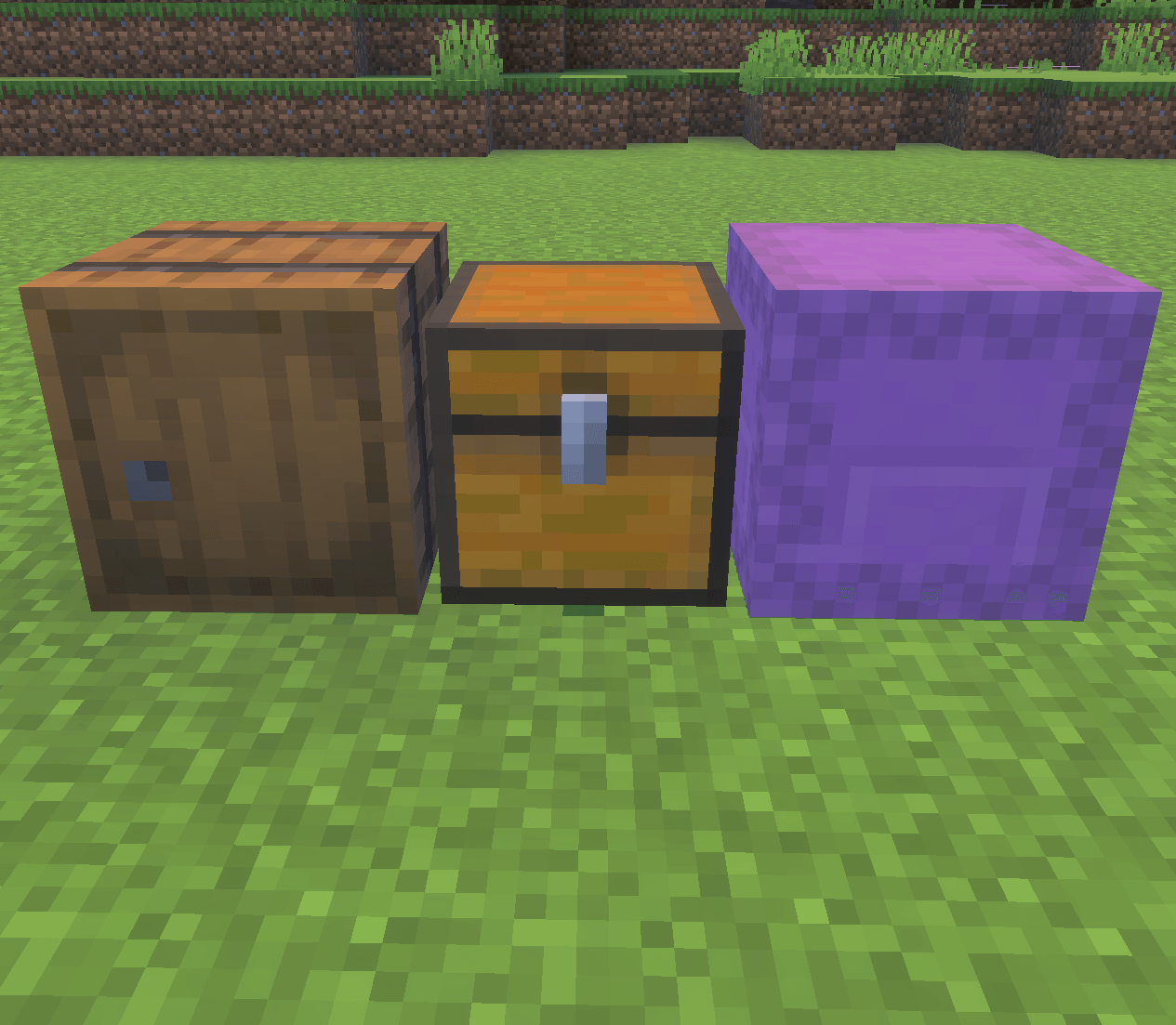
Multiple Storage Types: Supports chests, trapped chests, barrels, and shulker boxes.
-
Personal Connections: Each machine is linked to the player who activates it.
-
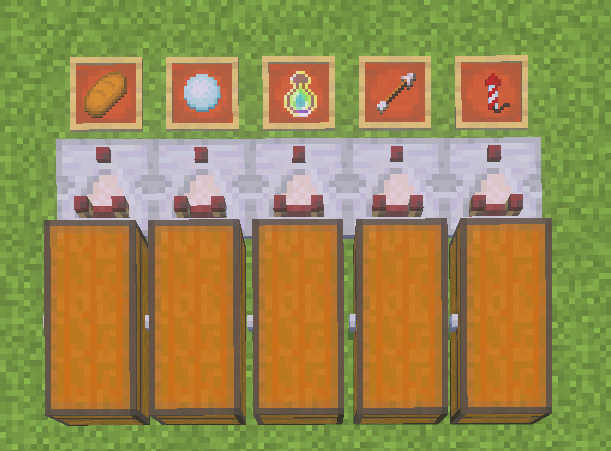
Redstone Integration: Uses a comparator and an item frame to establish the connection.
-
Real Resource Consumption: Items are removed from storage when transferred.
-
Easy Activation: Place an item in the frame to link it.
-
Easy Deactivation: Remove the framed item to disable the machine.
-
Survival-Focused: Designed to work without enabling cheats.
-
Lightweight Design: Uses event-driven inventory monitoring to reduce unnecessary processing.
HOW TO USE
-
Place a chest, barrel, or shulker box.
-
Place a redstone comparator next to the container.
-
Place an item frame at the end of the structure.
-
Insert the item you want to replenish into the frame.
-
Store matching items inside the connected container.
-
Use your items normally. Shadow Link will replenish supported stacks when the corresponding inventory changes are detected.
Important: The system transfers existing resources; it does not intentionally generate new ones. Non-stackable equipment, such as elytra and totems, is not supported.
- Edition: Minecraft Bedrock
- File type: .mcpack or .mcaddon
- Minecraft version listed: 26.50
- How to install: Download the .mcpack or .mcaddon file. → Open it — Minecraft imports it. → In your world: Behavior Packs → Available → Activate, then the same under Resource Packs.
- Where to get it: Opens on CurseForge — not every file is mirrored on our own servers.
Install steps are the general flow for this file type — How to install Minecraft Bedrock addons & mods walks through it step by step.
Shadow Link - ADI7811 is a free Minecraft Bedrock addon. Compatible with Minecraft 26.50. Downloaded 7 times (via CurseForge). Download it and open it directly in the game.