Director Mode
Bedrock add-on listed for Minecraft 26.x. Download on the author's site.
Cinematic camera and scene replay for Minecraft Bedrock. Automatic shots, camera paths, follow cameras and record & replay with an actor.
⬇ Download on CurseForge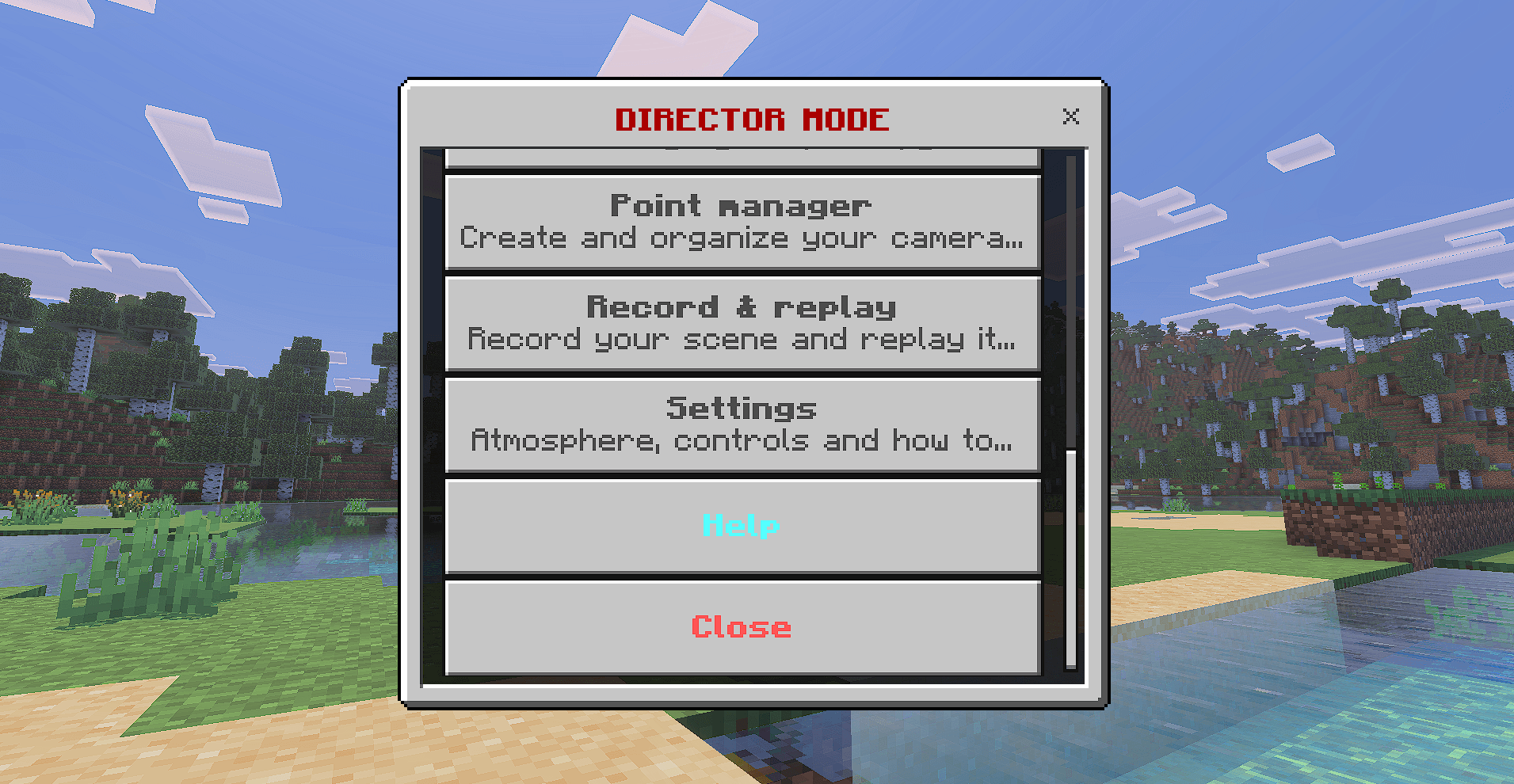
Director Mode
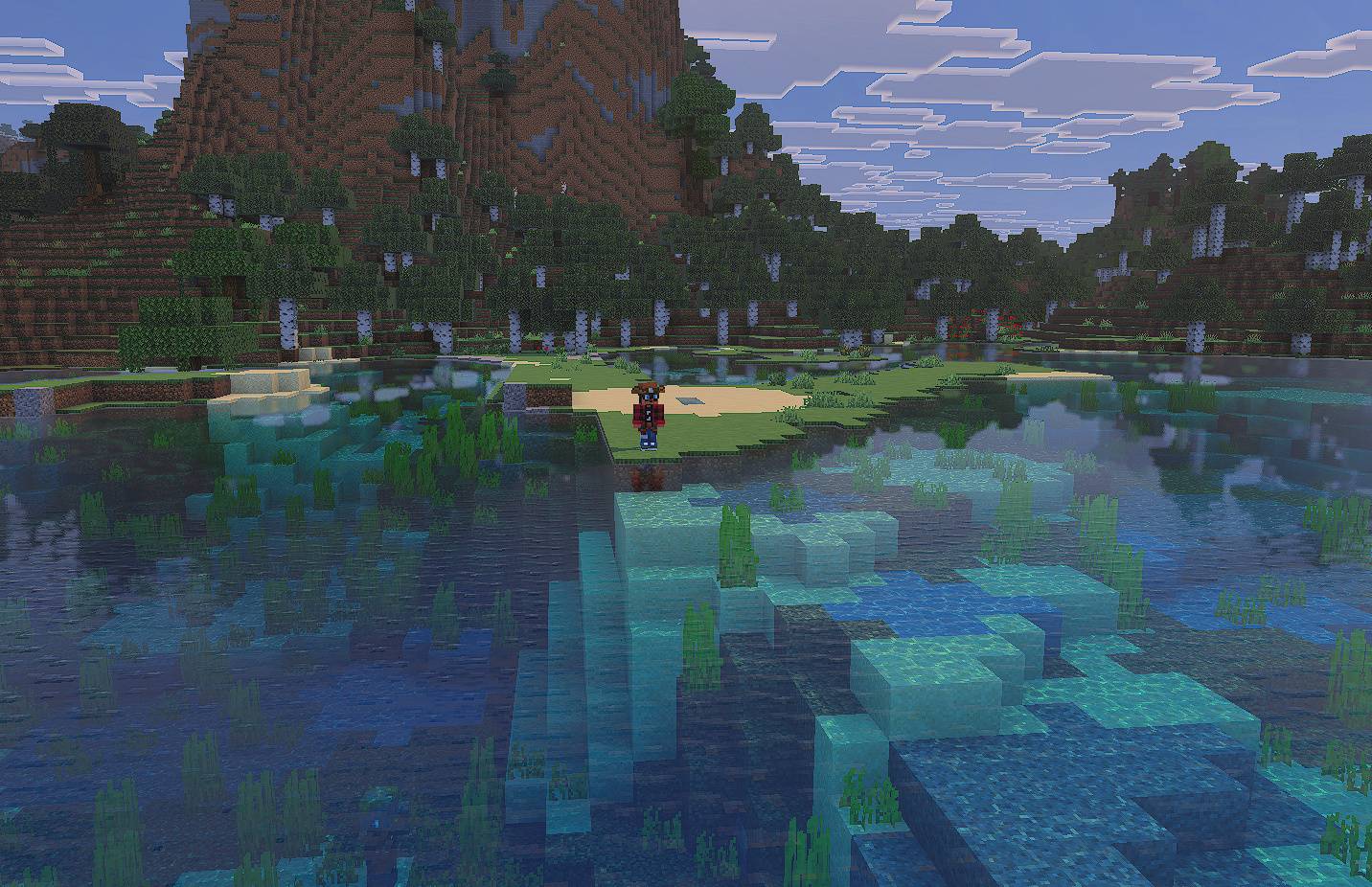
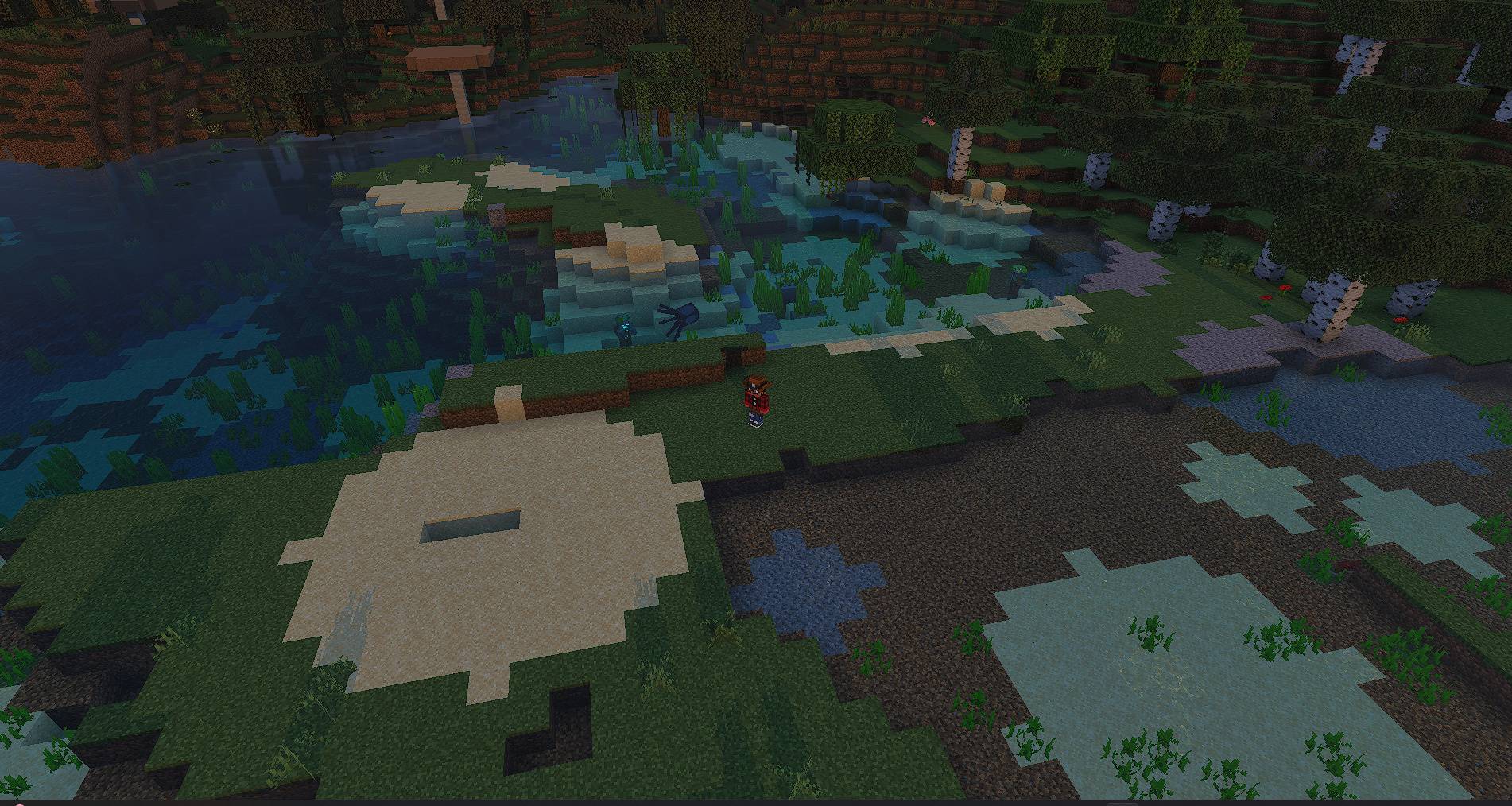
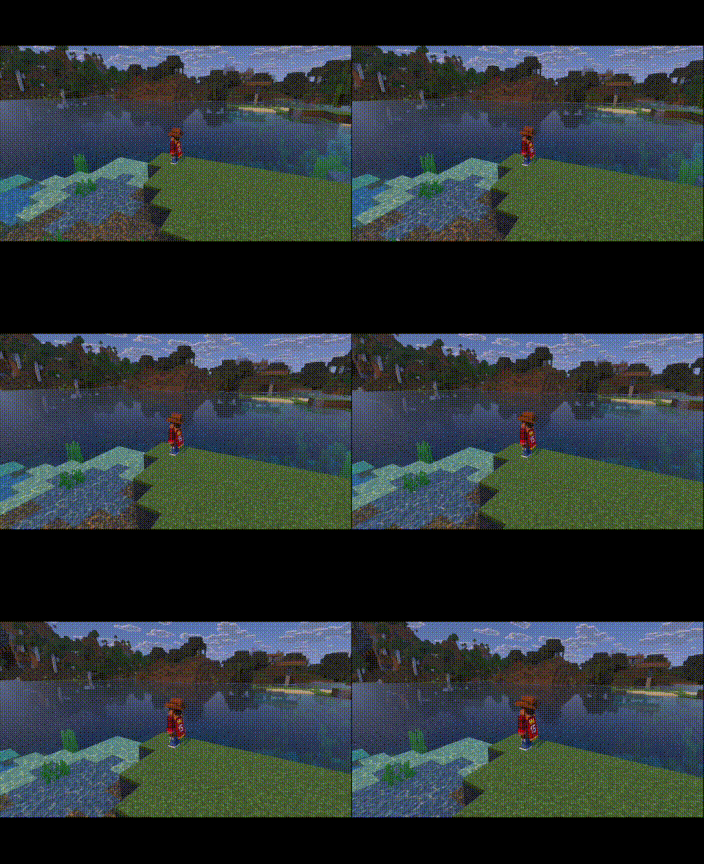
Turn your Minecraft Bedrock world into a film set. Director Mode gives you a cinematic studio inside the game: automatic camera shots, custom camera paths, cameras that follow you, and a record & replay system where an actor repeats your scene while you film it from any angle.
How to open it
Hold a stick and tap (or right-click) to open the studio menu. Aim the stick at another player and right-click them to make them the target of the scene.
Features
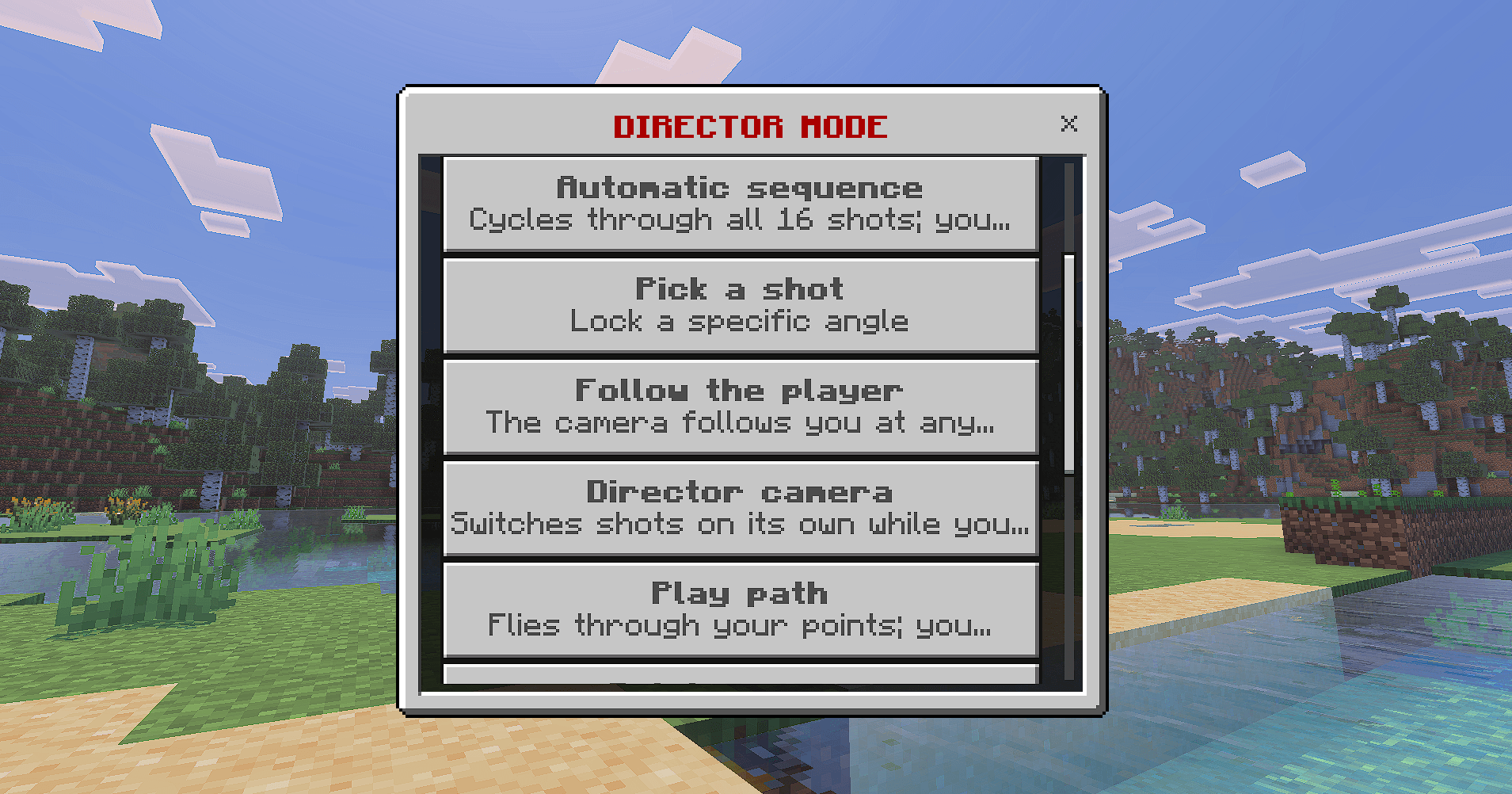
- Automatic sequence: cycles through 16 master shots (drone, orbit, crane, low tracking, Dutch roll, over-the-shoulder and more). You choose the camera distance, the duration of each shot and the rotation direction.
- Pick a shot: lock any single angle and let it loop.
- Follow the player: the camera follows you while you walk, run or ride. You choose position, distance and height.
- Director camera: switches shots on its own while you walk, like a cinematic camera in a video game.
- Camera paths: save up to 8 points and fly along a smooth curve through all of them, with an optional closed 360° loop.
- Record & replay: record your movements and block building, then replay it with an actor while you fly freely around the scene. Save up to 5 clips, rename or delete them.
- Choose your actor: Steve, Alex, your own skin (wide or slim arms) or mobs such as Zombie, Skeleton, Iron Golem, Enderman, Warden and more. The actor wears your armor and holds the item you used.
- Atmosphere: set sunset, sunrise, noon, midnight or storm for your shots.
- Clean footage: the HUD is hidden during cinematics, and you can also hide the player.
How to stop a cinematic
Crouch, use the stick, shake the view on mobile, pause with Esc on PC, or type !exit in the chat.
Languages
English and Spanish. The add-on automatically uses the language your game is set to.
Using your own skin
Replace textures/modo_director/mi_skin.png in the resource pack with your 64x64 skin and restart the world. Then choose "My skin" as the actor.
Credits
Created by YegariPro YouTube: https://www.youtube.com/@YegariPro
- Edition: Minecraft Bedrock
- File type: .mcpack or .mcaddon
- Minecraft versions listed: 26.11, 26.12, 26.20
- How to install: Download the .mcpack or .mcaddon file. → Open it — Minecraft imports it. → In your world: Behavior Packs → Available → Activate, then the same under Resource Packs.
- Where to get it: Opens on CurseForge — not every file is mirrored on our own servers.
Install steps are the general flow for this file type — How to install Minecraft Bedrock addons & mods walks through it step by step.
Director Mode is a free Minecraft Bedrock addon. Compatible with Minecraft 26.11, 26.12, 26.20, 26.13 and newer. Downloaded 8 times (via CurseForge). Download it and open it directly in the game.