VMSUI+
Bedrock add-on listed for Minecraft 1.21–26.x (behavior + resource pack). File opened and checked on 13 Oct 2026; installs from the MC Bedrock Mods app on Android.
⬇ Download on CurseForge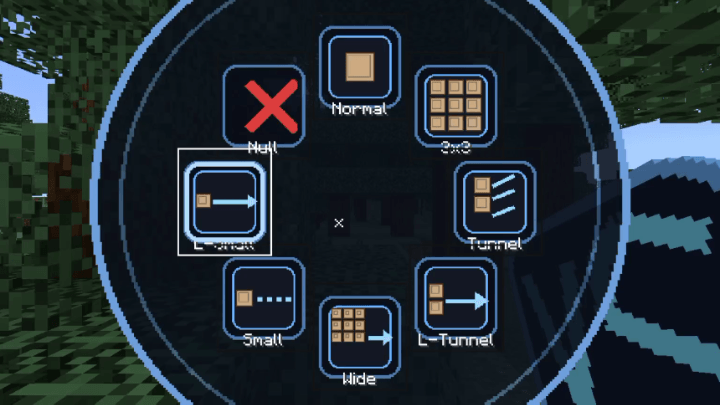
**This addon is opensource and you can use it's code without permission as long as you aren't using
It's code for commercial use (ads excluded) for full rules see license.
VMSUI+: Veinminer with Ring UI and Mining Modes(achievement friendly)
Mine bigger areas in one swing. VMSUI+ adds a configurable Veinminer to Minecraft Bedrock Edition. Pick a mining shape from the ring UI and break one block to clear the whole pattern. Works with EveryBlock.
Features
Veinminer: Break one block and the addon mines a set pattern of blocks around it, in the direction you're facing.
7 Mining Modes:
Normal: Standard single-block breaking
3x3: A 3x3 area
Tunnel: 1 wide, 2 tall, 12 deep
Long Tunnel: 1 wide, 2 tall, 30 deep
Wide Tunnel: 3x3 area, 10 deep
Small Tunnel: 1x1, 15 deep
Long Small Tunnel: 1x1, 40 deep
Null (Off): Turns the addon off
VS Settings Item: Given to you on spawn. It controls the whole addon.
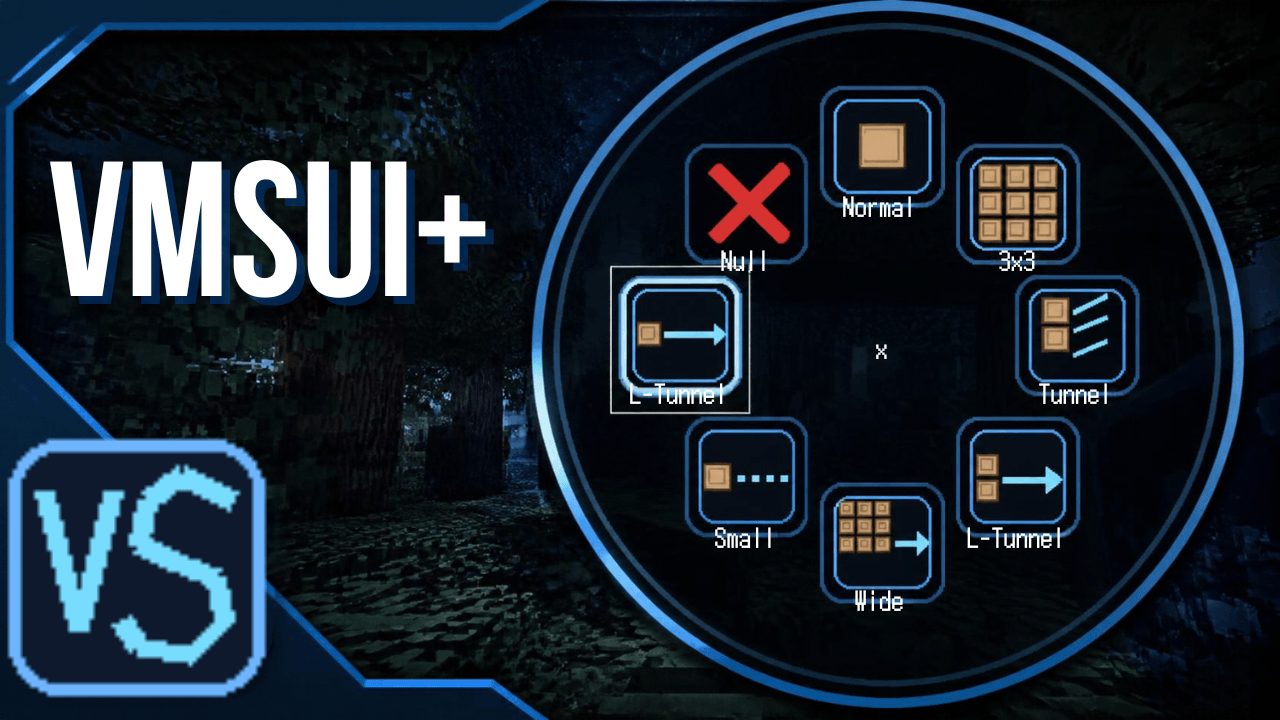
Ring UI: Right-click the VS item to open a ring menu of all modes. [Add how it closes, e.g. "Right-click again to close."]
Fast Switch: Sneak + Right-Click the VS item to cycle modes instantly.
Survival Durability: Each mined block uses tool durability. Mining stops when the tool breaks, and drops are collected normally.
Creative Mode: Mines without using durability or dropping items.
Achievement Friendly: Doesn't disable achievements, so you can still earn them while playing.
Usage
Spawn in and grab the VS item from your inventory.
Right-click the VS item to open the ring UI and pick a mode.
Sneak + Right-Click the VS item to cycle through modes quickly.
Break a block to mine the selected pattern.
Installation
Download the .mcaddon file (or .mcpack if separate).
Open it. Minecraft will import it automatically.
Enable the addon in your world's Behavior and Resource Packs settings.
Start mining.
Compatibility
Minecraft Bedrock Edition 26 or later
Works with EveryBlock
Video Showcase
Credits
Created by NeoPhinixMC. Feedback and bug reports are welcome in the comments.
- Edition: Minecraft Bedrock
- File type: .mcpack or .mcaddon
- Minecraft versions listed: 1.21.132, 26.0.02, 26.0
- How to install: Download the .mcpack or .mcaddon file. → Open it — Minecraft imports it. → In your world: Behavior Packs → Available → Activate, then the same under Resource Packs.
- Where to get it: Opens on CurseForge — not every file is mirrored on our own servers.
Install steps are the general flow for this file type — How to install Minecraft Bedrock addons & mods walks through it step by step.
- Pack type: .mcaddon — behaviour and resource pack in one file
- Manifest requires Minecraft 1.26.40 or newer
- Complete pack — everything it depends on is inside the file
- Download size: 21 KB
- Download link checked 13 Oct 2026 — working
These come from our own check of the pack file, not from the source page.