Held Torch Light
Bedrock add-on listed for Minecraft 26.x. File opened and checked on 13 Oct 2026; installs from the MC Bedrock Mods app on Android.
⬇ Download on CurseForge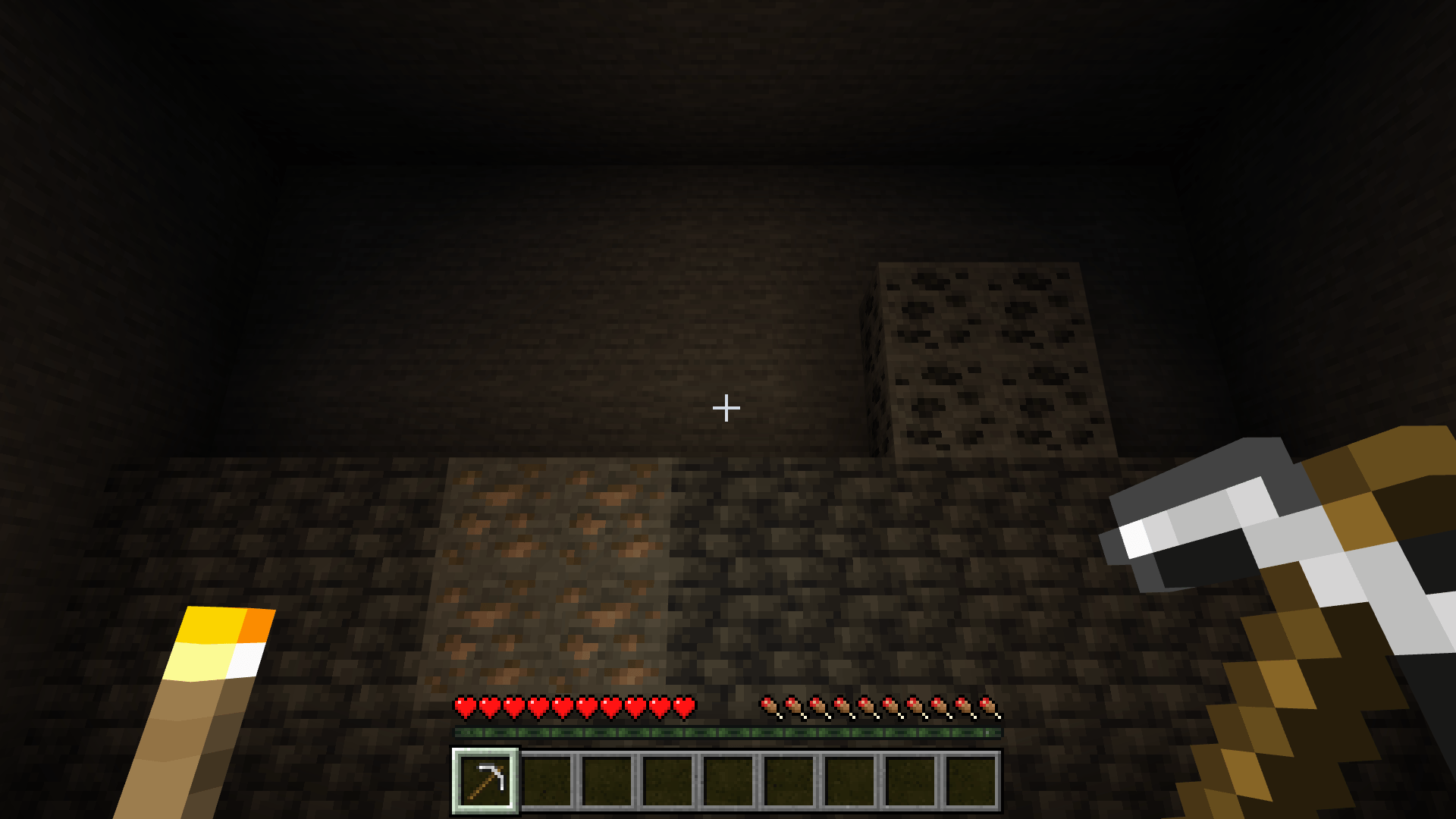
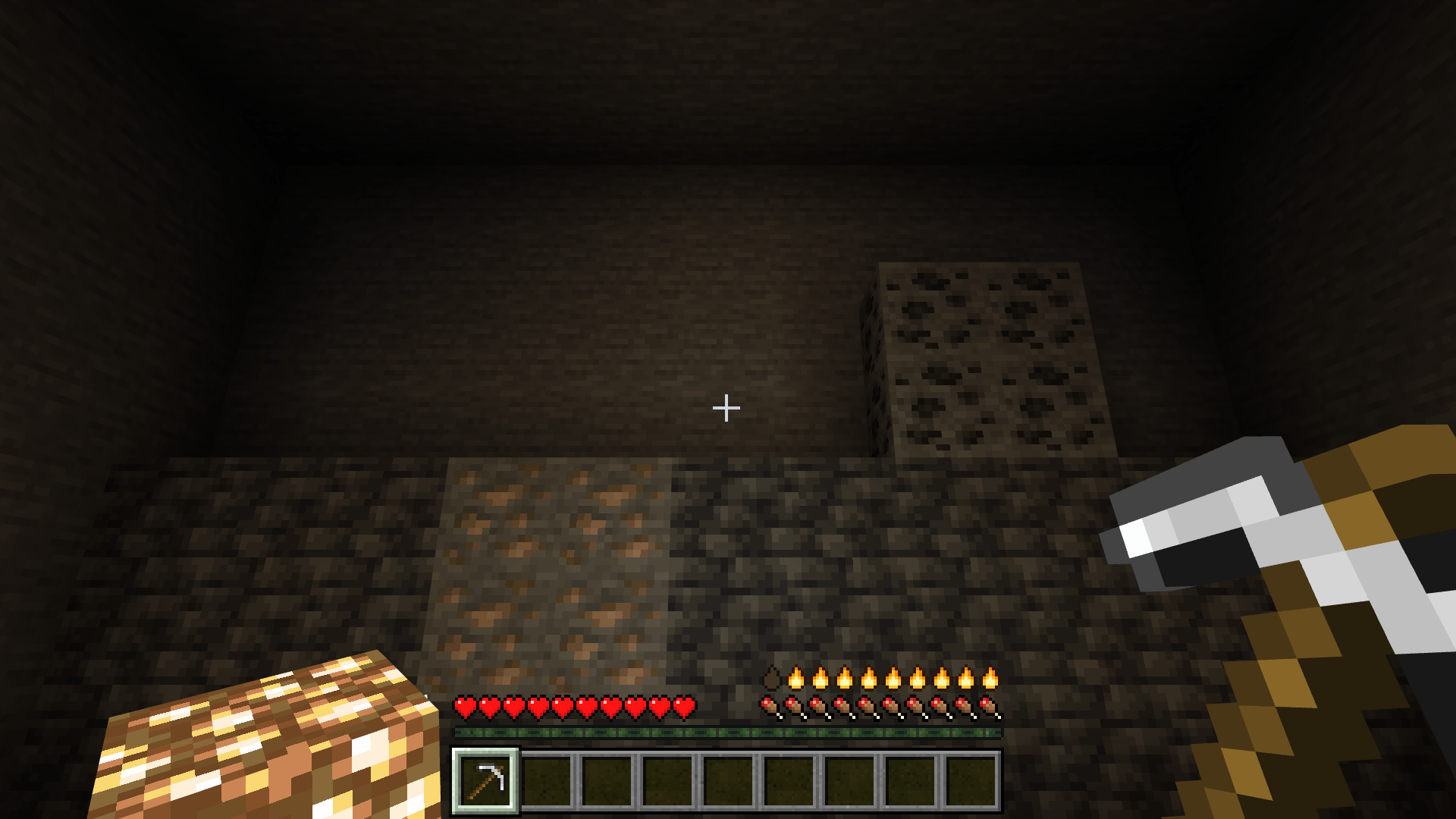
Carry the light. Keep your main hand free.
Turn your offhand into a moving light source while your main hand stays ready for mining, building and combat. Explore dark caves with a torch or lantern beside you, then choose the edition that fits your play style.
In the CurseForge download (lite ver.)
- Eight supported light sources: Torch, Soul Torch, Redstone Torch, Lantern, Soul Lantern, Campfire, Soul Campfire and Sea Pickle.
- Convert a vanilla light source by crouching and using it while your offhand is empty. On PC, use Shift + right-click, or
/htl:offhand. - Dynamic light follows you, with a light level specific to each item. Light is cleaned up when you move or remove the source.
- Durability is consumed only at night; daytime pauses consumption. Burnout consumes the light item and provides sound/chat feedback.
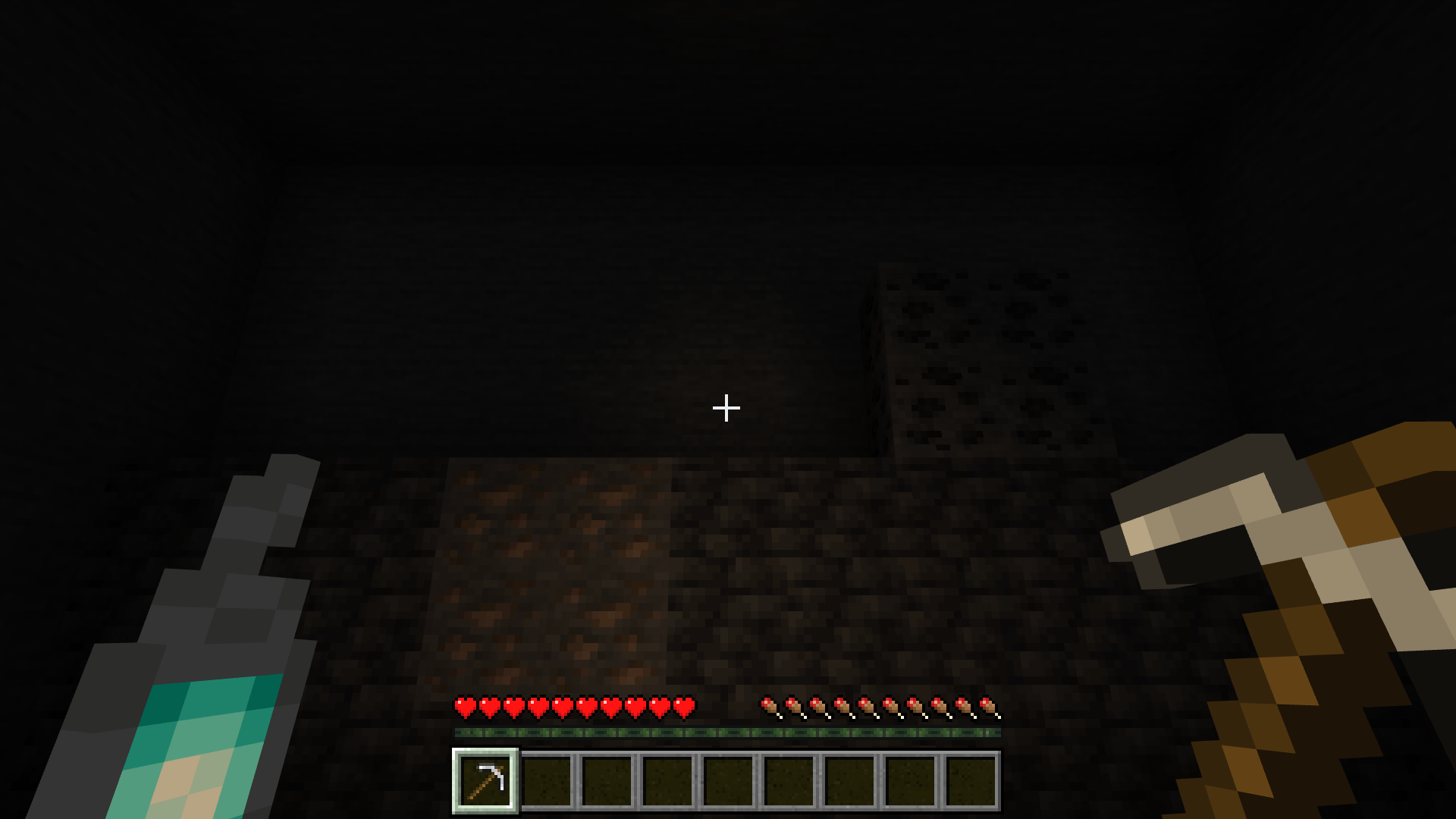
See the offhand lighting in game
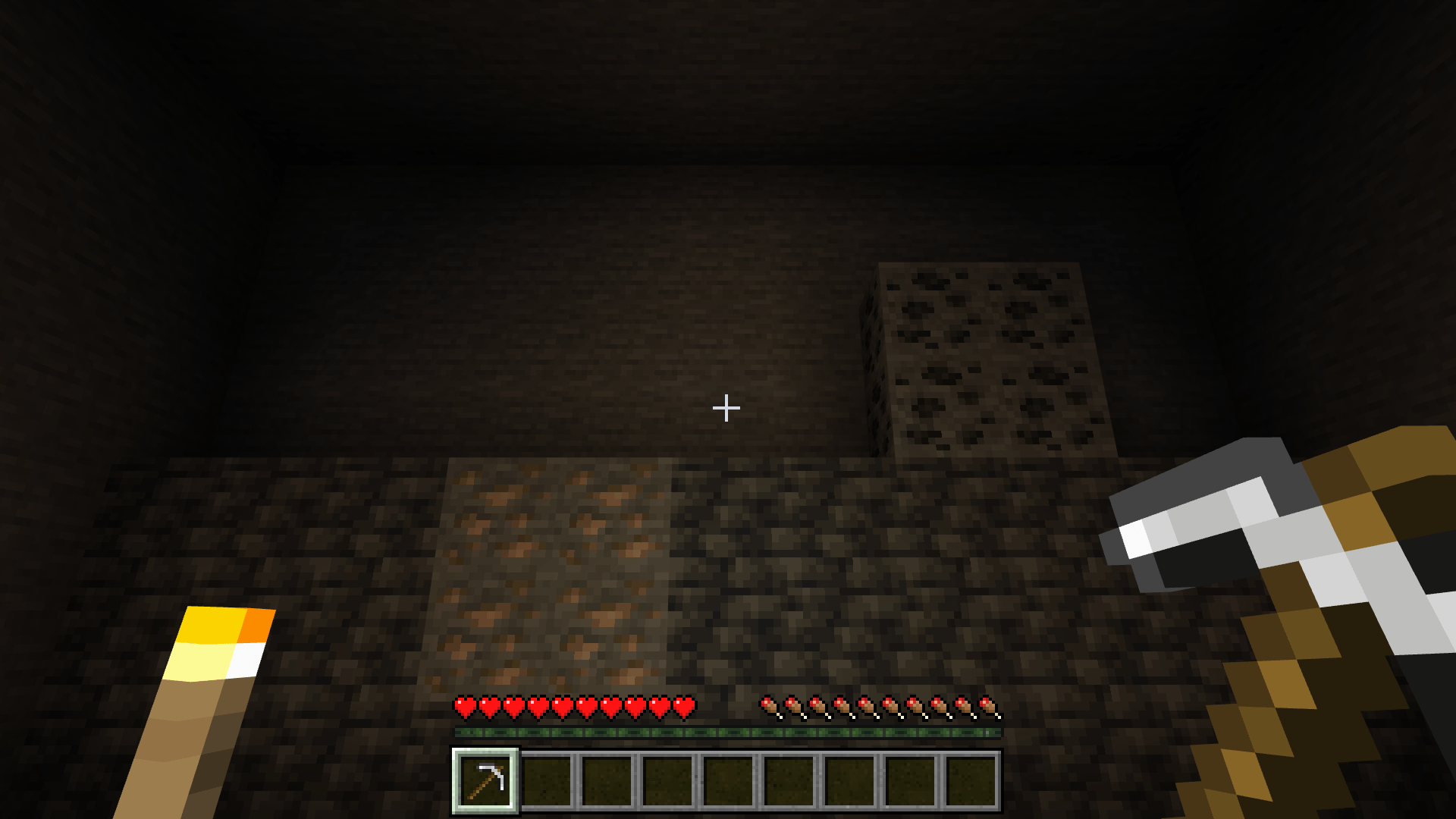
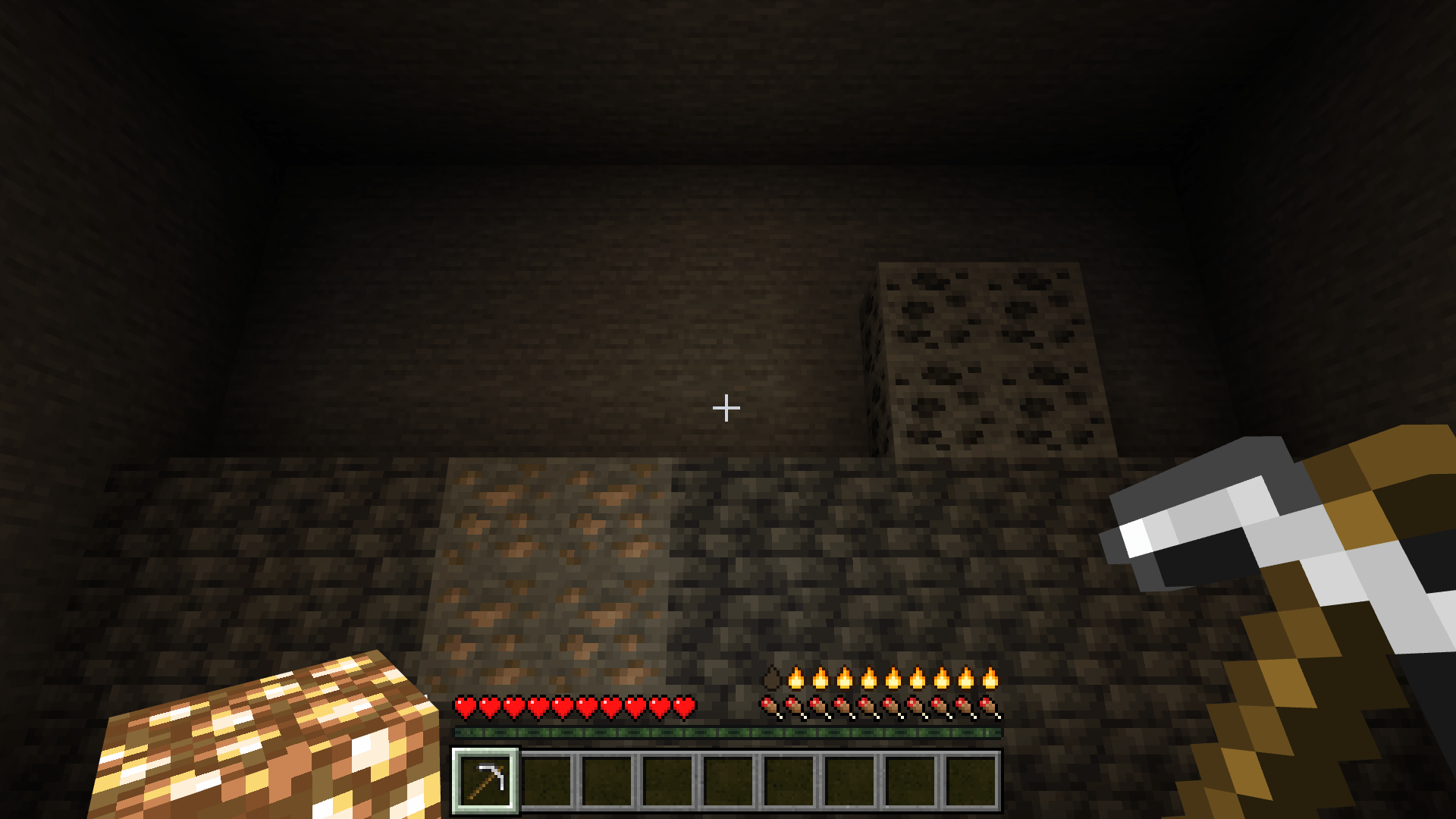
Shared lighting feature: a torch illuminates the cave from your offhand while your pickaxe remains ready. Captured in the Patreon edition; offhand lighting is also included in this CurseForge download and Standard.
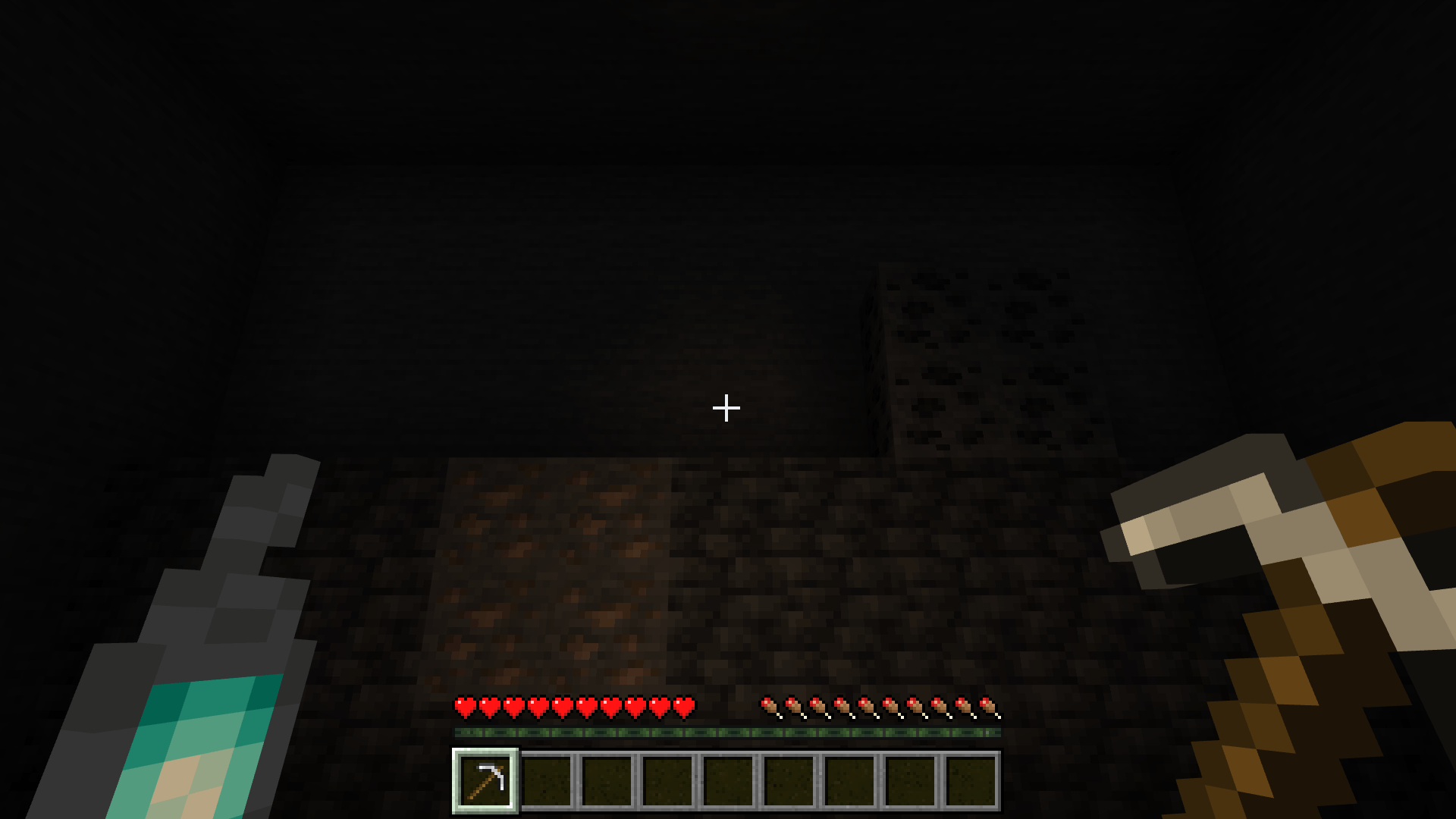
Shared lighting feature: carry a Soul Lantern and keep using your main-hand tool. This is a real Minecraft capture from the Patreon edition.
Standard edition - the complete light collection
Want more light sources and a clear durability readout? Standard expands the collection and adds a text HUD.
- All 42 light-item IDs, including the two legacy aliases, with item-specific light levels and night-only durability.
- Four text HUD modes: full, compact, percent and native.
- Full mode shows the item name, light level, durability bar, remaining durability and percentage. Compact and percent provide smaller readouts; native hides the add-on HUD.
- Low-durability HUD warnings, a brief warning sound and burnout feedback.
- Held-item models are retained. Standard uses a text HUD
Patreon edition - premium HUD and model effects
The full edition includes the complete 42-item collection and text HUD modes, plus a graphical HUD and enhanced held-item visuals.
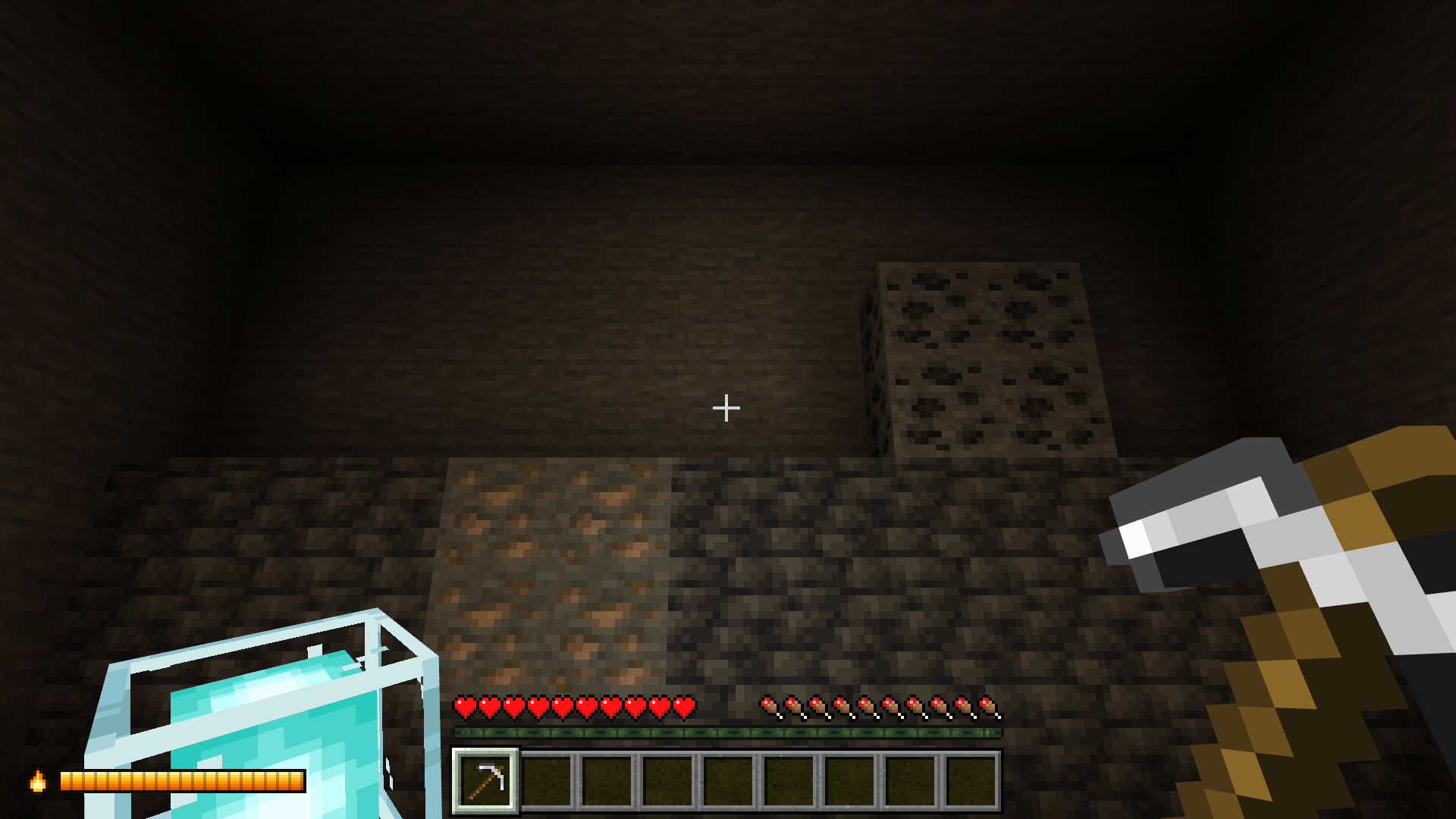
- A corner durability bar or a flame row above the hunger bar. One bar style is shown at a time.
- Choose left, right, hunger or off for the HUD position, and toggle its background.
- Use bar, full, compact, percent or native HUD modes to suit your screen.
- 24 self-lit held models: 14 cube models and 10 shaped models.
- Slow night-time sparkle effects on 14 cube models.
- Low-durability warnings and burnout feedback.
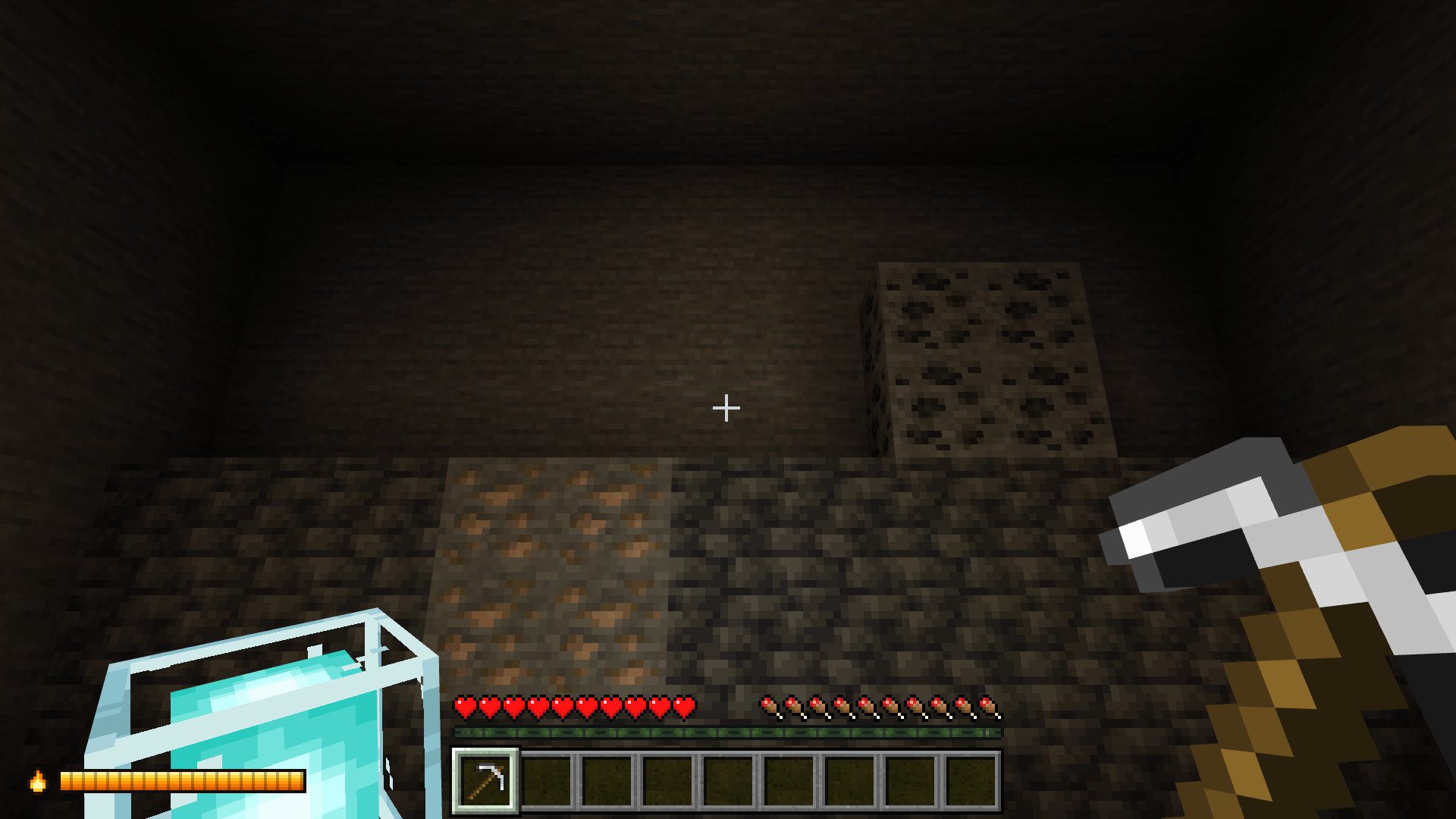
Patreon feature: Beacon in the offhand with the left corner durability bar and background enabled.
Patreon feature: Glowstone in the offhand with the flame row above the hunger bar. Premium HUD and model effects are supplied through the Patreon edition.
Installation
- Download the attached .mcaddon file and open it with Minecraft Bedrock.
- Enable its matching Behavior Pack and Resource Pack in your world.
- Hold a supported vanilla item, leave the offhand empty, then crouch + use or run
/htl:offhand. - Activate one Held Torch edition per world. Standard and Patreon are available through the links at the bottom of this page.
Requirements
Minecraft Bedrock 1.26.30 or newer with stable @minecraft/server 2.8.0. The Beta APIs toggle is not required. This is a Public Beta, captured and checked on Windows; real two-device multiplayer, phone/console and multi-hour play remain unverified.
Version 2.3.1
Improved light cleanup after teleports and travel across unloaded chunks, corrected a periodic script error, and added the new pack icon. All images above are real Minecraft gameplay captures, with no internal measurement overlays.
Explore the editions on my website
Report issues in the project comments. Find full feature details and the other editions on my personal tdgl.codes page:
- Edition: Minecraft Bedrock
- File type: .mcpack or .mcaddon
- Minecraft versions listed: 26.30, 26.50
- How to install: Download the .mcpack or .mcaddon file. → Open it — Minecraft imports it. → In your world: Behavior Packs → Available → Activate, then the same under Resource Packs.
- Where to get it: Opens on CurseForge — not every file is mirrored on our own servers.
Install steps are the general flow for this file type — How to install Minecraft Bedrock addons & mods walks through it step by step.
- Pack type: .mcaddon — behaviour and resource pack in one file
- Download size: 26 KB
- Download link checked 13 Oct 2026 — working
These come from our own check of the pack file, not from the source page.