Home›Bedrock›Addons›Take A Seat Addon (26.x, 1.21) – Sit On Stairs And Slabs In Your World
AddonsBedrock
Take A Seat Addon (26.x, 1.21) – Sit On Stairs And Slabs In Your World
Bedrock add-on listed for Minecraft 1.20–1.21 (behavior pack only). File opened and checked on 23 Sep 2026; installs from the MC Bedrock Mods app on Android.
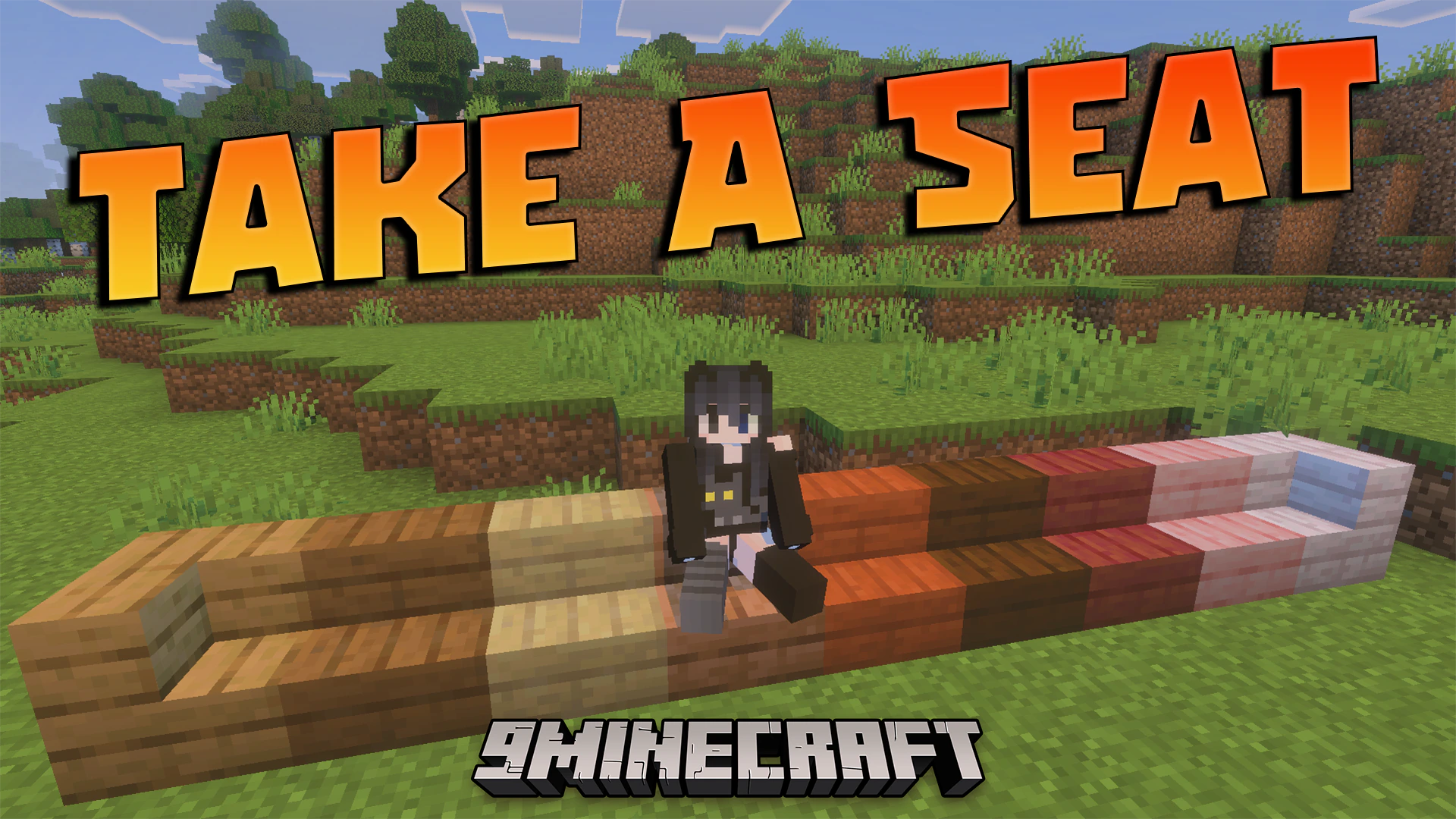
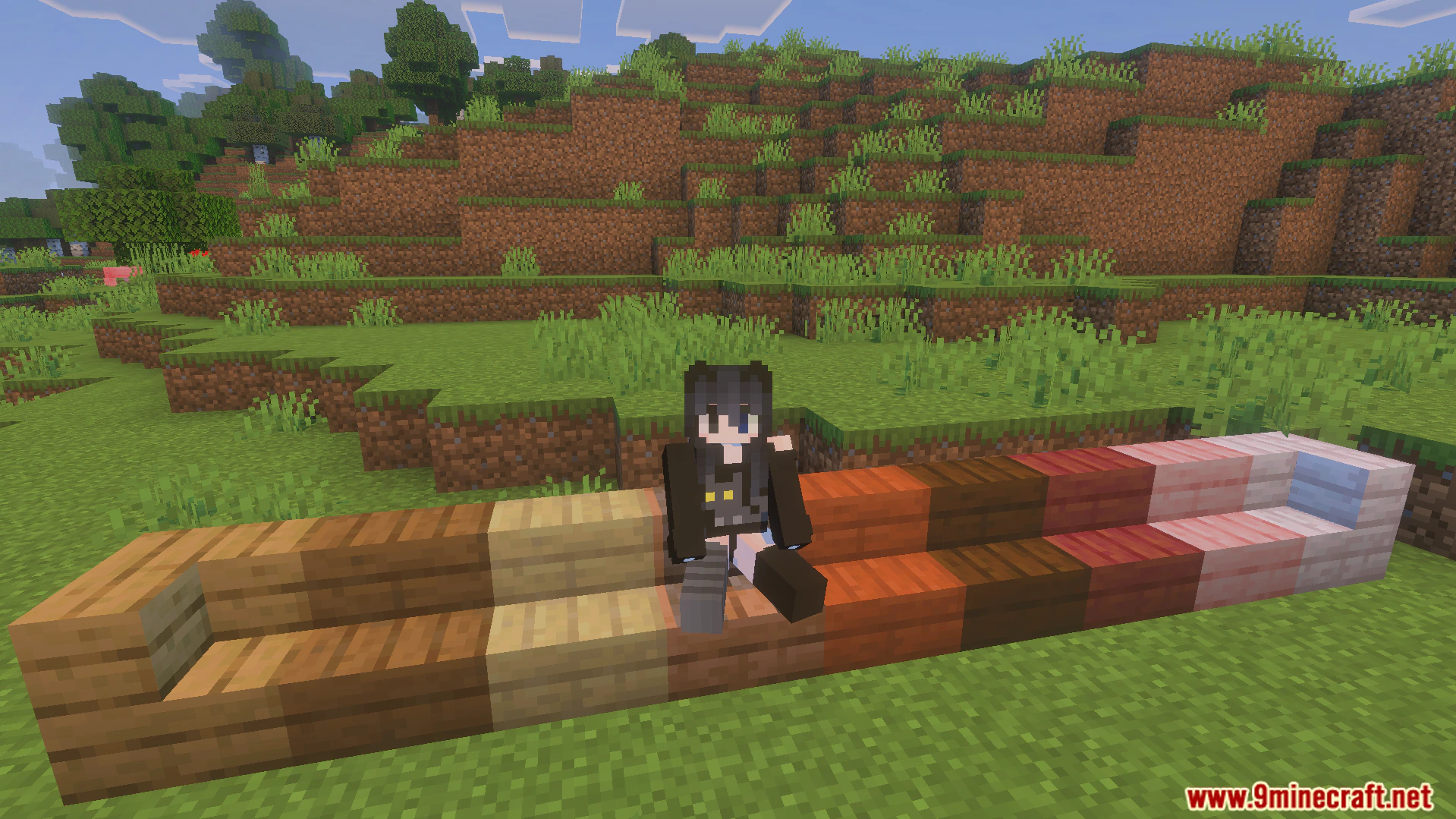
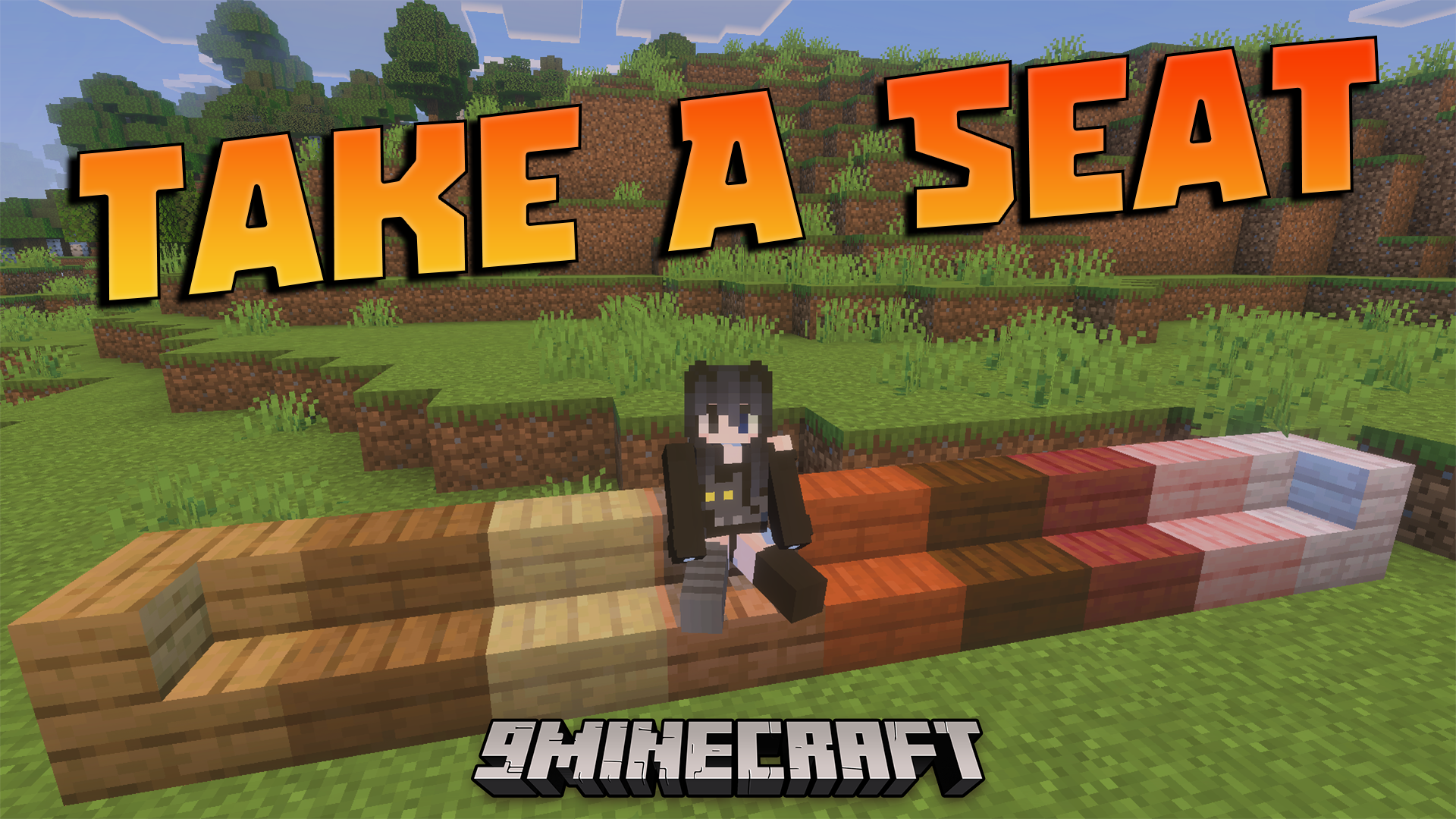
Take A Seat Addon lets you sit down on stairs, slabs, and logs in your Minecraft world. It allows you to relax and enjoy your creative builds with your friends. This addon works well with other packs and uses stable features to run smoothly.
Features:
Lets you sit on slabs, stairs, and logs easily.
Allows you to sit by simply right-clicking the block.
Runs on stable scripts without needing experimental features enabled.
Works perfectly together with any other addons you install.
Requires you to avoid normal block interactions to sit down.
Screenshots:
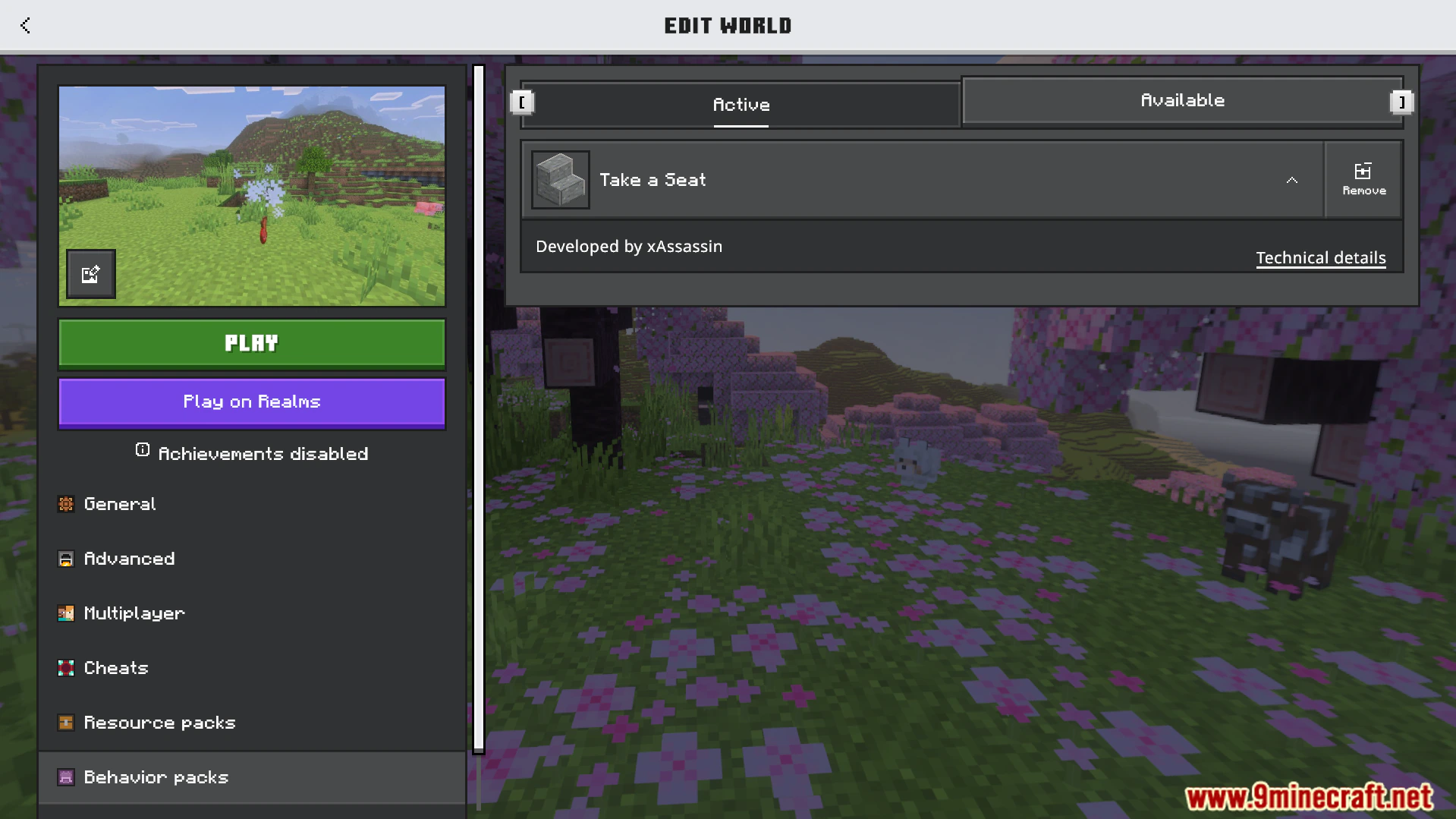
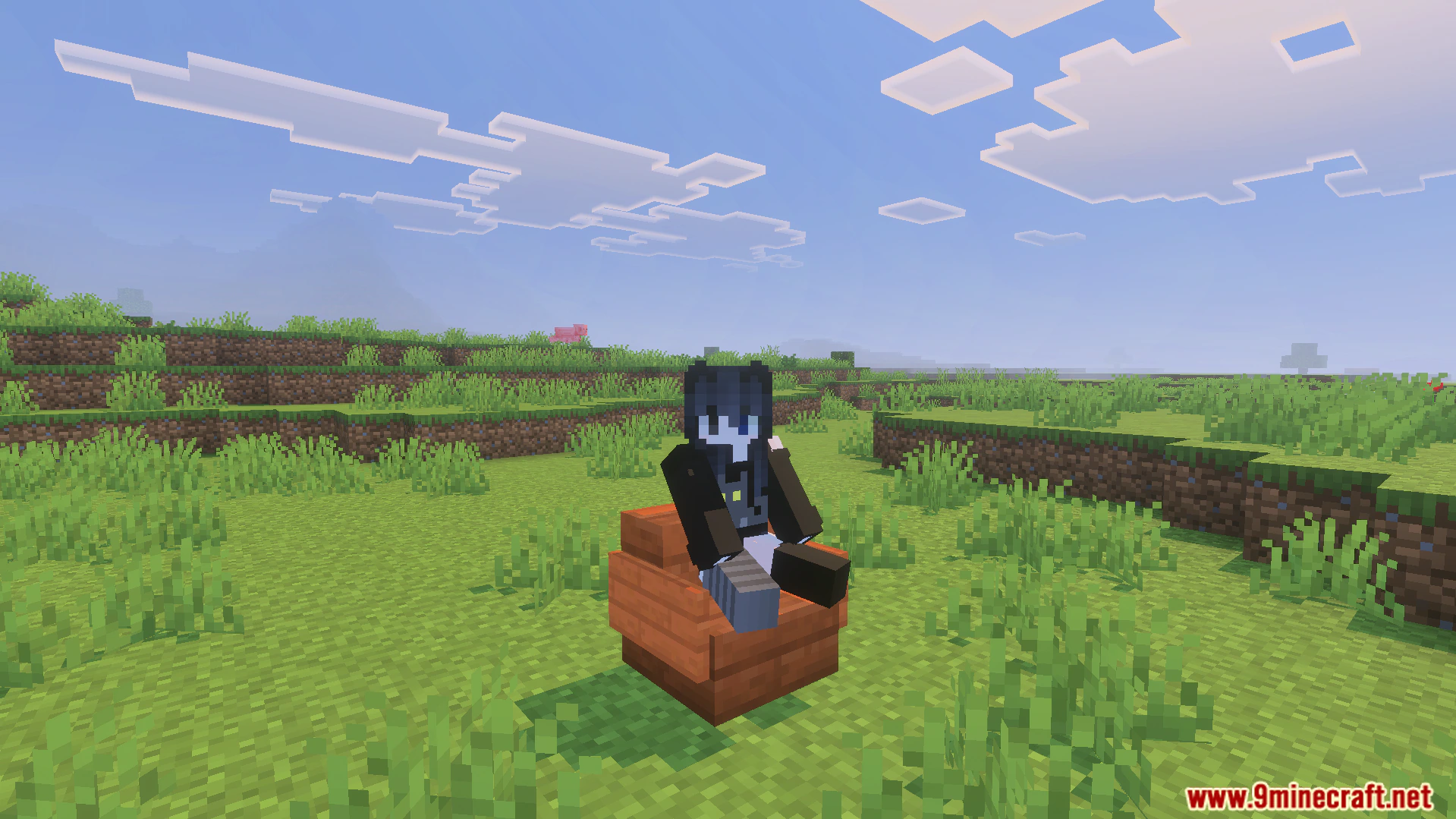
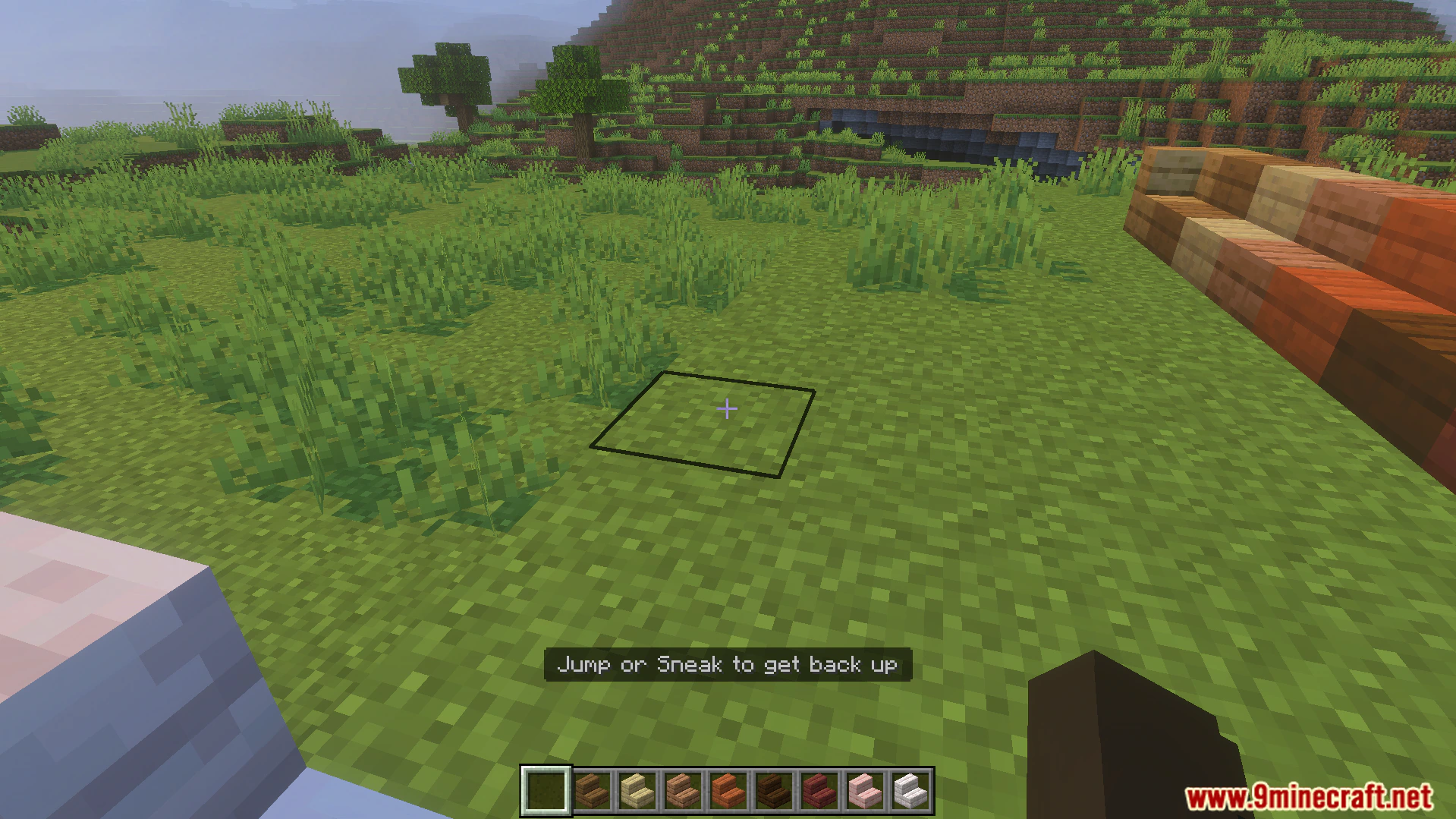
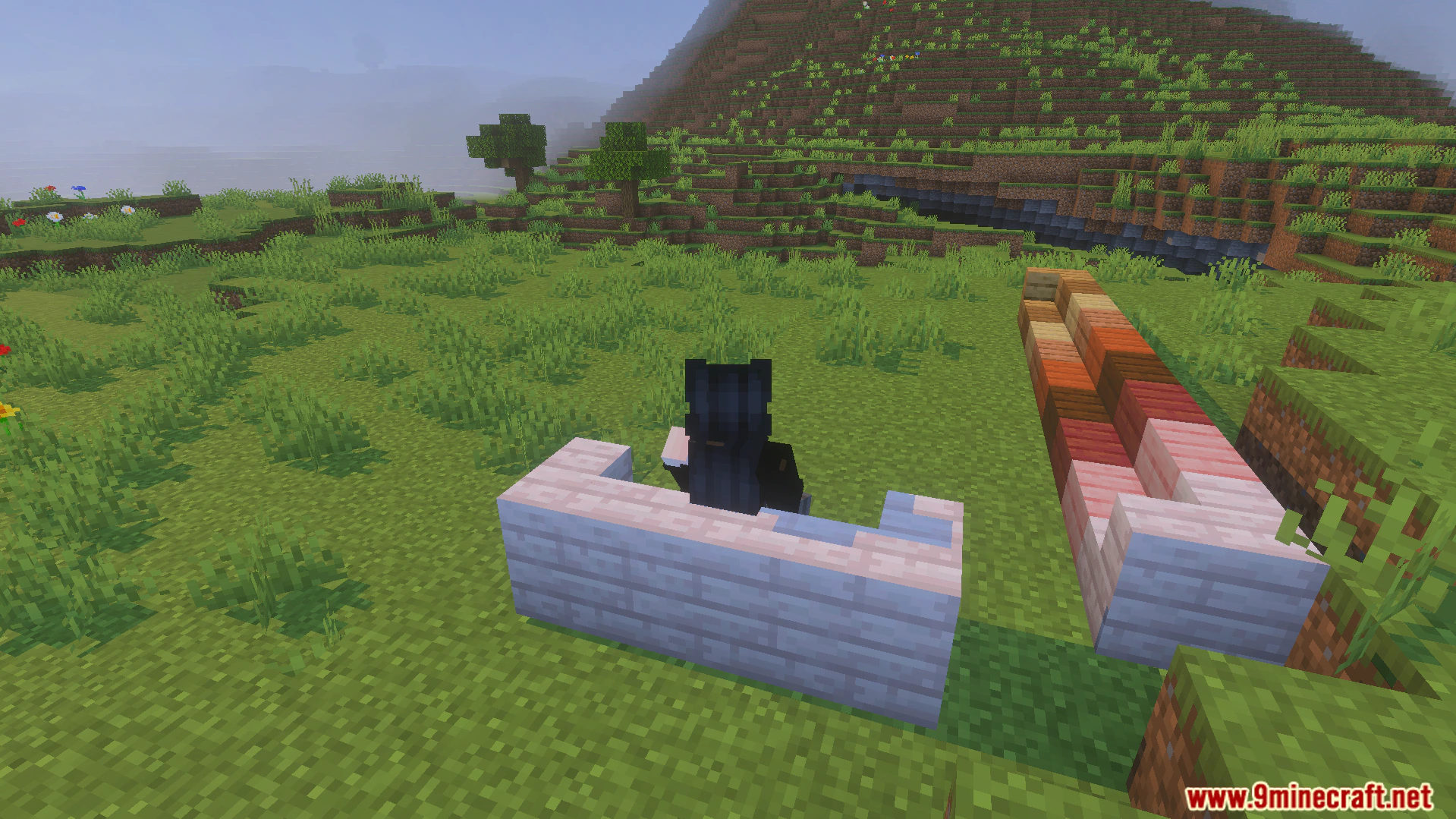
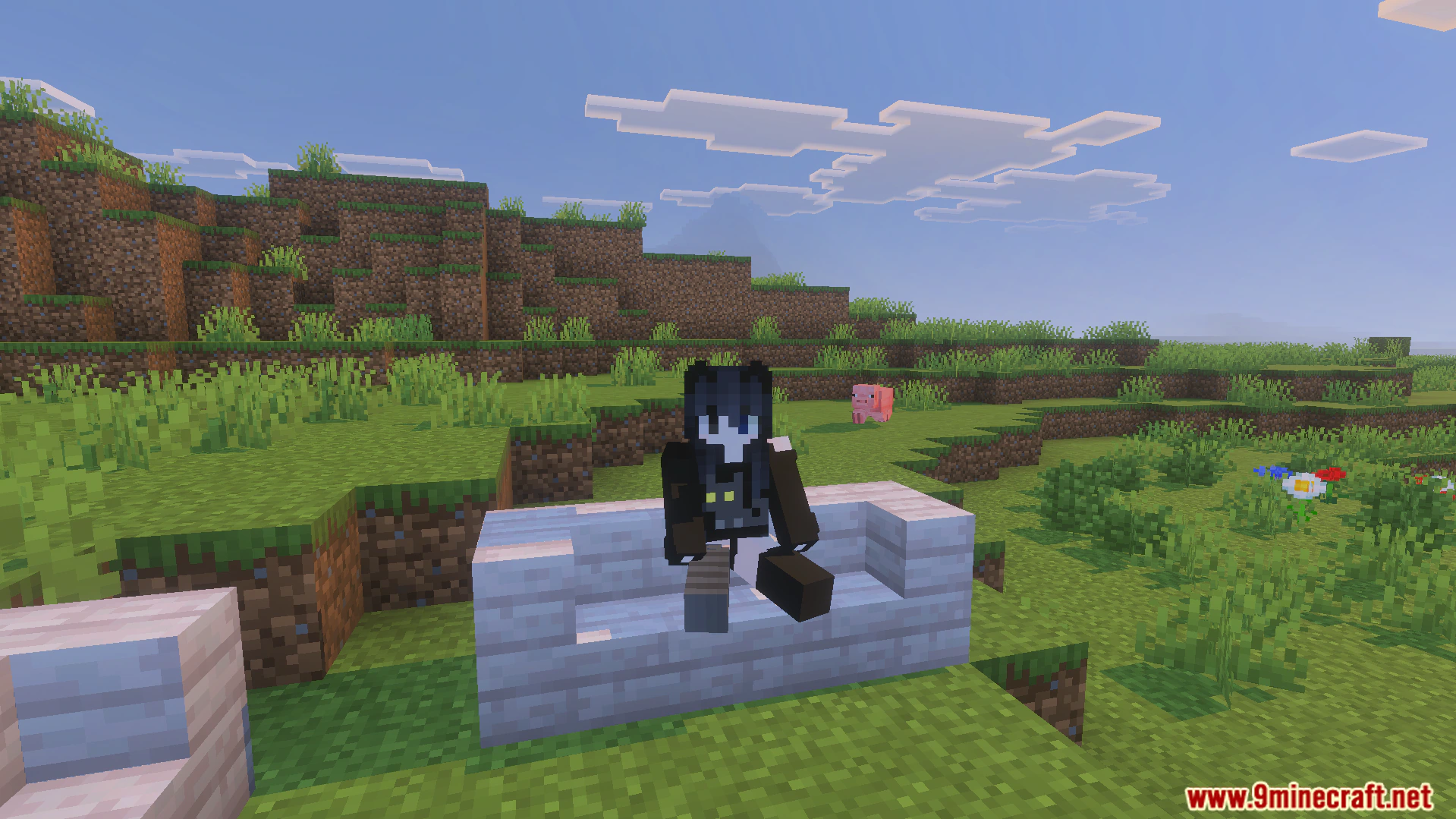
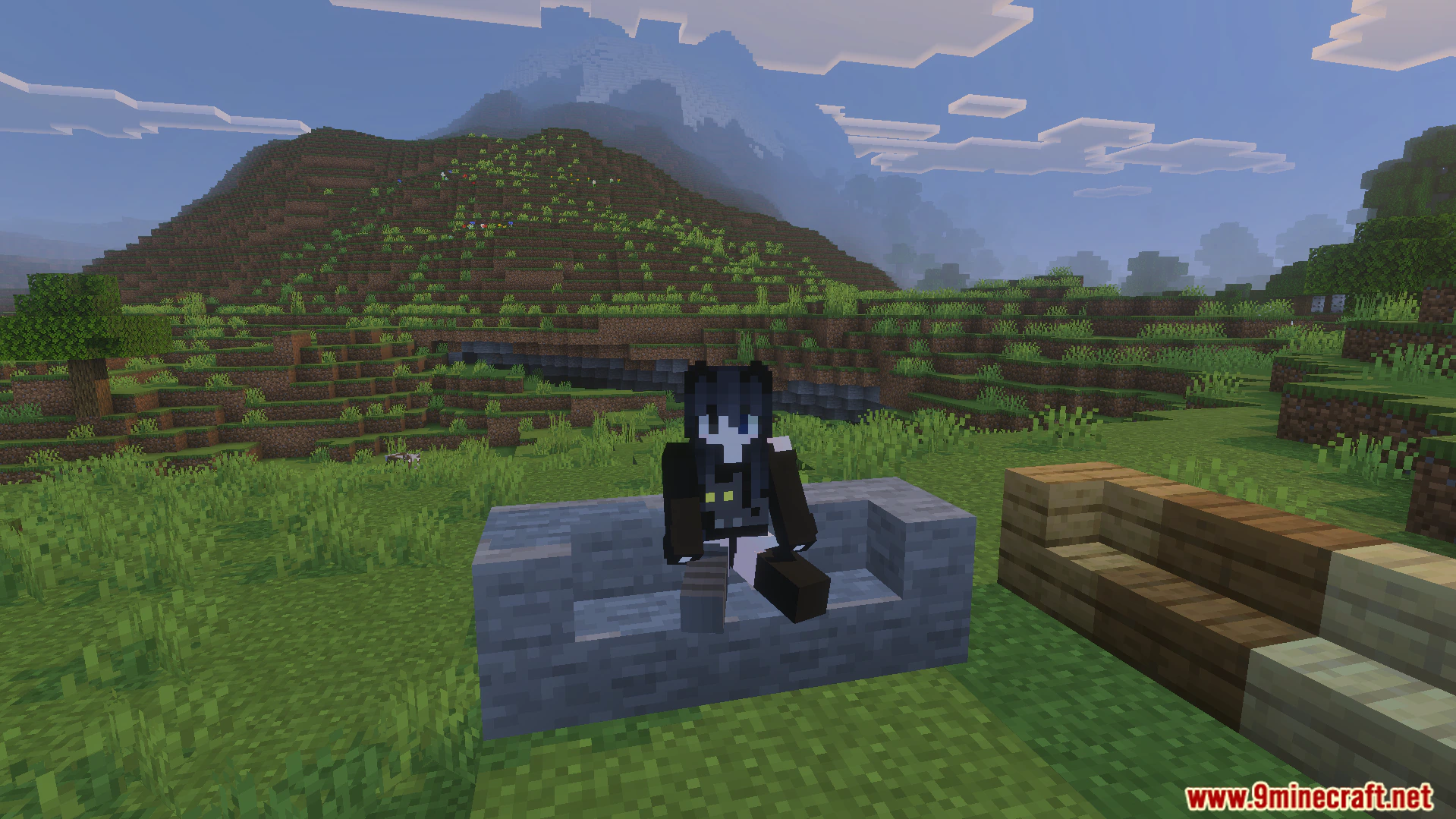
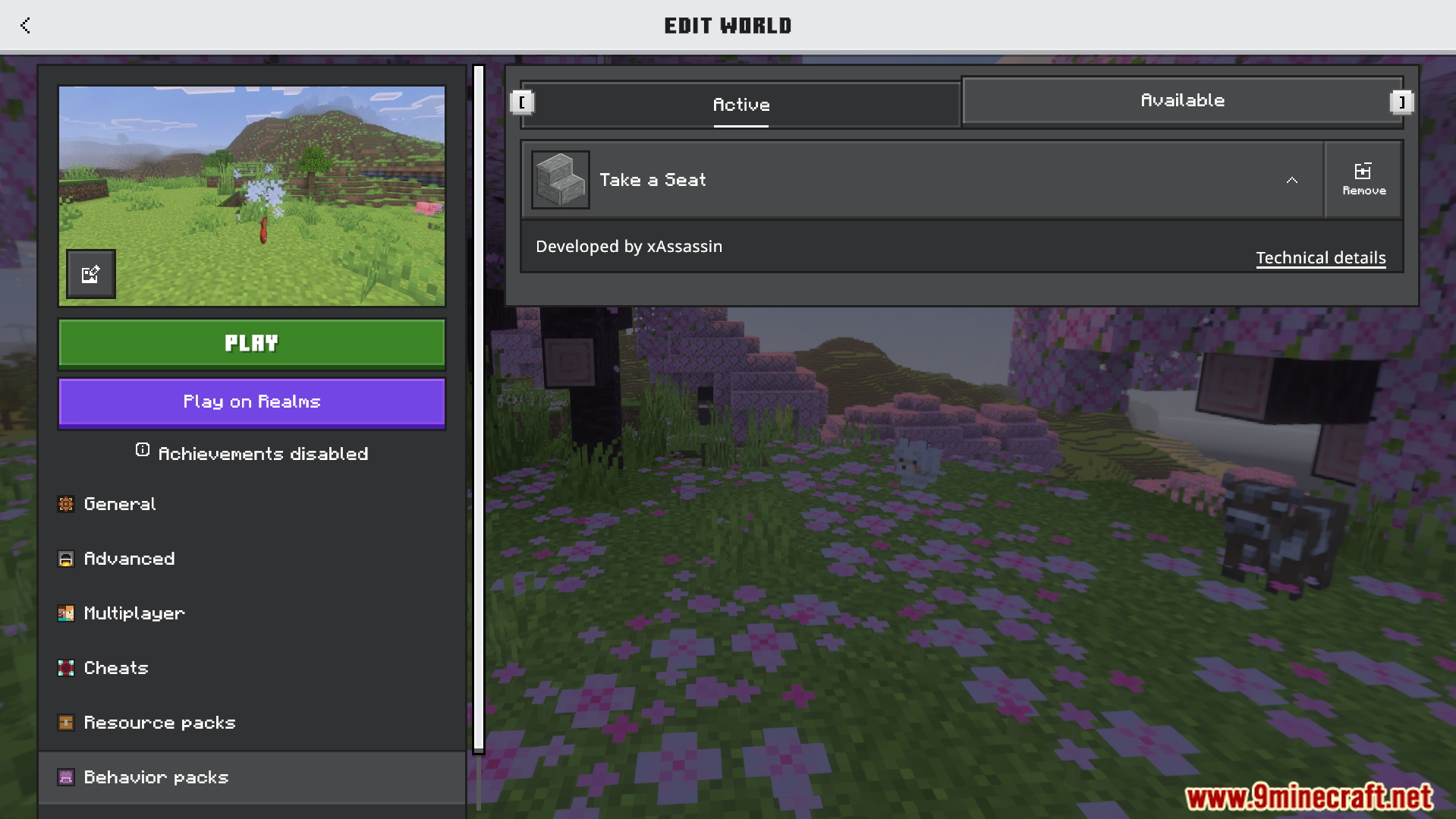
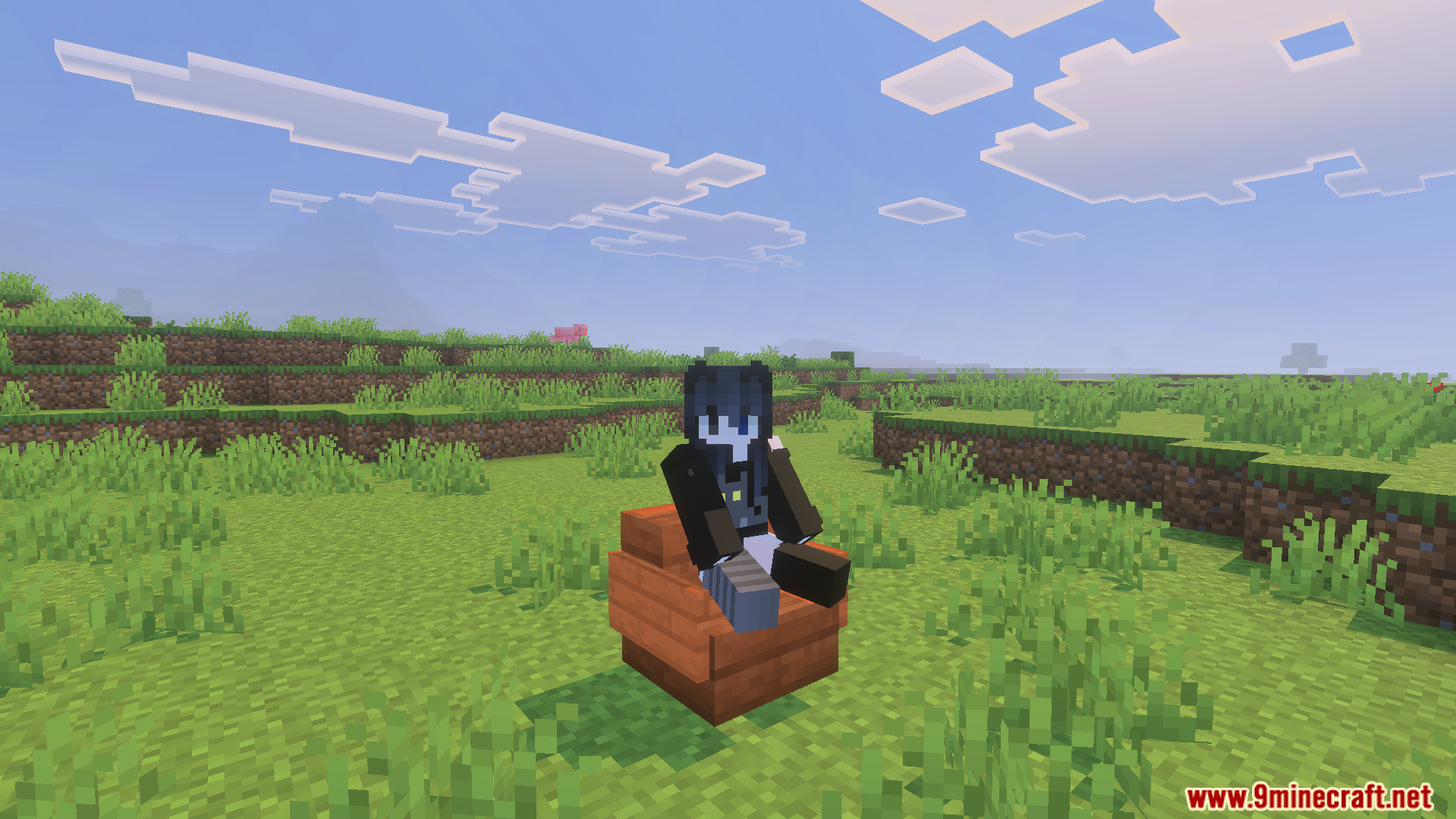
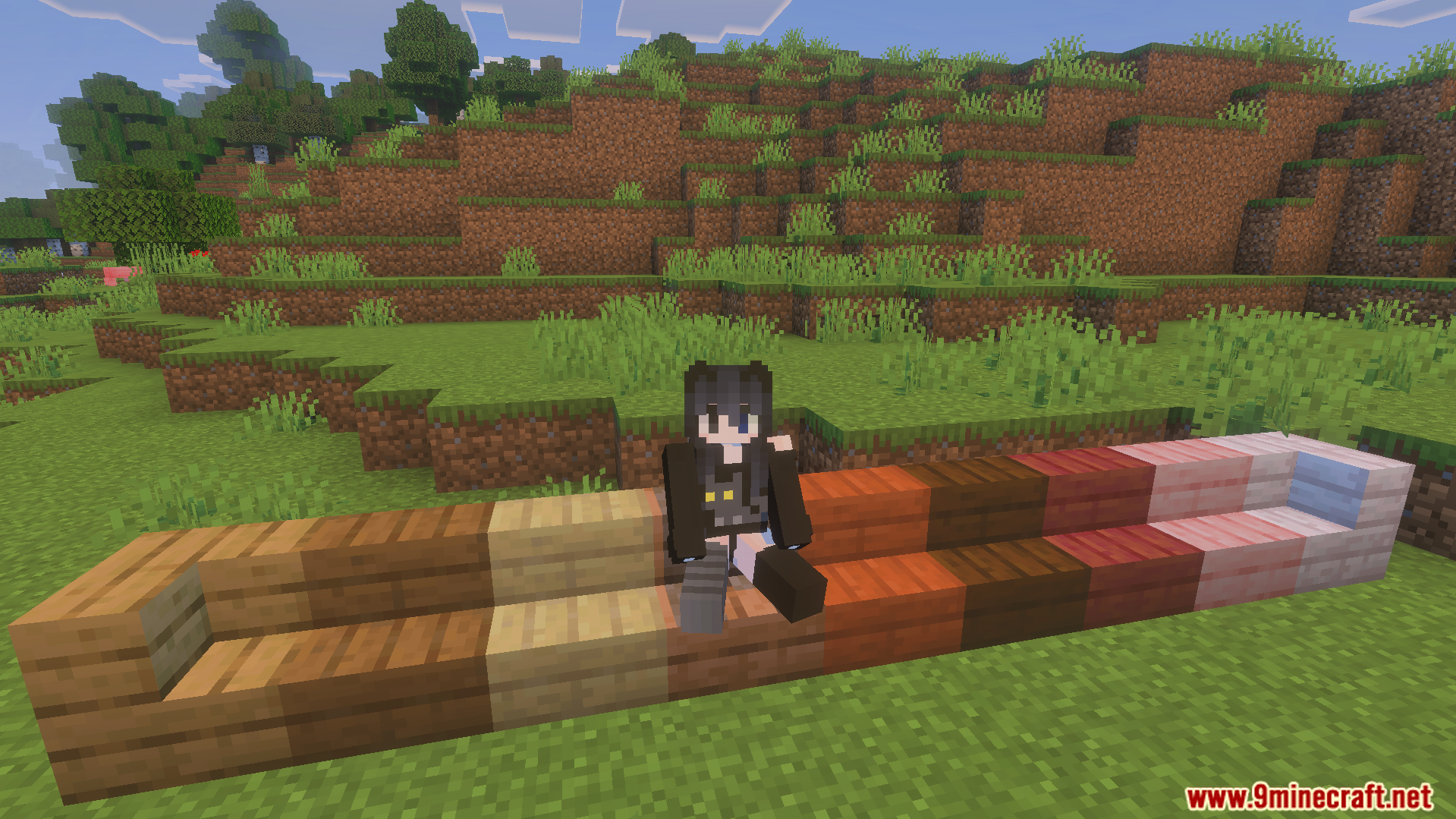
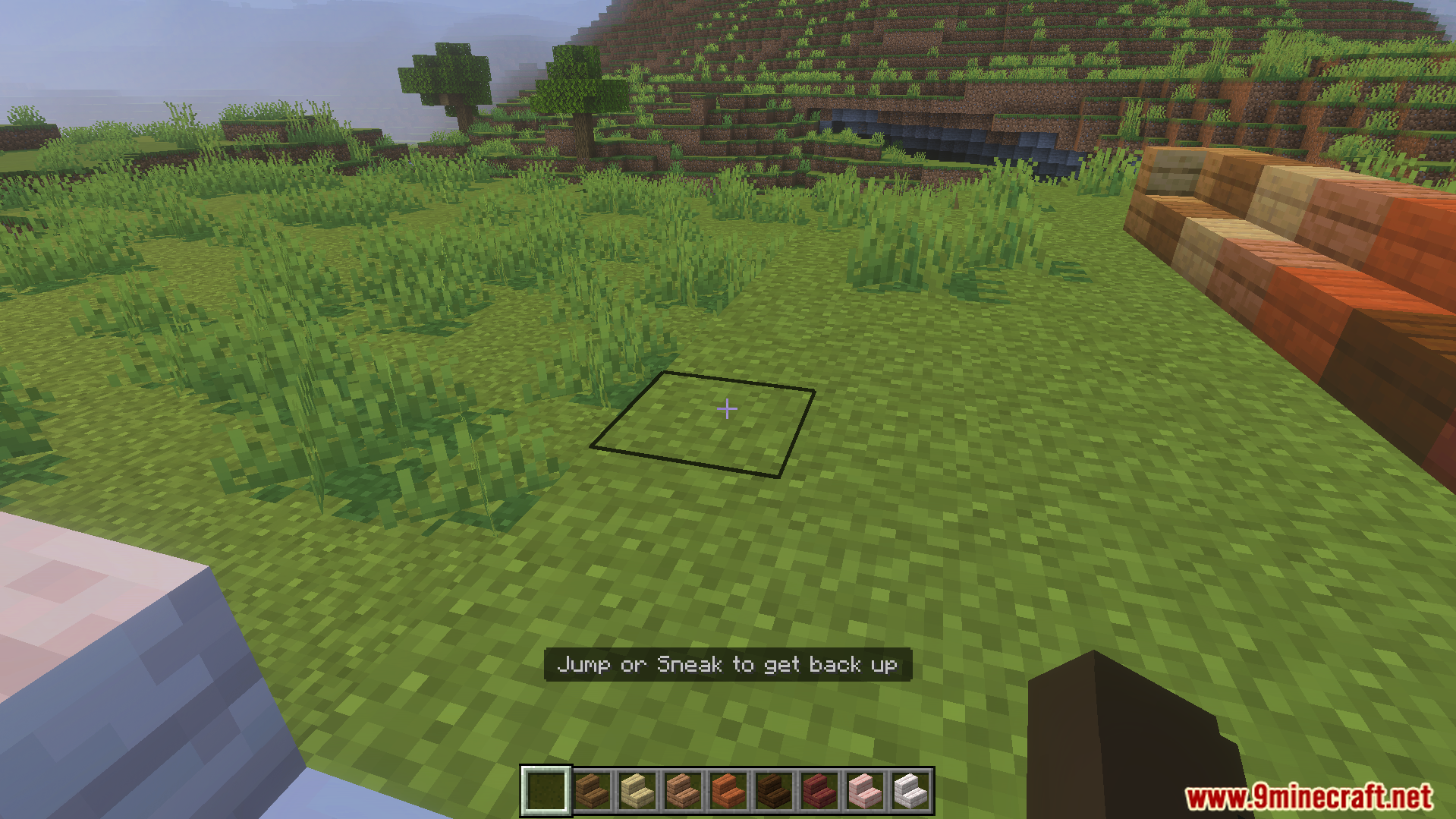
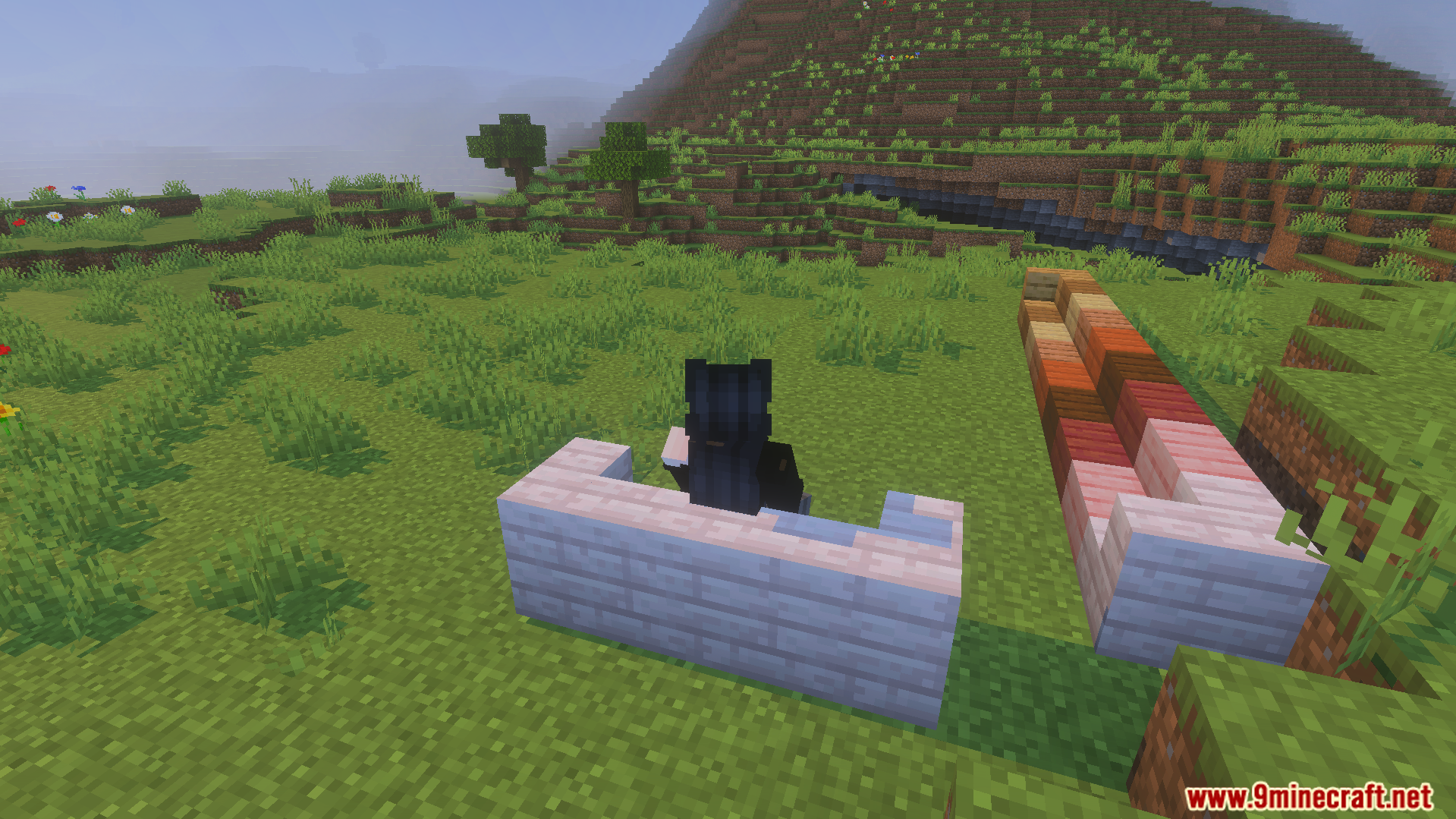
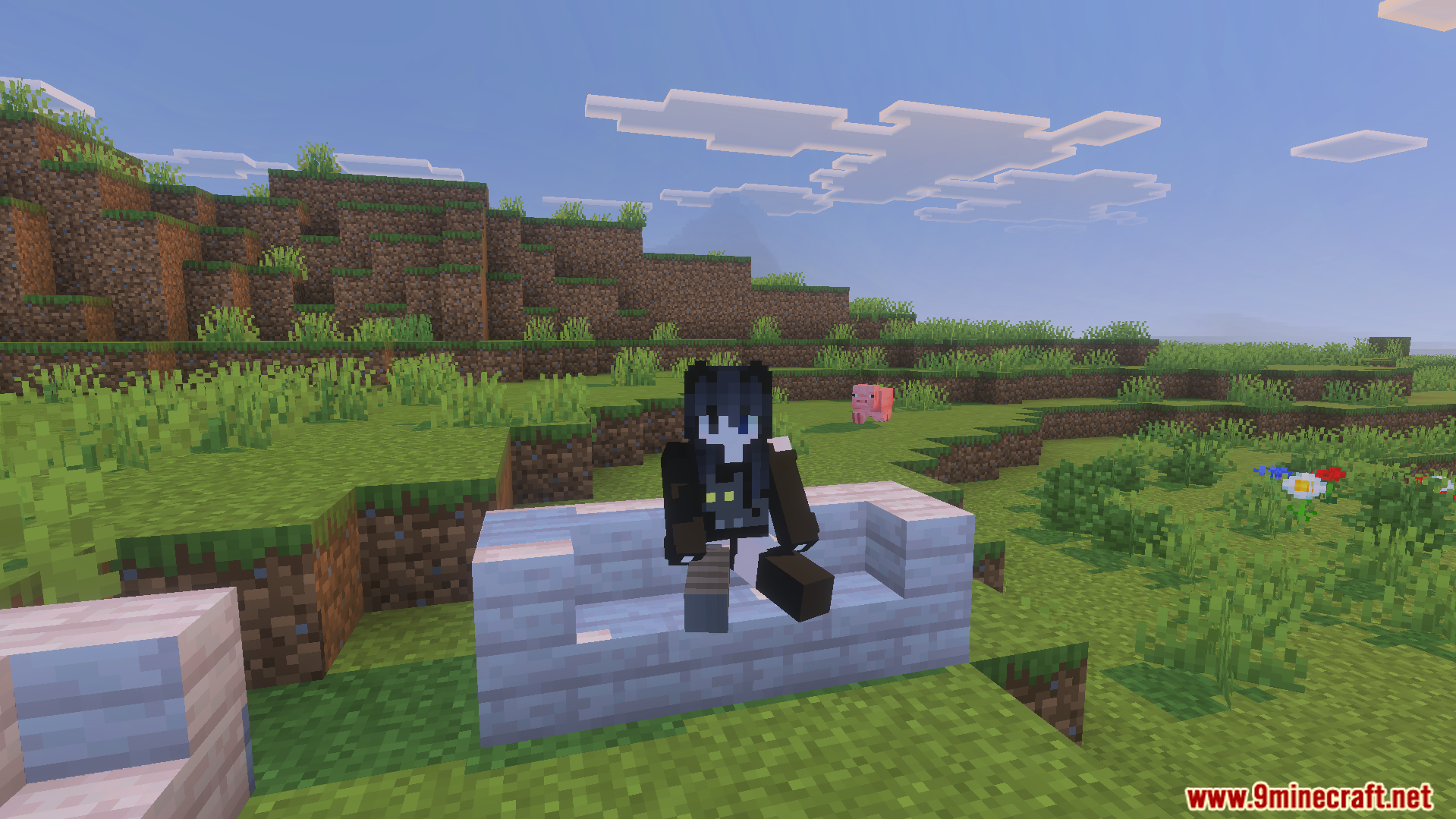
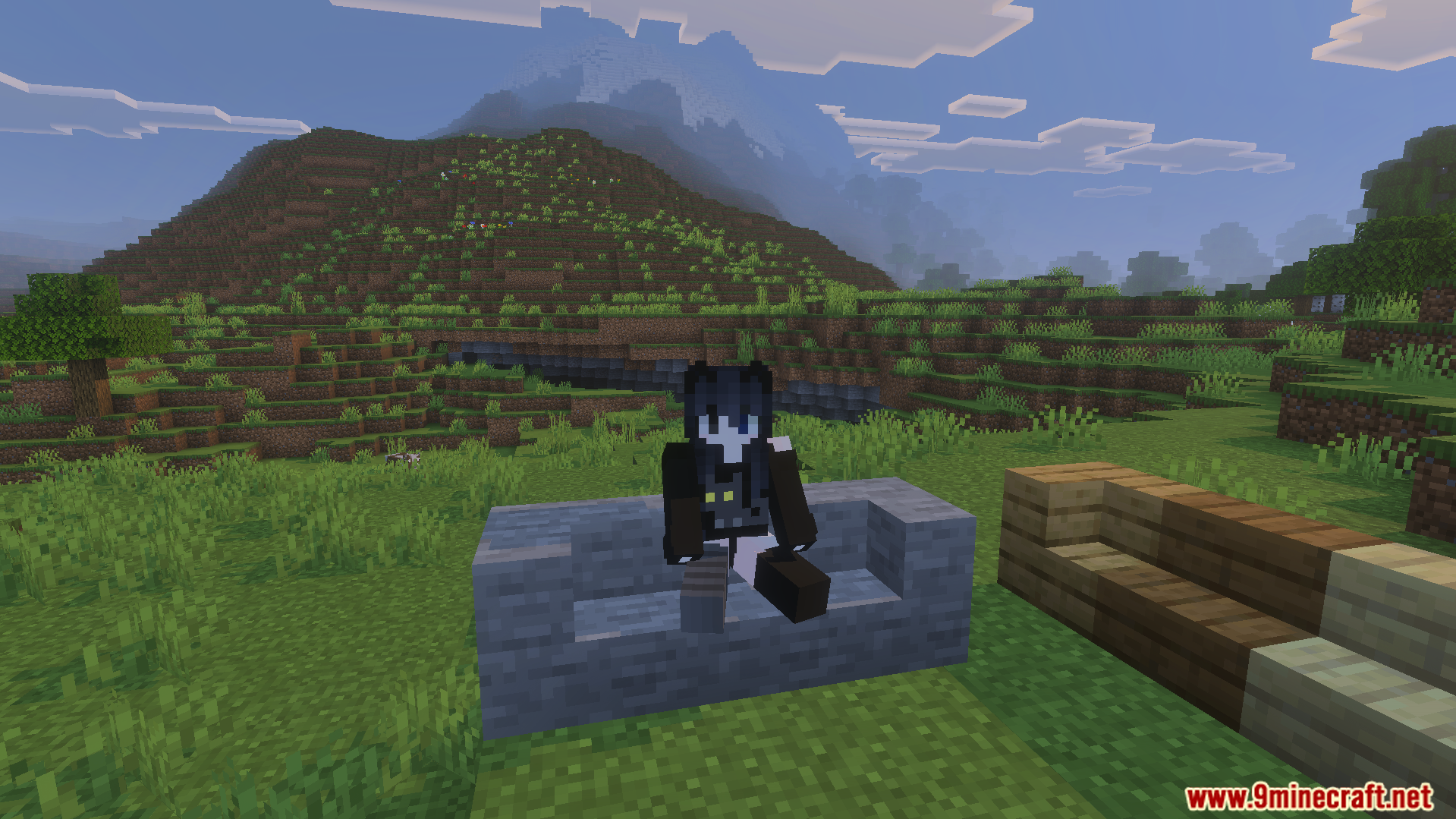
Minecraft edit world screen showing the active Take a Seat behavior packPlayer character sitting on a wooden chair in a green grassy fieldPlayer sitting on stairs using the Take A Seat Addon for MinecraftFirst person view of a player sitting with a prompt to get upA player sitting on white wooden stairs using the Take A Seat AddonCharacter sitting on white wooden stairs in a field with a pink pigMinecraft player sitting on a stone slab bench with mountains in the background
Take A Seat Addon Download Links
Quick facts
Edition: Minecraft Bedrock
File type: .mcpack or .mcaddon
Minecraft version listed: 1.21
How to install: Download the .mcpack or .mcaddon file. → Open it — Minecraft imports it. → In your world: Behavior Packs → Available → Activate, then the same under Resource Packs.
Where to get it: In MCModsHub, or directly above on this page.