
CineCam — Cinematic Camera Edit
Bedrock add-on listed for Minecraft 26.x (behavior + resource pack). File opened and checked on 13 Oct 2026; installs from the MC Bedrock Mods app on Android.
⬇ Download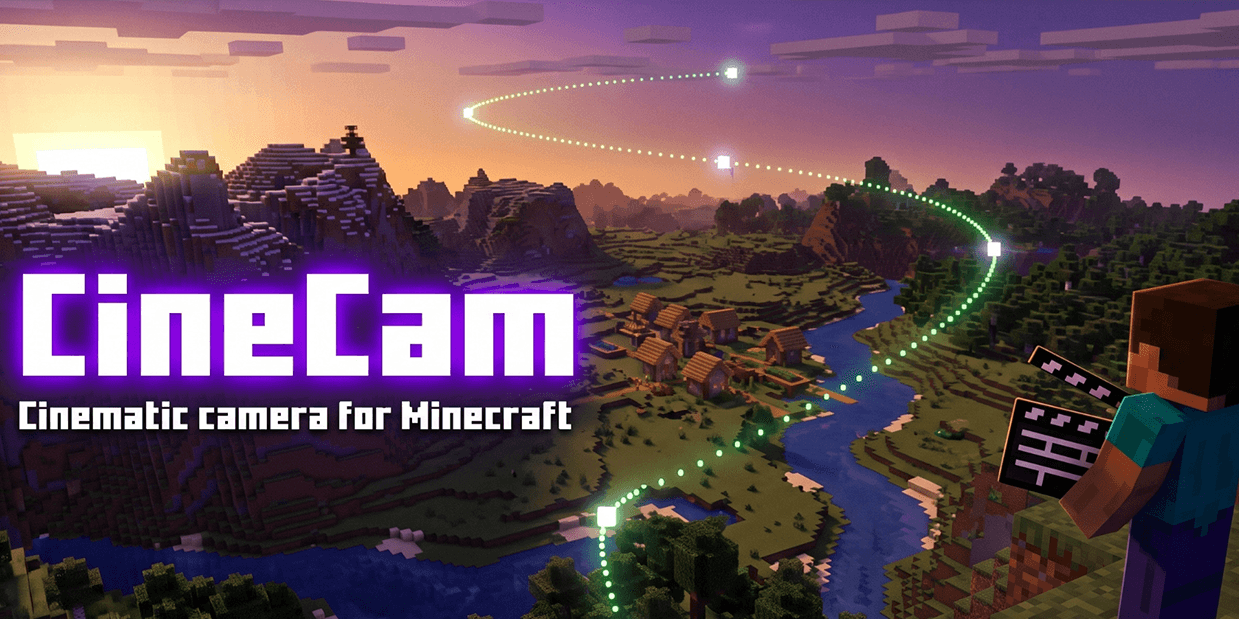
🎬 CineCam — Cinematic Camera Edit
Film smooth, professional-looking shots in Minecraft Bedrock without a single command block. Place keyframes where you want the camera to go, press play, and CineCam glides through them with smooth curves, zoom and time-of-day control. Perfect for map trailers, build showcases, server intros and YouTube videos.
Free for everyone. Available in English and Spanish.
✨ Features
- Keyframe camera – save your position and view as a keyframe with one click.
- Smooth curved paths – the camera flows through keyframes on a spline, or in straight lines if you prefer.
- Per-keyframe control – travel time, hold/pause, motion easing, FOV (zoom) and time of day.
- Shot templates – aim at something and instantly create an orbit, rising spiral, push in, reveal or side tracking shot.
- Multiple shots per world – create, rename, duplicate and switch between shots. They are saved in the world.
- Path preview – see the camera route drawn with particles before you film.
- Undo – revert your last change.
- Recording options – loop, playback speed, fade to black, hide HUD, freeze the player and make viewers invisible.
- Multiplayer – play a shot for every player at the same time.
- Simple menus – built with standard Bedrock forms, so they work with touch, mouse and controller.
🚀 Quick start
- Join your world. You get the Director item automatically.
- Sneak + use the Director to add a keyframe where you stand.
- Move around and add more keyframes.
- Use the Director (without sneaking) to open the menu and press Play shot.
- Use the Director again or type
/cinecam:stopto stop.
⌨️ Commands
/cinecam:menu– open the menu/cinecam:point– add a keyframe (/cinecam:puntoin the Spanish edition)/cinecam:play– play the selected shot/cinecam:stop– stop playback/cinecam:director– get the Director item
Lost the Director? Craft it with paper + stick + ink sac.
📦 Installation
- Download the
.mcaddonfor your language (EN or ES) and open it. Minecraft imports it automatically. - In your world settings, enable CineCam (Behavior) and CineCam (Resources).
- No experimental toggles are needed.
Separate .mcpack files for the behavior and resource packs are also included for servers and Realms. Enable only one language edition per world.
📋 Requirements
- Minecraft Bedrock 1.21.110 or newer
💡 Filming tips
- Run
/gamerule dodaylightcycle falseif CineCam controls the time of day. - If a move feels abrupt, give that keyframe more time or use the Smooth motion.
- Place keyframes closer together to slow the camera down in an area.
🐞 Feedback
Found a bug or have an idea? Leave a comment! Feedback from the community shapes the next update.
- Edition: Minecraft Bedrock
- File type: .mcpack or .mcaddon
- Minecraft version listed: 26.50
- How to install: Download the .mcpack or .mcaddon file. → Open it — Minecraft imports it. → In your world: Behavior Packs → Available → Activate, then the same under Resource Packs.
- Where to get it: In MCModsHub, or directly above on this page.
Install steps are the general flow for this file type — How to install Minecraft Bedrock addons & mods walks through it step by step.
- Pack type: .mcaddon — behaviour and resource pack in one file
- Complete pack — everything it depends on is inside the file
- Download size: 18 KB
- Download link checked 13 Oct 2026 — working
These come from our own check of the pack file, not from the source page.