ModsJava
Mochi Client Mod (1.21.11) – Dominate Every Crystal PvP Battle
Java mod listed for Minecraft 1.21. Downloads from the MC Java Mods app on Android.
⬇ Download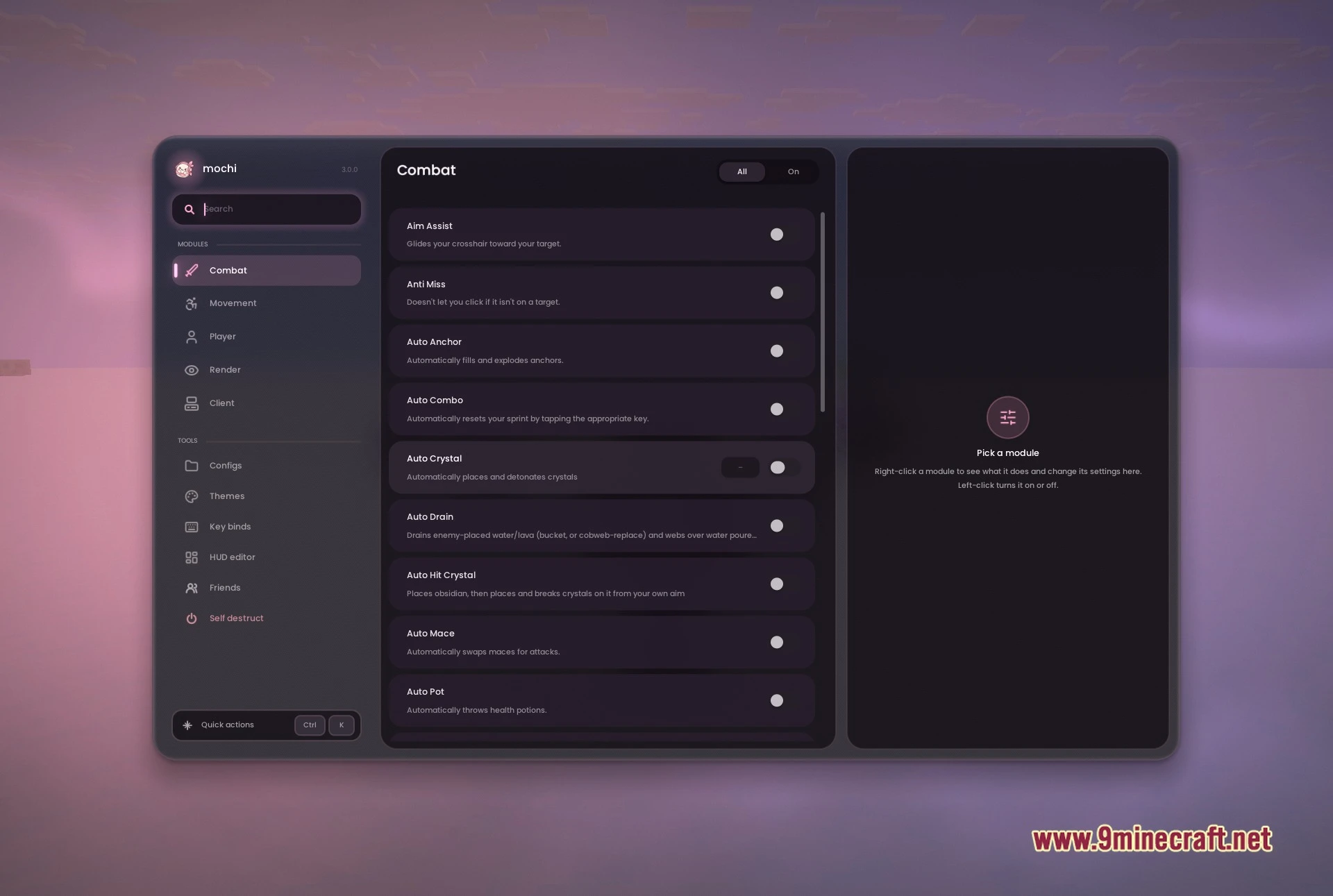
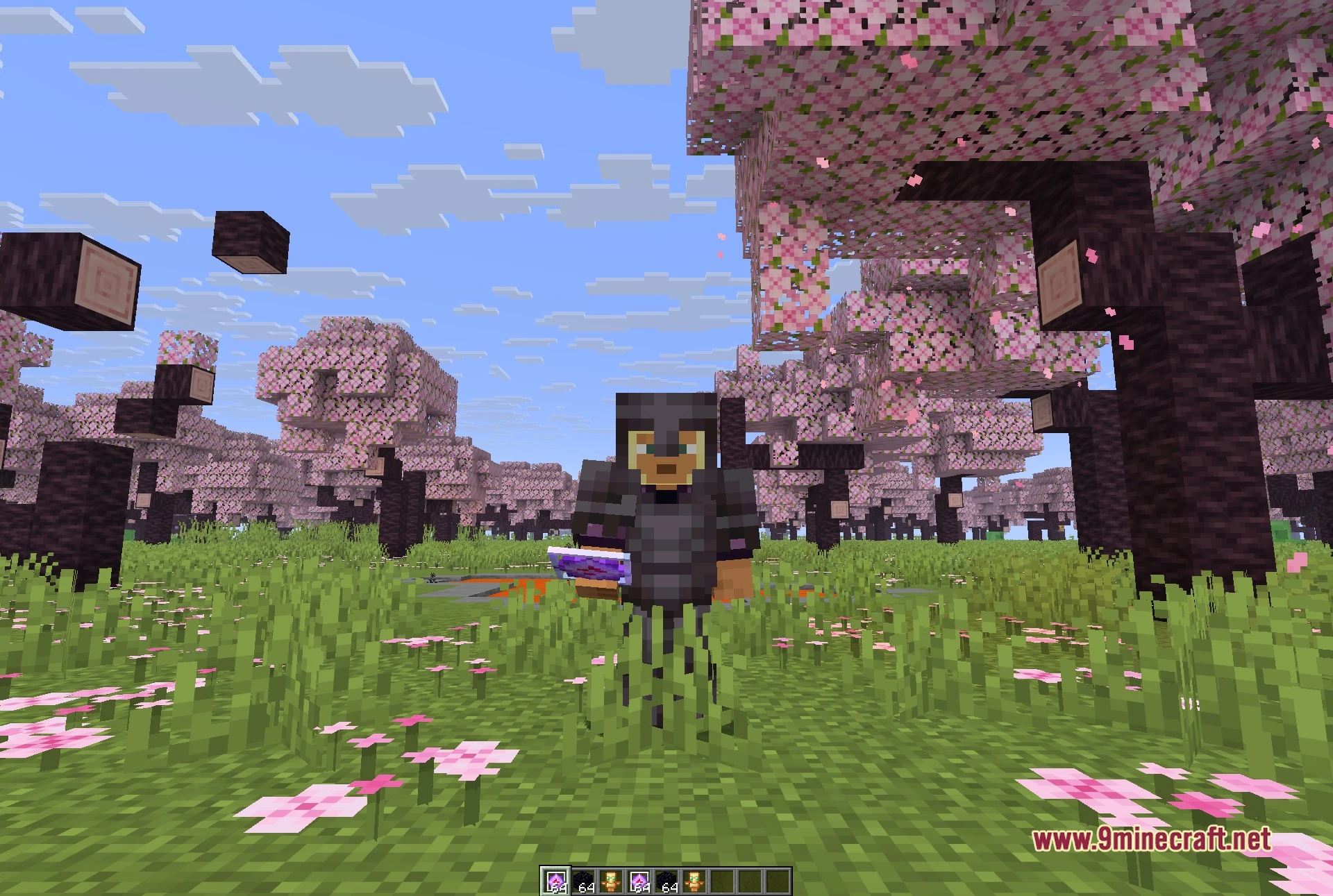
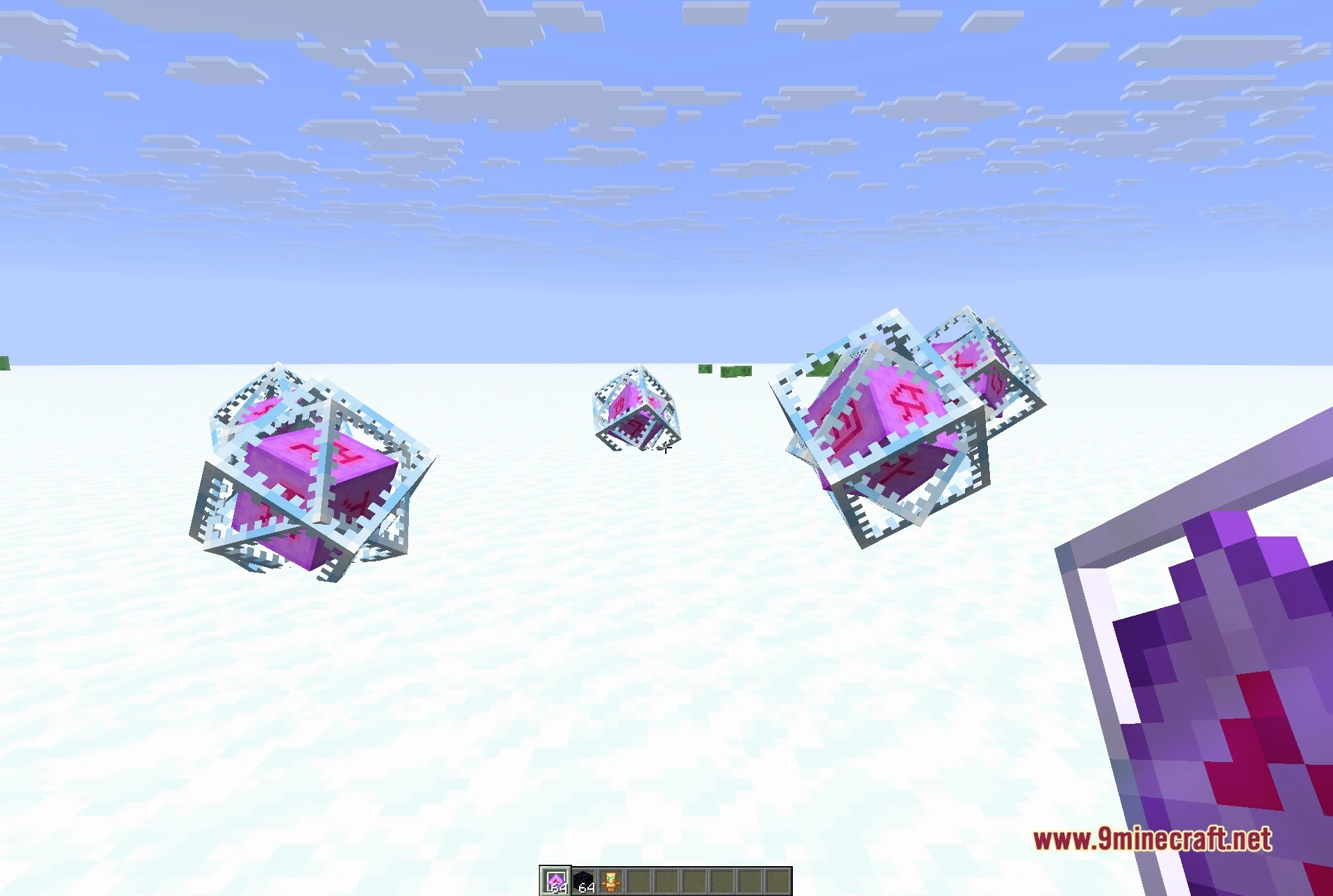
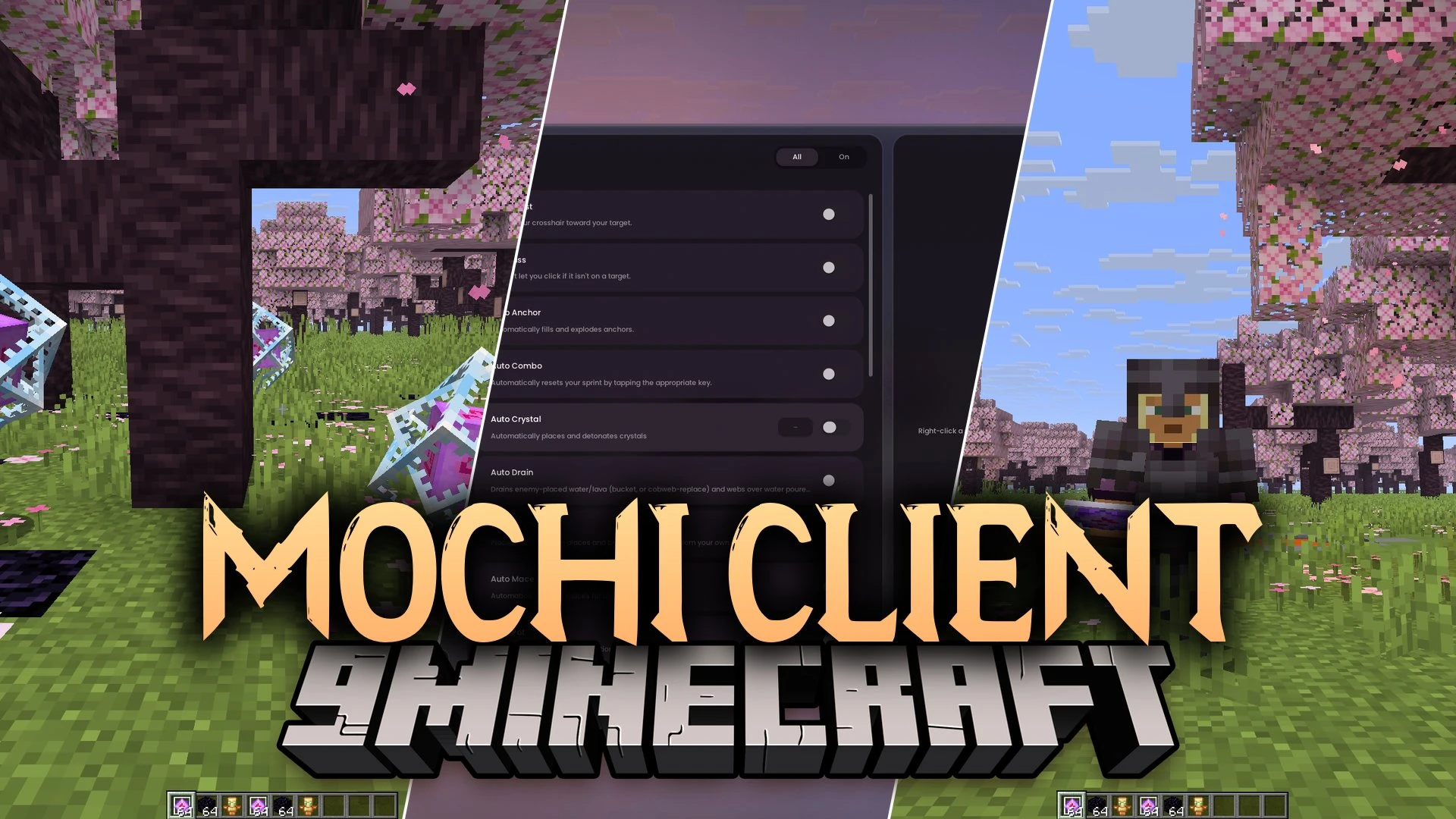
Mochi Client Mod brings automated combat tools and custom helpers for crystal PvP battles. It packs eighty-four helper modules directly into your game screen. You get quick actions for placing crystals, charging anchors, and surviving dangerous fights without slowing down.
Features:
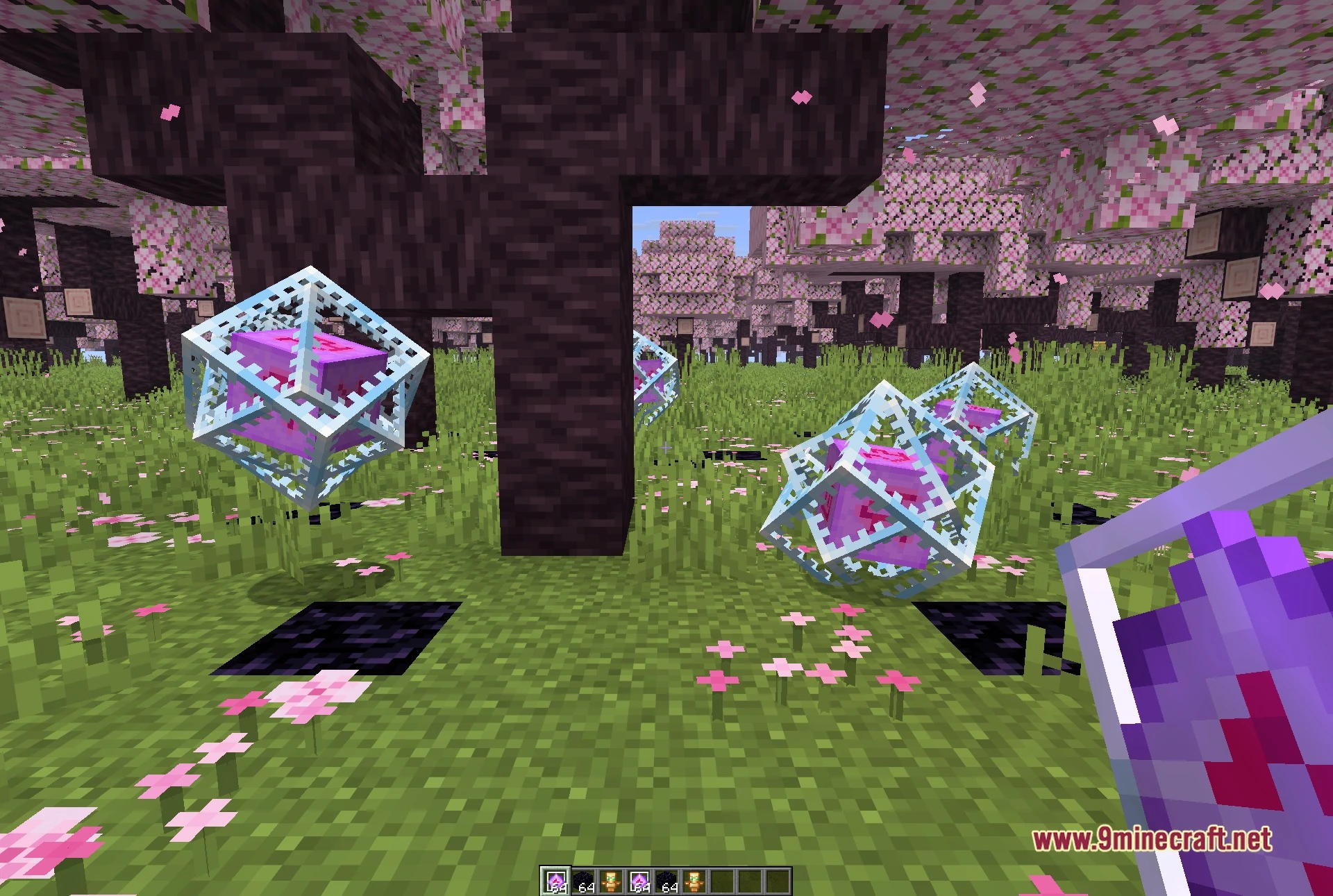
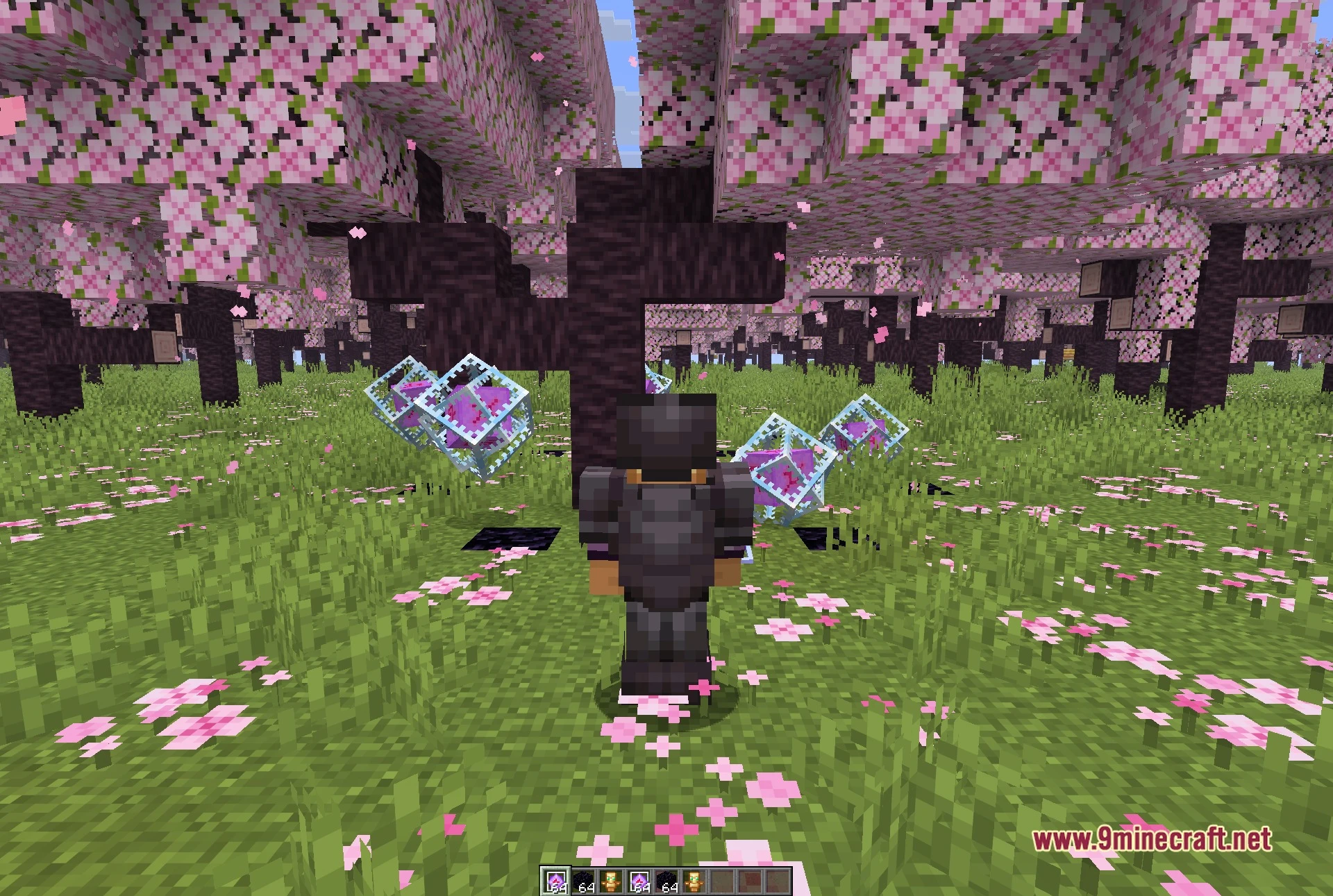
- AutoCrystal: Places and detonates end crystals rapidly during close-range fights.
- AutoAnchor: Charges and blows up respawn anchors automatically to catch opponents off guard.
- AutoTotem: Swaps an undying totem into your offhand immediately before you take fatal damage.
- AutoMLG: Drops water buckets or webs beneath you to break falls and stop damage.
- OutlineESP: Highlights other players and mobs with visible glowing lines through solid blocks.
- Theme System: Customizes menu accent colors alongside background blur and bloom effects.
- AutoCombo and AutoStun keep attack pressure on enemies without missing hits.
- BreachSwap and LungeSwap switch weapons instantly during rapid melee swings.
- AutoMace and AutoWindCharge trigger hammer strikes and wind bursts automatically.
- AimAssist tracks targets cleanly to keep swings on target.
- HoverTotem keeps backup totems ready in your inventory right beneath your cursor.
- Movement helpers like JumpReset and KnockbackDisplace reduce pushback from incoming hits.
- AutoWeb, KeyLava, and KeyPearl let you place blocks or throw pearls with single key presses.
- Packs visual tools like Keystrokes, NameTags, Armor status, Coordinates, FreeCam, and FullBright.
- Includes extra daily tools like a Friends list, Nick, and MouseTweaks.
Screenshots:
Mochi Client Mod Download Links
Quick facts
- Edition: Minecraft Java
- File type: .jar
- Minecraft version listed: 1.21.11
- How to install: Install the matching mod loader (Forge, Fabric or NeoForge) for your Minecraft version. → Download the .jar. → Put it in the .minecraft/mods folder and launch that loader profile.
- Where to get it: In MC Java Mods, or directly above on this page.
Install steps are the general flow for this file type — How to install Minecraft Java mods & modpacks walks through it step by step.
File checked by MCModsHub
- Downloads as 526330.mcaddon
- Download size: 3.4 MB
- Download link checked 14 Oct 2026 — working
- Mirrored on our own servers — the download does not depend on the original host
These come from our own check of the pack file, not from the source page.