ModsJava
Build Notes Mod (26.3, 1.20.1) – Plan Megabuilds on Your HUD
Java mod listed for Minecraft 1.20. Downloads from the MC Java Mods app on Android.
⬇ Download


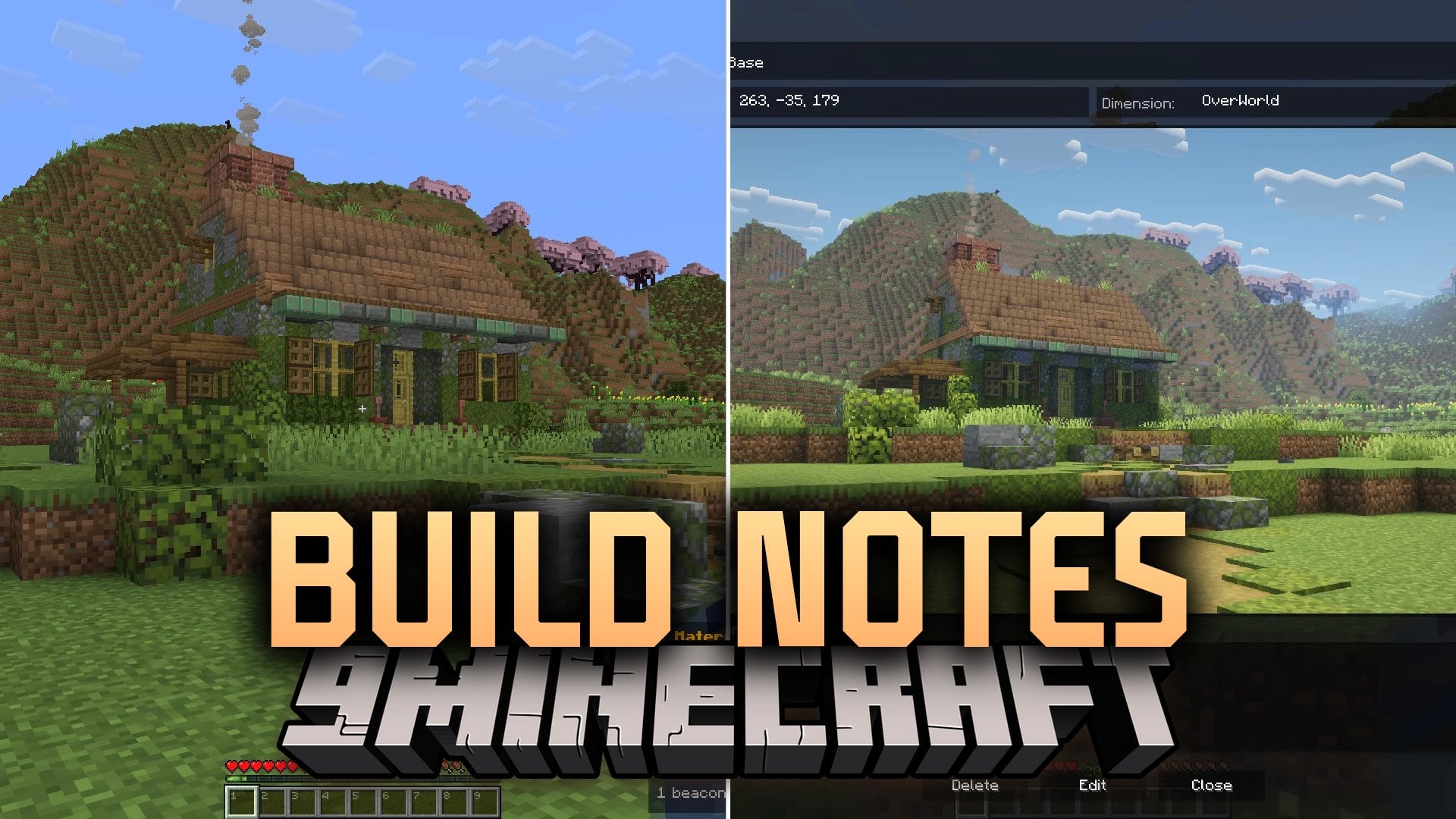
Build Notes Mod brings in-game note-taking and project tracking directly into your world. It lets you write to-do lists, log coordinates, and monitor construction projects without opening outside programs or web browsers. You can pin important notes straight onto your HUD so your building plans remain visible during normal play.
Features:
- Saves notes locally per world, globally across all saves, or directly on a multiplayer server.
- Displays pinned notes on your screen HUD so you can check material lists while building.
- Automatically hides the on-screen note overlay when you press F1, open debug screens, or enter game menus.
- Tracks project names, dimensions, coordinates, and designer credits inside dedicated build profiles.
- Lets you attach screenshot galleries to each build entry and share them with other players on the server.
- Adds custom text fields for tracking farm output rates, redstone parts, or material counts.
- Features a text editor with undo, redo, word selection, and keyboard navigation shortcuts.
- Includes server permission controls so operators can decide which players can edit shared notes.
Commands:
/buildnotes allow <player>: Grants editing permissions for server notes to a specific player./buildnotes disallow <player>: Revokes editing permissions for server notes from a player./buildnotes list: Shows a list of all players permitted to edit server notes./buildnotes allow_all: Toggles whether all players on the server can edit notes.
How to Use:
- Open the mod menu to create a new note or start a build tracker entry.
- Select your preferred scope: World for single saves, Global for all worlds, or Server for multiplayer projects.
- Pin your active note to view your materials and coordinates directly on screen.
- Adjust HUD position, size, and border padding in the client config file if needed.
Screenshots:
Build Notes Mod Download Links
Quick facts
- Edition: Minecraft Java
- File type: .jar
- Minecraft version listed: 1.20.1
- How to install: Install the matching mod loader (Forge, Fabric or NeoForge) for your Minecraft version. → Download the .jar. → Put it in the .minecraft/mods folder and launch that loader profile.
- Where to get it: In MC Java Mods, or directly above on this page.
Install steps are the general flow for this file type — How to install Minecraft Java mods & modpacks walks through it step by step.
File checked by MCModsHub
- Downloads as 526334.mcaddon
- Download size: 218 KB
- Download link checked 14 Oct 2026 — working
- Mirrored on our own servers — the download does not depend on the original host
These come from our own check of the pack file, not from the source page.