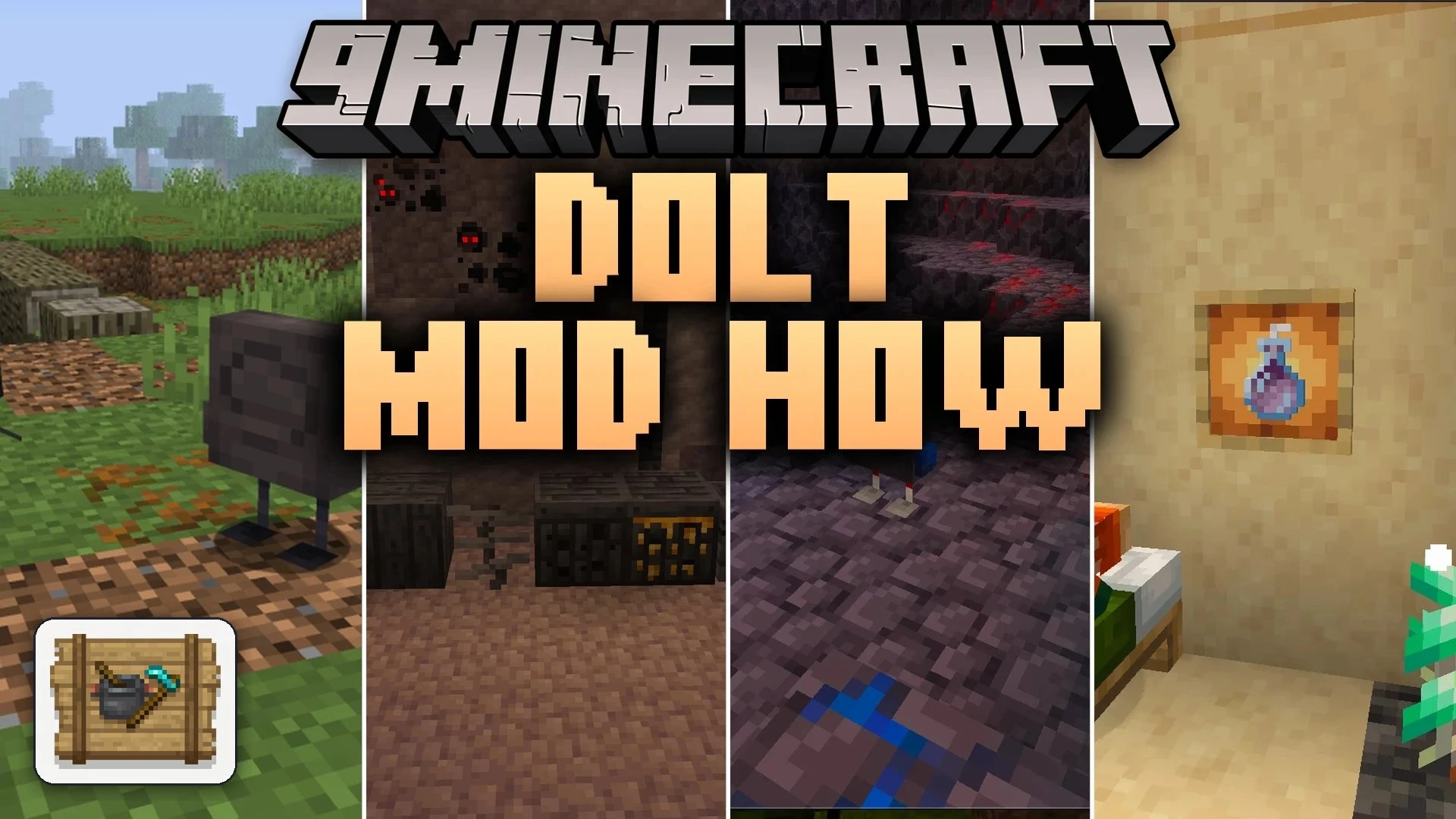
Dolt Mod How Mod (1.20.1) – Sleep Through Danger and Survive Drops with Ease
Java mod listed for Minecraft 1.20. Downloads from the MC Java Mods app on Android.
Dolt Mod How Mod adds helpful tweaks and connects Farmer's Delight, Quark, and Supplementaries together. It improves daily survival by softening fall…
⬇ Download


Dolt Mod How Mod adds helpful tweaks and connects Farmer’s Delight, Quark, and Supplementaries together. It improves daily survival by softening fall damage and letting you sleep even when monsters roam outside. The mod also introduces new utility potions, cleaner inventory handling, and fresh item interactions. You can adjust or turn off most features in the settings to fit your exact playstyle.
Features:
- Relaxed Sleeping: Monsters nearby or being far away from your bed will no longer prevent you from sleeping.
- Reduced Fall Damage: Cuts down fall damage by one third, turning heavy hits into lighter drops.
- Lockable Recovery Compass: Right-clicking a recovery compass locks it to your chosen death spot so it never loses track.
- Better Brewing: Removes the need for brewing fuel and lets you make potions straight from normal water bottles instead of awkward potions.
- New Effect Potions: Adds Miming potions to copy effects from nearby entities and Generosity potions to share your active buffs.
- Chorus Soda: Teleports you exactly ten blocks straight up when you drink it.
- Lets dispensers interact with cauldrons, dye sheep, and ignite creepers with flint and steel.
- Crossbows change their appearance depending on the exact arrow loaded into them.
- Sneak-clicking with a hoe on farmland or rich soil quickly converts it back into normal dirt.
- Harvesting crops and mining ores now drops XP to reward your farming and gathering.
- Carpet-like flowers and moss carpets become easily replaceable by placing blocks directly over them.
- Items taken from flower pots, book piles, and hanging signs go directly into existing inventory stacks instead of occupying your main hand.
- Beacons grant their status effects without filling your screen with lingering swirl particles.
- Any high-level protection enchantment also shields you against general damage sources.
- Adds a compact storage block for honeycomb using unused vanilla textures.
How to Use:
- Right-click a recovery compass to lock its needle to your current death location, or right-click again to unlock it.
- Hold a hoe and sneak-click on farmland to revert the soil back to regular dirt without jumping on it.
- Drink a bottle of Chorus Soda to jump ten blocks upward instantly.
- Load special arrows into your crossbow to view custom textures for each projectile type.
Screenshots:

Dolt Mod How Mod Download Links
- Edition: Minecraft Java
- File type: .jar
- Minecraft version listed: 1.20.1
- How to install: Install the matching mod loader (Forge, Fabric or NeoForge) for your Minecraft version. → Download the .jar. → Put it in the .minecraft/mods folder and launch that loader profile.
- Where to get it: In MC Java Mods, or directly above on this page.
Install steps are the general flow for this file type — How to install Minecraft Java mods & modpacks walks through it step by step.
Dolt Mod How Mod (1.20.1) – Sleep Through Danger and Survive Drops with Ease is a free Minecraft Java mod. Compatible with Minecraft 1.20.1. Download it and open it directly in the game.