Fieldframe Mod (1.20.1) – Survive Modern Firefights with Tactical Body Armor
Java mod listed for Minecraft 1.20. Downloads from the MC Java Mods app on Android.
⬇ Download


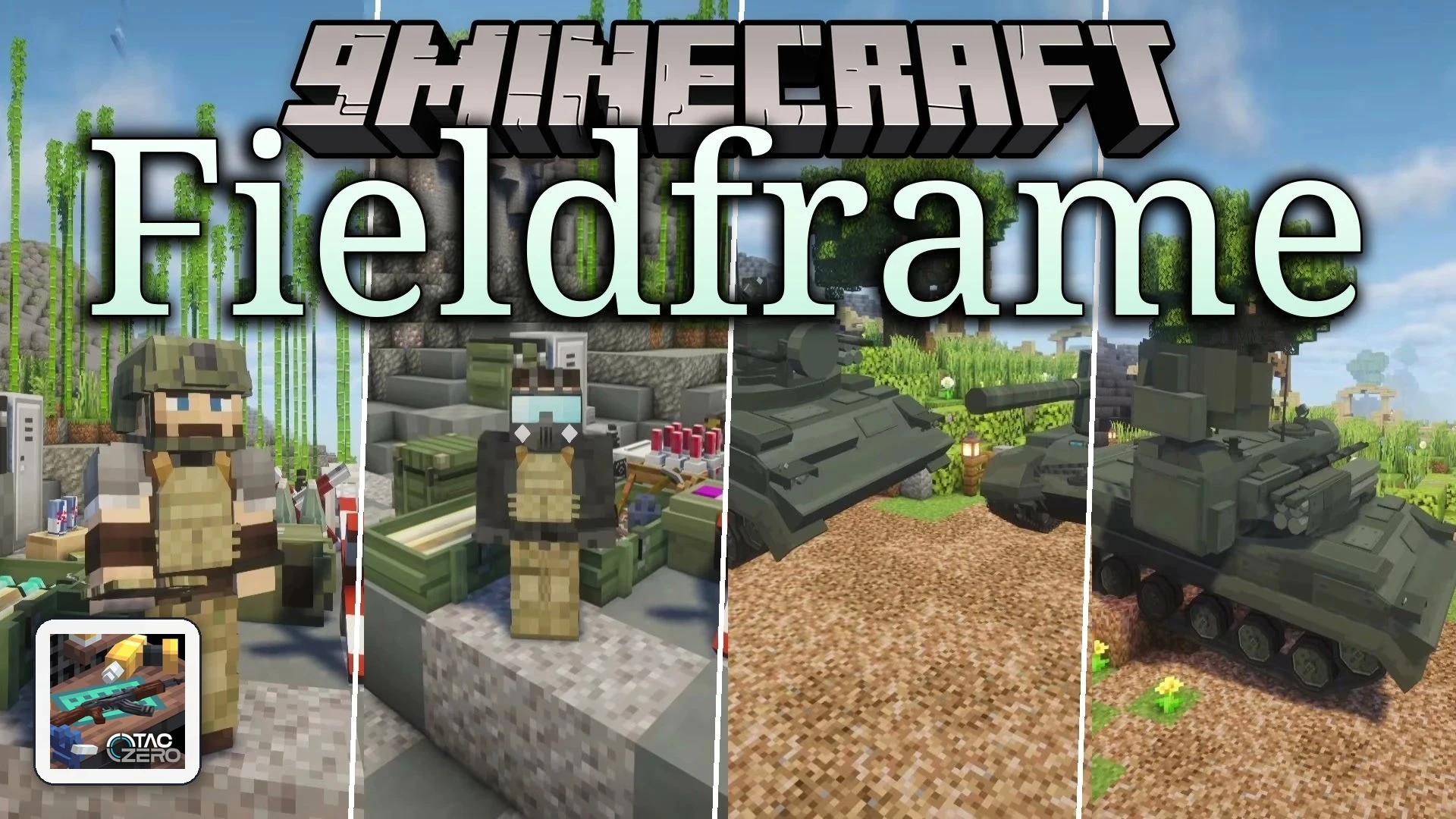
Fieldframe Mod equips you with customizable tactical gear and protective plate armor. You can attach pouches, flashlights, and night vision goggles directly onto your plate carriers, belts, and helmets. Ballistic plates slip into your vest to absorb incoming ranged attacks. The mod also introduces an M50 gas mask that keeps you safe from harmful status effects and radiation.
Features:
- Customizable Gear: Lets you build tactical rigs using plate carriers, helmets, and battle belts with snap-on accessories.
- Ballistic Plates: Protects your chest and back against incoming projectiles using six plate materials.
- Night Vision: Offers goggles and monoculars with green or white phosphor views to see in total darkness.
- Gas Mask Protection: Guards against negative status effects and radiation using replaceable dual filters.
- Mounted flashlights and helmet strobes light up dark areas with bright beams.
- Plate weight slows down player movement speed based on how heavy the plates are.
- Sound effects and animations play when you insert armor plates or screw on gas mask filters.
- Storage pouches hold items and link with gun mods like TaCZ and Point Blank.
- Darkness settings let you switch between Dim, Dark, and Pitch Black world lighting.
How to Use:
- Press O to open the gear customization screen.
- Click mounting points on your equipped vest, helmet, or belt to attach accessories.
- Right-click while holding an armor plate to slide it into the front pocket.
- Sneak and right-click while holding an armor plate to insert it into the rear pocket.
- Press N to flip your night vision goggles up or down.
- Hold H to open the equipment controls menu for flashlights and strobes.
- Right-click while holding a filter to screw it into your equipped gas mask.
Screenshots:
Fieldframe Mod Download Links
- Edition: Minecraft Java
- File type: .jar
- Minecraft version listed: 1.20.1
- How to install: Install the matching mod loader (Forge, Fabric or NeoForge) for your Minecraft version. → Download the .jar. → Put it in the .minecraft/mods folder and launch that loader profile.
- Where to get it: In MC Java Mods, or directly above on this page.
Install steps are the general flow for this file type — How to install Minecraft Java mods & modpacks walks through it step by step.
Fieldframe Mod (1.20.1) – Survive Modern Firefights with Tactical Body Armor is a free Minecraft Java mod. Compatible with Minecraft 1.20.1. Download it and open it directly in the game.