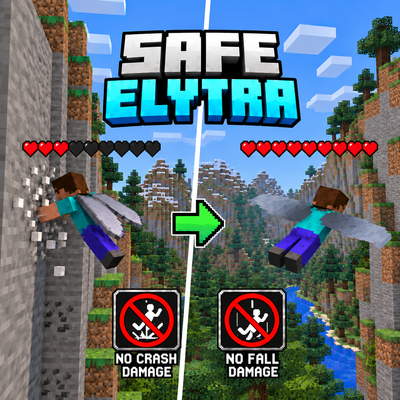
Safe Elytra
Bedrock add-on listed for Minecraft 26.x (behavior + resource pack). File opened and checked on 14 Oct 2026; installs from the MC Bedrock Mods app on Android.
Safe Elytra makes Elytra exploration safer by protecting players from the most frustrating flight-related damage.
⬇ Download on CurseForge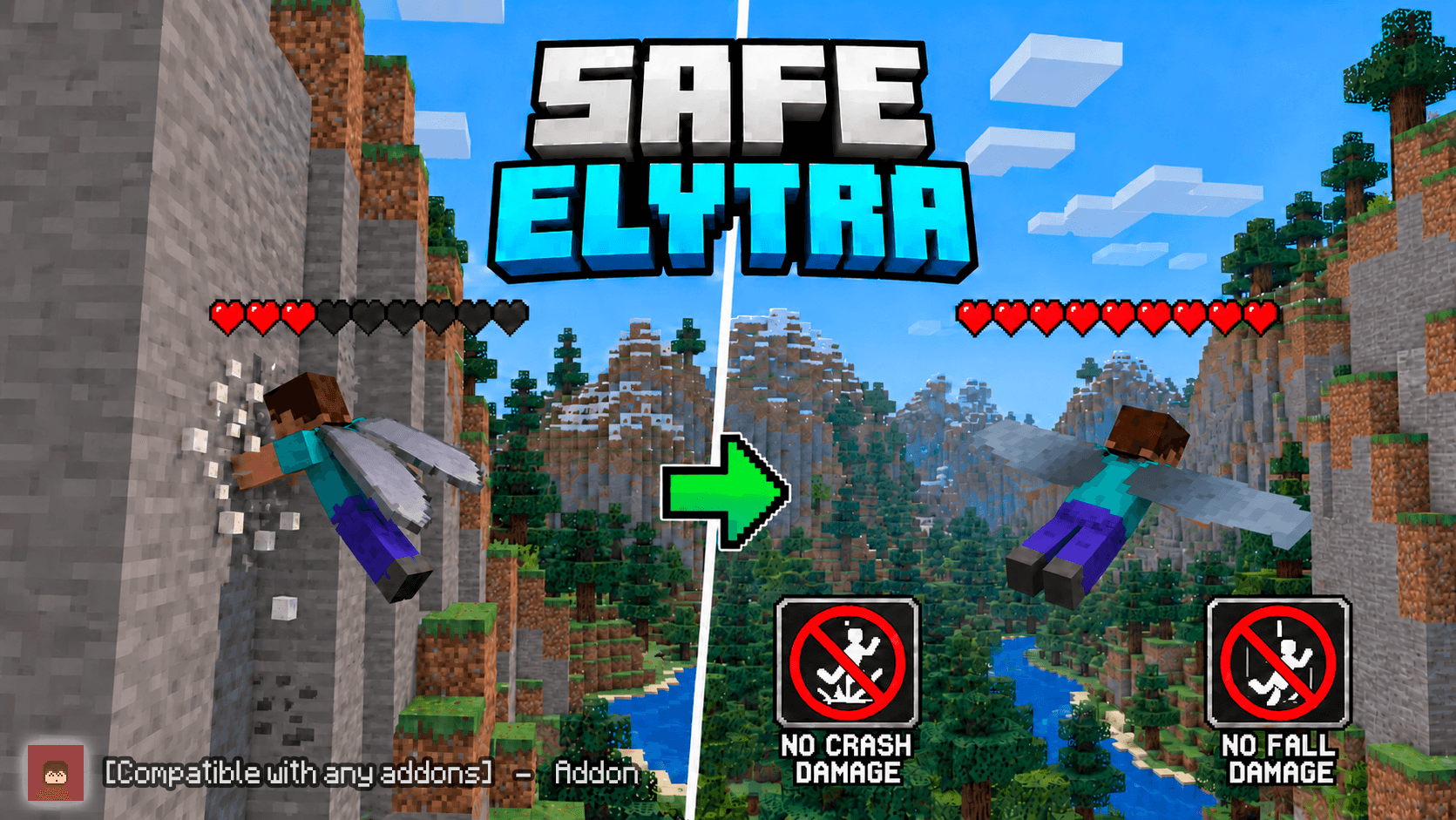
🪽 Safe Elytra
🛡️ Fly Fast Without Dying to Elytra Crashes
Safe Elytra makes Elytra exploration safer by protecting players from the most frustrating flight-related damage.
Crash into a wall while gliding?
Land a little too hard immediately after your flight?
Safe Elytra can protect you from that damage without turning you invincible.
⭐ Main Features
- 🪽 Prevents Elytra collision damage
- 🛬 Protects against immediate landing damage after gliding
- 🧱 Fly into walls without taking Elytra crash damage
- ⏱️ Short protection window after ending a glide
- ⚔️ Does NOT block normal combat damage
- 🔥 Lava and other hazards still work normally
- 💥 Explosions still deal damage
- 🌌 Void damage is not disabled
- 🎮 Lightweight Survival utility
- 🚫 Does NOT use
player.json - 🧪 No Experimental Gameplay toggles required
🪽 How Does It Work?
Safe Elytra watches specifically for damage related to Elytra flight.
🧱 Elytra Collision Protection
When you crash into a wall while gliding with an Elytra, Minecraft can deal a large amount of collision damage.
Safe Elytra cancels this specific damage.
That means high-speed exploration becomes much less punishing when you accidentally hit:
- Mountains
- Cave walls
- Buildings
- Trees
- Terrain
- Other solid obstacles
🛬 Safer Landings
Sometimes you stop gliding immediately before touching the ground and still receive fall damage.
Safe Elytra includes a short protection window after gliding ends.
For approximately:
1 second after your Elytra flight
fall damage caused by that immediate landing can be prevented.
After that short window ends, normal fall damage works again.
⚖️ It Does NOT Make You Invincible
Safe Elytra only targets specific Elytra-related damage.
The addon does not cancel unrelated hazards.
You can still take normal damage from things such as:
- ⚔️ Players
- 🧟 Mobs
- 💥 Explosions
- 🔥 Lava
- 🔥 Fire
- 🌌 The Void
- ☠️ Other normal Minecraft hazards
This keeps the addon useful without removing Survival danger.
🎯 What Is Protected?
| Situation | Protected? |
|---|---|
| 🪽 Elytra crash into a wall | ✅ Yes |
| 🛬 Immediate landing after gliding | ✅ Yes |
| 🧗 Normal fall without recent Elytra flight | ❌ No |
| ⚔️ Combat damage | ❌ No |
| 💥 Explosion damage | ❌ No |
| 🔥 Lava / normal hazards | ❌ No |
| 🌌 Void damage | ❌ No |
💬 Protection Feedback
When Safe Elytra prevents flight-related damage, the addon can provide a small actionbar notification.
The message uses a cooldown so repeated collisions do not constantly spam your screen.
🎮 Perfect For Exploration
Safe Elytra is especially useful if you frequently use Elytras for:
- 🌍 Long-distance exploration
- 🏙️ Flying around large builds
- ⛰️ Mountain exploration
- 🕳️ Flying through caves
- 🚀 Firework-powered travel
- 👥 Multiplayer Survival worlds
You can focus more on flying and less on instantly losing your health because you clipped the side of a mountain.
🧩 Compatibility
🚫 No player.json
Safe Elytra does not modify player.json.
This helps reduce conflicts with other player-related Add-ons.
🧪 No Experimental Gameplay
The addon uses the stable Minecraft Script API and does not require experimental gameplay toggles.
⚔️ Keeps Vanilla Damage
Safe Elytra does not replace Minecraft's entire damage system.
Only the targeted Elytra collision and immediate post-flight fall damage are prevented.
📦 Installation
- Download and import Safe Elytra
- Activate the pack in your world
- Equip an Elytra
- Start flying
No configuration or commands are required.
🪽 Elytra Flying Without the Frustrating Part
Safe Elytra is intentionally simple.
It doesn't give you Creative Mode flight.
It doesn't make you immortal.
It doesn't remove every type of fall damage.
It simply makes Elytra crashes and landings safer.
🌐 More Add-ons
Looking for more Minecraft Bedrock Add-ons?
🌐 Visit StvAddons
🚀 Join the Community
Report bugs, suggest ideas or follow future projects:
🚀 Join My Discord Server
- Edition: Minecraft Bedrock
- File type: .mcpack or .mcaddon
- Minecraft versions listed: 26.0.02, 26.0, 26.3
- How to install: Download the .mcpack or .mcaddon file. → Open it — Minecraft imports it. → In your world: Behavior Packs → Available → Activate, then the same under Resource Packs.
- Where to get it: Opens on CurseForge — not every file is mirrored on our own servers.
Install steps are the general flow for this file type — How to install Minecraft Bedrock addons & mods walks through it step by step.
- Pack type: .mcaddon — behaviour and resource pack in one file
- Manifest requires Minecraft 1.26.50 or newer
- Complete pack — everything it depends on is inside the file
- Download size: 4.3 MB
- Download link checked 14 Oct 2026 — working
These come from our own check of the pack file, not from the source page.