Underwater Buffs
Bedrock add-on listed for Minecraft 1.21–26.x (behavior pack only). File opened and checked on 14 Oct 2026; installs from the MC Bedrock Mods app on Android.
Explore underwater with Water Breathing, Conduit Power, and Night Vision! Automatic effects, hidden particles, multiplayer support, and no Beta APIs…
⬇ Download on CurseForge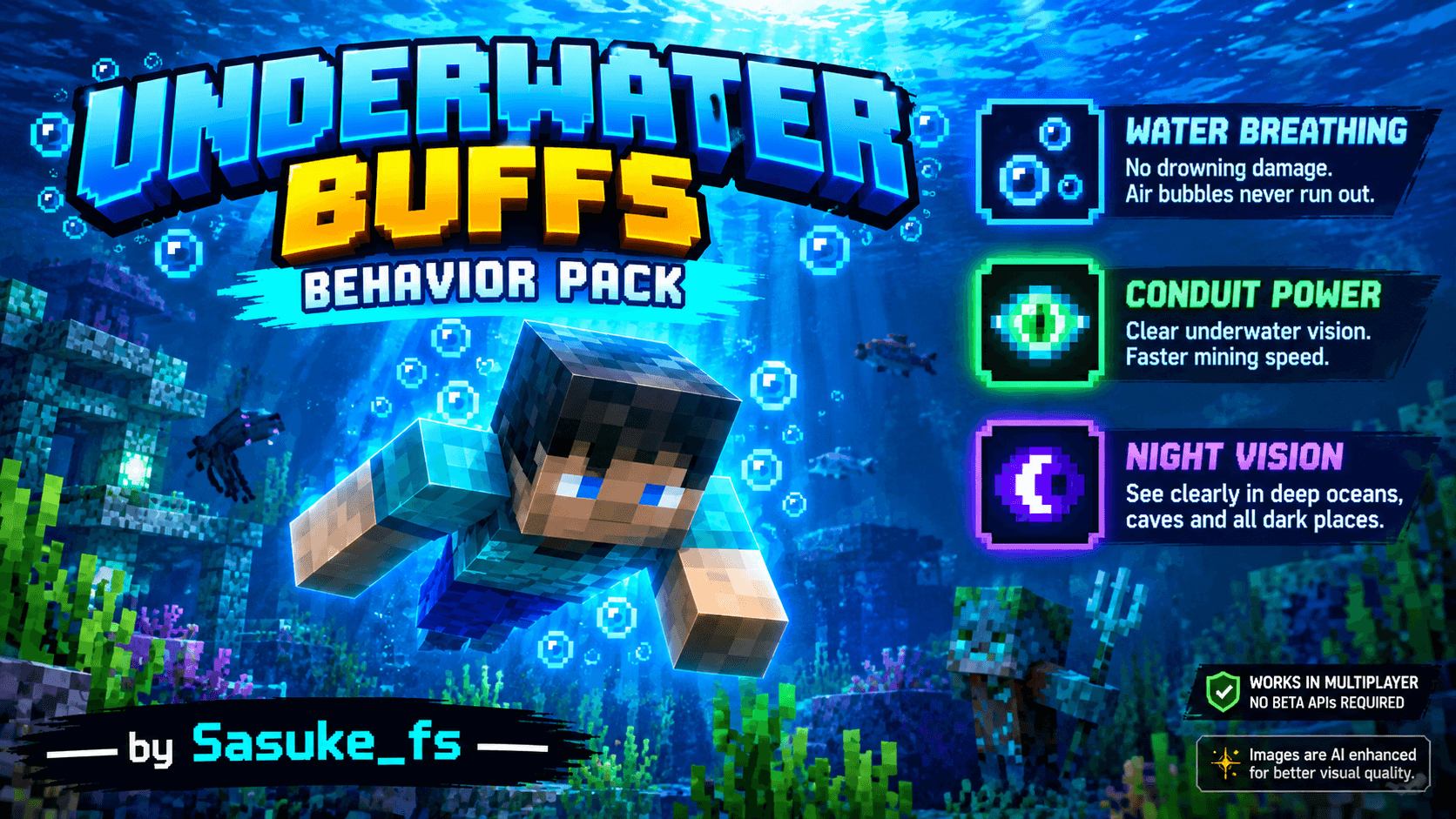
🌊 UNDERWATER BUFFS
Explore the Deep. Breathe Freely. See Everything!
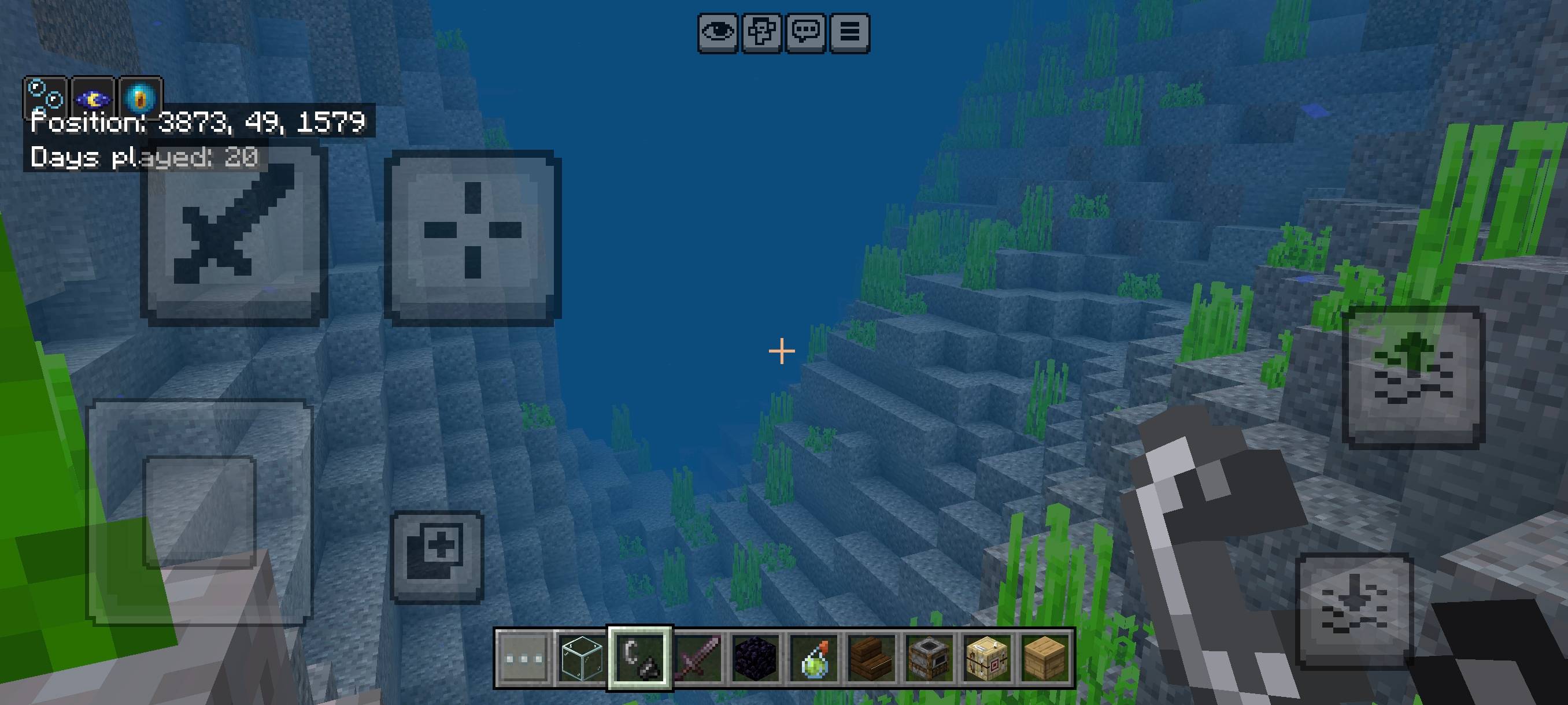
Enhance your Minecraft Bedrock underwater experience with Underwater Buffs! This behavior pack automatically grants powerful effects whenever you enter water, making ocean exploration and underwater mining easier.
✨ Features
🫧 Water Breathing
Stay underwater without worrying about drowning damage or running out of air bubbles while the effect is active.
🔱 Conduit Power
Enjoy clearer underwater vision and increased mining speed while exploring oceans and underwater structures.
🌙 Night Vision
See more clearly in deep oceans, underwater caves, and other dark places with improved visibility.
⚙️ How It Works
- Checks whether players are in water every 0.5 seconds.
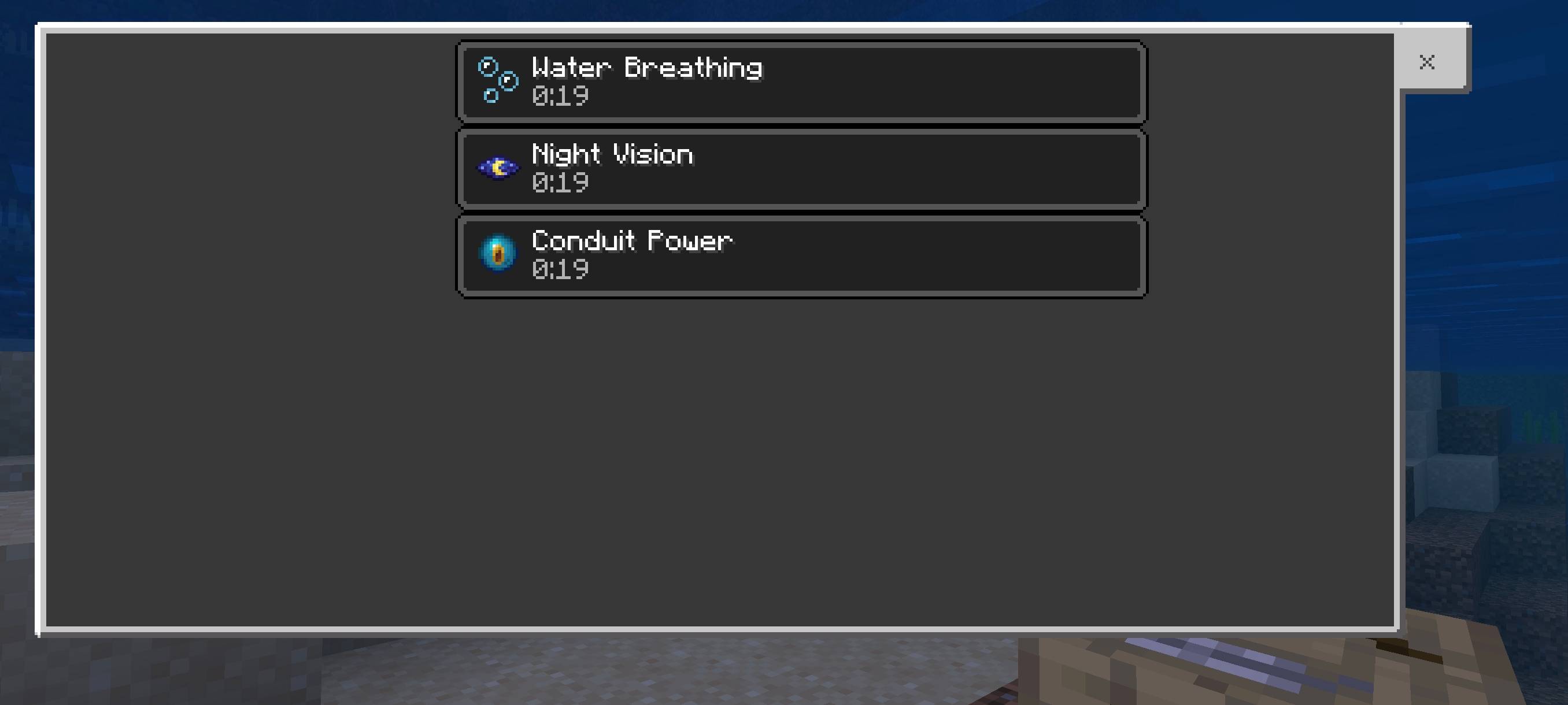
- Automatically applies all three effects for 20 seconds.
- Refreshes the effects while the player remains in water.
- Effect particles are hidden for a cleaner gameplay experience.
- Works for all players in multiplayer worlds.
📌 Important Notes
- Effects may remain for up to 20 seconds after leaving water.
- Water Breathing protects against drowning, not other damage sources.
- Does not prevent damage from lava, falls, or hostile mobs.
- No Beta APIs or experimental gameplay settings are required.
📥 Installation
- Download the Underwater Buffs .mcpack file.
- Open the file with Minecraft to import the pack.
- Open your world settings and activate it under Behavior Packs.
- Enter the water and enjoy your underwater buffs!
Compatible with Minecraft Bedrock Edition versions supported by this pack's manifest and Script API.
© Sasuke_fs
Created by Sasuke_fs
All rights reserved to the creator. Please do not re-upload, redistribute, or claim this add-on as your own without permission. Credit the original creator when sharing.
- Edition: Minecraft Bedrock
- File type: .mcpack or .mcaddon
- Minecraft versions listed: 26.20, 26.13, 26.30
- How to install: Download the .mcpack or .mcaddon file. → Open it — Minecraft imports it. → In your world: Behavior Packs → Available → Activate, then the same under Resource Packs.
- Where to get it: Opens on CurseForge — not every file is mirrored on our own servers.
Install steps are the general flow for this file type — How to install Minecraft Bedrock addons & mods walks through it step by step.
- Pack type: .mcpack — a single pack
- Manifest requires Minecraft 1.21.0 or newer
- Complete pack — everything it depends on is inside the file
- Download size: 1 KB
- Download link checked 14 Oct 2026 — working
These come from our own check of the pack file, not from the source page.