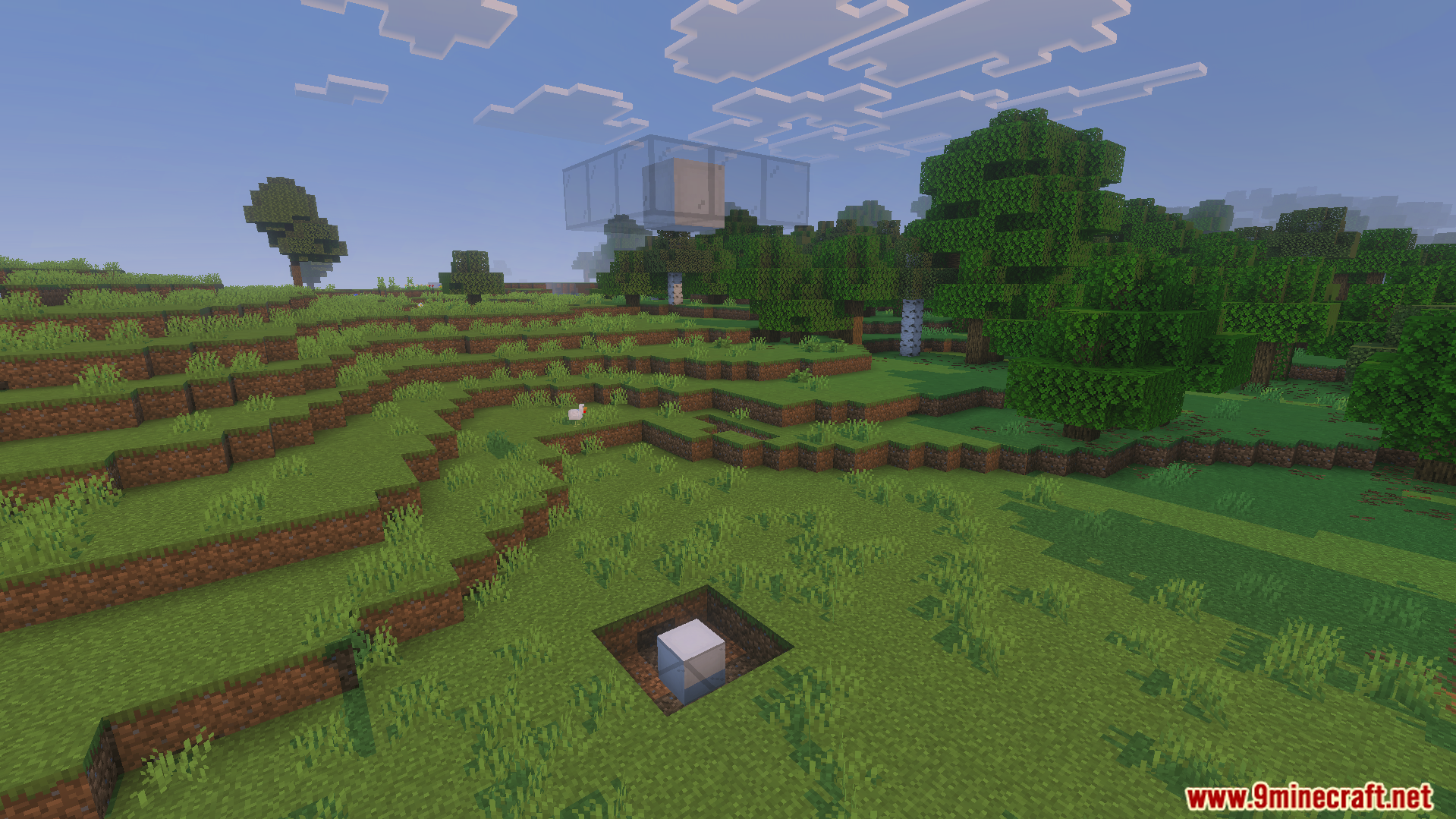
OpenBlocks Elevator Addon adds simple elevator blocks to your game. It lets you travel up and down your tall buildings quickly. You can craft these blocks using wool and ender pearls to connect different floors.
Features:
Jump to go up and crouch to go down.
Camouflage the elevator blocks using regular building blocks.
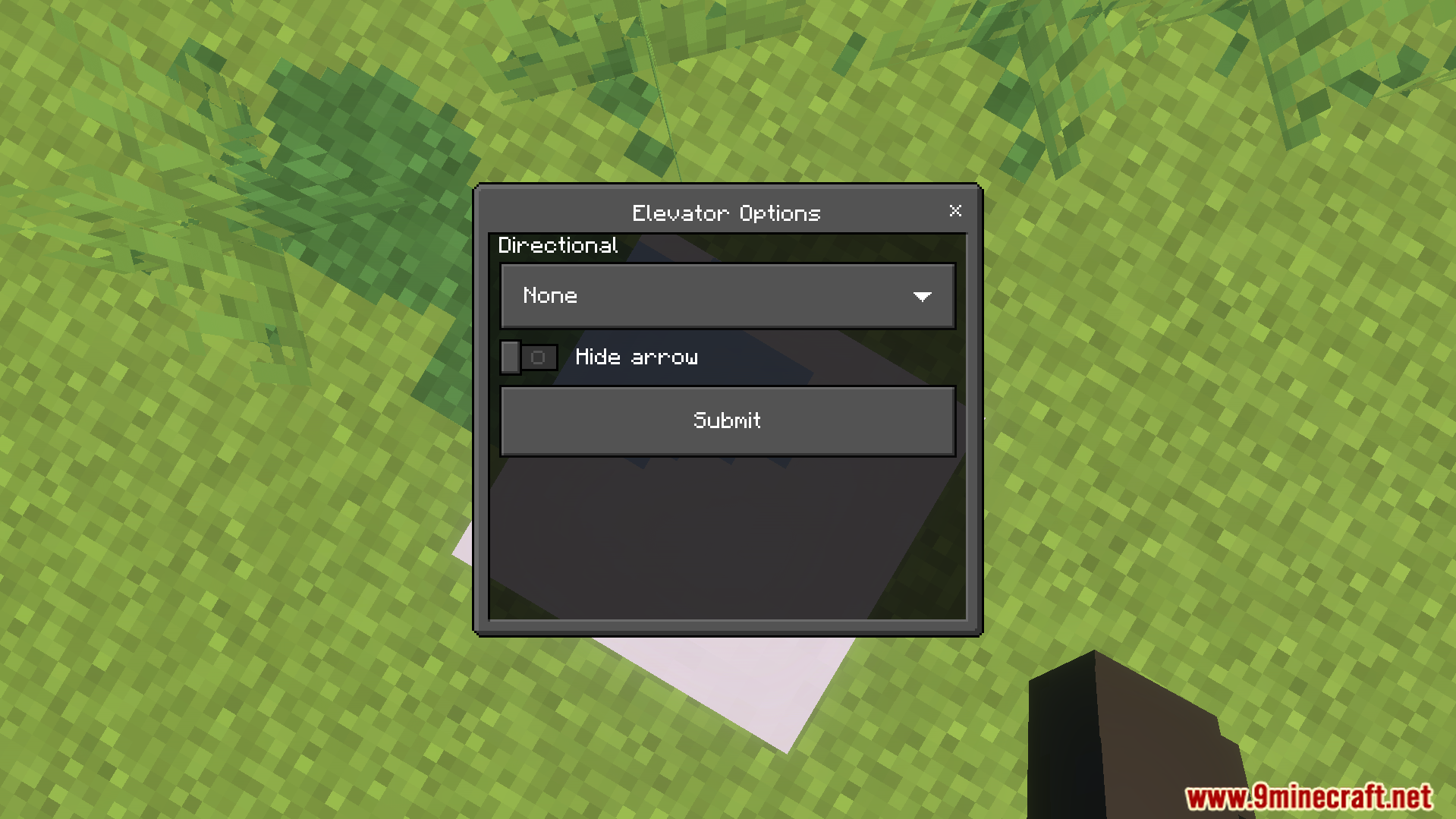
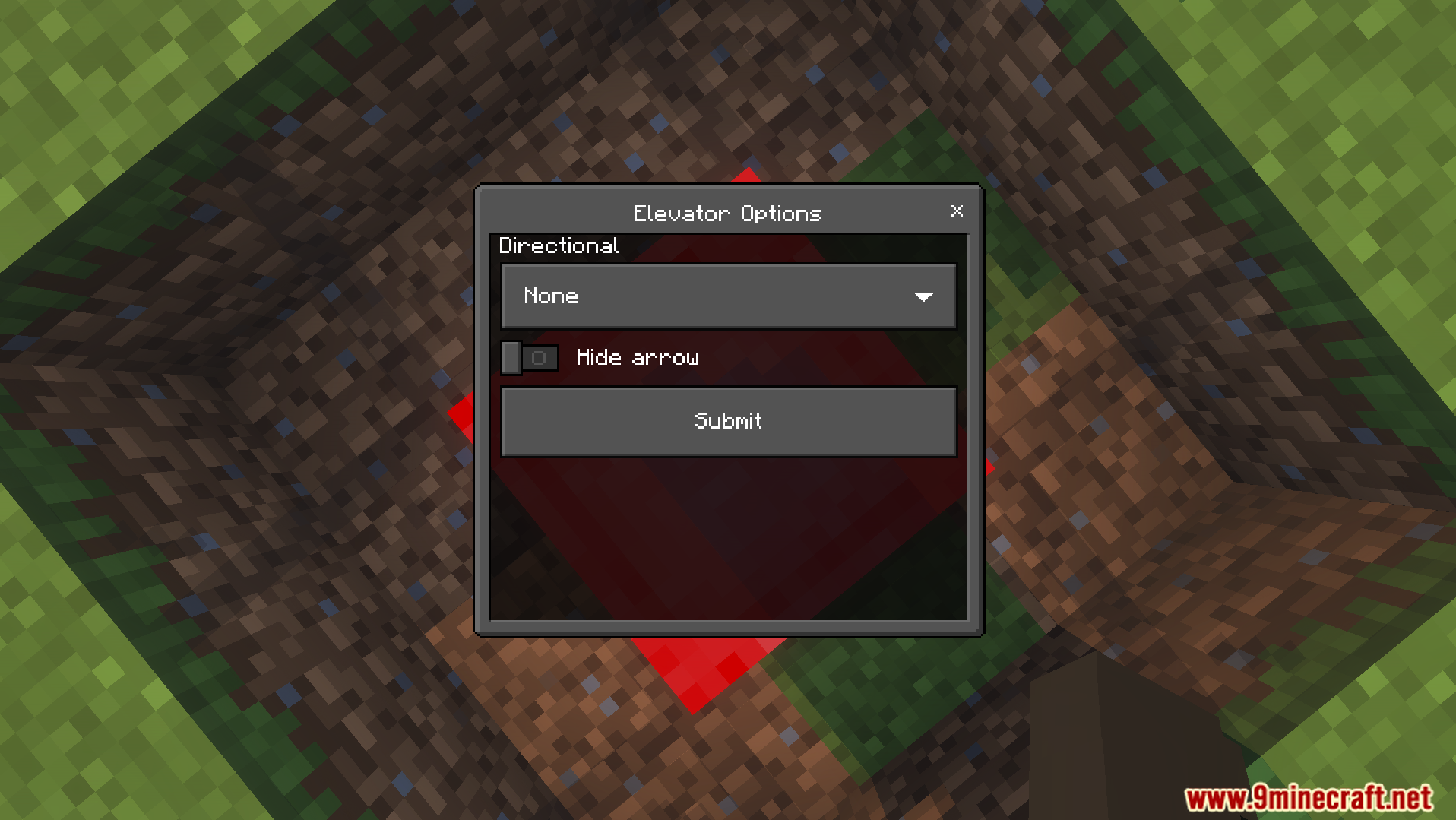
Choose which direction you face after teleporting.
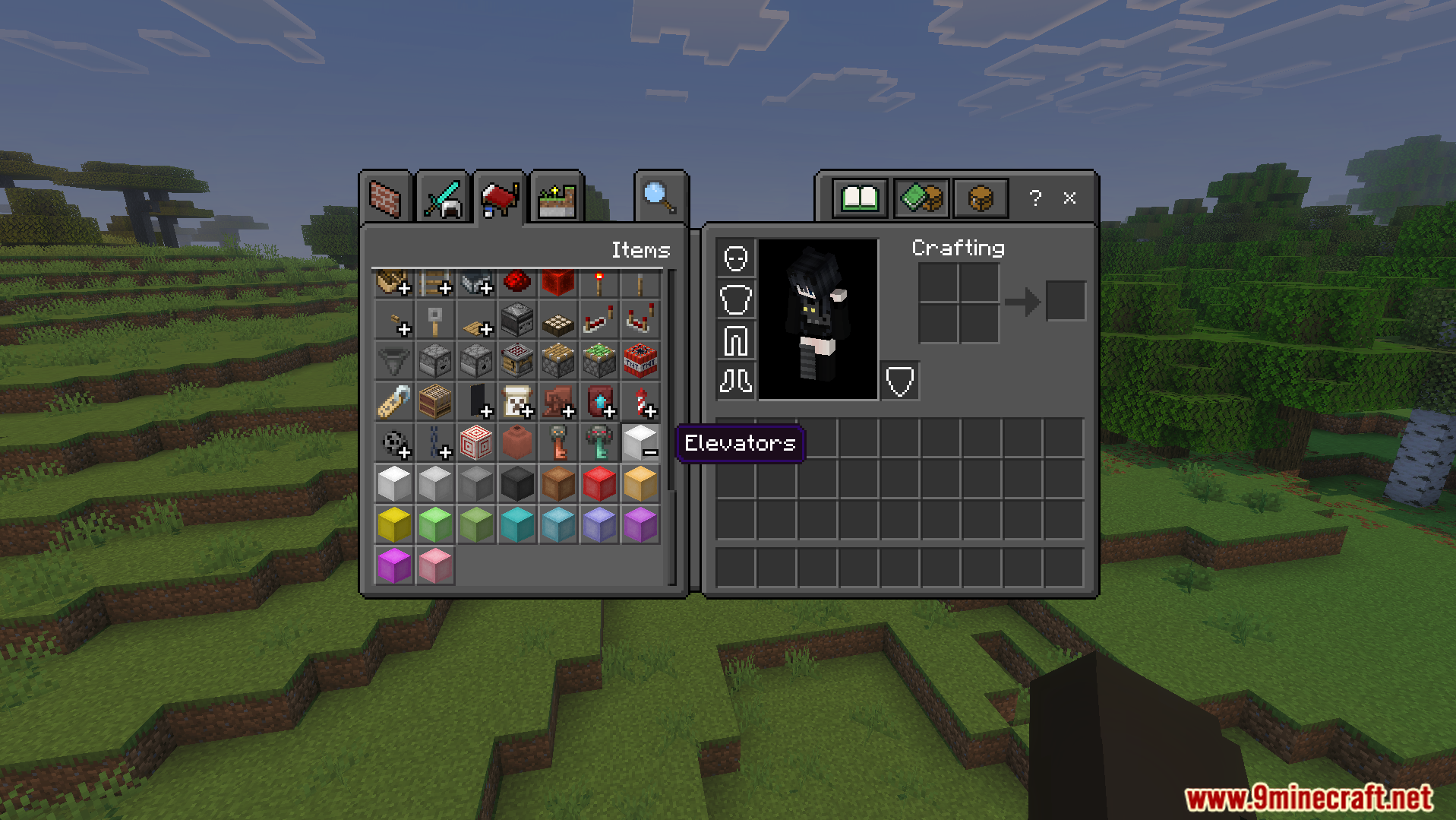
Craft the elevators using wool and an ender pearl.
Hide the direction arrow on the block interface.
Configuration Commands:
Admins can use the command /obeconfig to open the settings menu.
You can also type /elevator:obeconfig to access the same menu.
The menu lets you change the maximum teleport distance for players.
You can make teleporting cost experience points or prioritize matching colors.
Screenshots:
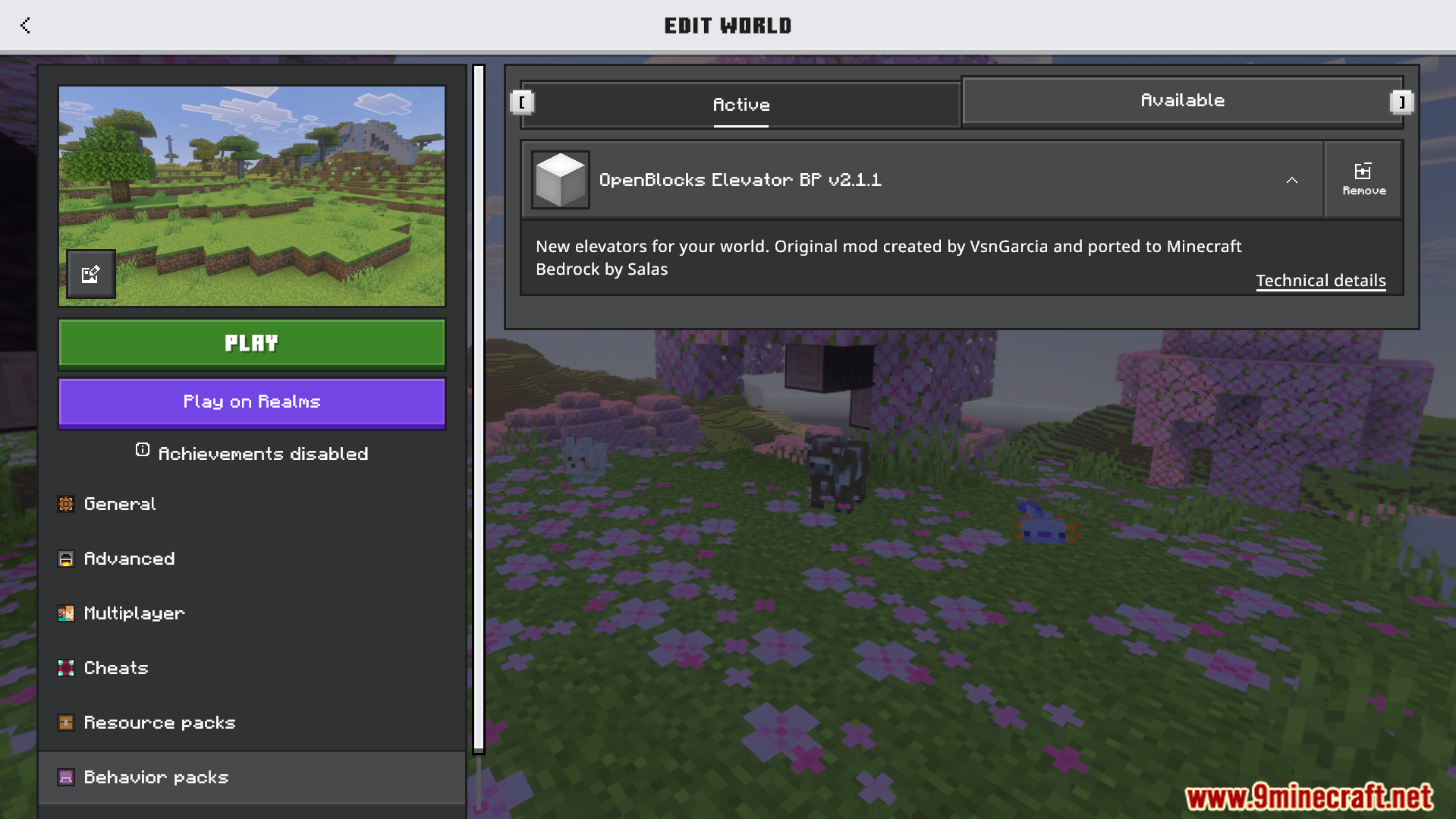
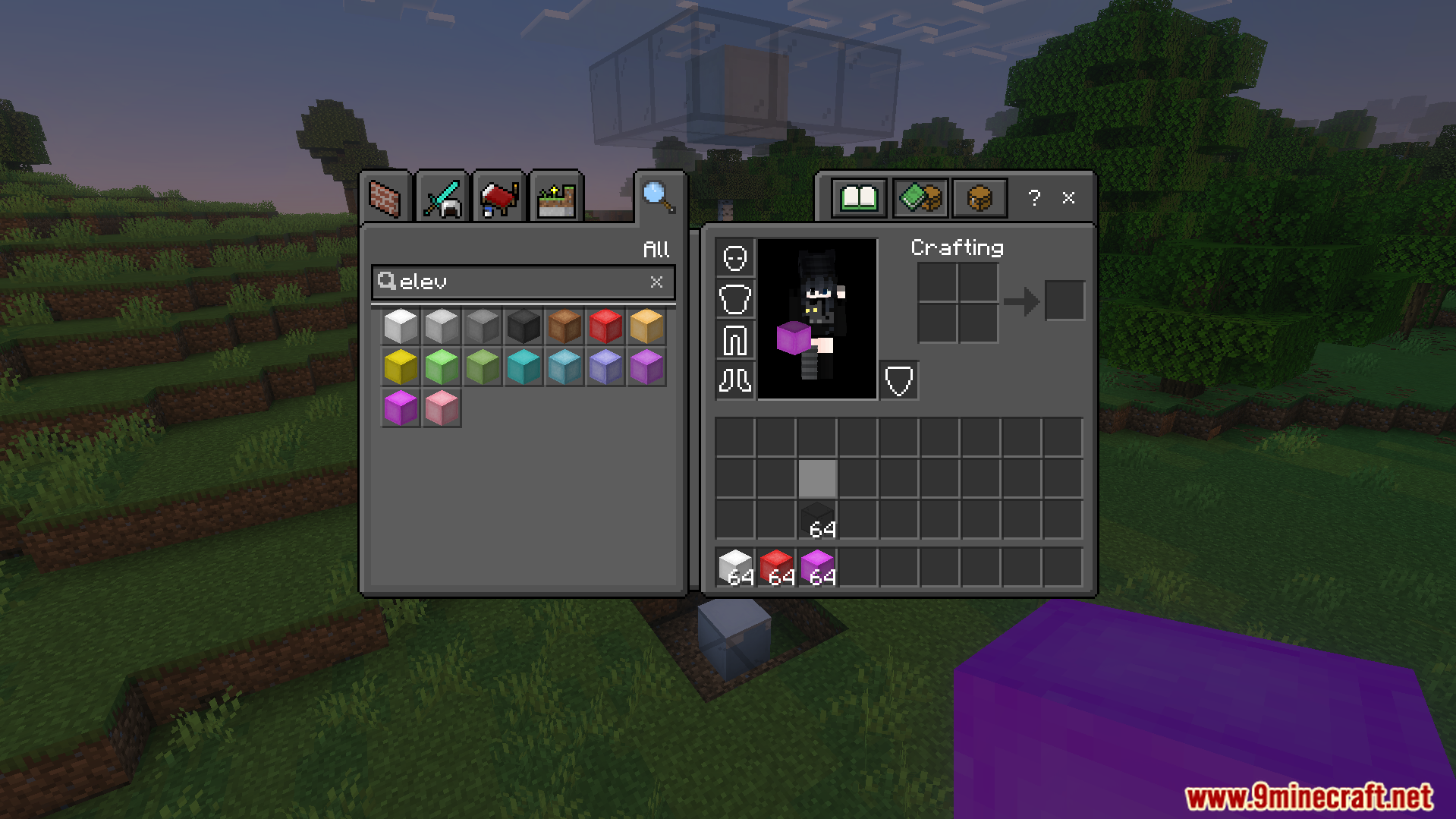
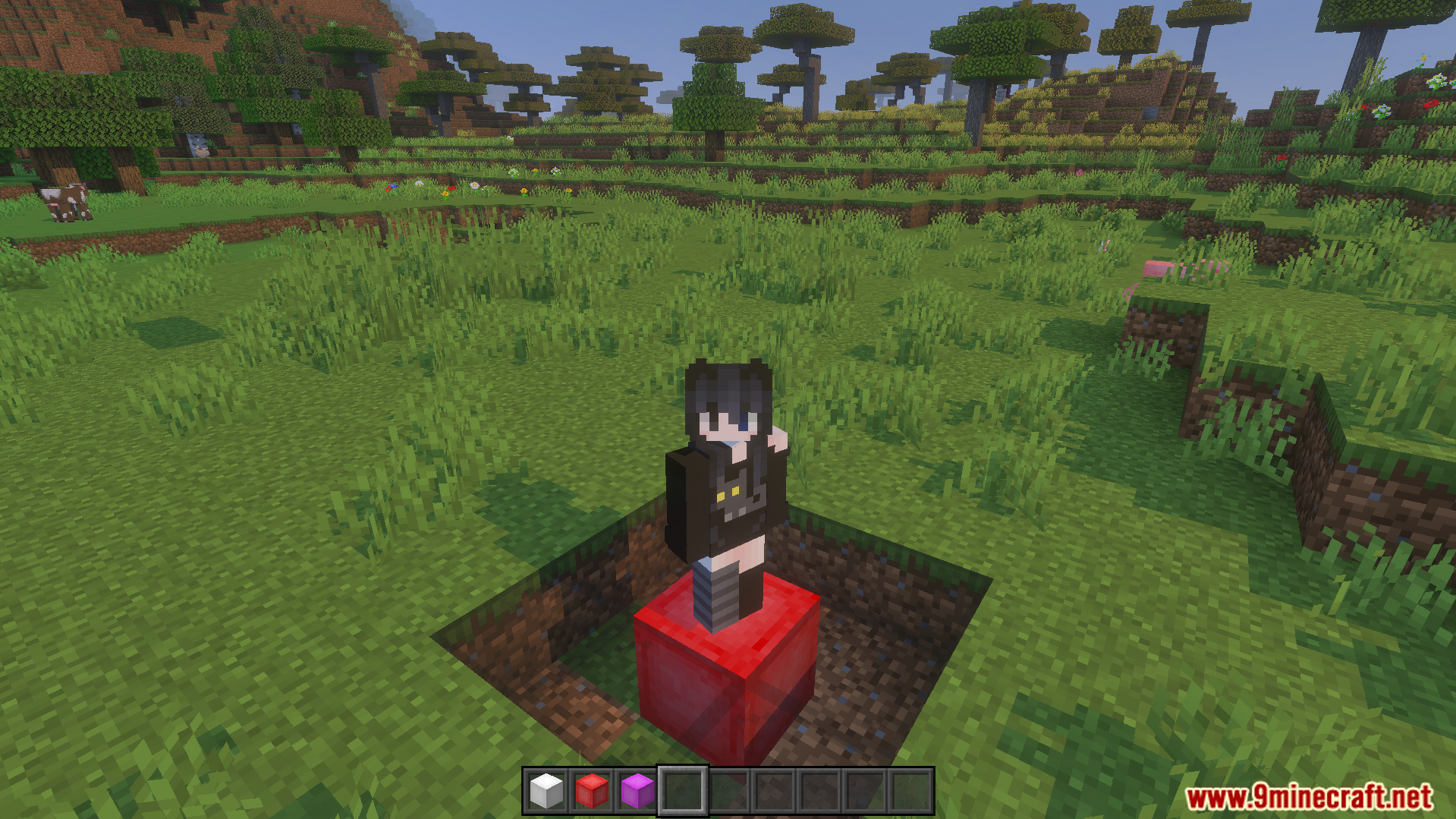
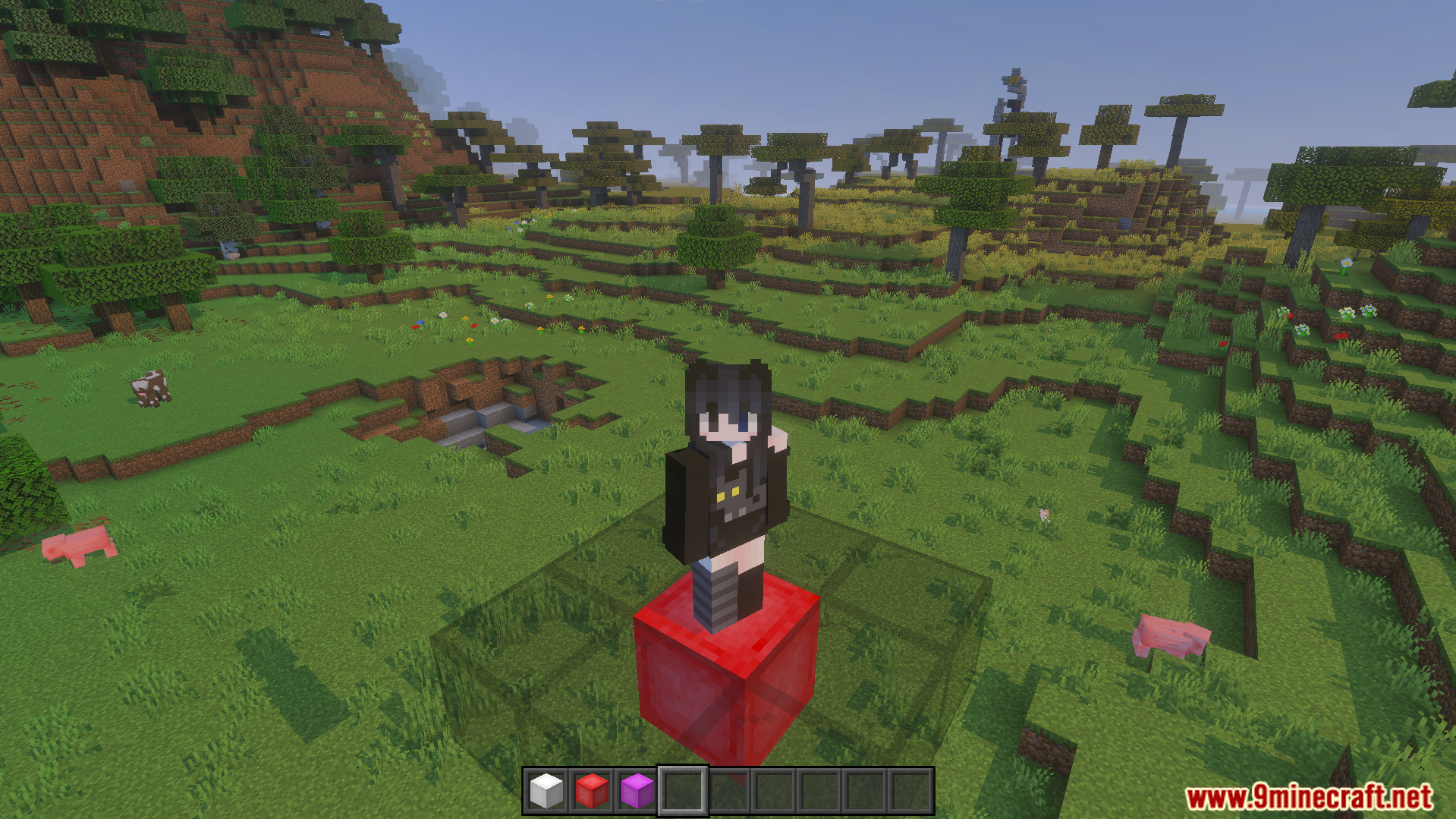
Edit world screen showing the active OpenBlocks Elevator behavior pack in MinecraftCreative inventory menu displaying various colored elevator blocks for the playerOpenBlocks Elevator Addon menu showing directional settings and a hide arrow optionTwo white elevator blocks placed at different heights for quick vertical travelCreative inventory showing many colored elevator blocks from the OpenBlocks Elevator AddonA player character standing on a red elevator block in a fieldPlayer standing on a red block from the OpenBlocks Elevator Addon in MinecraftInterface for choosing teleport direction and hiding the arrow on elevator blocks
OpenBlocks Elevator Addon Download Links
Quick facts
Edition: Minecraft Bedrock
File type: .mcpack or .mcaddon
Minecraft version listed: 1.21
How to install: Download the .mcpack or .mcaddon file. → Open it — Minecraft imports it. → In your world: Behavior Packs → Available → Activate, then the same under Resource Packs.
Where to get it: In MCModsHub, or directly above on this page.