ModsJava
WorldEdit BE Mod – Build Giant Megastructures Across Bedrock Worlds
Minecraft Java mod. Download on the author's site.
⬇ Download


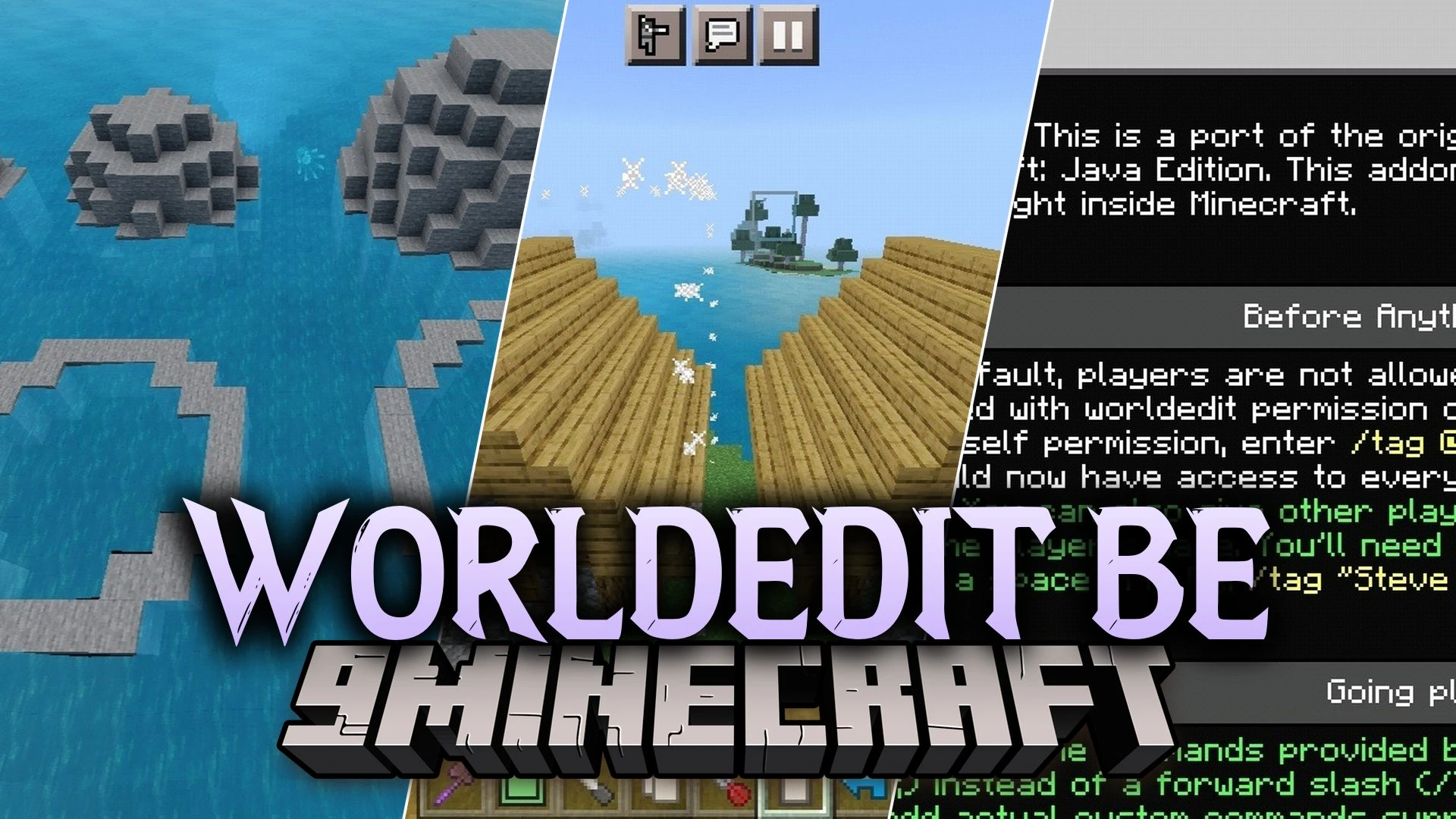
WorldEdit BE Mod brings fast building tools to Minecraft Bedrock. It ports the classic Java building toolkit so you can shape worlds directly on mobile or console. You can move blocks around, clear huge areas, and manage your builds in seconds. The addon helps you build large projects without placing every single block by hand.
Features:
- Clipboard Tools: Lets you cut, copy, and paste blocks across your world.
- Block Masking: Protects specific block types while you modify an area.
- Navigation Wand: Teleports you across long distances to speed up construction work.
- Brings familiar Java building options right into Bedrock worlds.
- Helps you build large structures without placing every block one by one.
Screenshots:
WorldEdit BE Mod Download Links
Quick facts
- Edition: Minecraft Java
- File type: .jar
- How to install: Install the matching mod loader (Forge, Fabric or NeoForge) for your Minecraft version. → Download the .jar. → Put it in the .minecraft/mods folder and launch that loader profile.
- Where to get it: Opens on the file's original source — not every file is mirrored on our own servers.
Install steps are the general flow for this file type — How to install Minecraft Java mods & modpacks walks through it step by step.
WorldEdit BE Mod – Build Giant Megastructures Across Bedrock Worlds is a free Minecraft Java mod. Download it and open it directly in the game.