ModsJava
Mint Bedwars Resource Tracker Mod (26.2, 26.1.2) – Track Every Team Diamond
Minecraft Java mod. Downloads from the MC Java Mods app on Android.
⬇ Download


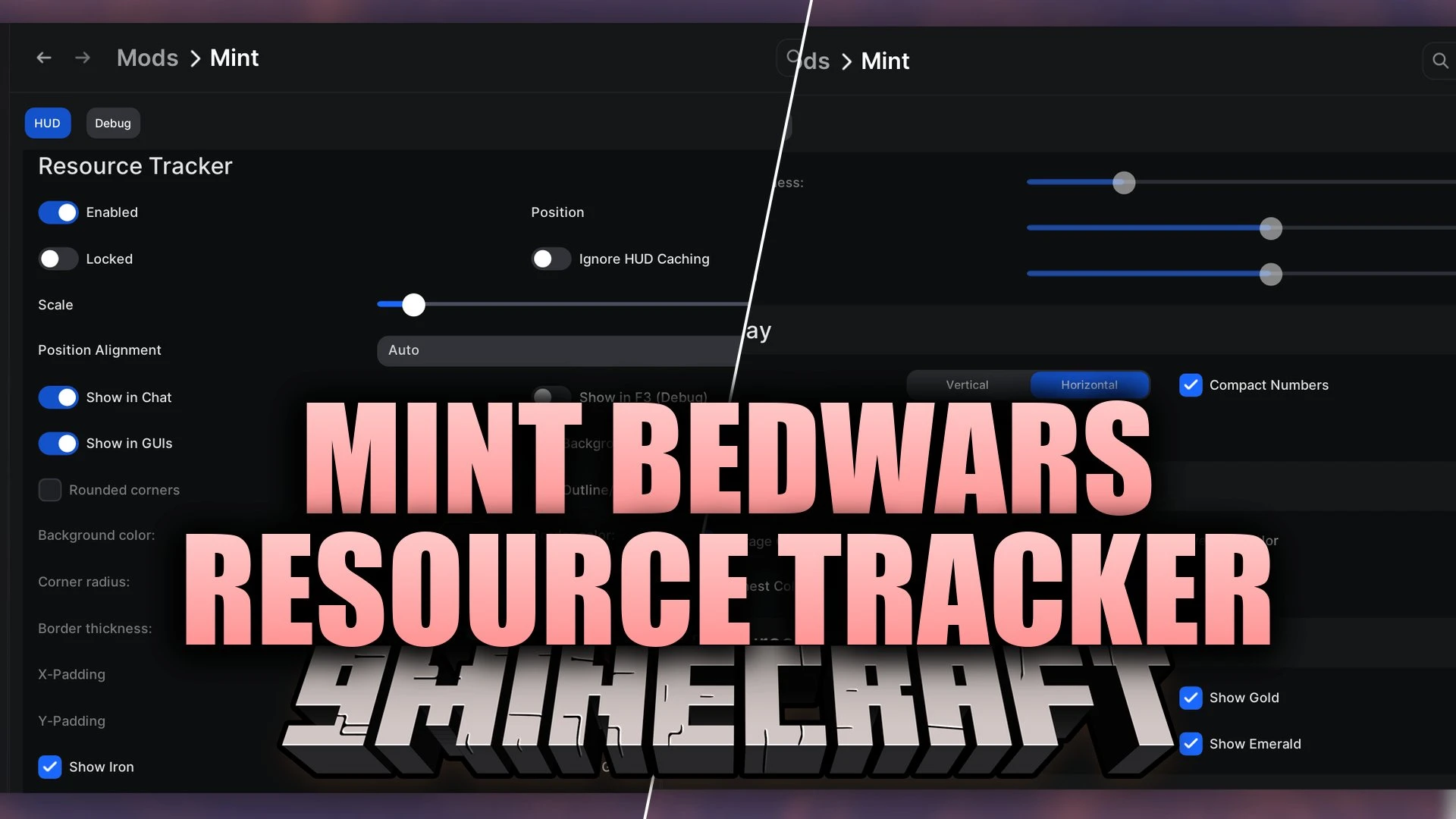
Mint Bedwars Resource Tracker Mod tracks your valuable items during minigame matches and displays clear counts directly on your HUD. The mod monitors iron, gold, diamonds, and emeralds stored across your main inventory, team chest, and ender chest. It runs entirely client-side and works with Hypixel mechanics such as Punch to Deposit. You can adjust the visual layout to suit your setup and keep full awareness of your team resources during fast-paced games.
Features:
- Resource Counter: Tracks iron, gold, diamonds, and emerald amounts live during matches.
- Multi-Storage Tracking: Reads item counts from your inventory, team chest, and ender chest.
- Displays separate item totals using distinctive colors for rapid reading during fights.
- Works with punch-to-deposit actions as well as standard manual chest deposits.
- Provides both vertical and horizontal overlay layouts to fit any display setup.
- Operates fully client-side, making it safe for Hypixel and other minigame networks.
- Includes OneConfig settings for adjusting positions, colors, and layout styles.
- Lets you turn on the Always Show HUD toggle if a server fails to start tracking automatically.
How to Use:
- Join a Bedwars match on any compatible multiplayer server.
- Open the OneConfig menu to adjust your tracker position, scale, and color scheme.
- Pick between the vertical or horizontal HUD layout to fit your screen.
- Turn on the Always Show HUD toggle in the debug settings if the overlay stays hidden.
Screenshots:
Mint Bedwars Resource Tracker Mod Download Links
Quick facts
- Edition: Minecraft Java
- File type: .jar
- How to install: Install the matching mod loader (Forge, Fabric or NeoForge) for your Minecraft version. → Download the .jar. → Put it in the .minecraft/mods folder and launch that loader profile.
- Where to get it: In MC Java Mods, or directly above on this page.
Install steps are the general flow for this file type — How to install Minecraft Java mods & modpacks walks through it step by step.
File checked by MCModsHub
- Downloads as 526853.mcaddon
- Download size: 38 KB
- Download link checked 15 Oct 2026 — working
- Mirrored on our own servers — the download does not depend on the original host
These come from our own check of the pack file, not from the source page.