ModsJava
Create Fly Bits 'n' Bobs Mod (26.2, 26.1.2) – Detail Your Factory Contraptions
Minecraft Java mod. Downloads from the MC Java Mods app on Android.
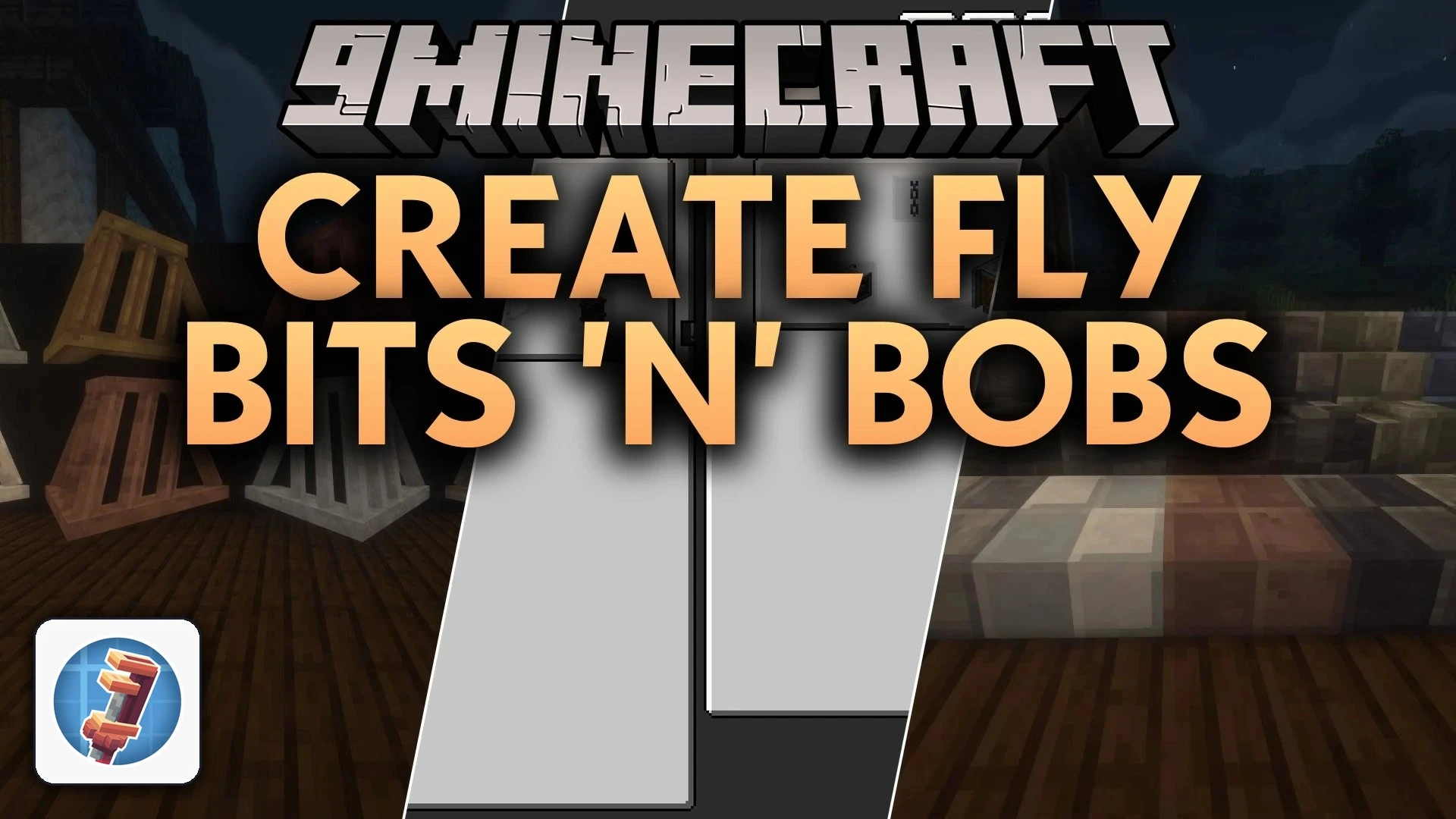
Create Fly Bits 'n' Bobs Mod adds extra building pieces and kinetic components for Create Fly. This mod expands your workshop palette with new casings…
⬇ Download


Create Fly Bits ‘n’ Bobs Mod adds extra building pieces and kinetic components for Create Fly. This mod expands your workshop palette with new casings, chain drives, dyeable fluid equipment, and seats for moving builds. It gives you more decorative options while keeping the mechanical feel of your factory setups.
Features:
- Connects cogwheels together using chains, belts, or ropes to transfer kinetic rotation across gaps.
- Adds flanged cogwheels and large flanged cogwheels to guide your belt and rope drives.
- Introduces industrial iron and weathered iron casings for shafts, cogwheels, and piston poles.
- Lets you place girder struts at angles between two anchor points to build realistic supports.
- Includes metal trusses and brackets to wrap around running shafts and fluid pipes.
- Provides Nixie boards and large Nixie tubes to show custom text, symbols, and factory readouts.
- Adds chairs that keep your character securely seated on moving contraptions.
- Allows you to dye fluid tanks, pipes, pumps, valves, and steam engines in standard colors.
- Features throttle levers that output adjustable redstone signals from 0 to 15.
- Includes built-in Ponder scenes for blocks to show you clear visual tutorials in game.
Kinetic Components:
- Flywheel Bearing: Stores rotational energy as angular mass.
- Chain Pulley: Lowers a chain rope with a magnetic attachment at the bottom.
- Encased Flanged Cogwheels: Offers andesite, brass, industrial iron, and weathered iron covers.
Structural and Lighting Blocks:
- Lightbulb: Switches between an exposed cage style and an always-on light source.
- Headlamp: Provides a dyeable front light for vehicles and structures.
- Industrial Grating: Works as see-through walkway panels and floor platforms.
How to Use:
- Hover over any mechanical block and hold W to view the in-game Ponder tutorial.
- Place flanged cogwheels and link them with chains or ropes to pass rotation between axles.
- Use dye on fluid tanks and pipes to color code your factory networks.
- Mount a chair onto a moving contraption to ride along with your machine.
Screenshots:
Create Fly Bits 'n' Bobs Mod Download Links
Quick facts
- Edition: Minecraft Java
- File type: .jar
- How to install: Install the matching mod loader (Forge, Fabric or NeoForge) for your Minecraft version. → Download the .jar. → Put it in the .minecraft/mods folder and launch that loader profile.
- Where to get it: In MC Java Mods, or directly above on this page.
Install steps are the general flow for this file type — How to install Minecraft Java mods & modpacks walks through it step by step.
File checked by MCModsHub
- Downloads as 526862.mcaddon
- Download size: 3.5 MB
- Download link checked 15 Oct 2026 — working
- Mirrored on our own servers — the download does not depend on the original host
These come from our own check of the pack file, not from the source page.