Create Fly Blocks & Bogies Unofficial Port Mod (26.2, 26.1.2)
Minecraft Java mod. Downloads from the MC Java Mods app on Android.
Create Fly Blocks & Bogies Unofficial Port Mod extends Create Fly with authentic locomotive wheels and train bogies. This mod brings steam locomotive…
⬇ Download


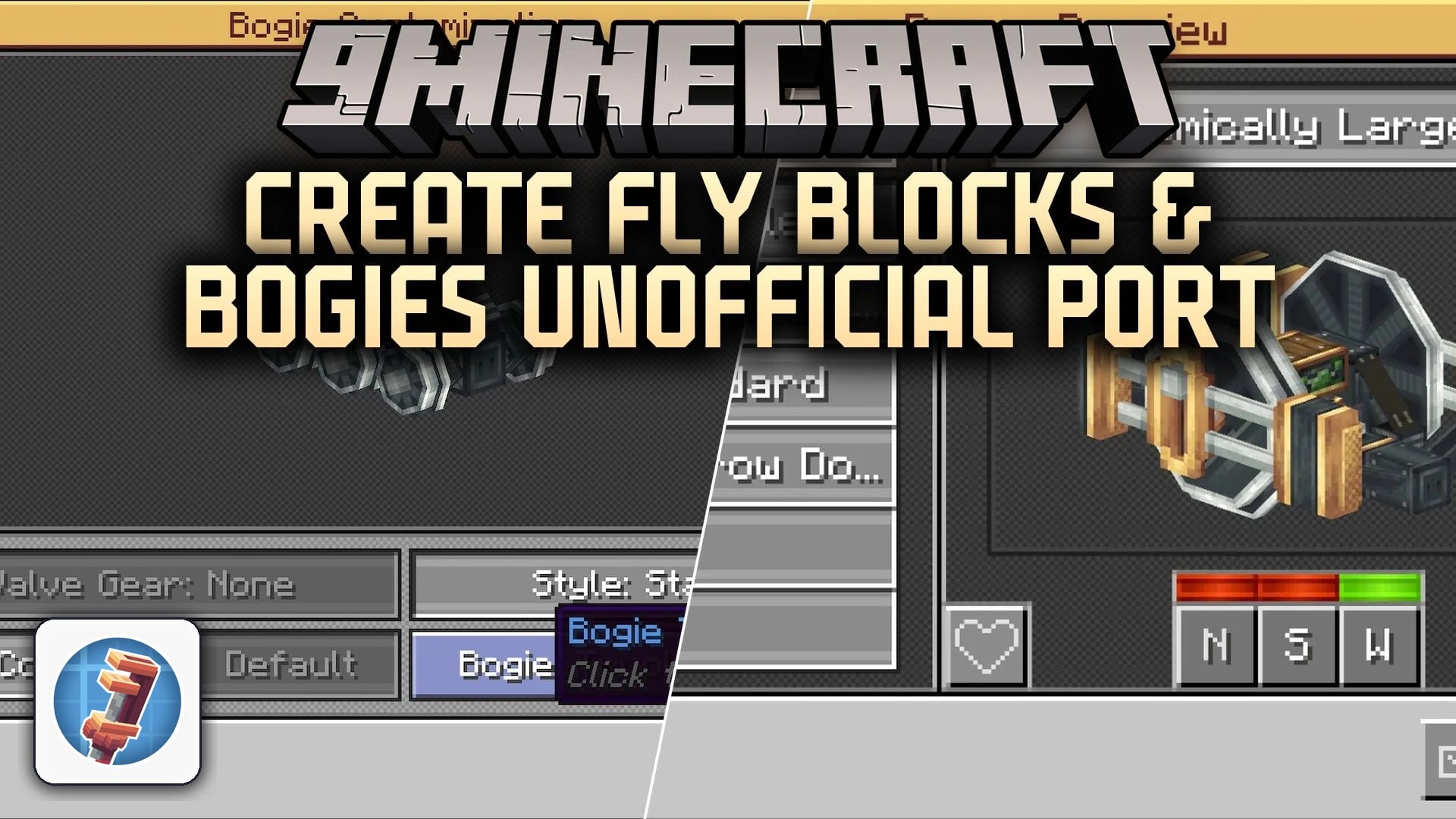
Create Fly Blocks & Bogies Unofficial Port Mod extends Create Fly with authentic locomotive wheels and train bogies. This mod brings steam locomotive driving wheels, trailing trucks, and valve gears directly to your train tracks. You can pick from multiple axle setups and wheel sizes using a built-in selection menu to build your own custom locomotives.
Features:
- Adds driving wheels with up to six axles for big steam engines.
- Includes trailing trucks and offset bogie designs in different sizes.
- Offers five valve gear choices to add mechanical detail to trains.
- Provides a handy menu screen to pick and change bogie styles easily.
- Features small, large, and extra-large rotatable bogie frames for all train sizes.
Screenshots:
Create Fly Blocks & Bogies Unofficial Port Mod Download Links
- Edition: Minecraft Java
- File type: .jar
- How to install: Install the matching mod loader (Forge, Fabric or NeoForge) for your Minecraft version. → Download the .jar. → Put it in the .minecraft/mods folder and launch that loader profile.
- Where to get it: In MC Java Mods, or directly above on this page.
Install steps are the general flow for this file type — How to install Minecraft Java mods & modpacks walks through it step by step.
- Downloads as 526866.mcaddon
- Download size: 2.5 MB
- Download link checked 15 Oct 2026 — working
- Mirrored on our own servers — the download does not depend on the original host
These come from our own check of the pack file, not from the source page.