
Fast Furnaces Lite | 10x Smelting
Bedrock add-on listed for Minecraft 26.x (behavior pack only). Installs from the MC Bedrock Mods app on Android.
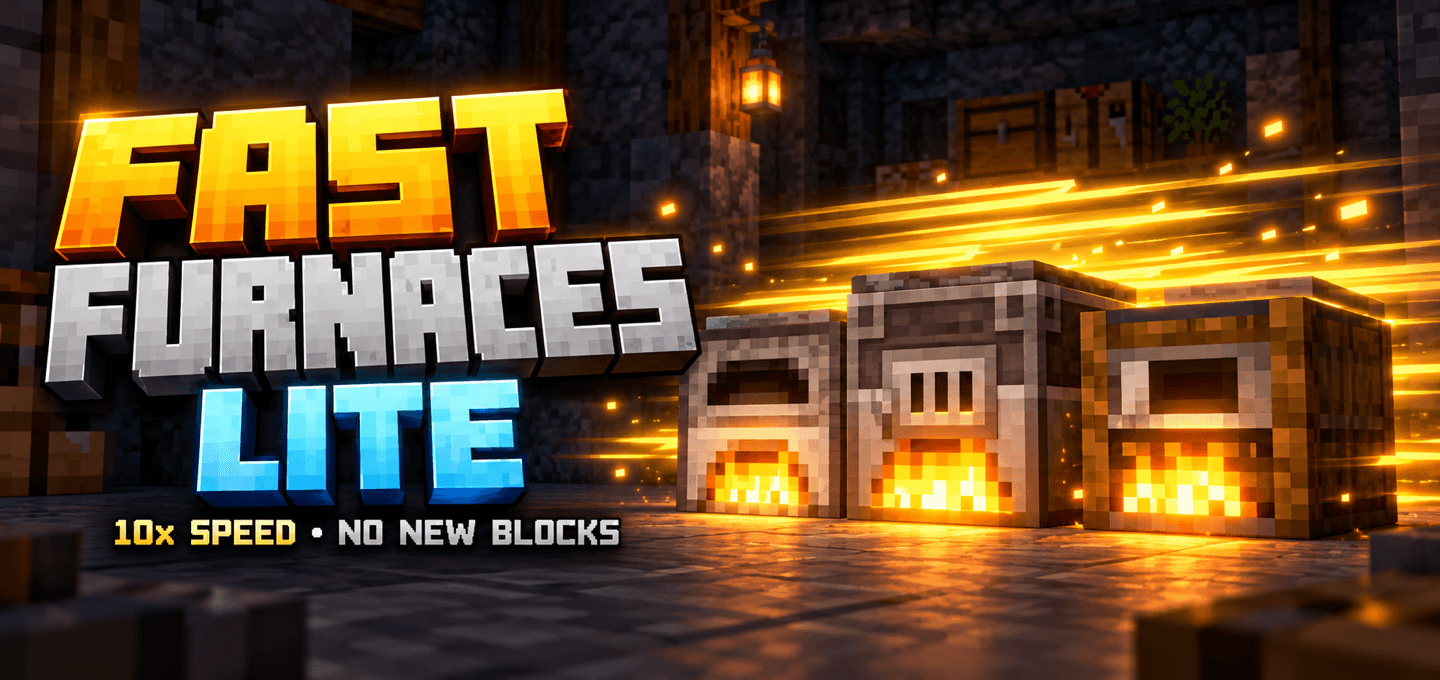
Speed up vanilla furnaces, smokers, and blast furnaces by 10x by default, with adjustable speed up to 20x and no new blocks.
⬇ Download on CurseForgeThe author built this one for Minecraft 26.50. On other versions it may install and then do nothing.
About
Spend less time waiting for ores to smelt and food to cook.
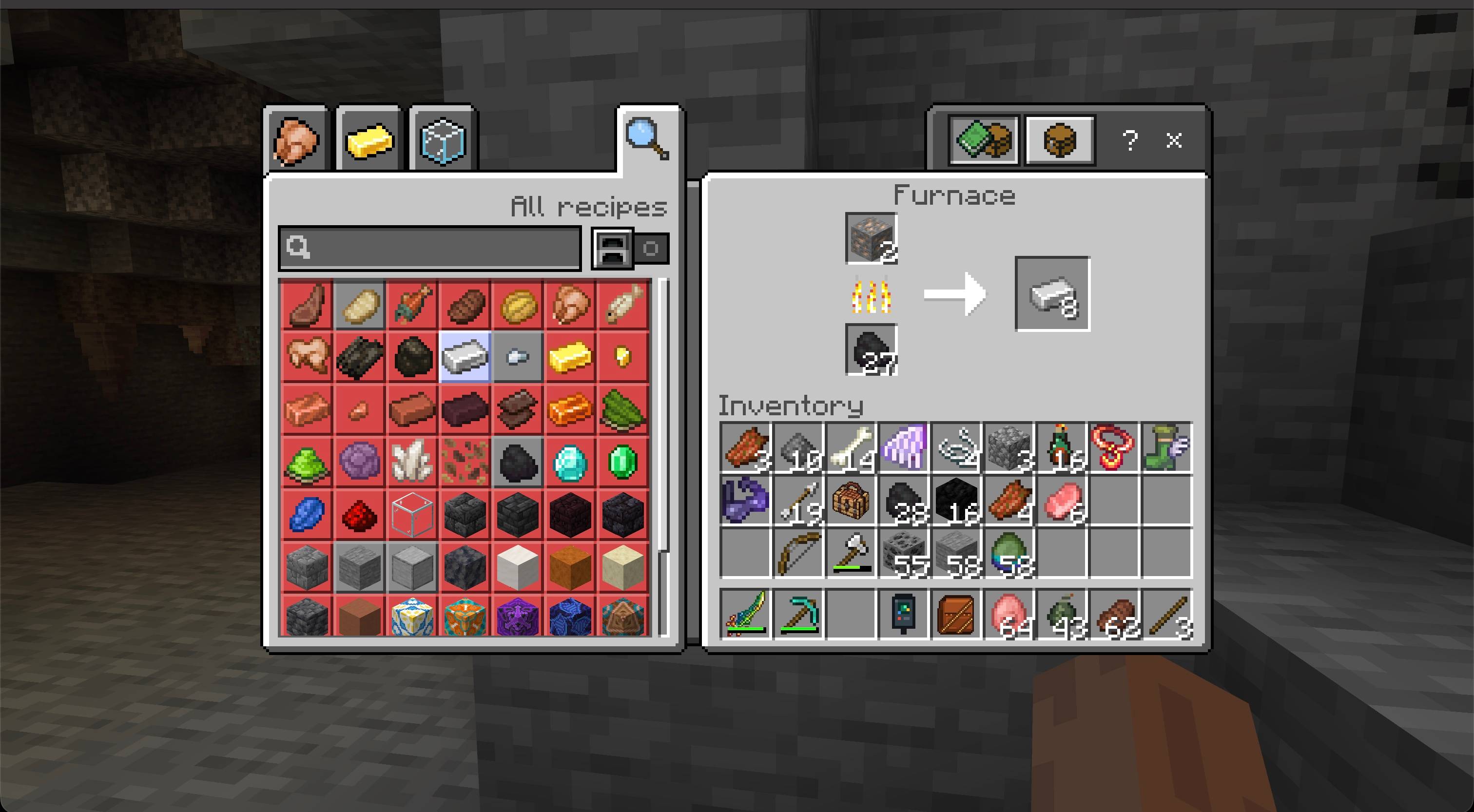
Fast Furnaces Lite speeds up your existing furnace, smoker, and blast furnace. Keep using their familiar blocks, recipes, and screens: no upgrades to craft and no new machines to build.
The default speed targets 10x normal throughput. During continuous operation, that means roughly one item per second in a furnace and two items per second in a smoker or blast furnace. World owners can adjust the speed up to 20x.
Features
- Three vanilla stations — ordinary furnaces, smokers, and blast furnaces.
- 10x speed by default — a noticeable boost for smelting and cooking.
- Adjustable from 1x to 20x — choose the pace for your world; 1x restores normal processing.
- More efficient fuel use — fuel burns for its normal duration while more items are processed.
- Familiar recipes — smokers still cook food, blast furnaces still process their supported materials, and ordinary furnaces handle their usual recipes.
- No new blocks or items — activate the Behavior Pack and use your existing furnaces.
- Saved world settings — your chosen speed stays after restarting the world.
How to use
- Import the
.mcaddonfile into Minecraft Bedrock. - Activate Fast Furnaces Lite under your world's Behavior Packs.
- Add a supported ingredient and fuel to a furnace, smoker, or blast furnace, then stay nearby while it works.
World owners/operators can change the speed with these commands:
/ff— check the current speed./ff 5— set 5x speed./ff 10— set the default 10x speed./ff 20— set the maximum 20x speed./ff 1— turn off extra processing.
Any whole-number speed from 1 to 20 is accepted. Settings apply to the whole world. The command requires operator permission but does not require cheats.
Notes
- Experience: extra processed items do not award XP. Only normal Minecraft smelting contributes furnace XP, so a stack can give less XP than it would without acceleration. This add-on is intended for faster production, not XP farming.
- Progress display: the vanilla progress arrow shows normal smelting progress and does not track the extra processing. Individual item timings can vary.
- Working range: acceleration works within 24 blocks horizontally and 16 blocks vertically of players, with up to 512 tracked furnaces across the world. Existing furnaces may take a few seconds to be detected. Outside this range, beyond the limit, or in unloaded chunks, furnaces receive no extra processing.
- Output space: extra processing pauses when the output slot is full or contains an incompatible item. Acceleration requires a burning furnace.
- Compatibility: supports vanilla smelting recipes. Recipes added or changed by other add-ons are not automatically supported and may conflict.
- Included stations: campfires, soul campfires, brewing stands, and other processing blocks are not included.
Requirements
- Minecraft Bedrock Edition 1.26.50 or newer
- Fast Furnaces Lite Behavior Pack active in the world
- No Resource Pack, external add-on dependency, or Beta APIs experiment required

- Edition: Minecraft Bedrock
- File type: .mcpack or .mcaddon
- Minecraft version listed: 26.50
- How to install: Download the .mcpack or .mcaddon file. → Open it — Minecraft imports it. → In your world: Behavior Packs → Available → Activate, then the same under Resource Packs.
- Where to get it: Opens on CurseForge — not every file is mirrored on our own servers.
Install steps are the general flow for this file type — How to install Minecraft Bedrock addons & mods walks through it step by step.
- Pack type: .mcaddon — behaviour and resource pack in one file
- Manifest requires Minecraft 1.26.50 or newer
- Complete pack — everything it depends on is inside the file
- Download size: 99 KB
- Download link checked 15 Oct 2026 — working
These come from our own check of the pack file, not from the source page.