ModsJava
Create Fly Bells Whistles Unofficial Port Mod (26.2, 26.1.2)
Minecraft Java mod. Downloads from the MC Java Mods app on Android.
⬇ Download


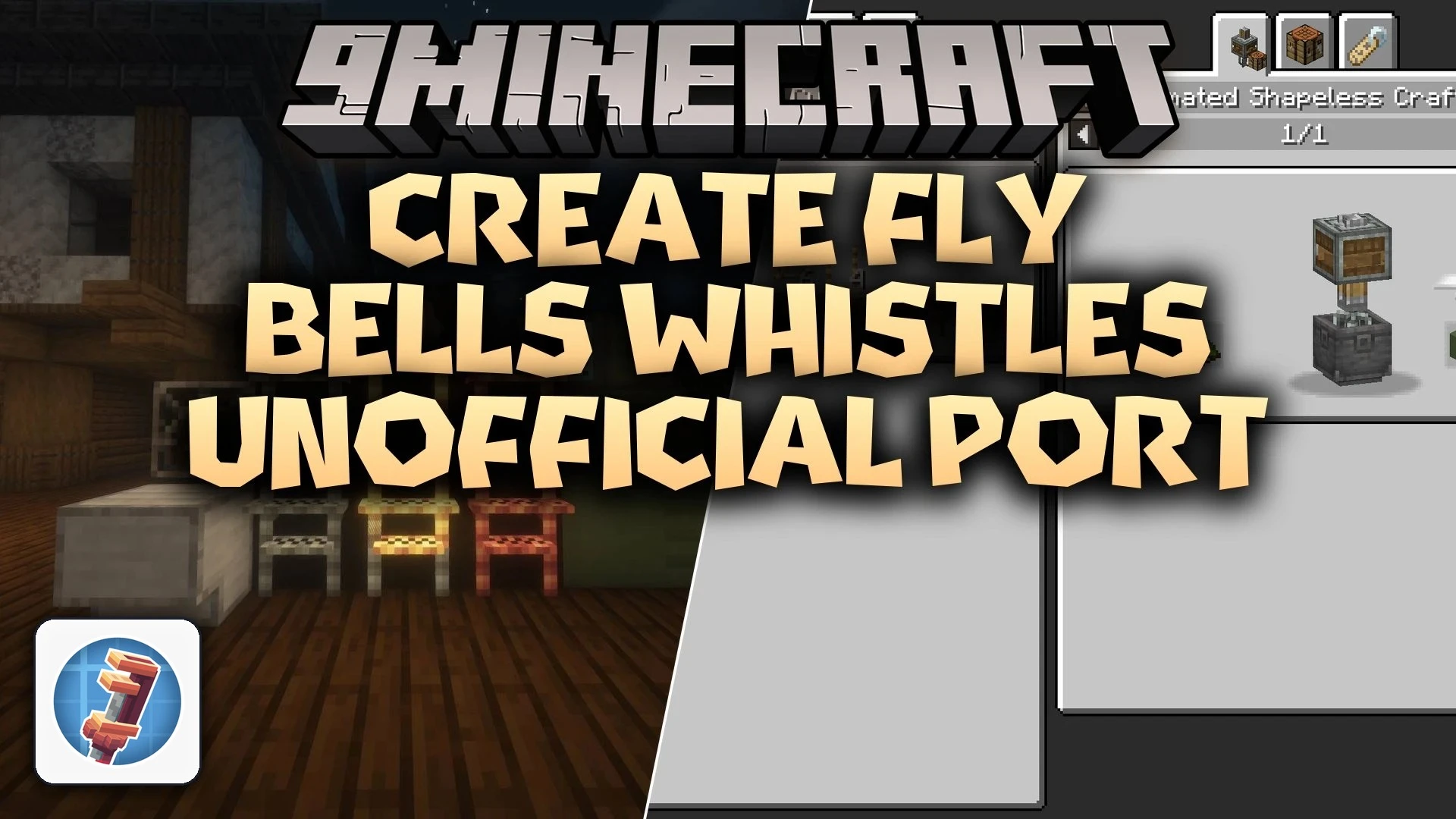
Create Fly Bells Whistles Unofficial Port Mod brings decorative train parts and station building blocks to Create Fly. This mod adds climbable grab bars, front headlights, train cowcatchers, and full metro station materials. It helps you customize your locomotives and build detailed railway hubs across your world.
Features:
- Adds climbable grab bars and steps made from andesite, brass, and copper.
- Includes bright headlights to place on the front of your locomotives.
- Offers cowcatcher pilots in 18 materials including plain metal, copper, brass, and Create polished stones.
- Provides door steps to finish the bottom edges of train doorways.
- Features the metro block set with casings, panels, windows, and ornate iron trapdoors.
- Adds dedicated station platform blocks for clean passenger stops.
- Includes recipe viewer compatibility for simple crafting lookups.
Train Details and Cowcatchers:
- Grab bars and steps you can climb up while boarding or working on cars.
- Pilots crafted from andesite, brass, copper, plain metal, and 14 polished stone types.
- Headlight blocks that mount directly to the front of engines.
- Door steps that sit below doorways for a clean finish.
Metro and Station Blocks:
- Metro casing and corrugated casing for modern builds.
- Metro panels and corrugated panels for vehicle walls.
- Metro windows and matching trapdoors for subway cars.
- Station platforms for constructing realistic passenger stops.
How to Use:
- Craft decorative train parts using your materials at a standard crafting table.
- Place grab bars and steps along the sides of train cars so you can climb onto them.
- Attach cowcatcher pilots to the front of your locomotive assembly.
- Build realistic train stops using station platform blocks alongside your tracks.
Screenshots:
Create Fly Bells Whistles Unofficial Port Mod Download Links
Quick facts
- Edition: Minecraft Java
- File type: .jar
- How to install: Install the matching mod loader (Forge, Fabric or NeoForge) for your Minecraft version. → Download the .jar. → Put it in the .minecraft/mods folder and launch that loader profile.
- Where to get it: In MC Java Mods, or directly above on this page.
Install steps are the general flow for this file type — How to install Minecraft Java mods & modpacks walks through it step by step.
File checked by MCModsHub
- Downloads as 527460.mcaddon
- Download size: 642 KB
- Download link checked 16 Oct 2026 — working
- Mirrored on our own servers — the download does not depend on the original host
These come from our own check of the pack file, not from the source page.