ModsJava
Wynn Craft Translate for Russia Mod (1.21.11) – Understand Quests in Russian
Java mod listed for Minecraft 1.21. Downloads from the MC Java Mods app on Android.
⬇ Download


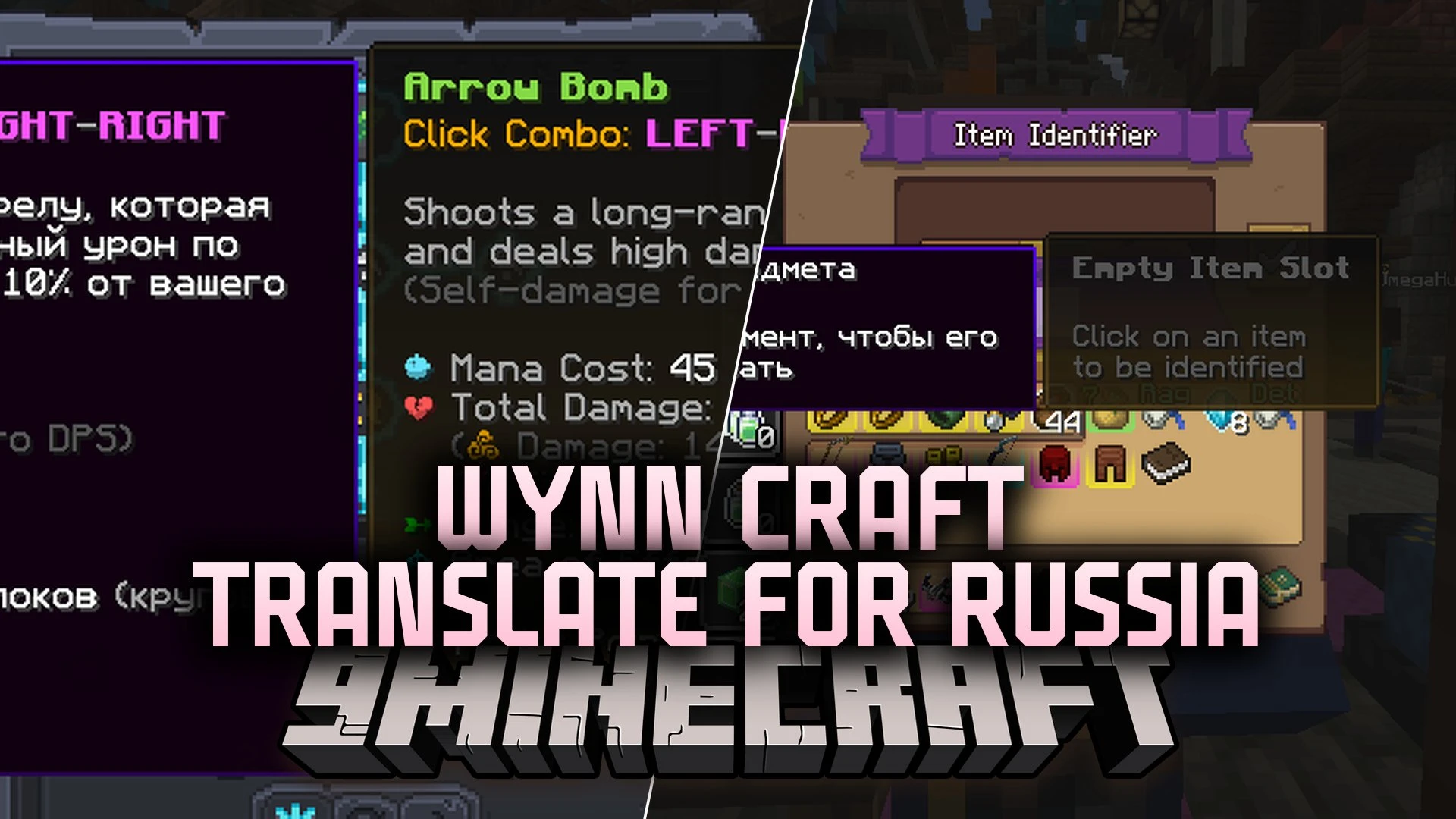
Wynn Craft Translate for Russia Mod translates text across the Wynncraft MMORPG server into Russian. It displays text overlays directly on your screen so you can read quests, item tooltips, and dialogues without changing original server mechanics. The mod automatically activates when you join the Wynncraft network and works both standalone or alongside Wynntils.
Features:
- Displays Russian text overlays for quests, item descriptions, and user interfaces on the Wynncraft server.
- Translates NPC conversation dialogues at the top center of your screen during chats.
- Shows translated quest objectives directly beside or below the quest tracker.
- Translates stats, names, and descriptions on item tooltips.
- Displays translated names and details inside the class Ability Tree.
- Translates merchant, identifier, and blacksmith NPC menus.
- Shows Russian descriptions inside the character menu for classes, professions, and player stats.
- Reads custom translation files from the config folder so you can edit text or add your own lines.
Configuration:
dialogues.json: stores NPC dialogue lines.quests.json: stores quest names and objective descriptions.items.json: stores names and lore for custom gear.skills.json: stores Ability Tree skill descriptions.npc_menus.json: stores text for NPC shop and service screens.character_info.json: stores profession and character statistic labels.
How to Use:
- Log into the Wynncraft server.
- The mod detects the server and automatically turns on translated overlays.
- Open your quest book or talk to an NPC to see translated text on your screen.
- Edit JSON files inside the
config/wynncraft_translator/folder to adjust specific text lines.
Screenshots:
Wynn Craft Translate for Russia Mod Download Links
Quick facts
- Edition: Minecraft Java
- File type: .jar
- Minecraft version listed: 1.21.11
- How to install: Install the matching mod loader (Forge, Fabric or NeoForge) for your Minecraft version. → Download the .jar. → Put it in the .minecraft/mods folder and launch that loader profile.
- Where to get it: In MC Java Mods, or directly above on this page.
Install steps are the general flow for this file type — How to install Minecraft Java mods & modpacks walks through it step by step.
File checked by MCModsHub
- Downloads as 527467.mcaddon
- Download size: 2.0 MB
- Download link checked 16 Oct 2026 — working
- Mirrored on our own servers — the download does not depend on the original host
These come from our own check of the pack file, not from the source page.
Related Java mods
1.20.1
Abyssal Ascent

1.20.1
Slighly Better MC

1.20.2
Invisible Minecarts (DataPack Library)

1.16.5
Arcreux - Enhanced Pixelmon

1.21.1
Create Aeronautics - Skybound