ModsJava
Refined Wireless Upgrades Mod (26.1.2, 1.20.1) – Never Run Out of Blocks
Java mod listed for Minecraft 1.20. Downloads from the MC Java Mods app on Android.
⬇ Download


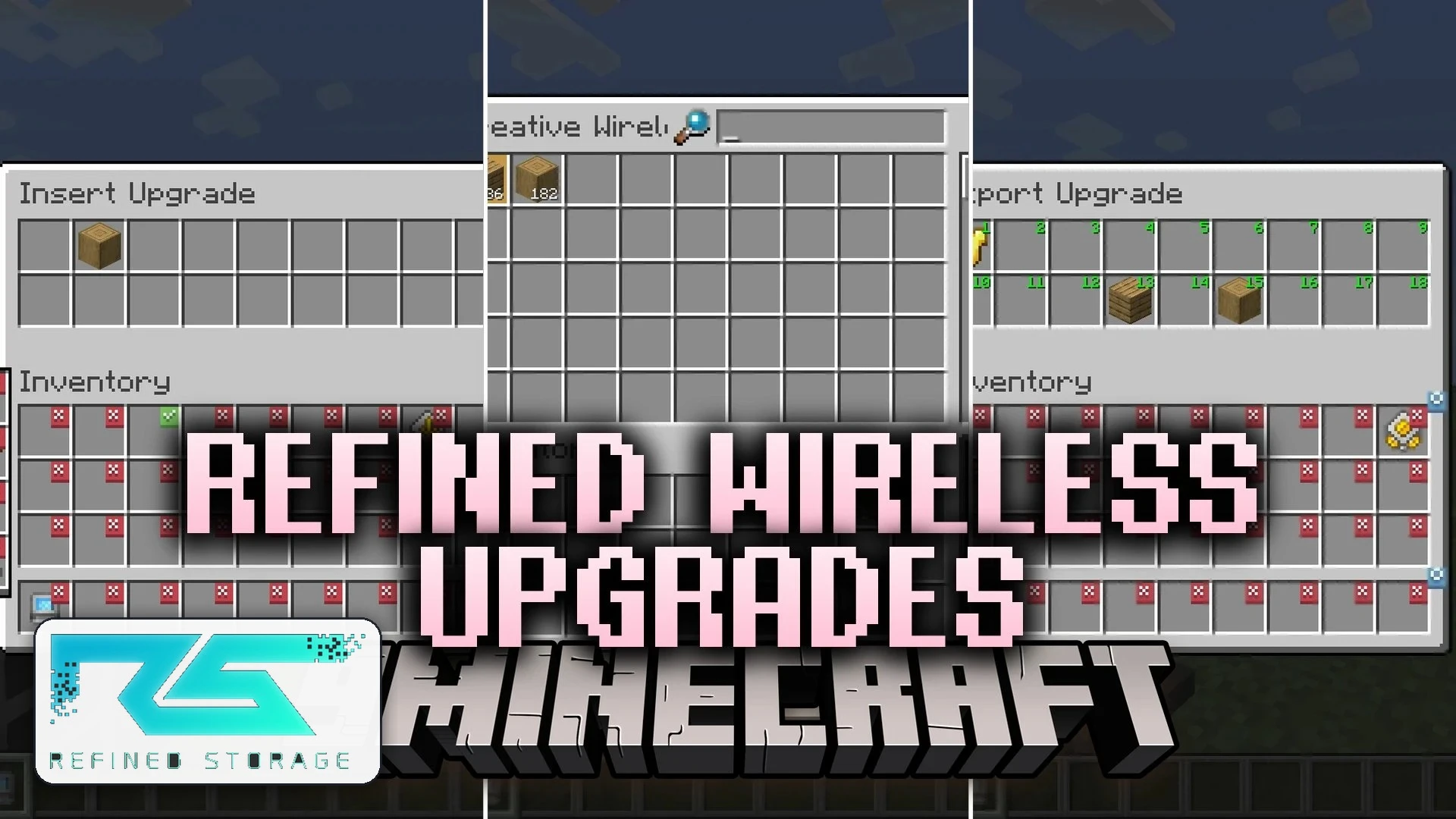
Refined Wireless Upgrades Mod extends Refined Storage with practical utility upgrades for your Wireless Grid. This mod allows you to automate moving items in and out of your digital network directly from your personal inventory. It also introduces features like wireless block picking, item collection magnets, and battery boosts so your grid stays powered during remote tasks.
Features:
- Adds an Insert Upgrade that transfers items from marked inventory slots directly into your storage network.
- Adds an Export Upgrade that automatically refills specified inventory slots with items pulled from your system.
- Includes a Block Picker Upgrade to pull target blocks from your network into your hands using the pick block key.
- Features a Magnet Upgrade that pulls nearby ground items directly into your inventory or network storage.
- Adds Energy Capacity Upgrades that increase the energy reserve of your Wireless Grid by 1,000 FE each.
- Offers checkmark-based inventory configuration menus inside the Wireless Grid screen.
- Provides whitelist and blacklist filtering options to control which items transfer.
- Allows you to install up to two energy upgrades on a single Wireless Grid.
How to Use:
- Open your Wireless Grid and place the upgrade card into the upgrade slot on the right.
- Click the button on the left side of the grid interface to open the upgrade settings.
- Click inventory slots to toggle checkmarks for items you want the card to manage.
- Aim at a block and press the Pick Block keybind to pull matching items from your system.
Screenshots:
Refined Wireless Upgrades Mod Download Links
Quick facts
- Edition: Minecraft Java
- File type: .jar
- Minecraft version listed: 1.20.1
- How to install: Install the matching mod loader (Forge, Fabric or NeoForge) for your Minecraft version. → Download the .jar. → Put it in the .minecraft/mods folder and launch that loader profile.
- Where to get it: In MC Java Mods, or directly above on this page.
Install steps are the general flow for this file type — How to install Minecraft Java mods & modpacks walks through it step by step.
File checked by MCModsHub
- Downloads as 527468.mcaddon
- Download size: 571 KB
- Download link checked 16 Oct 2026 — working
- Mirrored on our own servers — the download does not depend on the original host
These come from our own check of the pack file, not from the source page.