ModsJava
Tornado7 Mod (1.21.1, 1.20.1) – Survive Massive Twisters and Supercell Storms
Java mod listed for Minecraft 1.20–1.21. Downloads from the MC Java Mods app on Android.
⬇ Download


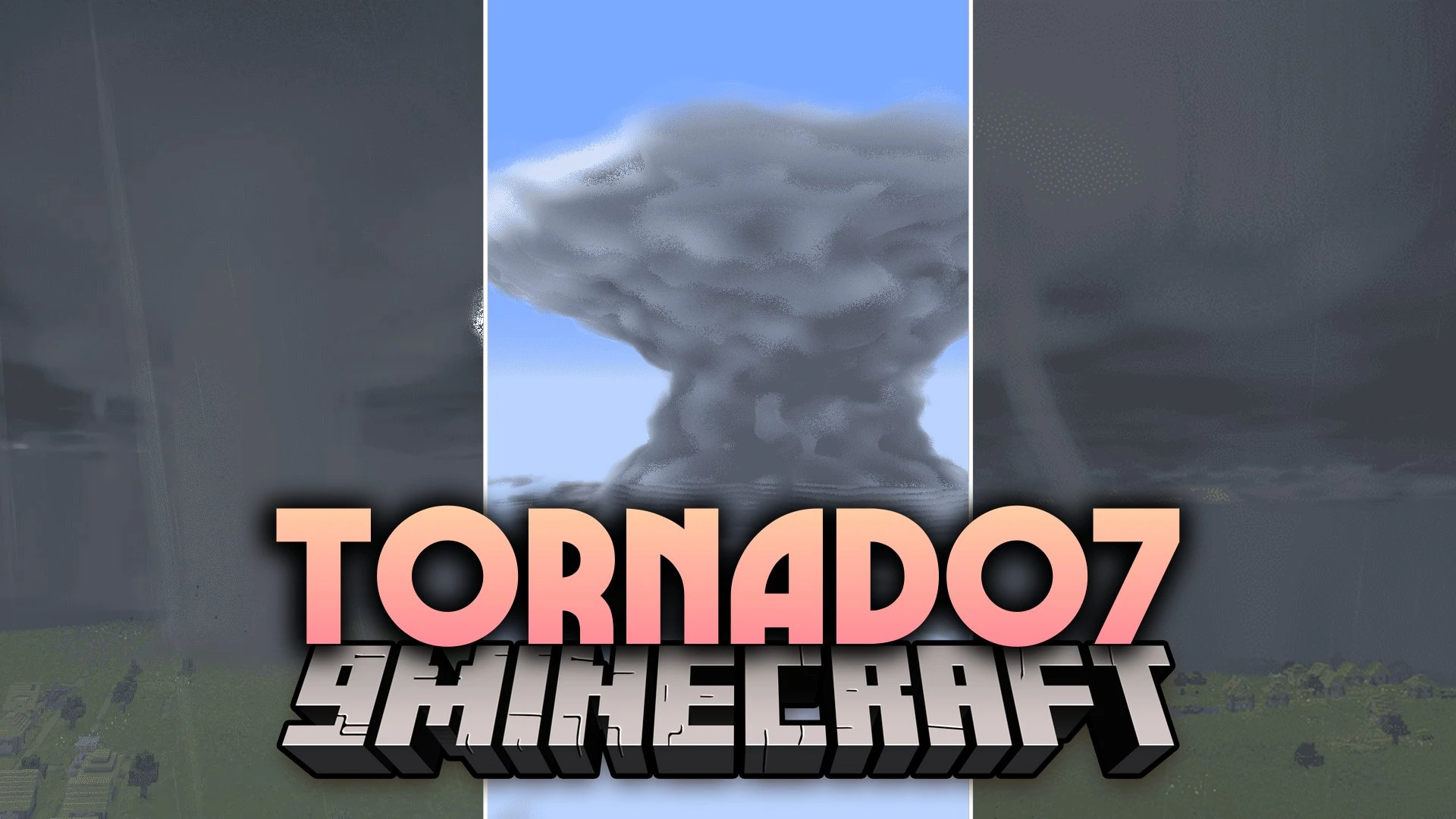
Tornado7 Mod brings realistic weather systems, dangerous tornadoes, and storm chasing tools to Minecraft. It replaces standard rain and thunder with full cloud physics, heavy supercells, and twisters ranging from small funnels up to massive EF6 storms. You can drive armored chase trucks, launch weather balloons, and read live radar maps to track severe weather across your world.
Features:
- Atmospheric Simulation: Generates real supercells, squall lines, and twisters using thermodynamic physics.
- Storm Chasing Fleet: Gives you nine drivable vehicles like the TIV2, Titus, and the DOW6 radar truck.
- Custom Vehicle Building: Turns your own block builds into working vehicles when you add seats and wheels.
- Includes 21 tornado shapes across EF0 to EF6 ratings, including ropes, cones, and wide wedges.
- Packs volumetric shader clouds with 10 cloud types, hail, heavy rain fog, and bright lightning.
- Offers three simulation settings ranging from arcade action to deep mesoscale physics.
- Equips you with field tools like laptops, thermometers, hygrometers, FPV drones, and weather radios.
- Lets you deploy TOTO and Vortex2 style probes directly into the path of incoming winds.
- Features an Atmosphere Sandbox block to set custom temperatures, shear, and front lines.
- Contains crafting recipes for survival mode gameplay.
Meteorology Equipment:
- Radar Laptop: Displays live storm data with four scan modes.
- Weather Balloon: Measures atmospheric soundings high above the ground.
- Deployable Probes: Collect wind speed data right inside the funnel.
- Weather Radio: Broadcasts automatic storm watches and tornado warnings.
Interceptor Vehicles:
- Ready-made trucks: Drive classic storm chasers like TIV1, TIV2, Scout, Titus, and Dominator models.
- DOW6 Truck: Functions as a mobile radar station to track storms on the move.
- Hydraulic anchors: Lower spikes and drop the vehicle frame to stay grounded in high winds.
Commands:
/t7m spawn tornado: Spawns a tornado of the chosen rating./t7m spawn tornado <ef> <shape>: Spawns a tornado with a specific funnel shape./t7m spawn supercell: Spawns a supercell storm cloud./t7m spawn dust_devil: Spawns a fair-weather dust whirl./t7m summon spawn tornado <width> <windspeed>: Spawns a custom tornado using exact size and wind numbers./t7m stop all: Removes all active tornadoes in the world./t7m stop nearest: Removes the closest tornado./t7m playertornado <ef>: Transforms the player into a spinning tornado./t7m cloud <genus>: Forces a specific cloud type into the sky./t7m weather: Displays atmospheric data for your current location./t7m radio: Triggers a test alert on the weather radio.
How to Use:
- Look at an interceptor vehicle and press E to get inside the driver seat.
- Drive toward an active storm and press H to lower the hydraulic armor frame.
- Press V to drive the ground spikes into the dirt and anchor the truck in place.
- Deploy your measurement probes on the ground and press R to scan the wind speeds.
- Open the radar laptop and press 1, 2, 3, or 4 to switch between radar scan products.
- Press Shift to exit the vehicle once the storm passes.
Screenshots:
Tornado7 Mod Download Links
Quick facts
- Edition: Minecraft Java
- File type: .jar
- Minecraft versions listed: 1.21.1, 1.20.1
- How to install: Install the matching mod loader (Forge, Fabric or NeoForge) for your Minecraft version. → Download the .jar. → Put it in the .minecraft/mods folder and launch that loader profile.
- Where to get it: In MC Java Mods, or directly above on this page.
Install steps are the general flow for this file type — How to install Minecraft Java mods & modpacks walks through it step by step.
File checked by MCModsHub
- Downloads as 527469.mcaddon
- Download size: 67.3 MB
- Download link checked 16 Oct 2026 — working
- Mirrored on our own servers — the download does not depend on the original host
These come from our own check of the pack file, not from the source page.