ModsJava
One Block Server Datapack Own Island Per Player Mod (26.3)
Minecraft Java mod. Downloads from the MC Java Mods app on Android.
⬇ Download


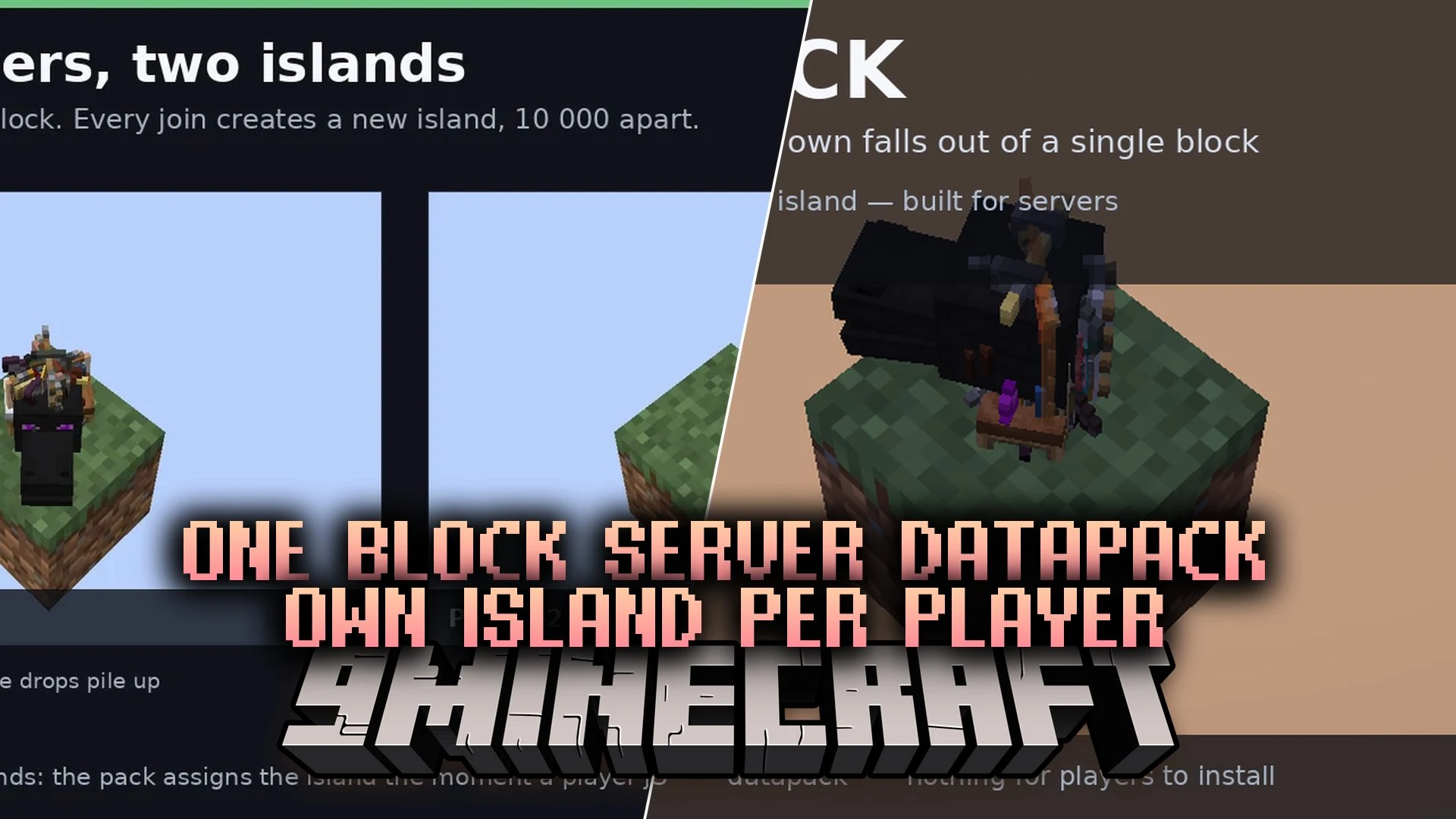
One Block Server Datapack Own Island Per Player Mod drops you onto a single grass block floating in an empty void. Every player who joins your server gets their own separate island ten thousand blocks away automatically. Items drop from your block every few seconds so you can slowly collect materials, craft tools, and expand your floating home. If you slip and fall off your platform, the mod teleports you safely back to your island.
Features:
- Separate Islands: Gives each new player their own starter block ten thousand blocks away from others.
- Random Item Drops: Drops a fresh item directly onto your block every three seconds.
- Void Safety: Teleports you back onto your island whenever you fall into the void.
- Pulls items from a pool of over fifteen hundred items.
- Excludes unwanted items like bedrock, barrier blocks, command blocks, and spawn eggs.
- Allows server owners to switch to a single shared island using one scoreboard setting.
- Lets you speed up or slow down how quickly items drop onto your block.
Commands:
/scoreboard players set #interval ob <ticks>: Sets the drop interval time in game ticks./scoreboard players set #spacing ob 10000: Sets the distance between player islands in blocks./scoreboard players set #spacing ob 0: Puts all players onto one single shared island.
How to Use:
- Create a brand new world so the custom void generation can load properly.
- Join the world to automatically receive your starter grass block in the empty void.
- Collect random items as they appear on your block every few seconds.
- Use your gathered materials to craft tools and expand your floating base.
- Fall off the edge without worry since the mod teleports you right back up.
Screenshots:
One Block Server Datapack Own Island Per Player Mod Download Links
Quick facts
- Edition: Minecraft Java
- File type: .jar
- How to install: Install the matching mod loader (Forge, Fabric or NeoForge) for your Minecraft version. → Download the .jar. → Put it in the .minecraft/mods folder and launch that loader profile.
- Where to get it: In MC Java Mods, or directly above on this page.
Install steps are the general flow for this file type — How to install Minecraft Java mods & modpacks walks through it step by step.
File checked by MCModsHub
- Downloads as 527471.mcaddon
- Download size: 13 KB
- Download link checked 16 Oct 2026 — working
- Mirrored on our own servers — the download does not depend on the original host
These come from our own check of the pack file, not from the source page.