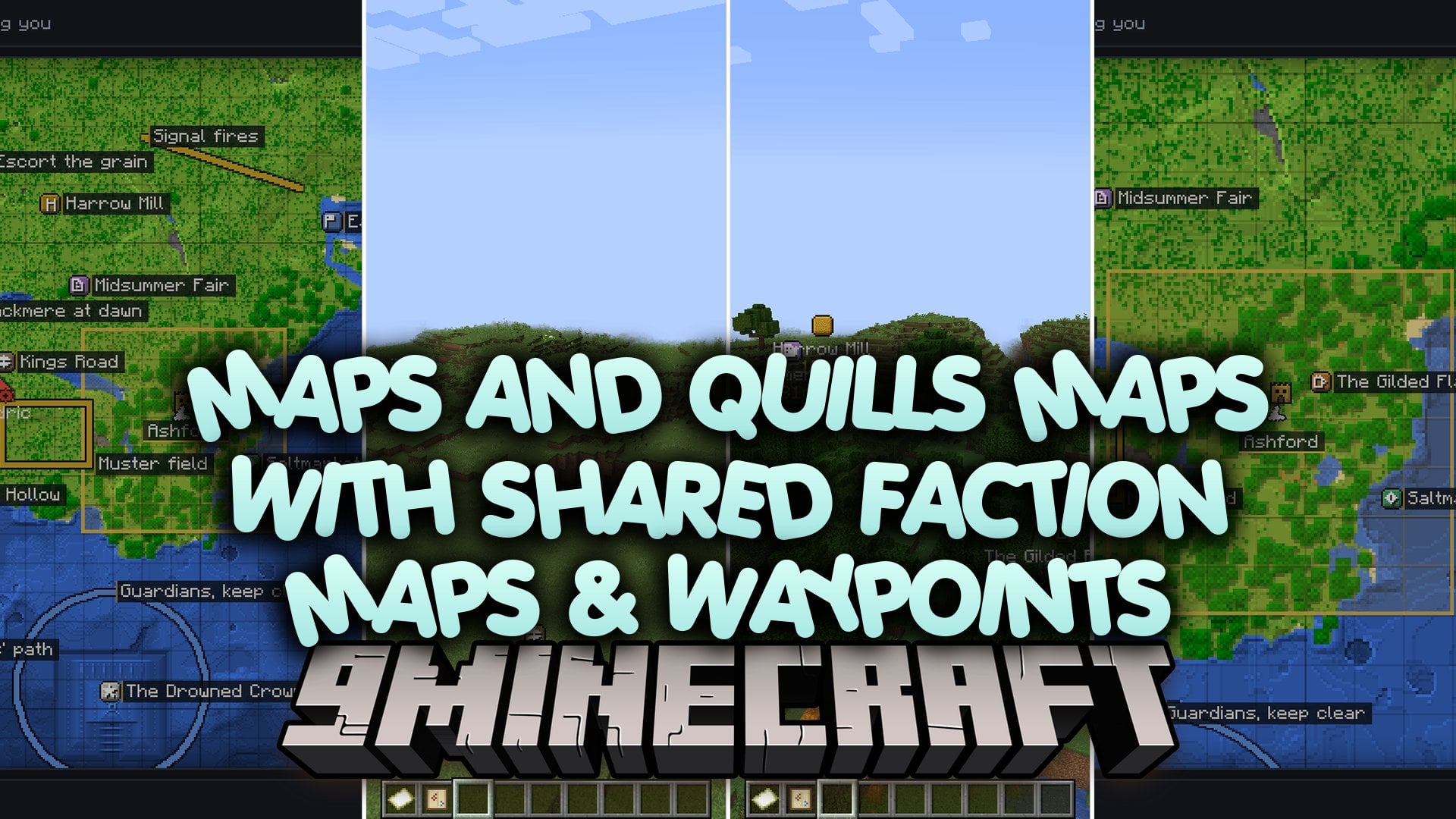
Maps and Quills Maps with Shared Faction Maps & Waypoints Mod (1.21.1)
Java mod listed for Minecraft 1.21. Downloads from the MC Java Mods app on Android.
Maps and Quills Maps with Shared Faction Maps & Waypoints Mod links team members together through a single shared navigation screen. Any mark, path, or…
⬇ Download


Maps and Quills Maps with Shared Faction Maps & Waypoints Mod links team members together through a single shared navigation screen. Any mark, path, or outpost pinned to the parchment appears on the minimaps and screens of your allies. Server-side storage keeps every marker safe from accidental resets, so clan plans remain intact across client updates. You can mark enemy bases, coordinate supply routes, and ping tactical targets in real time.
Features:
- Shared Team Navigation: Links all faction members to one common map displaying base locations, route arrows, and pinned places.
- Server-Side Storage: Saves all map marks, waypoints, and drawings directly in the server world save to prevent data loss.
- Hotbar Activation: Turns on the minimap, world beacons, and markers as long as you hold a Faction Map in your hotbar.
- Tactical Ping Wheel: Lets players middle-click to alert clan mates to points of interest, danger spots, or supply drops.
- Draw and Plan: Gives you eight editing tools like arrows, boxes, and freehand pens to outline battle plans directly over world coordinates.
- Web Map Support: Generates temporary browser links so players can inspect server territories outside the game.
- Shows floating waypoint beacons out in the world with distance numbers and custom icons.
- Supports different waypoint categories including taverns, shops, roads, quests, and hazard zones.
- Separates visibility settings so notes can stay private, show to the faction, or go to admins for server-wide approval.
- Tracks distinct maps across the Overworld, the Nether, and the End.
- Displays territorial boundaries from claim systems like Easy Factions and MineColonies.
- Filters hidden tactical markers on the server side so unauthorized clients cannot see secret plans.
Drawing Tools:
- P: Place a named marker on the terrain.
- T: Write text notes directly onto the ground.
- L: Draw straight lines between two points.
- A: Draw directional arrows to show movement routes.
- B: Form rectangular boxes over areas.
- O: Create circular boundaries from a central point.
- F: Draw freehand sketches on the terrain.
- E: Erase selected marks with a single click.
Commands:
/maq share <faction>: shares your faction waypoints, plans, and drawings with an allied faction./maq unshare <faction>: revokes map access from the specified faction./maq share: lists who your faction shares with and who shares with you./maq mute <player>: blocks ping notifications sent by the chosen player./maq map: creates a temporary browser link to view your map online./maq map revoke: cancels active web map browser links./maq pending: opens the moderation queue for submitted public map pins./maq approve <id>: approves a submitted marker for everyone to see./maq reject <id> [reason]: denies a submitted marker from the queue.
How to Use:
- Craft a Faction Map using any normal map item at a crafting table.
- Place the Faction Map inside your active hotbar to activate the on-screen minimap and world markers.
- Right-click while holding the item or press M to open the full map interface.
- Press P to set down a waypoint or press the assigned mark key to label your current block.
- Click middle-mouse to ping a block or hold it down to pick an alert from the radial wheel.
Screenshots:

Maps and Quills Maps with Shared Faction Maps & Waypoints Mod Download Links
- Edition: Minecraft Java
- File type: .jar
- Minecraft version listed: 1.21.1
- How to install: Install the matching mod loader (Forge, Fabric or NeoForge) for your Minecraft version. → Download the .jar. → Put it in the .minecraft/mods folder and launch that loader profile.
- Where to get it: In MC Java Mods, or directly above on this page.
Install steps are the general flow for this file type — How to install Minecraft Java mods & modpacks walks through it step by step.
- Downloads as 527505.mcaddon
- Download size: 359 KB
- Download link checked 16 Oct 2026 — working
- Mirrored on our own servers — the download does not depend on the original host
These come from our own check of the pack file, not from the source page.