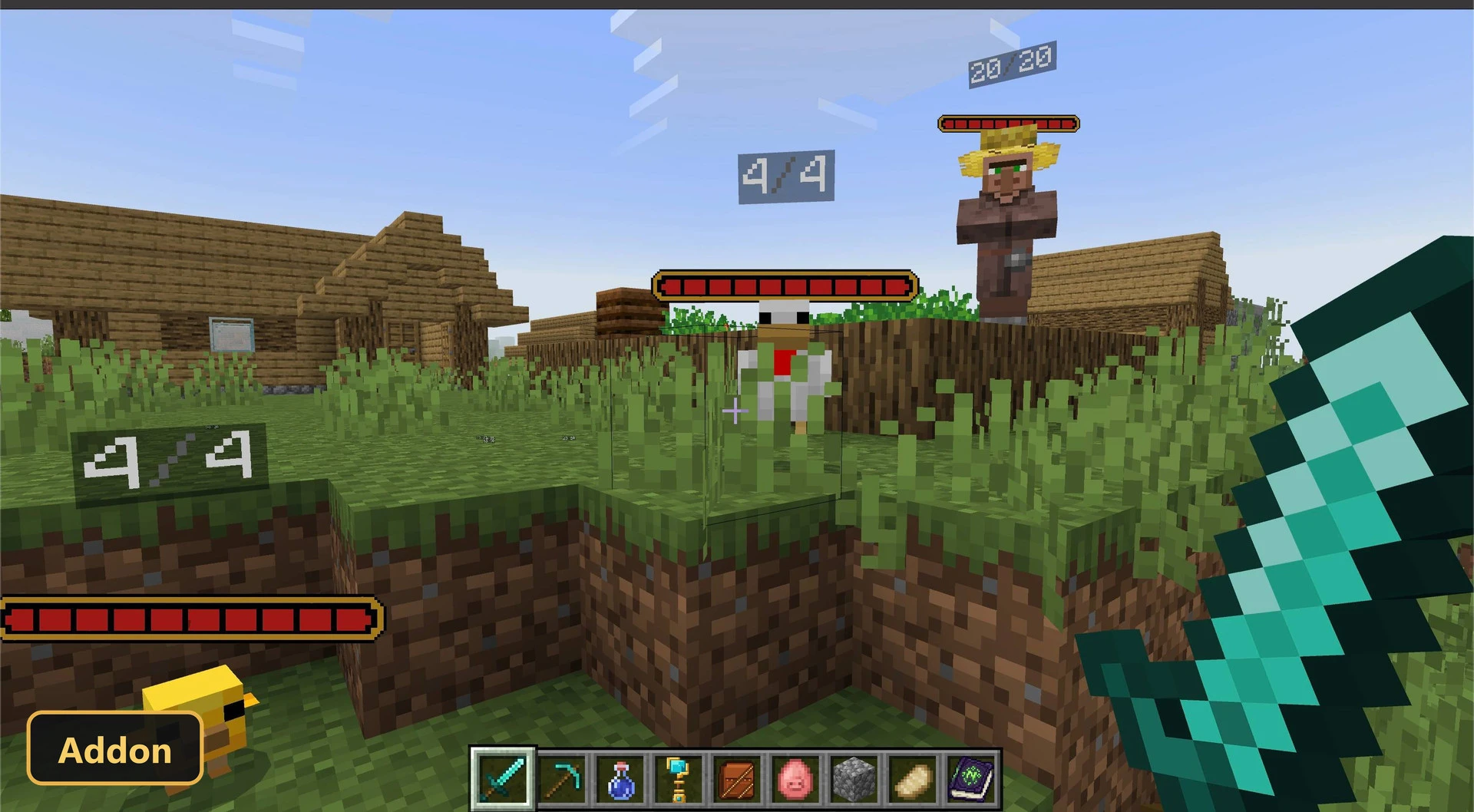
Health Bars (26+) – MCPE/Bedrock Addon
Bedrock add-on listed for Minecraft 26.x (behavior + resource pack). File opened and checked on 16 Oct 2026; installs from the MC Bedrock Mods app on Android.
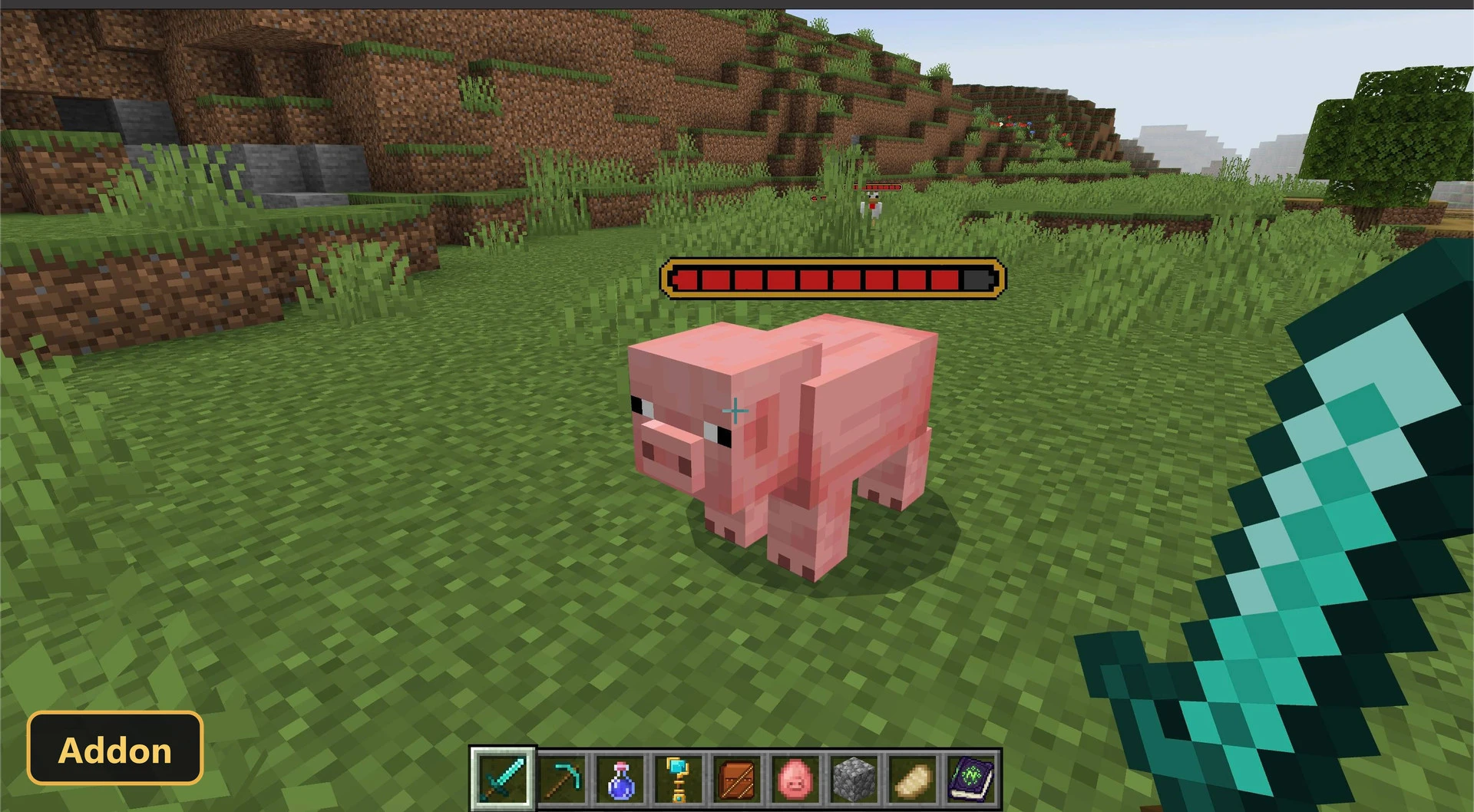
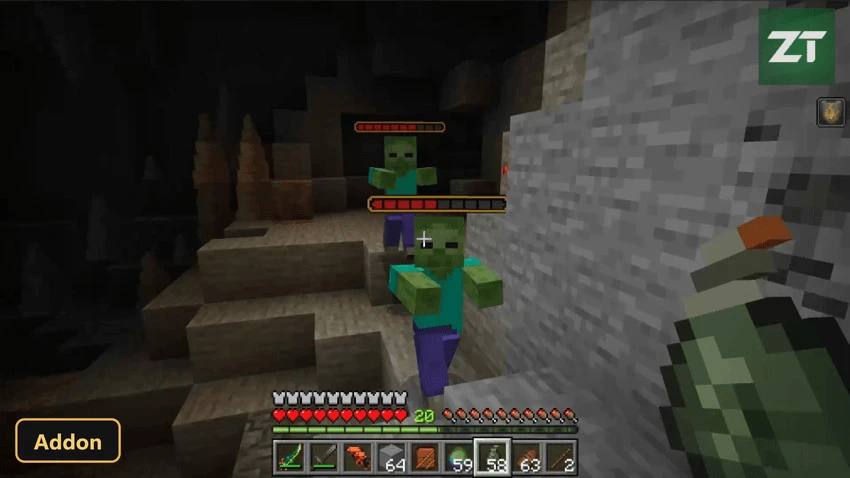
A pixel-art health bar appears above a mob's head after it takes damage with Health Bars, an add-on that makes fights easier to read.
⬇ Download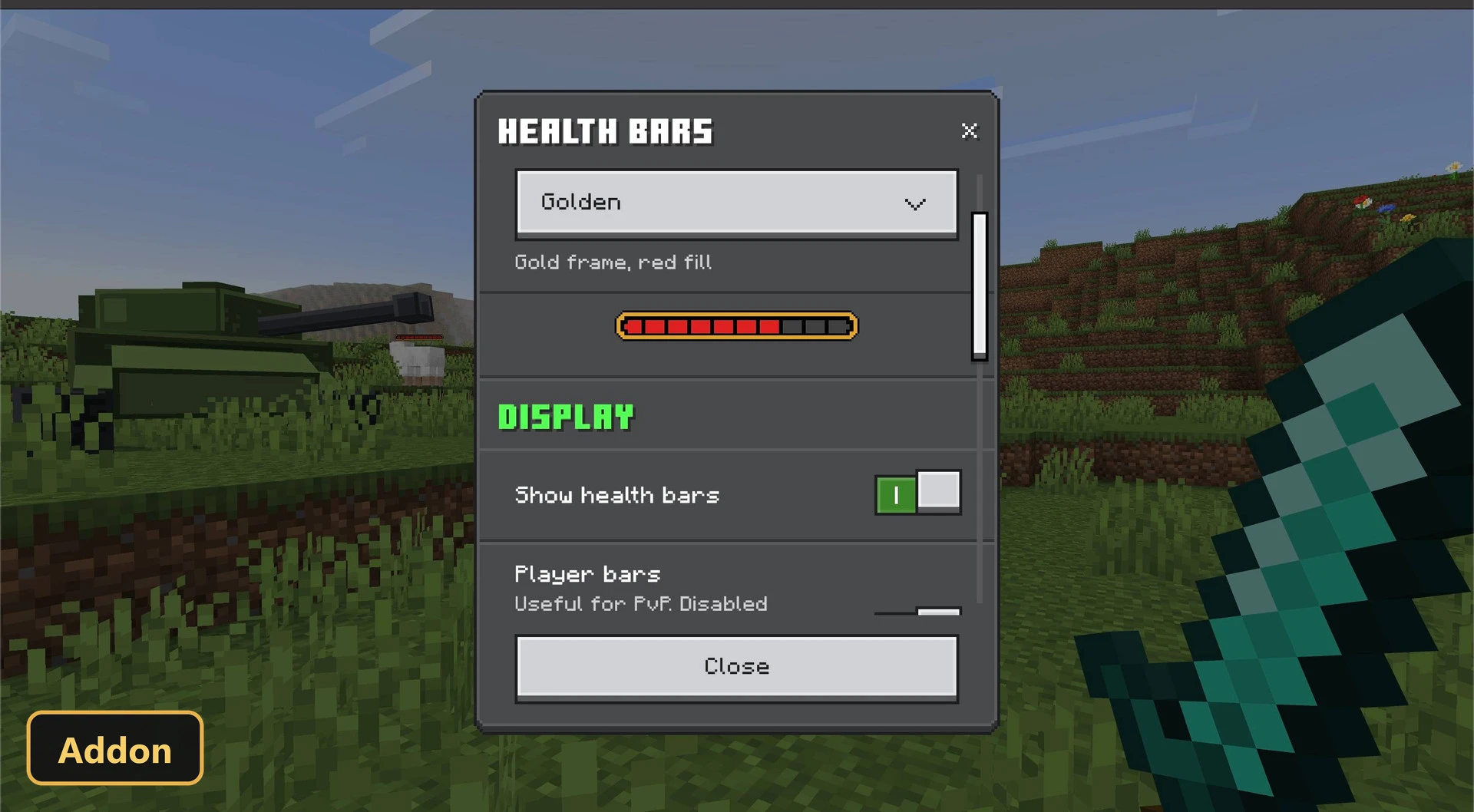
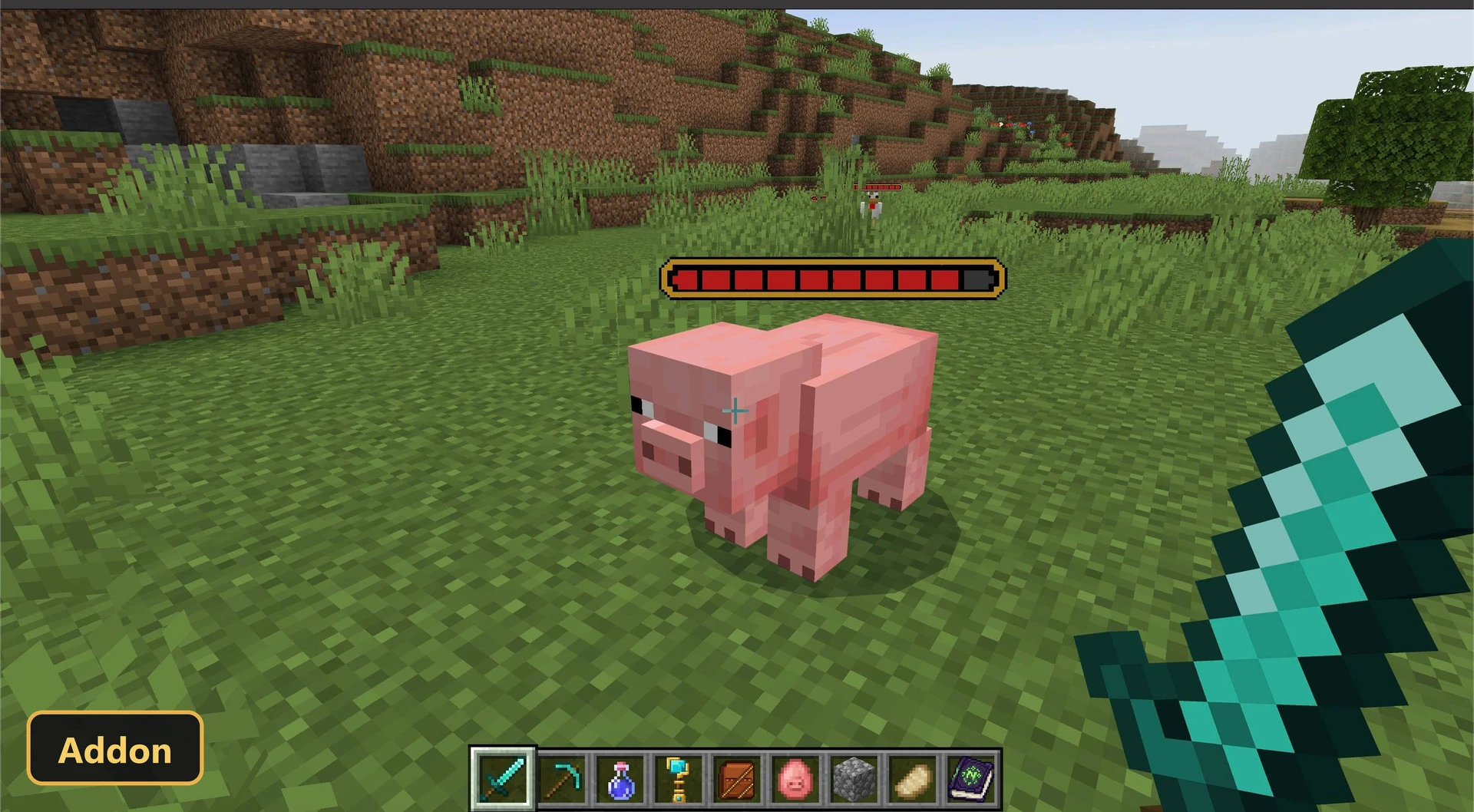
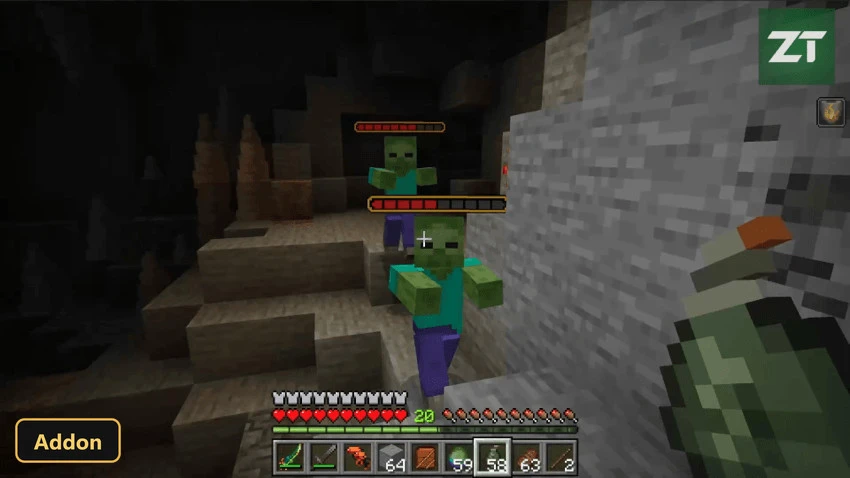
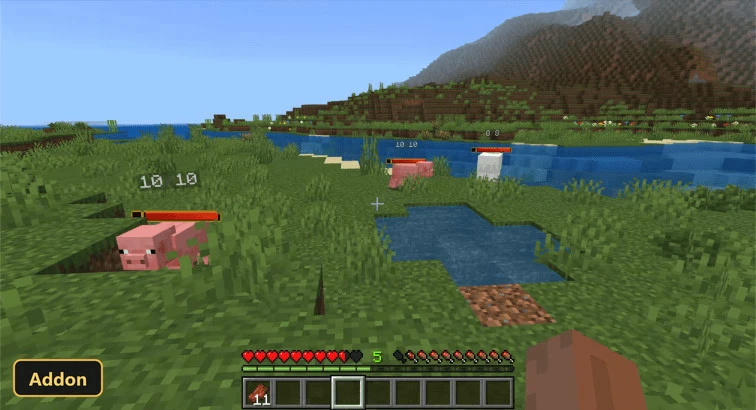
A pixel-art health bar appears above a mob’s head after it takes damage with Health Bars, an add-on that makes fights easier to read. Experimental Features, specifically the scripting APIs, must be enabled in the world settings.
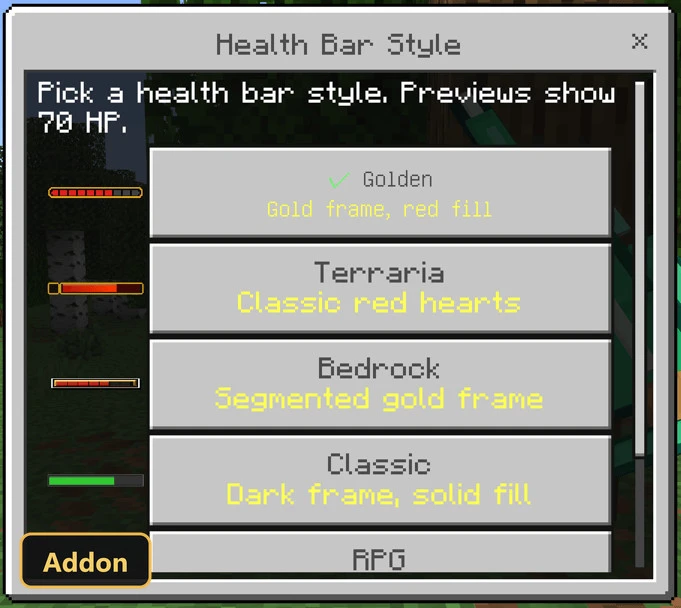
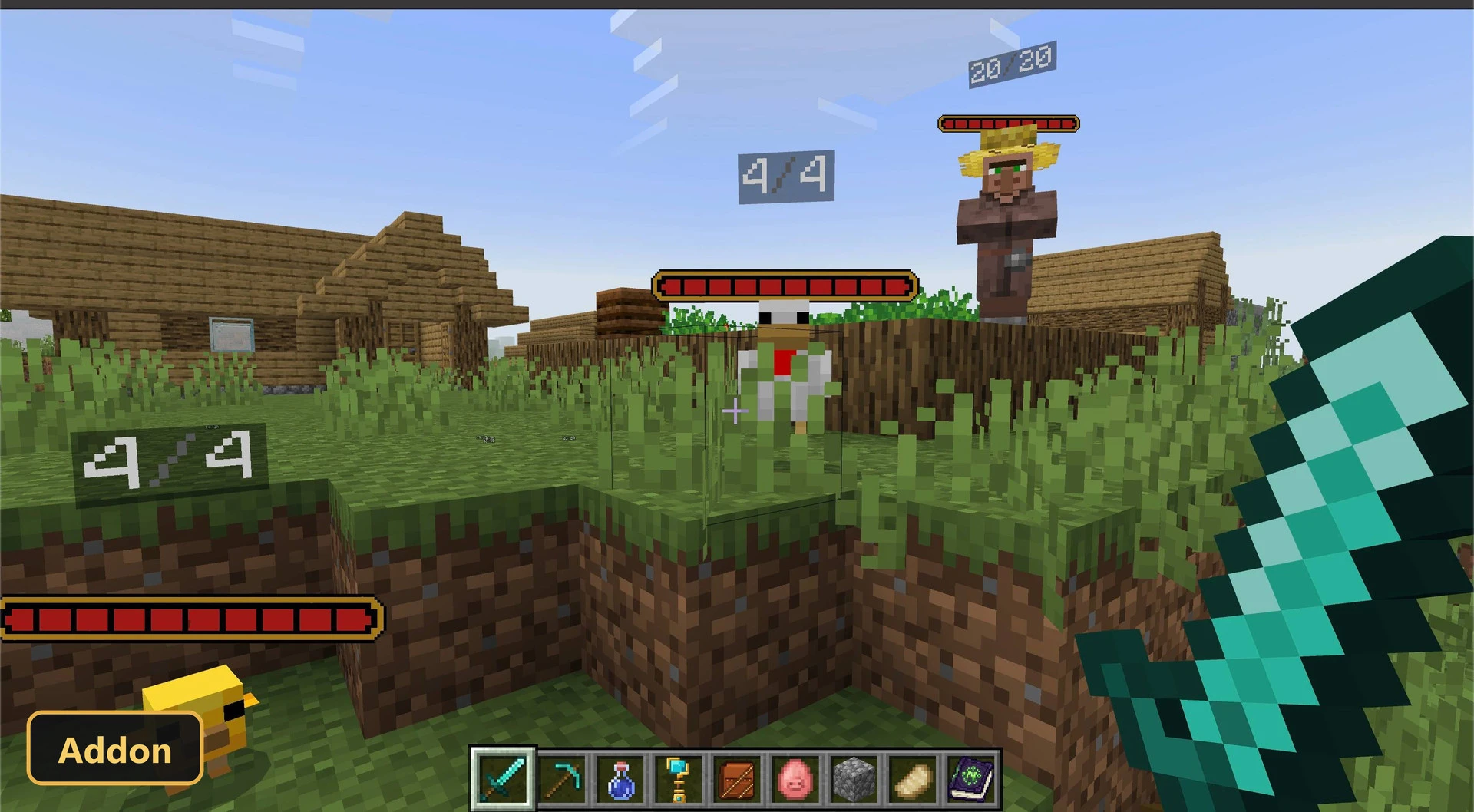
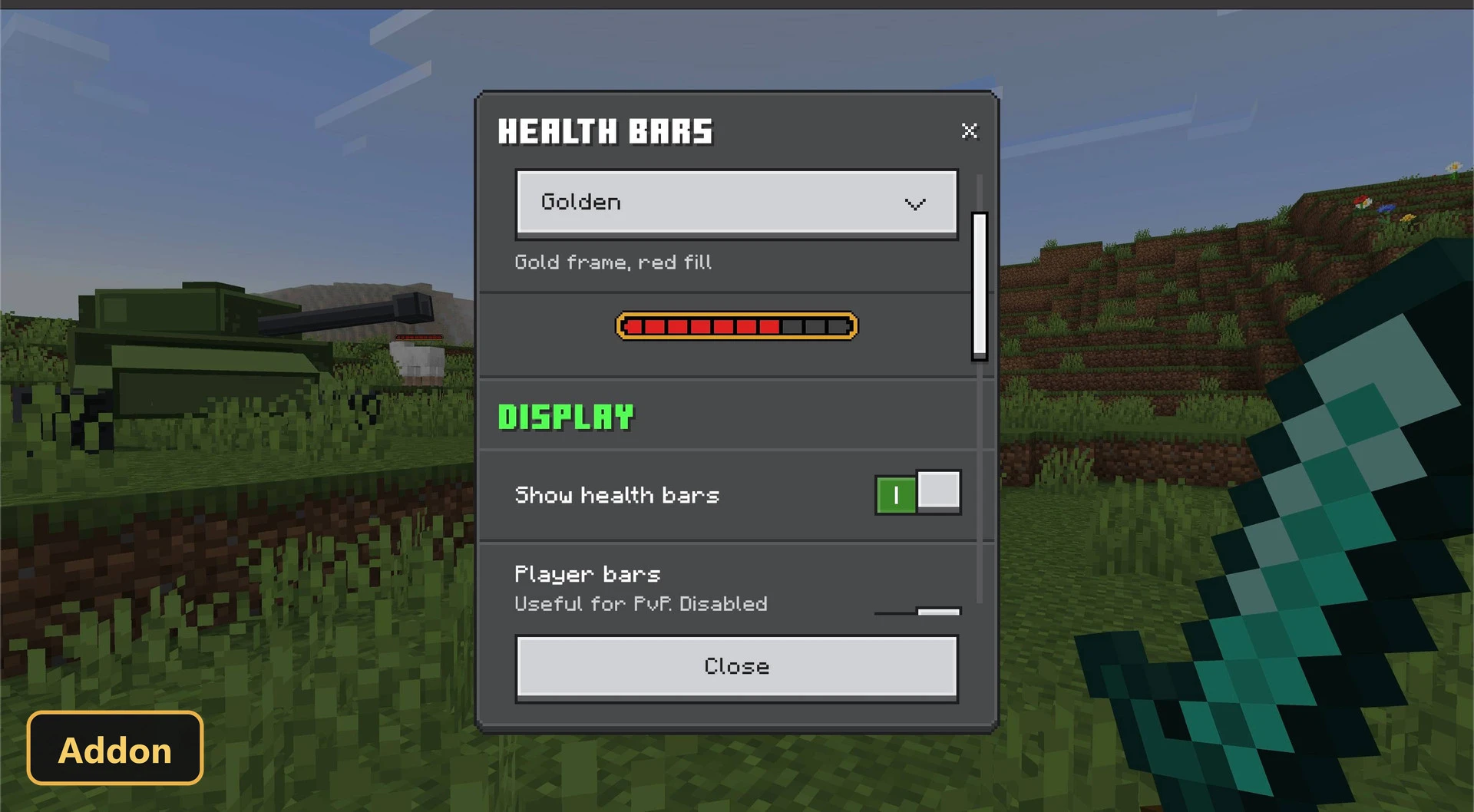
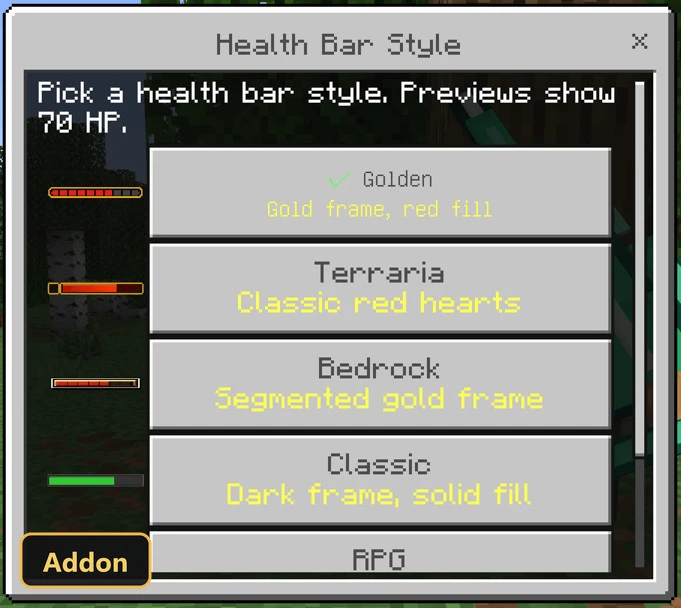
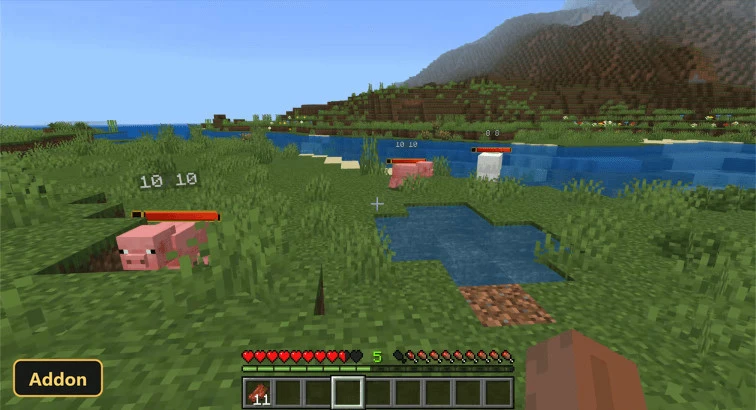
The bars adjust as the creature takes more damage and fade after a customizable delay. Four styles are available: Golden, Simple, Classic and RPG. Players can show exact current and maximum hit points, and health bars for other players can be turned on for PvP or multiplayer, though that is off by default. The default on-hit mode keeps the screen clean, while an always-visible mode is available. Settings open from an in-game menu through a command, with live previews, and changes save automatically in Minecraft Bedrock.
Requirements:
- MCPE/Bedrock 26.50
- Turn on Experimental Features — this addon uses scripting APIs
Features:
- Health Bar
Screenshots:
- Edition: Minecraft Bedrock
- File type: .mcpack or .mcaddon
- How to install: Download the .mcpack or .mcaddon file. → Open it — Minecraft imports it. → In your world: Behavior Packs → Available → Activate, then the same under Resource Packs.
- Where to get it: In MCModsHub, or directly above on this page.
Install steps are the general flow for this file type — How to install Minecraft Bedrock addons & mods walks through it step by step.
- Pack type: .mcaddon — behaviour and resource pack in one file
- Manifest requires Minecraft 1.26.50 or newer
- Complete pack — everything it depends on is inside the file
- Download size: 182 KB
- Download link checked 16 Oct 2026 — working
- Mirrored on our own servers — the download does not depend on the original host
These come from our own check of the pack file, not from the source page.