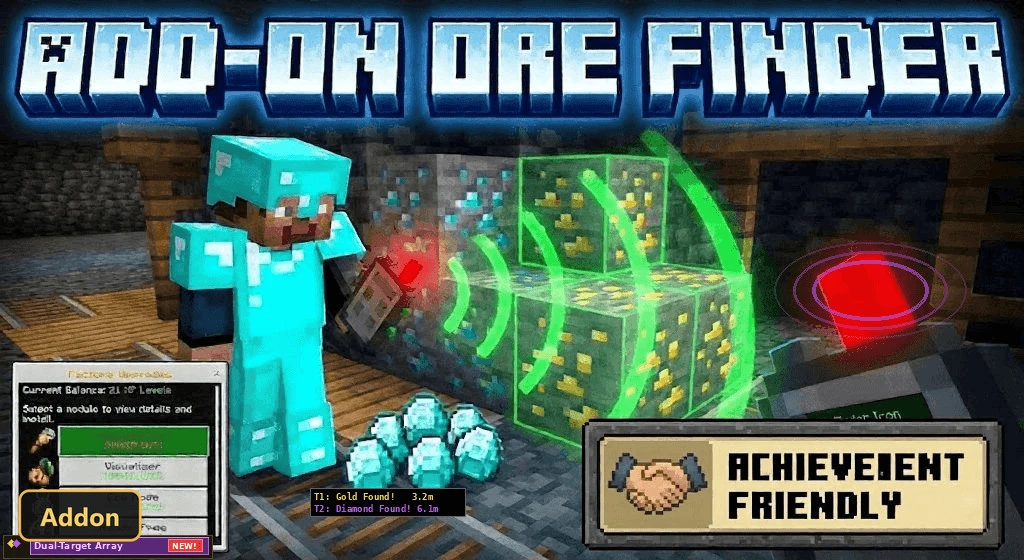
Ore Finder (26+) – MCPE/Bedrock Addon
Bedrock add-on listed for Minecraft 26.x (resource pack only). Installs from the MC Bedrock Mods app on Android.
⬇ Download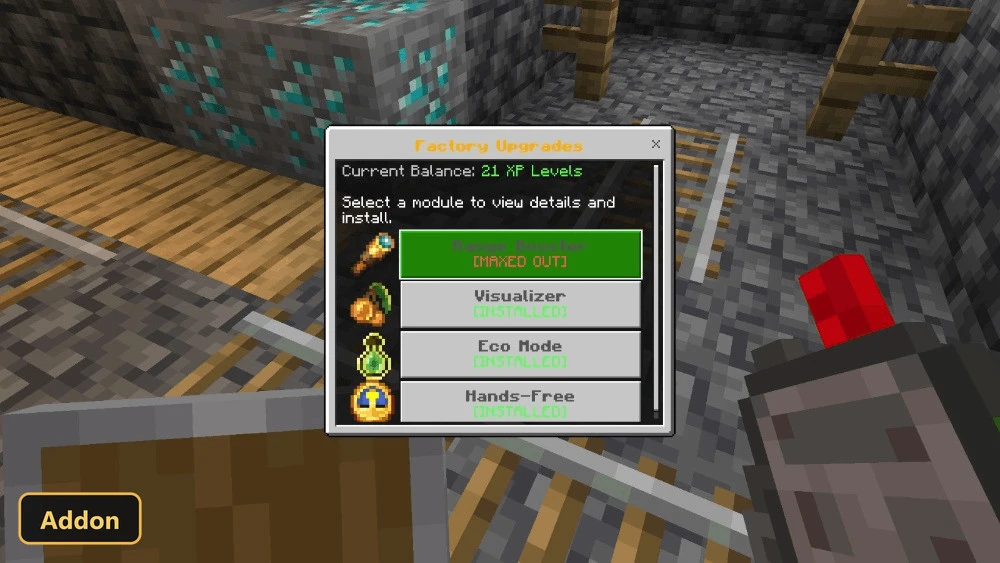
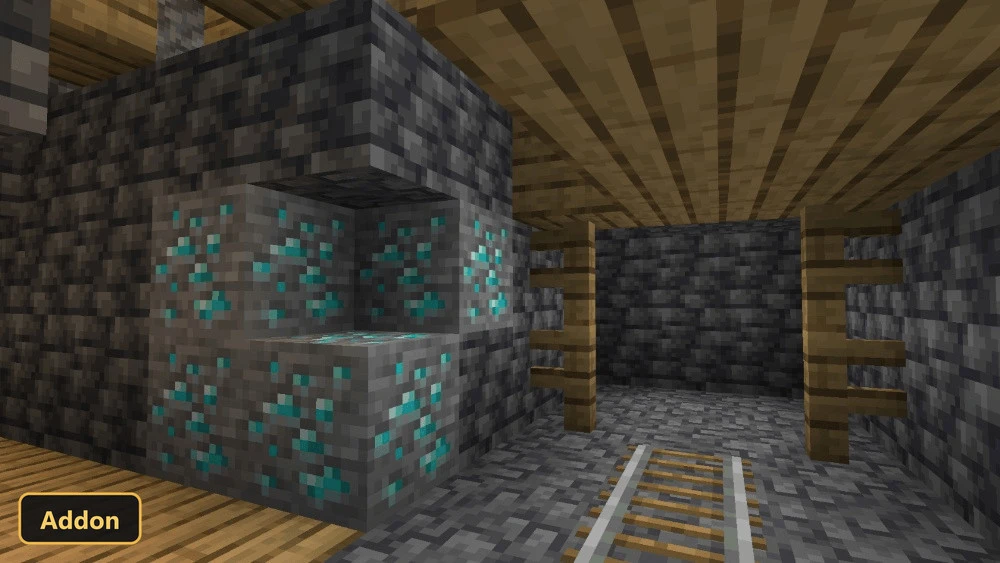
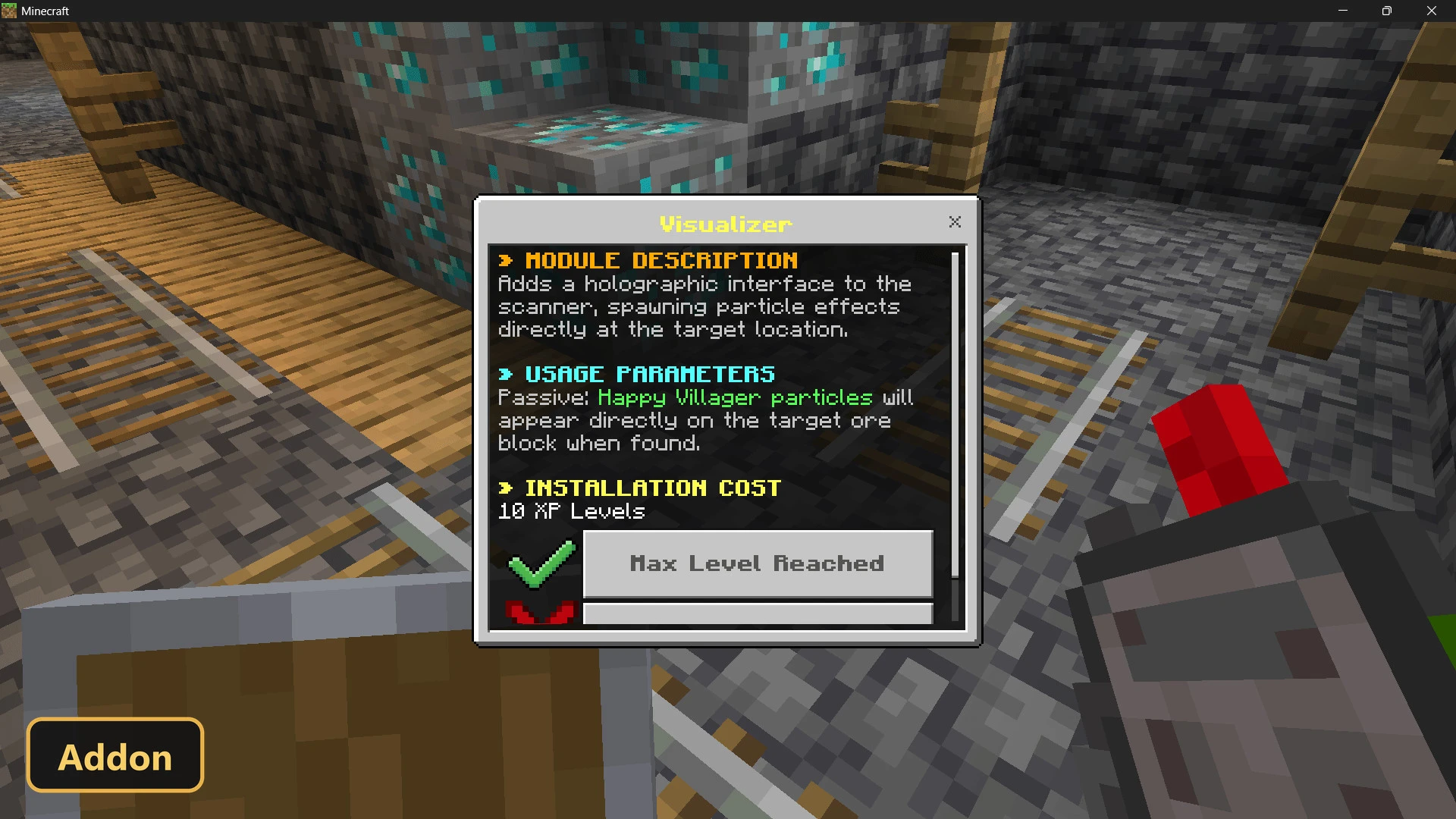
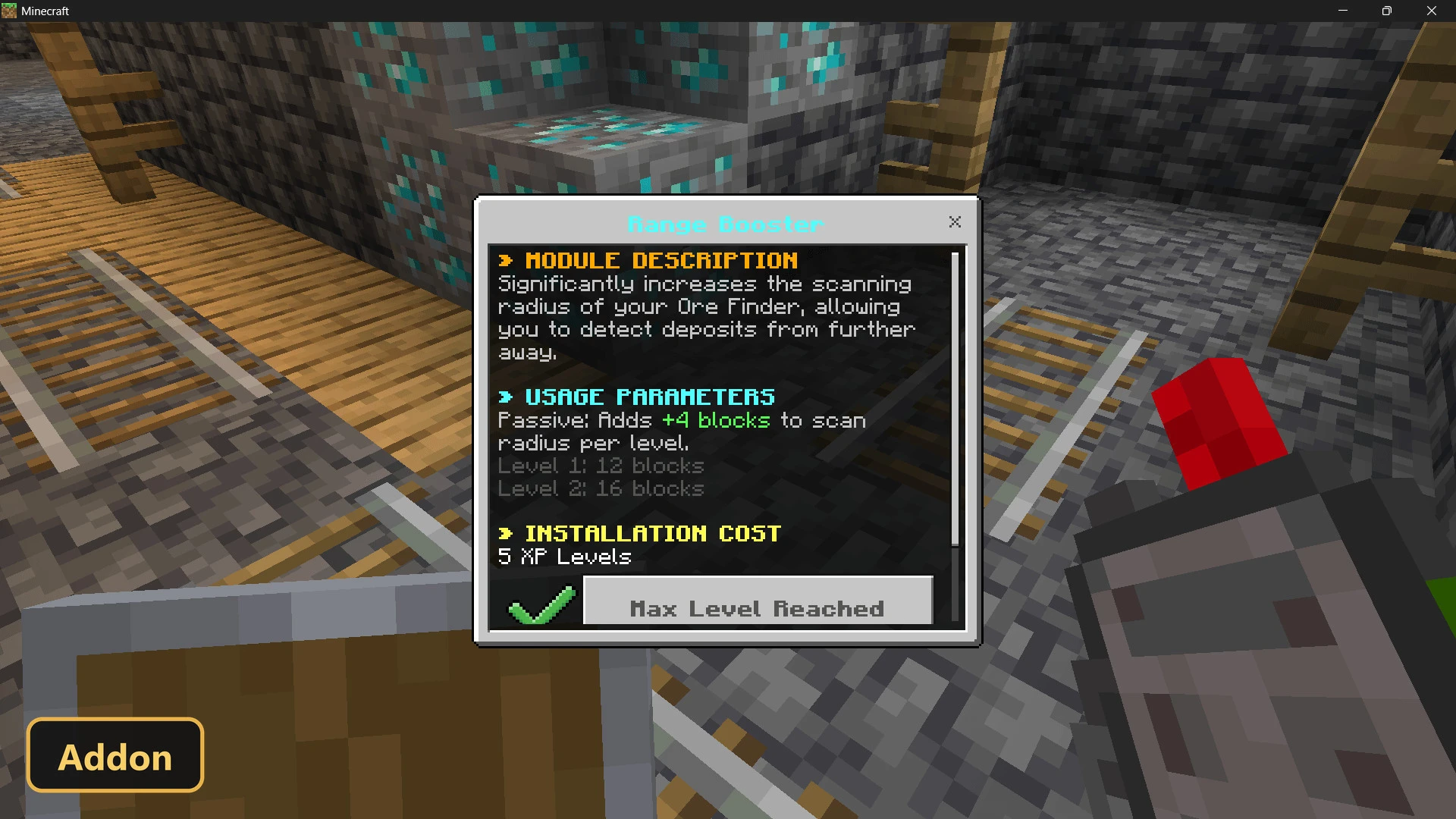
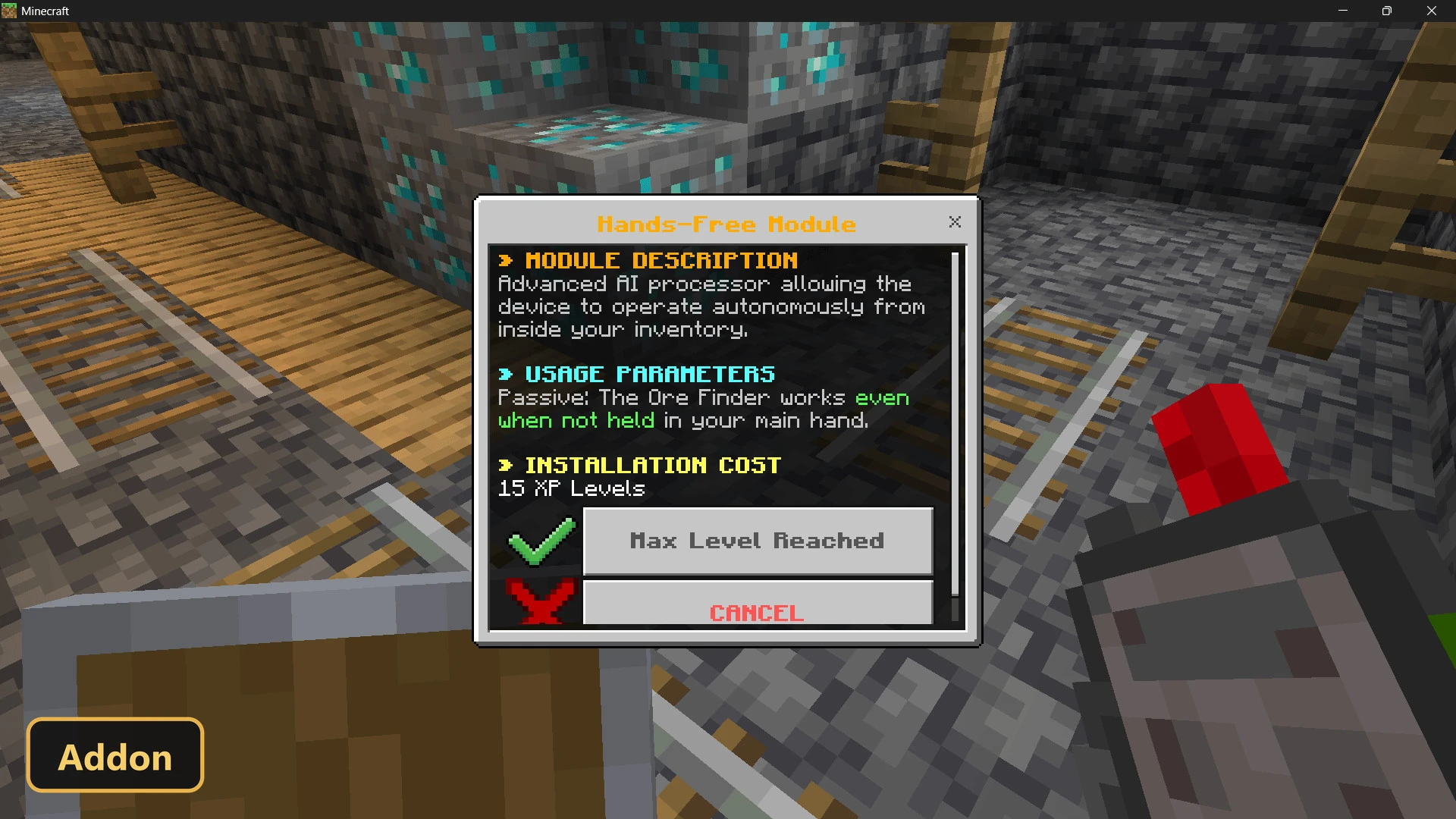
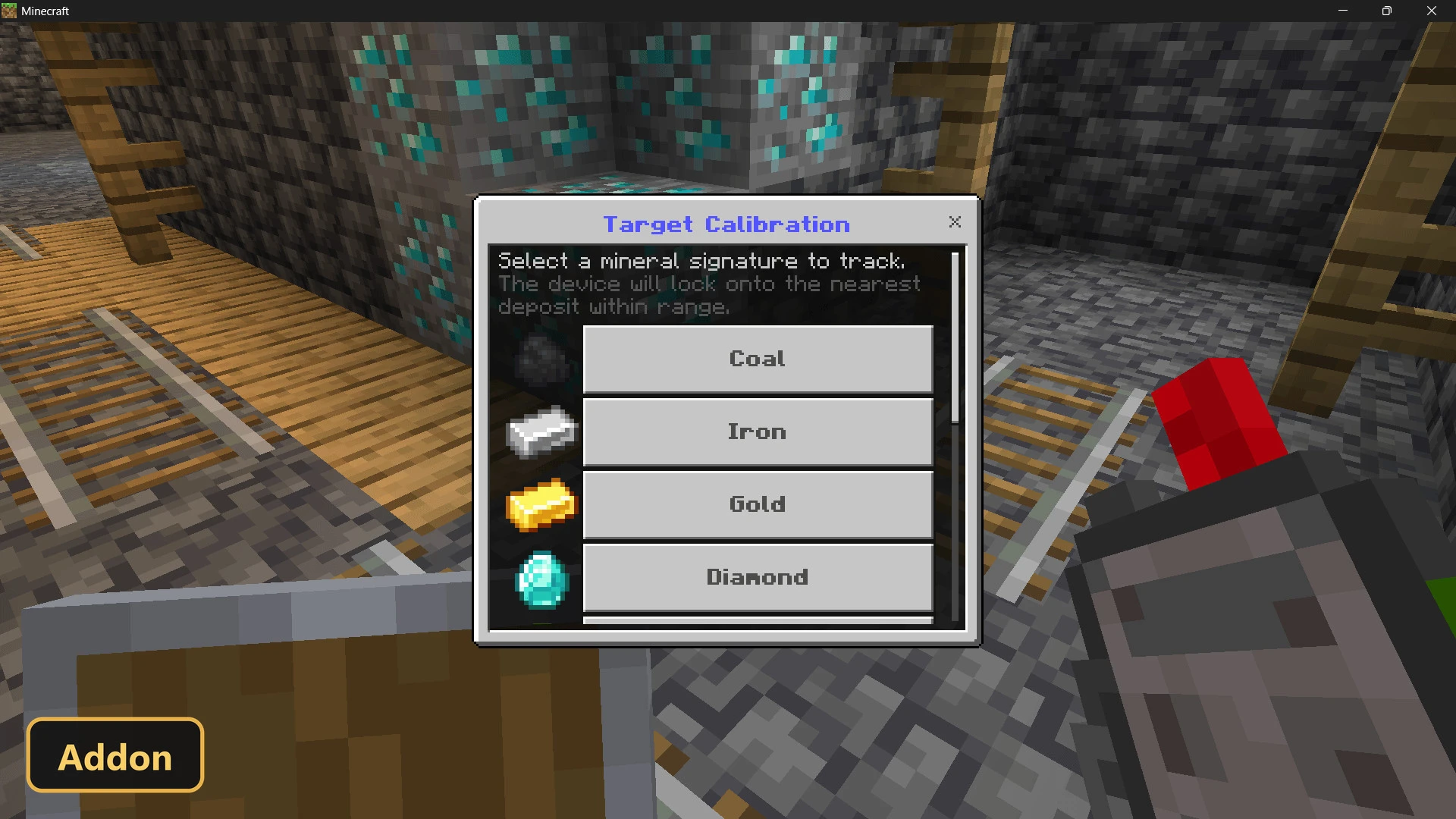
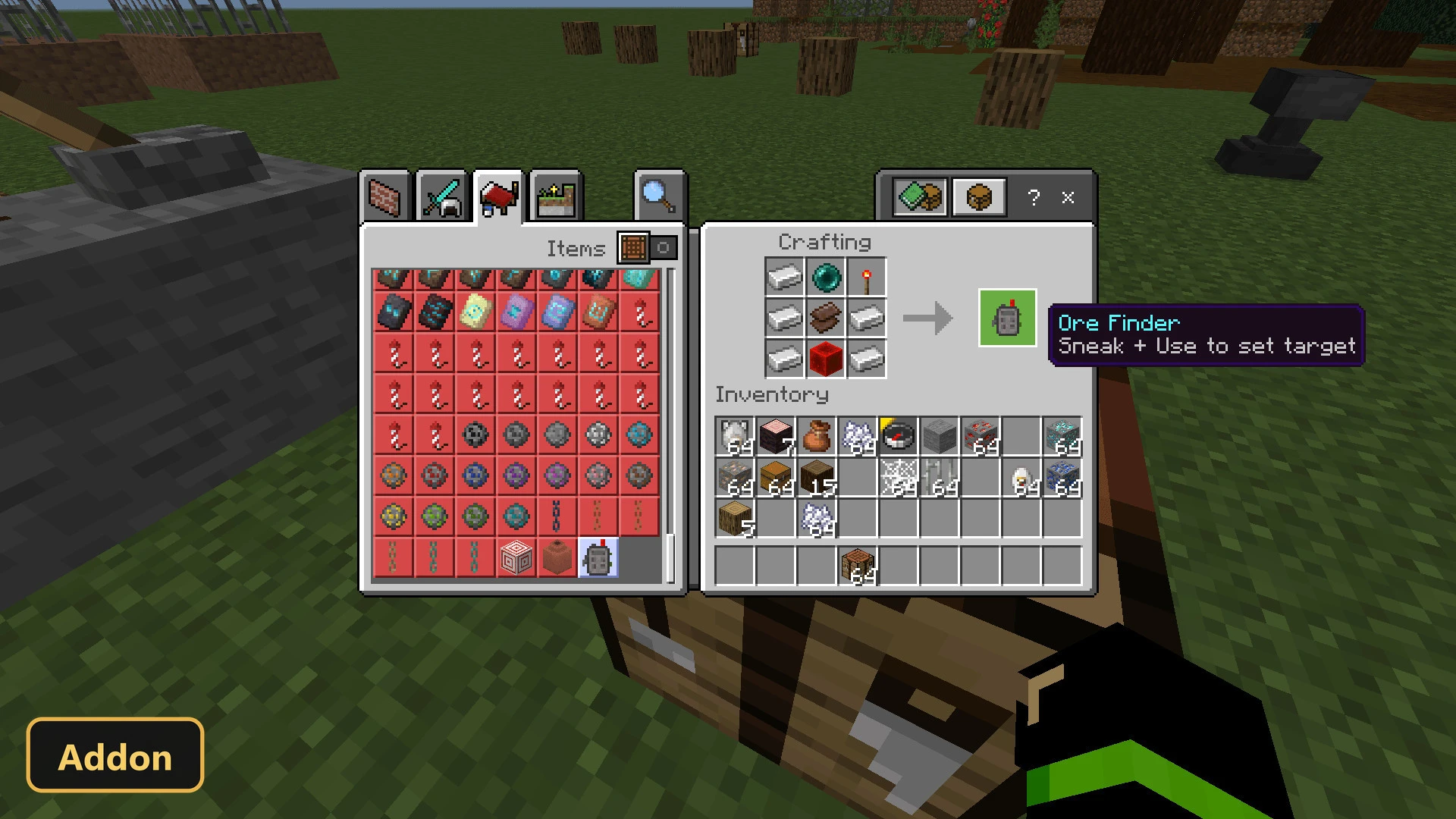
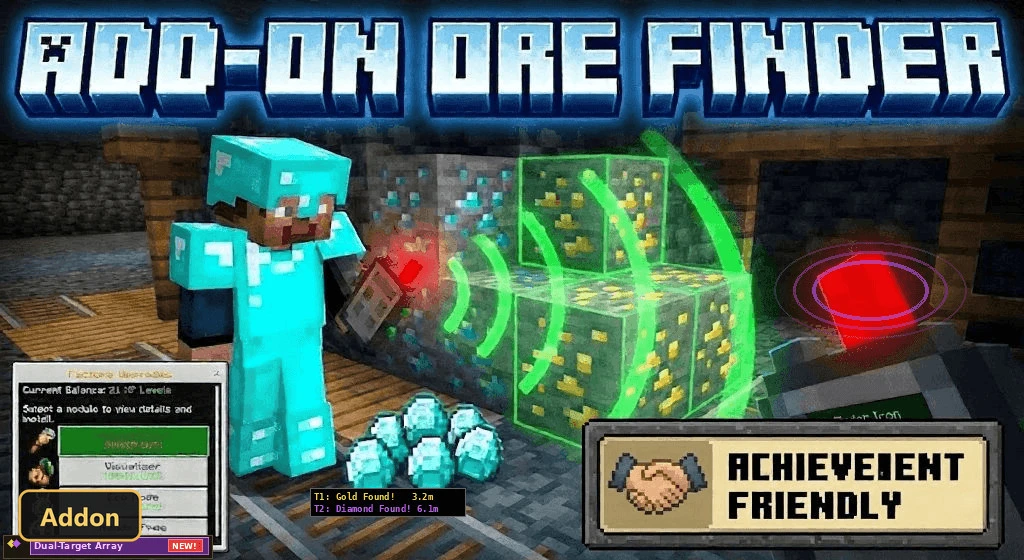
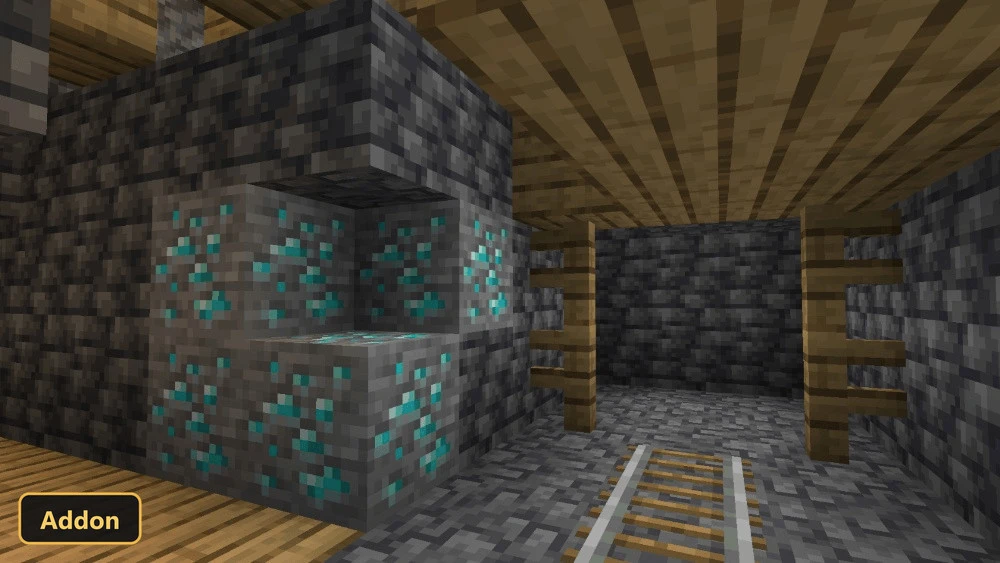
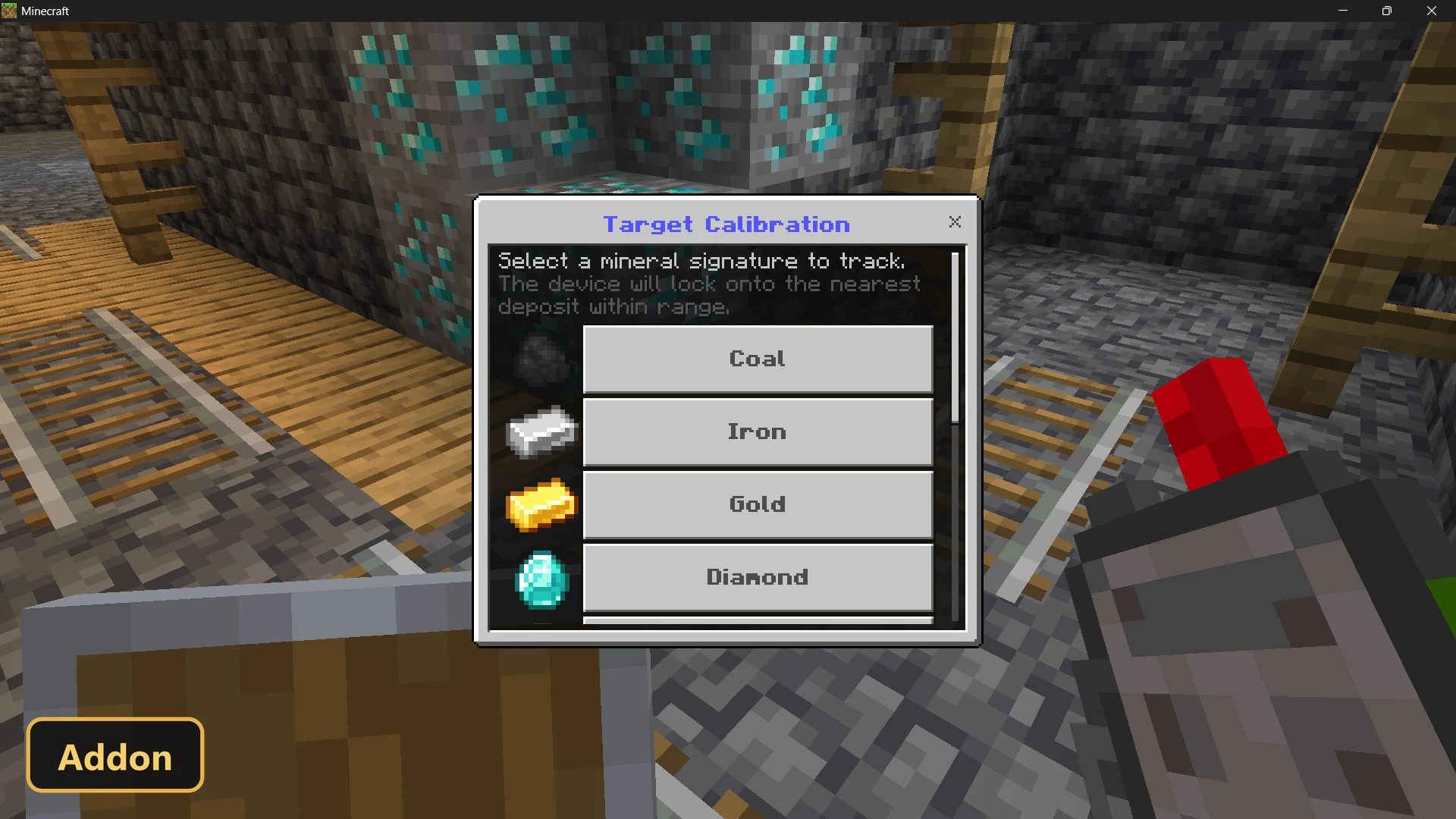
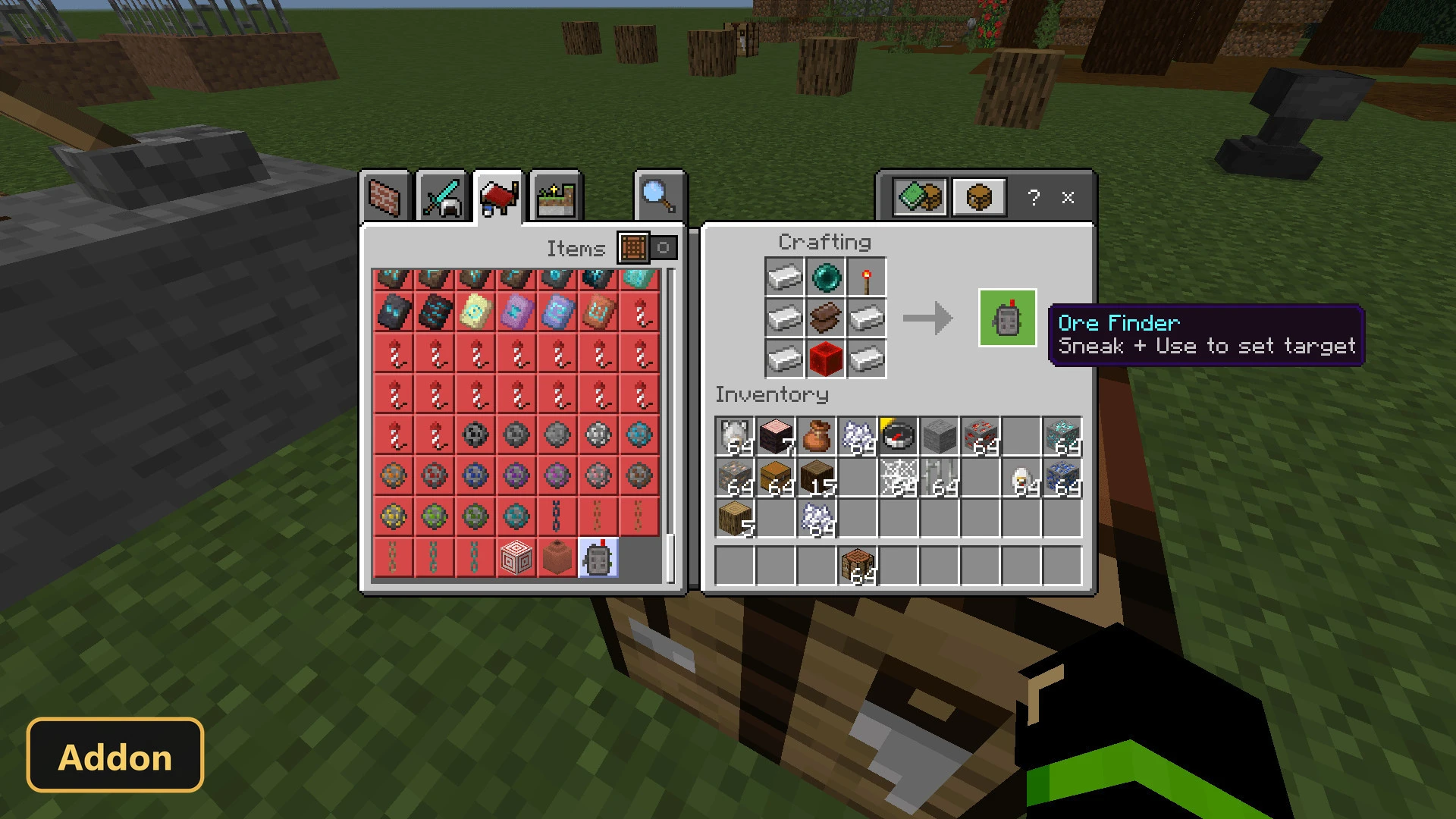
A handheld scanner finds nearby ore through sounds, on-screen messages and optional particles with Ore Finder, an addon that offers a fair alternative to X-ray cheats in survival.
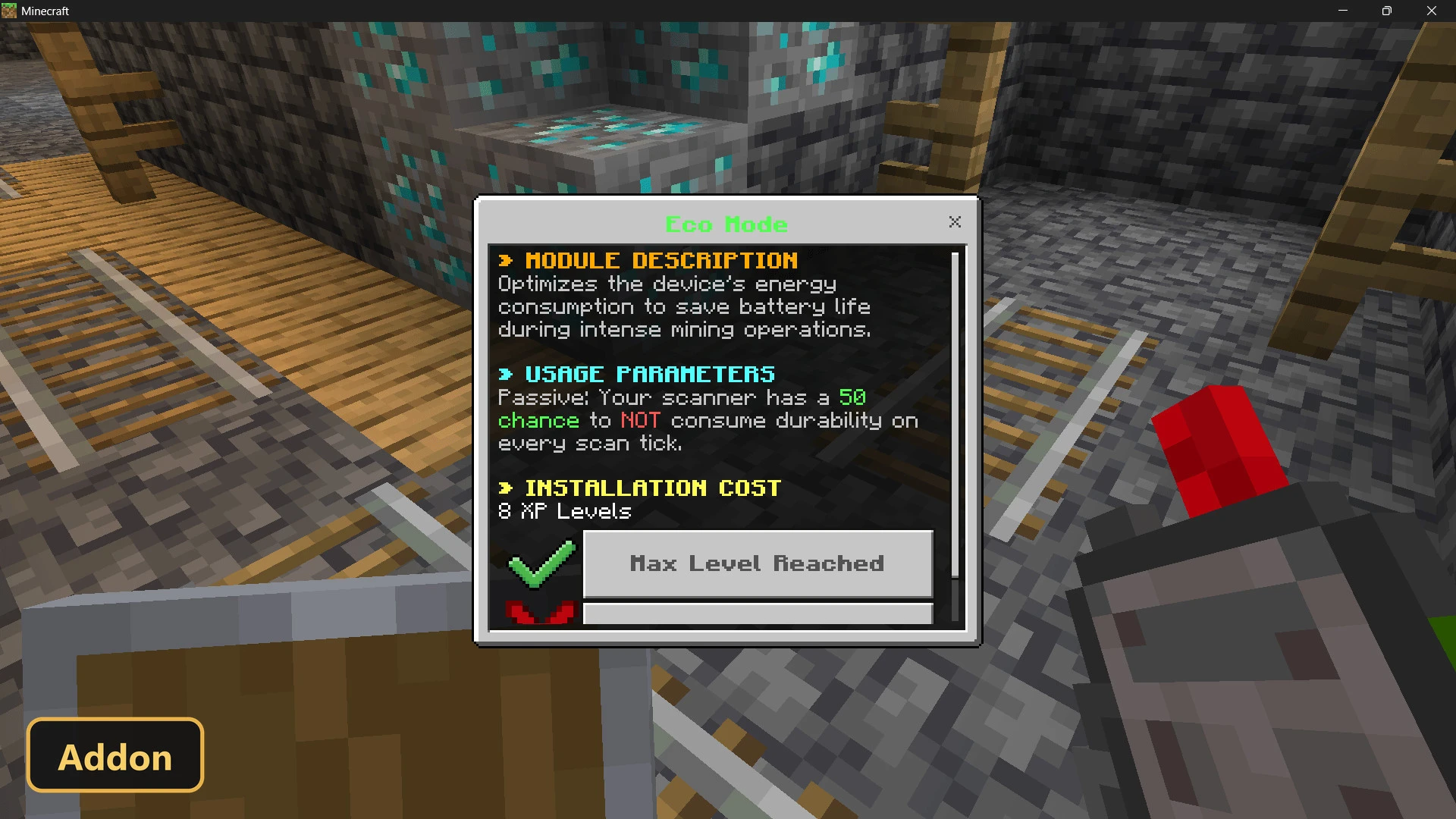
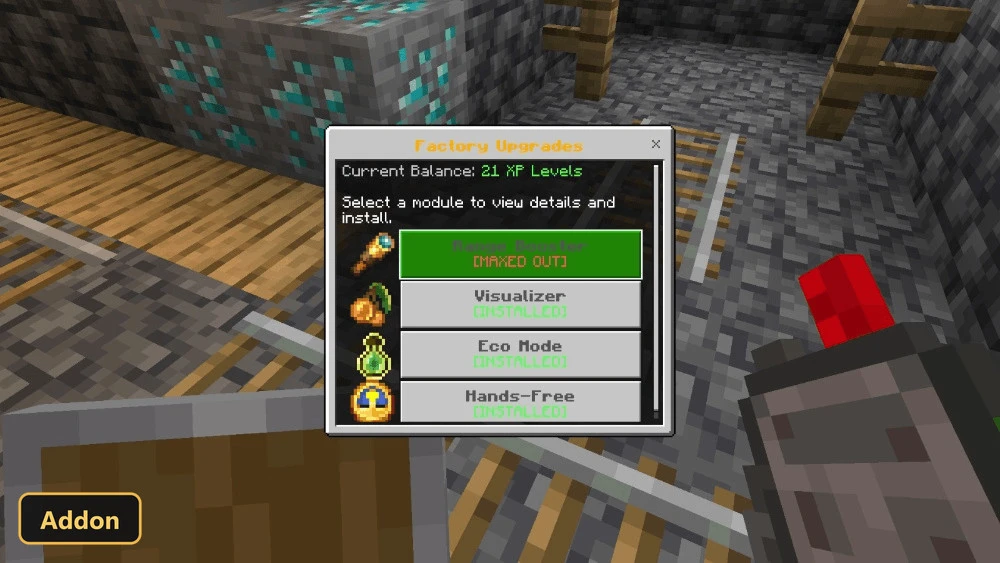
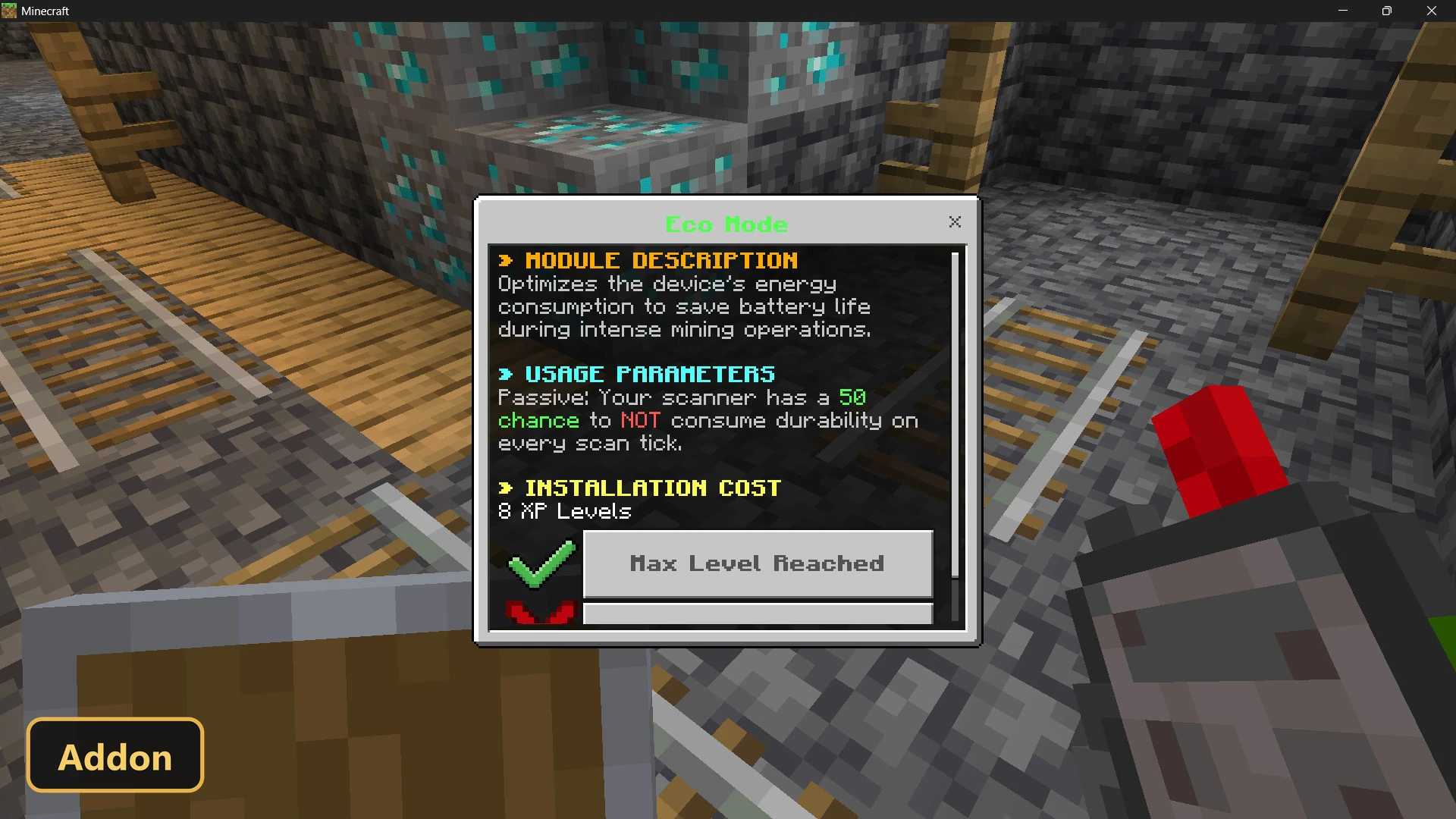
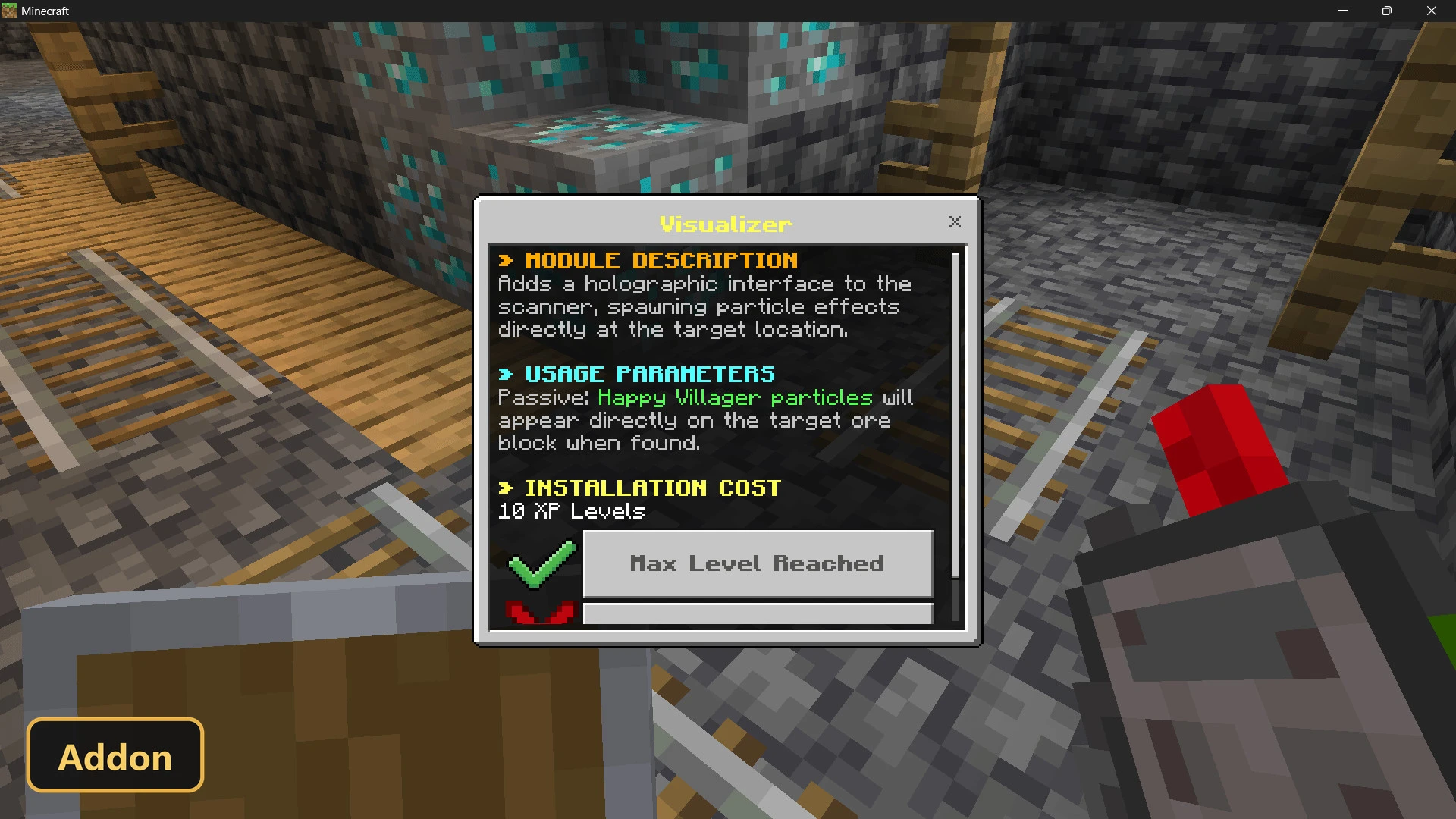
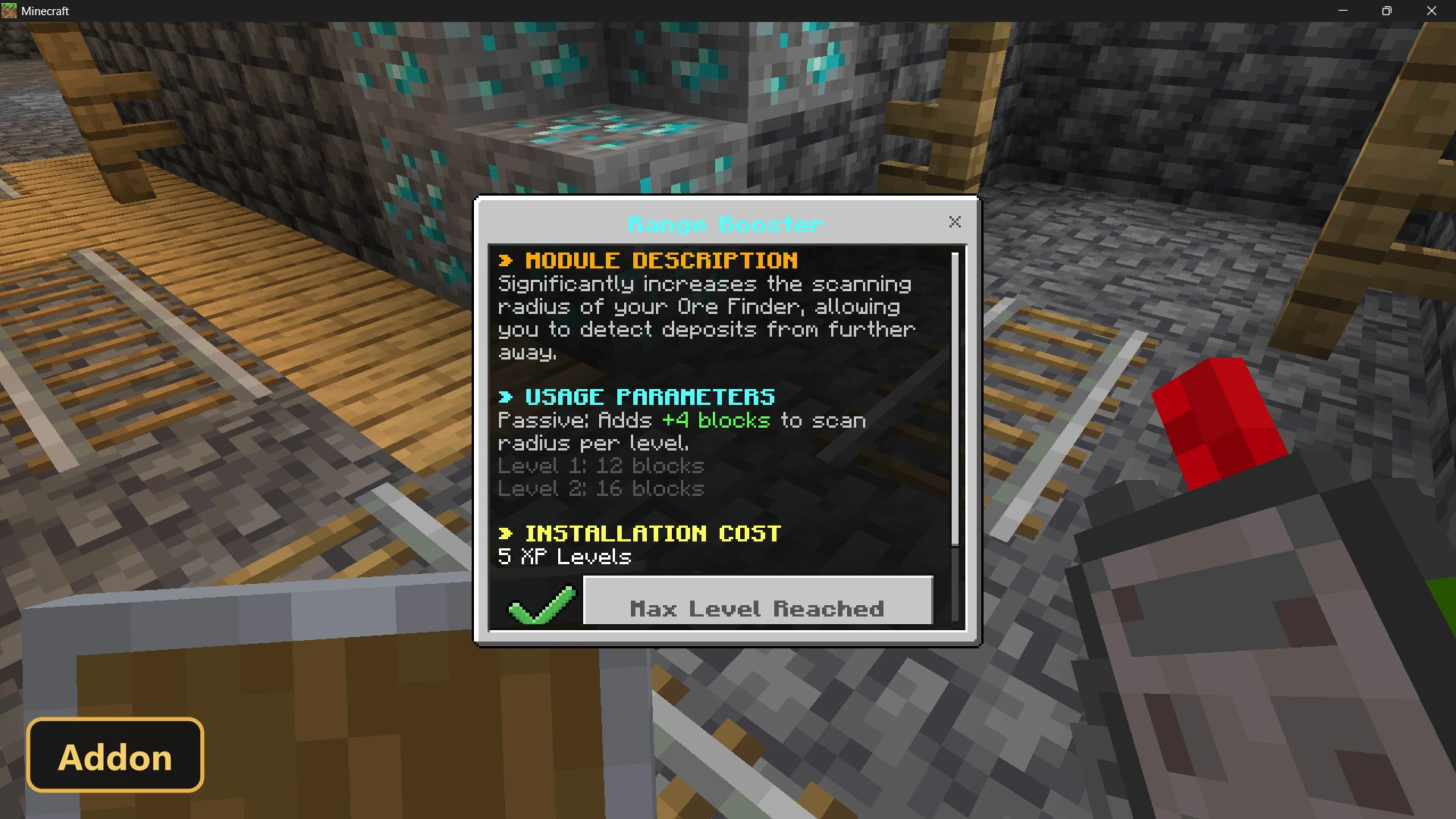
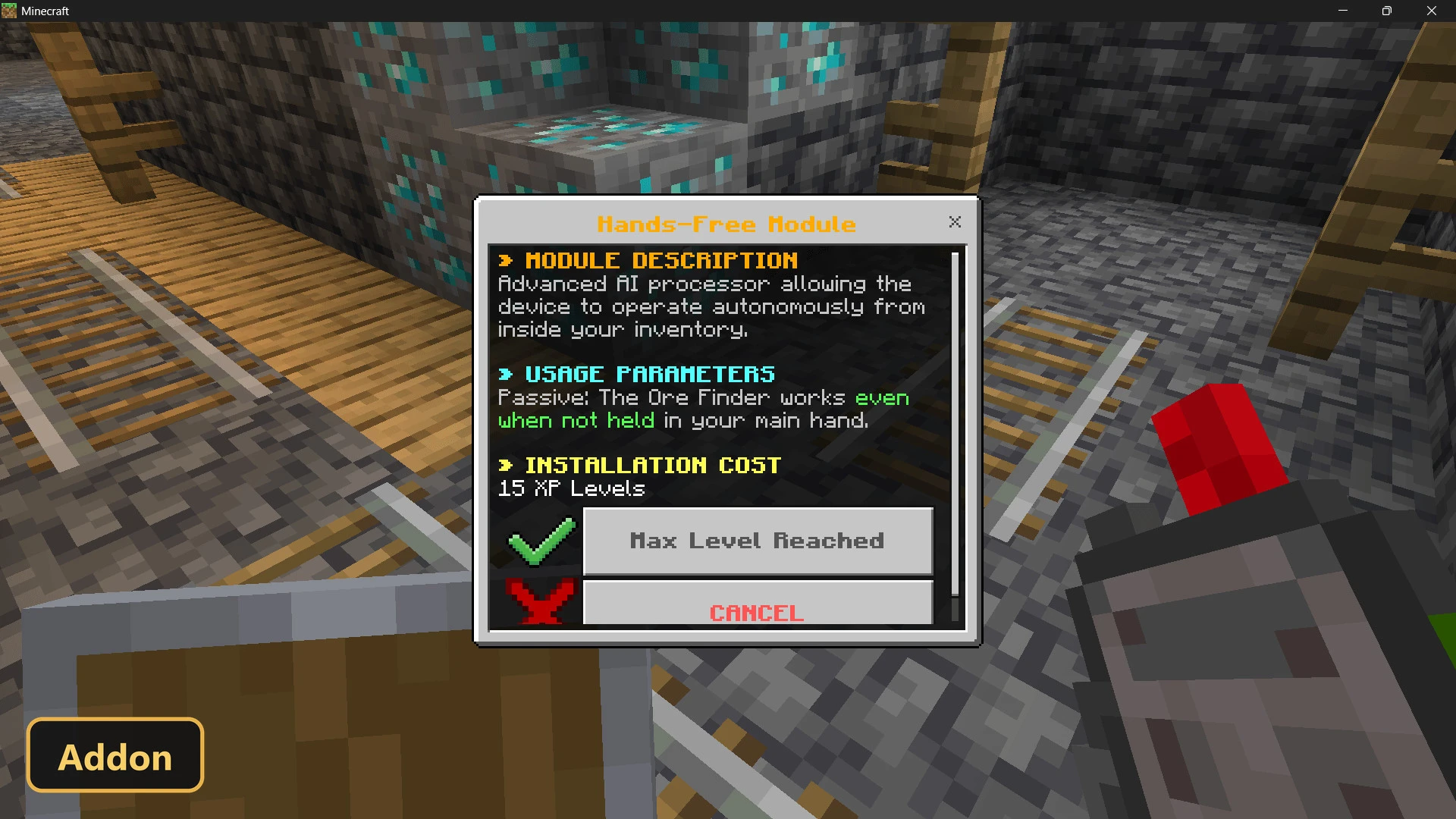
Using it opens an operating system-style menu where you pick ore types, check the battery level and spend XP on upgrades. The Range Booster extends scanning to sixteen blocks, the Visualizer Module shows particles on found ore, Eco Mode gives a fifty percent chance to save durability and Hands-Free Mode works from your inventory. It supports ores from the Overworld and the Nether, allows one active scan per player, and in Minecraft Bedrock requires Experimental Features and both the behavior and resource packs.
Requirements:
- MCPE/Bedrock 26.3 – 26.30
all 7 versions26.30, 26.20, 26.13, 26.12, 26.11, 26.10, 26.3
- Turn on Experimental Features — this addon uses scripting APIs
- Apply BOTH the behavior and the resource pack to your world
Features:
- Ore Finder
Screenshots:
- Edition: Minecraft Bedrock
- File type: .mcpack or .mcaddon
- How to install: Download the .mcpack or .mcaddon file. → Open it — Minecraft imports it. → In your world: Behavior Packs → Available → Activate, then the same under Resource Packs.
- Where to get it: In MCModsHub, or directly above on this page.
Install steps are the general flow for this file type — How to install Minecraft Bedrock addons & mods walks through it step by step.
- Pack type: .mcaddon
- Manifest requires Minecraft 1.26.0 or newer
- Ships one half — this pack asks for another pack that is not included
- Download size: 11 KB
- Download link checked 16 Oct 2026 — working
- Mirrored on our own servers — the download does not depend on the original host
These come from our own check of the pack file, not from the source page.