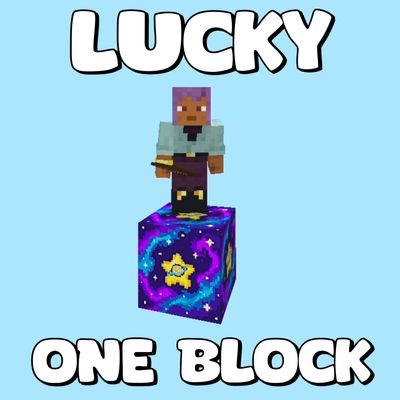
Lucky One Block: Sky Survival
Bedrock add-on listed for Minecraft 1.21–26.x (behavior + resource pack). File opened and checked on 16 Oct 2026; installs from the MC Bedrock Mods app on Android.
Break the ultimate bluff block in the sky! Trigger 60+ random events—from legendary loot to hilarious trolls and disasters—while conquering 10 phases…
⬇ Download on CurseForge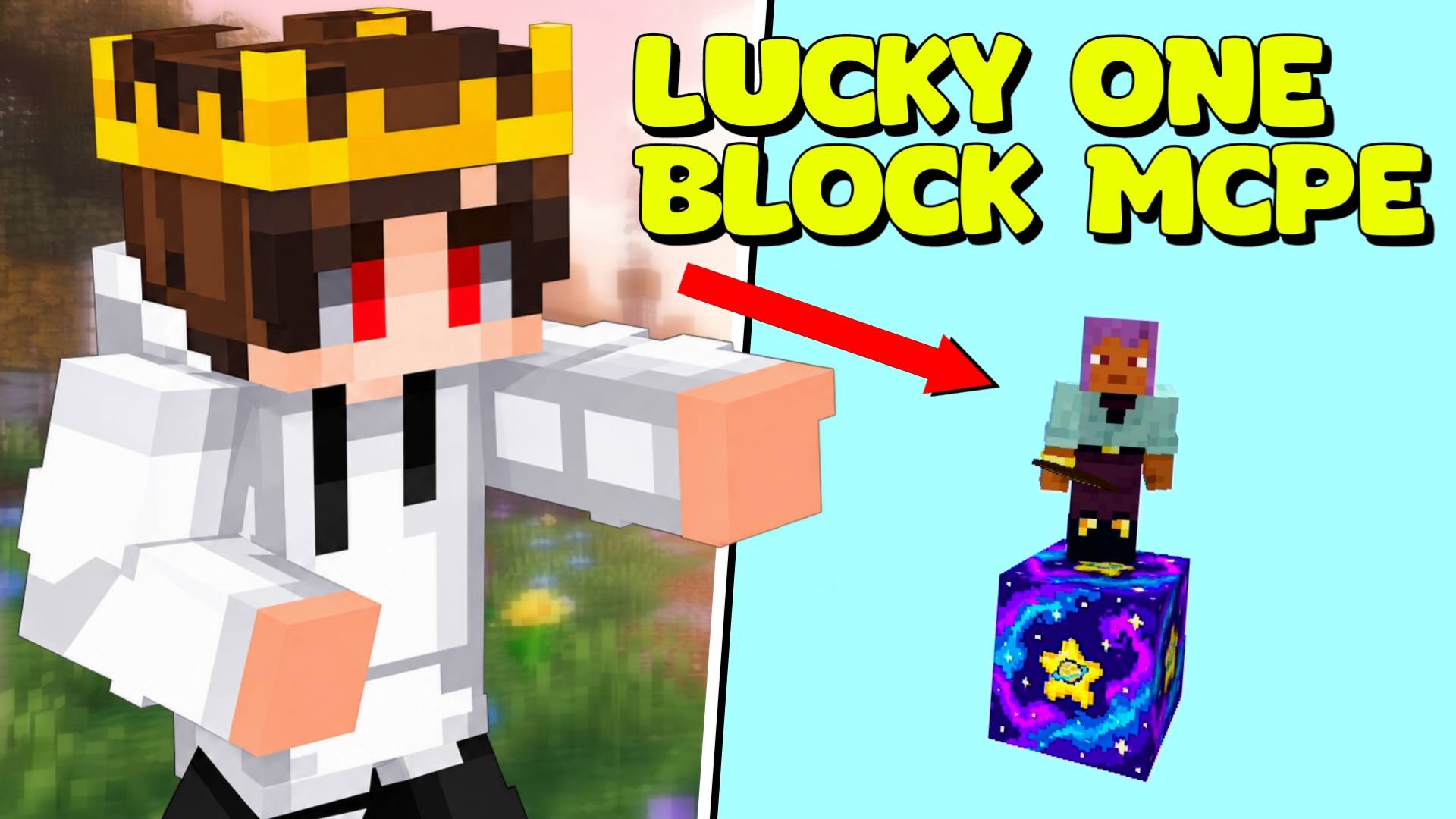

What is up, guys? Let us talk about classic One Block survival maps for a second. We have all played them a hundred times. The first twenty minutes are cool, right? You are floating in the void, carefully expanding your tiny platform.
But after an hour, the game becomes super predictable. You already know you are just going to mine five hundred blocks of dirt, then five hundred blocks of wood, and then some stone. There is zero suspense, and honestly, it turns into a boring clicking simulator.
I wanted to wake everyone up. Here at Novacraft studios, we decided to take the classic sky survival concept and inject pure, unfiltered chaos right into the center of it. I wanted every single swing of your pickaxe to feel like a high-stakes gamble where you either get stupidly rich or get blown off your platform. That is how the Lucky One Block add-on was born.
THE ULTIMATE BLUFF AND 60+ CRAZY EVENTS
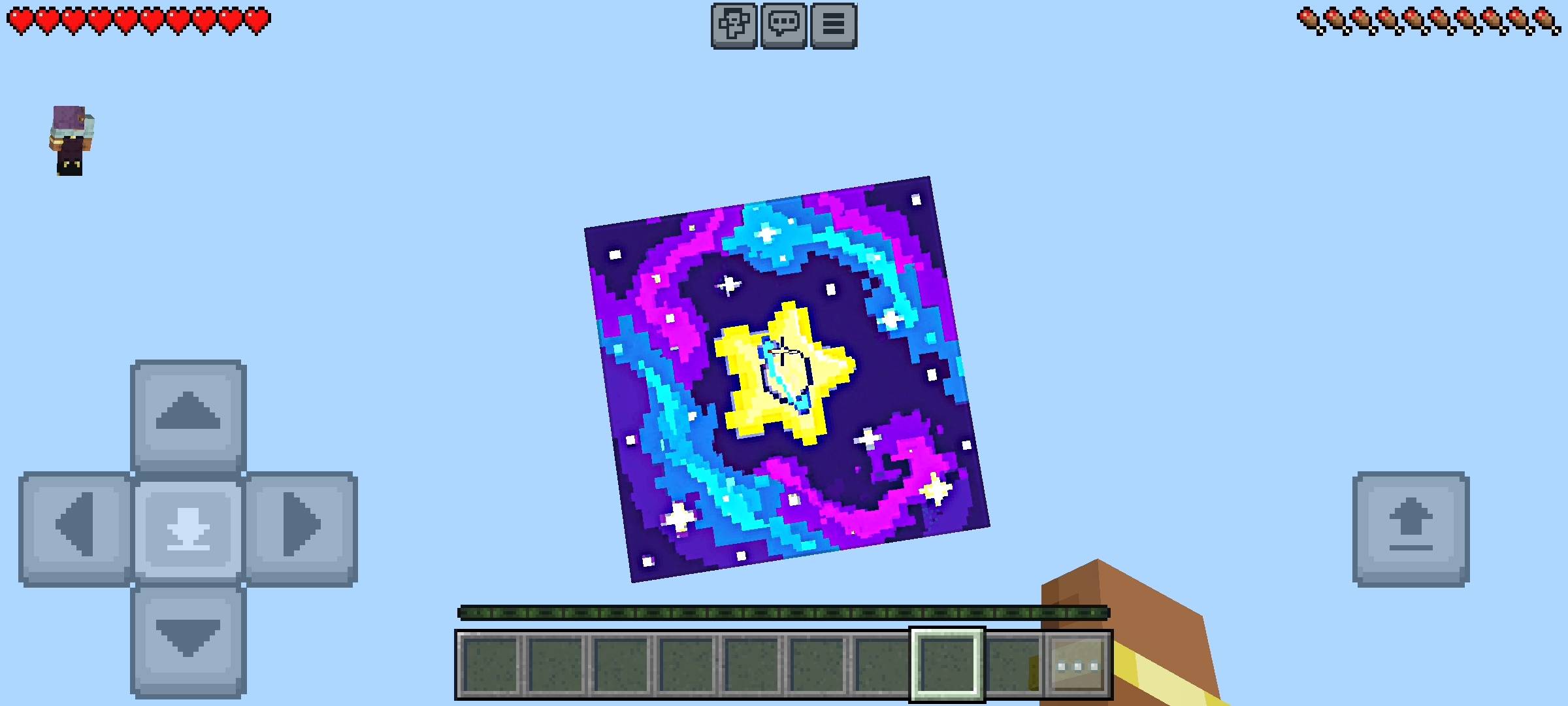
When you load into the world, you spawn high up in the sky at Y-level 300 standing on a single block. Here is the core twist of the entire add-on: the block you are looking at is a total bluff. I added 20 different Lucky Block visual disguises that randomly cycle every time you mine it, and what you see on the outside tells you absolutely nothing about what is inside.
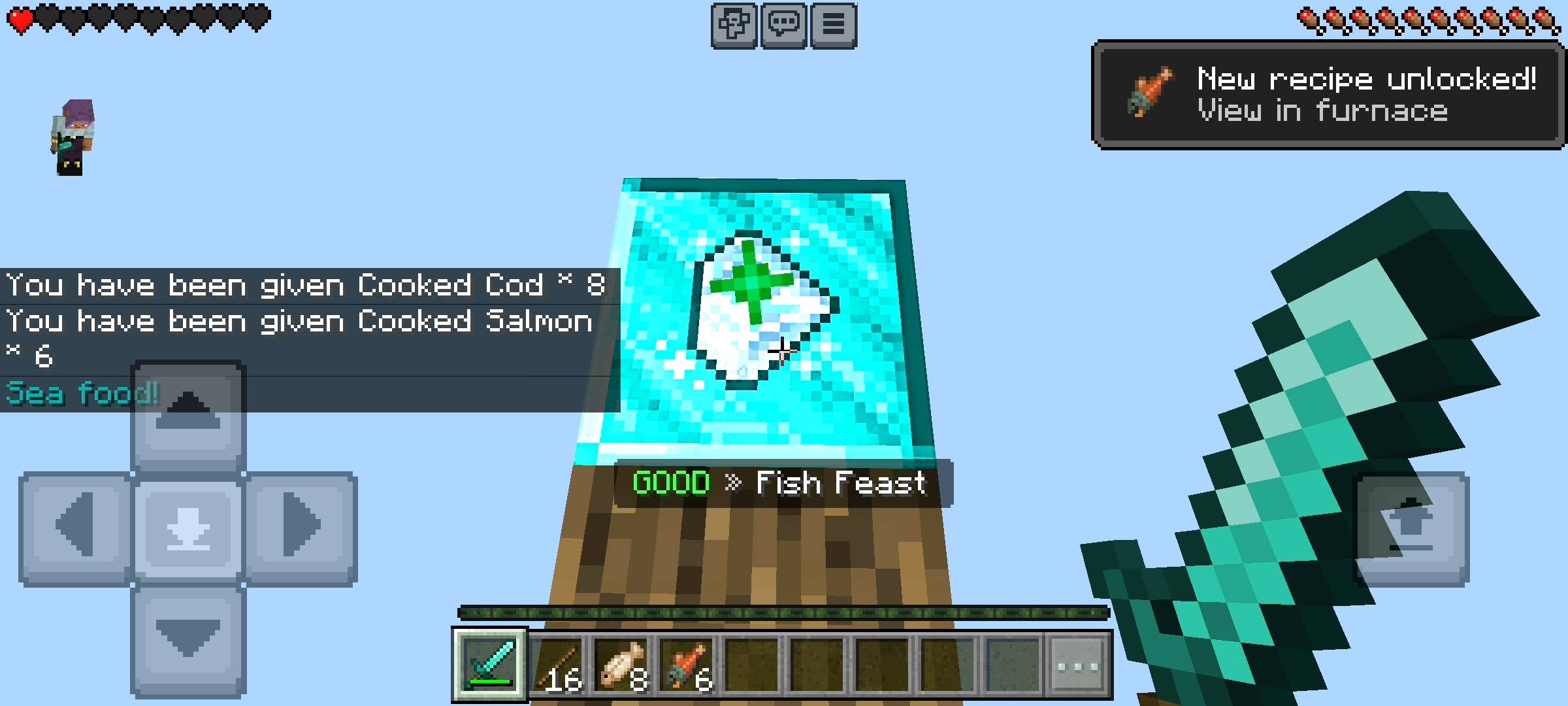
Every single time you break the block, the game rolls the dice across more than 60 true random events split into five distinct tiers: Good, Rare, Legendary, Troll, and Disaster.
-
Legendary Jackpots: If the gods of luck smile on you, you can pull a full Iron Armor set, a Totem of Undying, a Netherite Pickaxe, an Elytra with fireworks, a Beacon, or even the ultimate Dragon Egg Jackpot with four pure Diamond Blocks.
-
Viral Turbo Trolls: Not everything is about loot; sometimes the block just wants to mess with your head. You might get hit with "The YEET" and float into the sky with slow falling, get turned invisible with a tropical fish spawned at your feet in a puddle of water, watch 20 pigs rain down from the heavens, or even get spammed with fake error messages in the chat making you think your world just crashed!
-
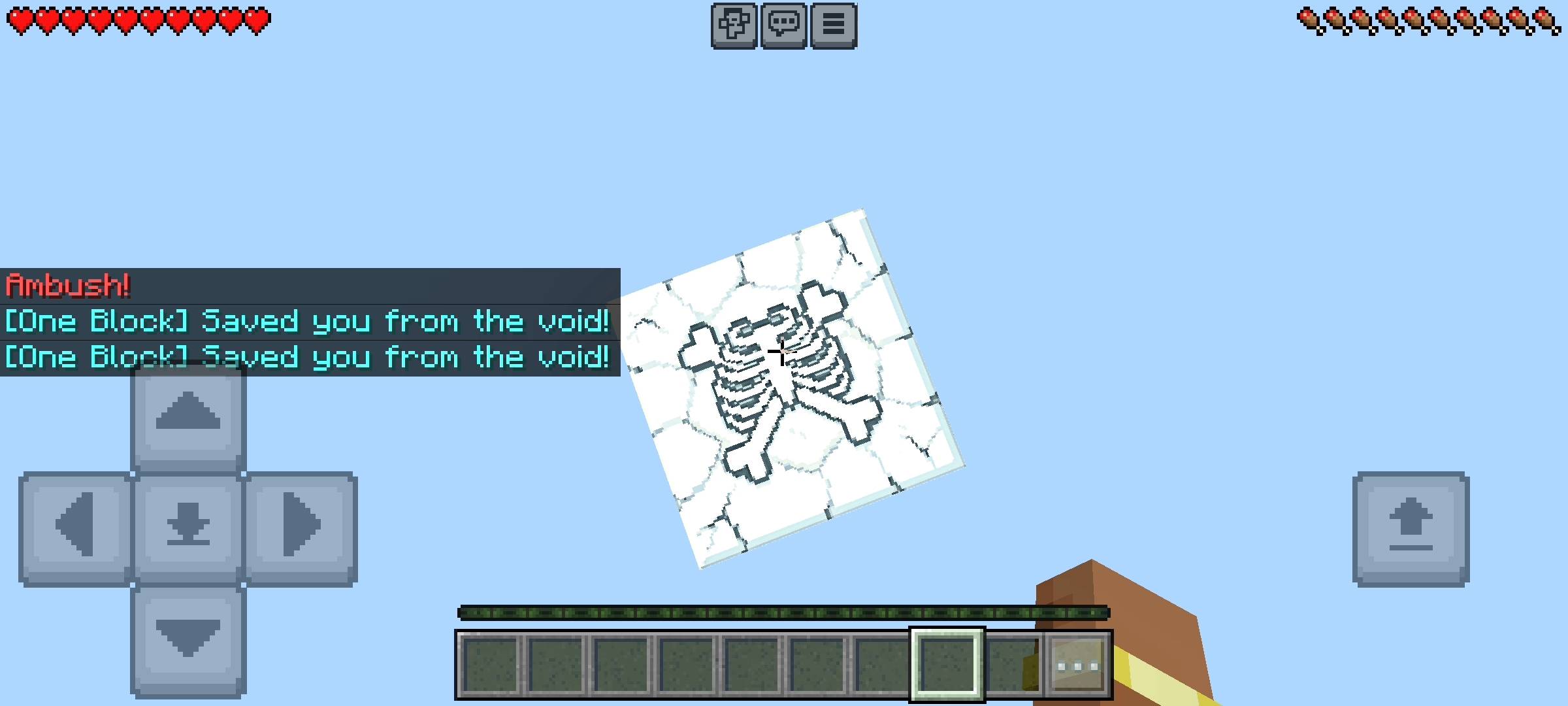
Brutal Disasters: Never mine with your guard down. A bad roll can instantly drop 15 primed TNT blocks on your head, rain heavy anvils from the sky, pour lava over your feet, or summon a terrifying Warden or Ravager right on your tiny sky island.
10 PHASES, BOSS FIGHTS, AND PRESTIGE
Even with all the random madness, you still get a massive sense of progression. The add-on features 10 full survival phases that unlock every 500 blocks you mine. You start out in the peaceful Plains phase and work your way through the Underground, Frozen, Desert, Jungle, Deep Cave, Nether, Fortress, and The End, all the way to the Final Dragon phase.
Every time you cross a 500-block milestone and unlock a new phase, the One Block locks itself and spawns a dedicated Phase Boss—like the Frost King, the Sand Pharaoh, the Nether Blaze King, or the Ender Dragon. You and your friends are forced to fight and slay the boss before the One Block returns. Plus, every 500 blocks (which you can customize), the game drops a scaled Bonus Chest reward straight into your inventory so your items never accidentally fall into the void. And if you manage to grind all the way to 5,000 blocks and beat all 10 phases, you can reset your run to unlock a permanent Prestige badge!
THE LUCKY PANEL UI AND VOID SAVER
To keep everything smooth and command-free, you automatically get a permanent "Lucky Panel" item in your inventory that stays with you even if you die (and if you are in spectator mode, you can just type !menu in the chat).
Opening this clean UI menu gives you total control over your server:
-
Live Stats & Leaderboards: Track your personal blocks mined, bosses slain, total disasters survived, and compete against your friends on the built-in top-5 multiplayer leaderboard.
-
14 Custom Achievements: Unlock in-game trophies like "Thousandaire" for mining 1,000 blocks, "Survivor" for living through 25 disasters, or "Troll Magnet" for getting pranked 20 times.
-
Customizable World Settings: Easily adjust the mob spawn rate, change how often bonus chests drop, turn on Anti-Grief mode to stop players from sneaking into Creative mode, or toggle the Auto-TP Void Saver—which automatically teleports you back to the top if you slip and fall below Y-level 298!
HOW TO IMPORT AND ENABLE BETA APIS
Setting this up on your world or realm takes less than a minute:
-
Download the
.mcaddonor.mcpackfile from this page. -
On PC: Simply double-click the downloaded file to launch Minecraft and auto-import it. On Mobile: Tap the file in your file manager and select "Open with Minecraft".
-
CRITICAL STEP: Before generating or loading your world, go into your World Settings, scroll down to the Experiments tab on the left, and turn ON Beta APIs. Without Beta APIs enabled, the custom UI panel and the 60+ lucky events will not function!
-
NOTICE REGARDING AI
Just a quick note about the pictures on this Add-on. The main cover thumbnail enhanced using ai image tools.Let us know what you think of this addon by commenting.
- Edition: Minecraft Bedrock
- File type: .mcpack or .mcaddon
- Minecraft versions listed: 1.21.122, 1.21.123, 1.21.124
- How to install: Download the .mcpack or .mcaddon file. → Open it — Minecraft imports it. → In your world: Behavior Packs → Available → Activate, then the same under Resource Packs.
- Where to get it: Opens on CurseForge — not every file is mirrored on our own servers.
Install steps are the general flow for this file type — How to install Minecraft Bedrock addons & mods walks through it step by step.
- Pack type: .mcaddon — behaviour and resource pack in one file
- Manifest requires Minecraft 1.21.0 or newer
- Complete pack — everything it depends on is inside the file
- Download size: 643 KB
- Download link checked 16 Oct 2026 — working
These come from our own check of the pack file, not from the source page.