CobbleShiny
Bedrock add-on listed for Minecraft 1.21–26.x (behavior + resource pack). Installs from the MC Bedrock Mods app on Android.
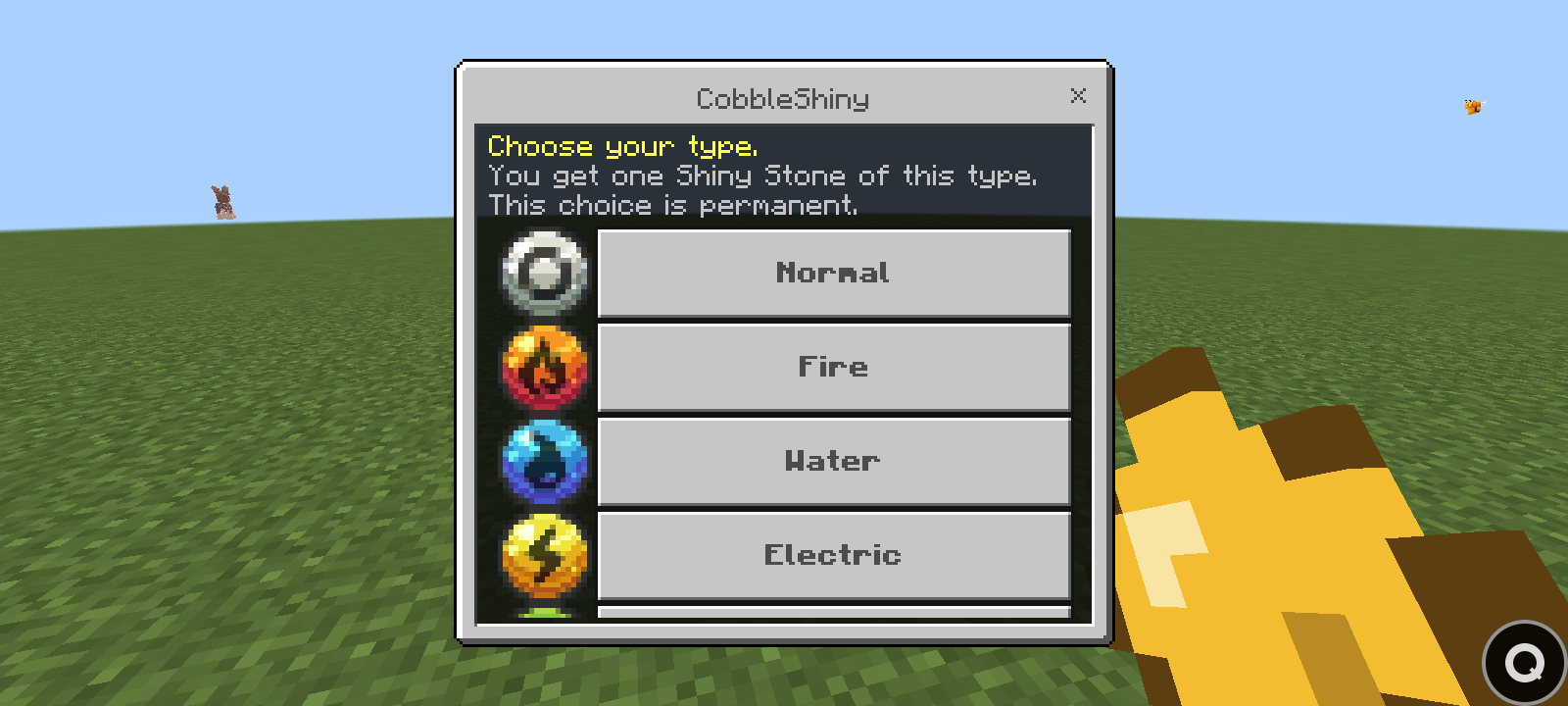
pick a type, get a one-time Shiny Stone, and summon a random shiny Pokémon of that type straight into your party.
⬇ Download on CurseForgeThe author built this one for Minecraft 26.50. On other versions it may install and then do nothing.
# ✨ CobbleShiny ✨
### One stone. One type. One shiny Pokémon.
Ever wanted a shiny without grinding for it? Now you get ONE guaranteed shiny, and the type is your choice.
---
## 🔥 How it works
**1️⃣ Join the world**
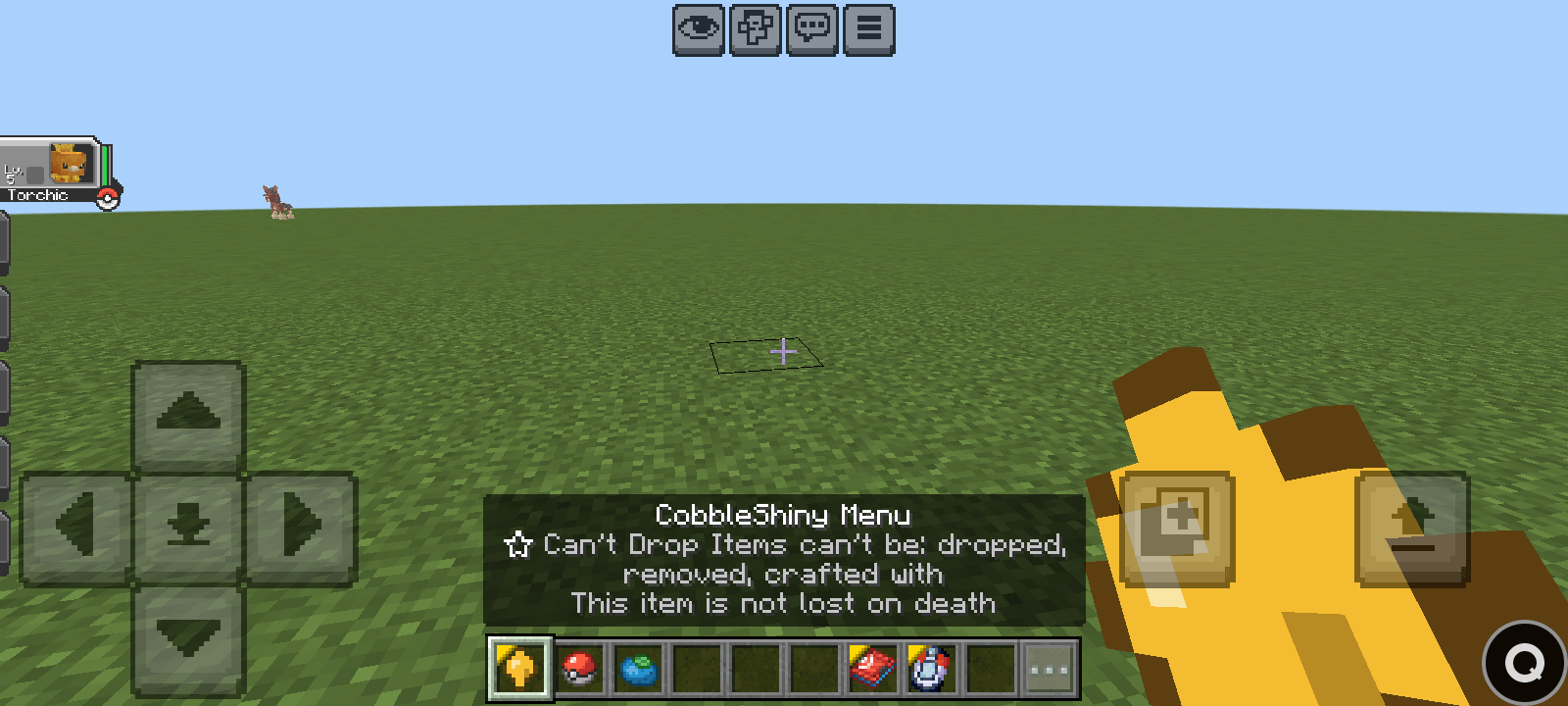
A glowing **CobbleShiny Menu** shows up in your inventory. You only get it once, so make it count.
**2️⃣ Pick your destiny**
Hold it and choose from **all 18 types**: 🔥 Fire · 💧 Water · ⚡ Electric · 🌿 Grass · ❄️ Ice · 👊 Fighting · ☠️ Poison · 🏜️ Ground · 🕊️ Flying · 🔮 Psychic · 🐛 Bug · 🪨 Rock · 👻 Ghost · 🐉 Dragon · 🌑 Dark · ⚙️ Steel · 🧚 Fairy · ⚪ Normal
**3️⃣ Crack the stone**
Right-click your **Shiny Stone** and BAM: a **random SHINY Pokémon of that type** lands straight in your party. 🎉
Fire/Flying Pokémon? They can come from either the Fire or the Flying stone. Every roll is a surprise!
---
## 🔒 Fair for everyone
- One menu, one stone, one shiny, per player
- Can't be crafted, dropped, or lost on death
- Party and PC full? The stone is **not** wasted
---
## 🛠️ Admins: meet the CSadmin_menu
A Poké Ball with superpowers. Search any Pokémon (try `pika`!), choose **Normal or Shiny**, then:
- **Spawn** it wild and let players catch it
- **Get** it and send it straight to any online player's party
Unlock it with `/tag @s add admin`
---
## 🌍 Play anywhere
Multiplayer ✅ Servers ✅ Realms ✅
Languages: 🇬🇧 🇰🇷 🇻🇳 🇧🇷 🇵🇹 🇯🇵 🇪🇸 🇲🇽
---
## 📦 Install in 30 seconds
1. Install **CobbleDrock Core 1.3.2+**
2. Open `CobbleShiny.mcaddon`
3. Activate **both packs** (BP + RP) in your world
4. Join and check your inventory
---
Made with 💛 by **DITH444**
*Fan-made. Not affiliated with Nintendo, Game Freak, The Pokémon Company or Mojang.*
- Edition: Minecraft Bedrock
- File type: .mcpack or .mcaddon
- Minecraft version listed: 26.50
- How to install: Download the .mcpack or .mcaddon file. → Open it — Minecraft imports it. → In your world: Behavior Packs → Available → Activate, then the same under Resource Packs.
- Where to get it: Opens on CurseForge — not every file is mirrored on our own servers.
Install steps are the general flow for this file type — How to install Minecraft Bedrock addons & mods walks through it step by step.
- Pack type: .mcaddon
- Manifest requires Minecraft 1.21.120 or newer
- Ships one half — this pack asks for another pack that is not included
- Download size: 225 KB
- Download link checked 16 Oct 2026 — working
These come from our own check of the pack file, not from the source page.