ModsJava
Better HUD Widgets Mod (26.3, 1.20.1) – Build Your Perfect Survival Screen
Java mod listed for Minecraft 1.20. Downloads from the MC Java Mods app on Android.
⬇ Download


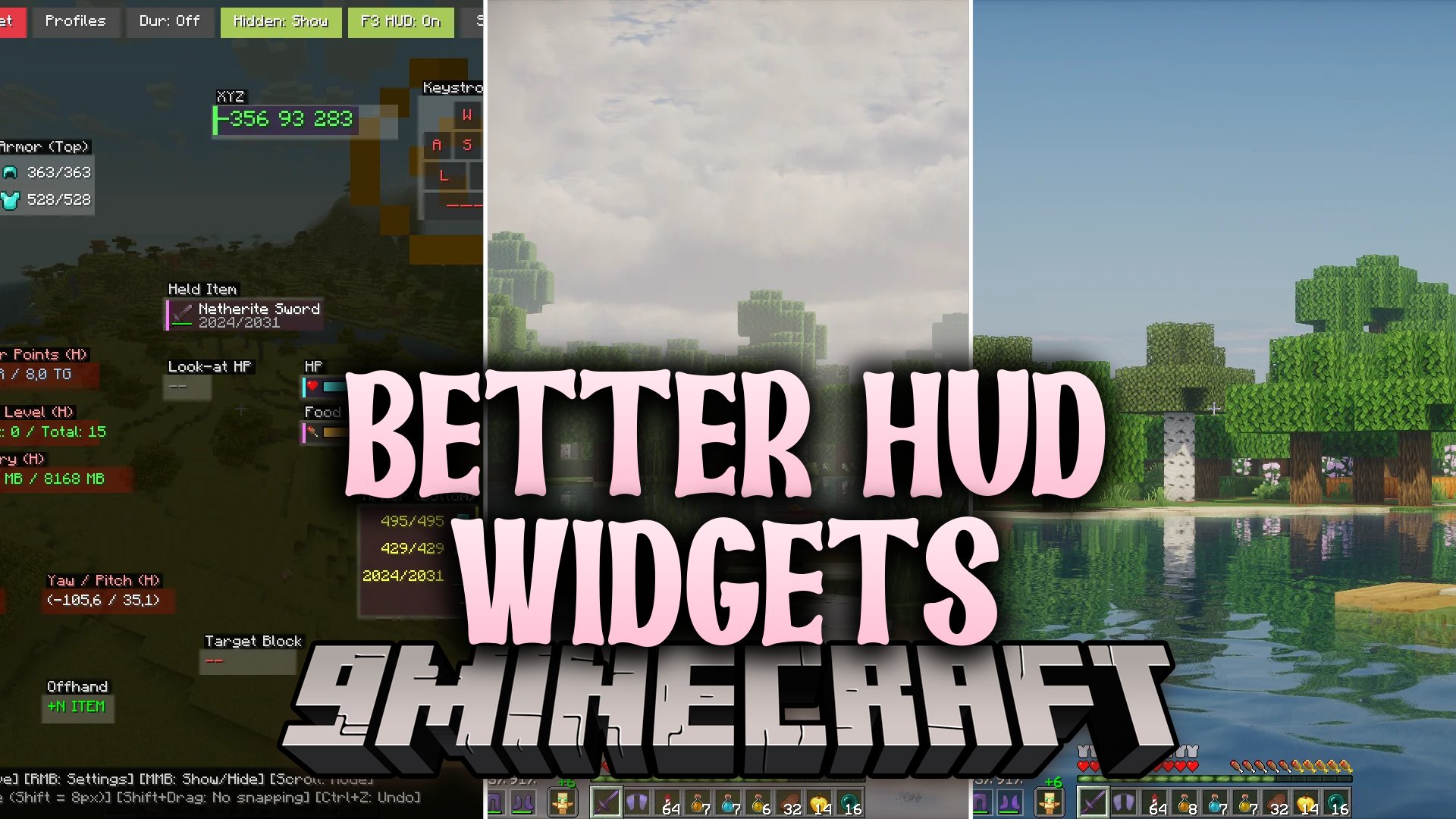
Better HUD Widgets Mod brings a full set of movable on-screen widgets to your interface. You can adjust the size, look, and position of every single element directly in-game. It lets you monitor your armor health, status effects, player coordinates, and motion speed without cluttering your view.
Features:
- Drag-and-Drop Editor: Move widgets anywhere on your display with simple mouse controls.
- Multiple Display Modes: Change how each widget looks by scrolling over it in the editor.
- Custom Layout Profiles: Save your HUD setup to switch profiles instantly or share text codes with friends.
- Shows real-time armor durability with classic vertical lists, split sections, or hotbar-style slots.
- Displays targeted mob or player health as a clean number directly on your crosshair.
- Tracks your exact coordinates, movement speed in blocks per second, and Nether conversion numbers.
- Monitors active potion effects with duration timers, power levels, and clean alignment options.
- Shows current frame rates, click speed counters, server ping, and exact light levels.
- Alerts you with sound and text warnings when your equipped items drop below a safe durability limit.
- Includes quick undo controls by pressing Ctrl+Z to fix layout mistakes immediately.
Widget Categories:
- Armor Widgets: Classic column, Top armor, Bottom armor, and Hotbar-style item slots.
- Navigation Widgets: XYZ coordinates, Nether position converter, compass bearing, and biome tracker.
- Combat and Health Widgets: Target mob health, player HP, food levels, saturation, and potion timers.
- Utility Widgets: Free inventory counter, offhand item tracker, system clock, and world day time.
Commands:
/hbw reset: resets your active widget layout back to default settings./hbw calc <expression>: evaluates simple math formulas directly in chat./calcu <expression>: works as a quick math calculation shortcut.
How to Use:
- Press K on your keyboard to open the widget editor screen.
- Hold Left Click on any widget to drag it to a new location on your screen.
- Use Right Click on a widget to open its size, style, and background options.
- Use Middle Click or scroll with your mouse wheel to toggle visibility and display modes.
- Open the top bar to save your current setup as a profile or share it as text.
Screenshots:
Better HUD Widgets Mod Download Links
Quick facts
- Edition: Minecraft Java
- File type: .jar
- Minecraft version listed: 1.20.1
- How to install: Install the matching mod loader (Forge, Fabric or NeoForge) for your Minecraft version. → Download the .jar. → Put it in the .minecraft/mods folder and launch that loader profile.
- Where to get it: In MC Java Mods, or directly above on this page.
Install steps are the general flow for this file type — How to install Minecraft Java mods & modpacks walks through it step by step.
File checked by MCModsHub
- Downloads as 528097.mcaddon
- Download size: 150 KB
- Download link checked 17 Oct 2026 — working
- Mirrored on our own servers — the download does not depend on the original host
These come from our own check of the pack file, not from the source page.