ModsJava
RealWorldMC Mod (26.3, 1.21.1) – Fly Across Real World Cities and Build on Landmarks
Java mod listed for Minecraft 1.21. Downloads from the MC Java Mods app on Android.
⬇ Download


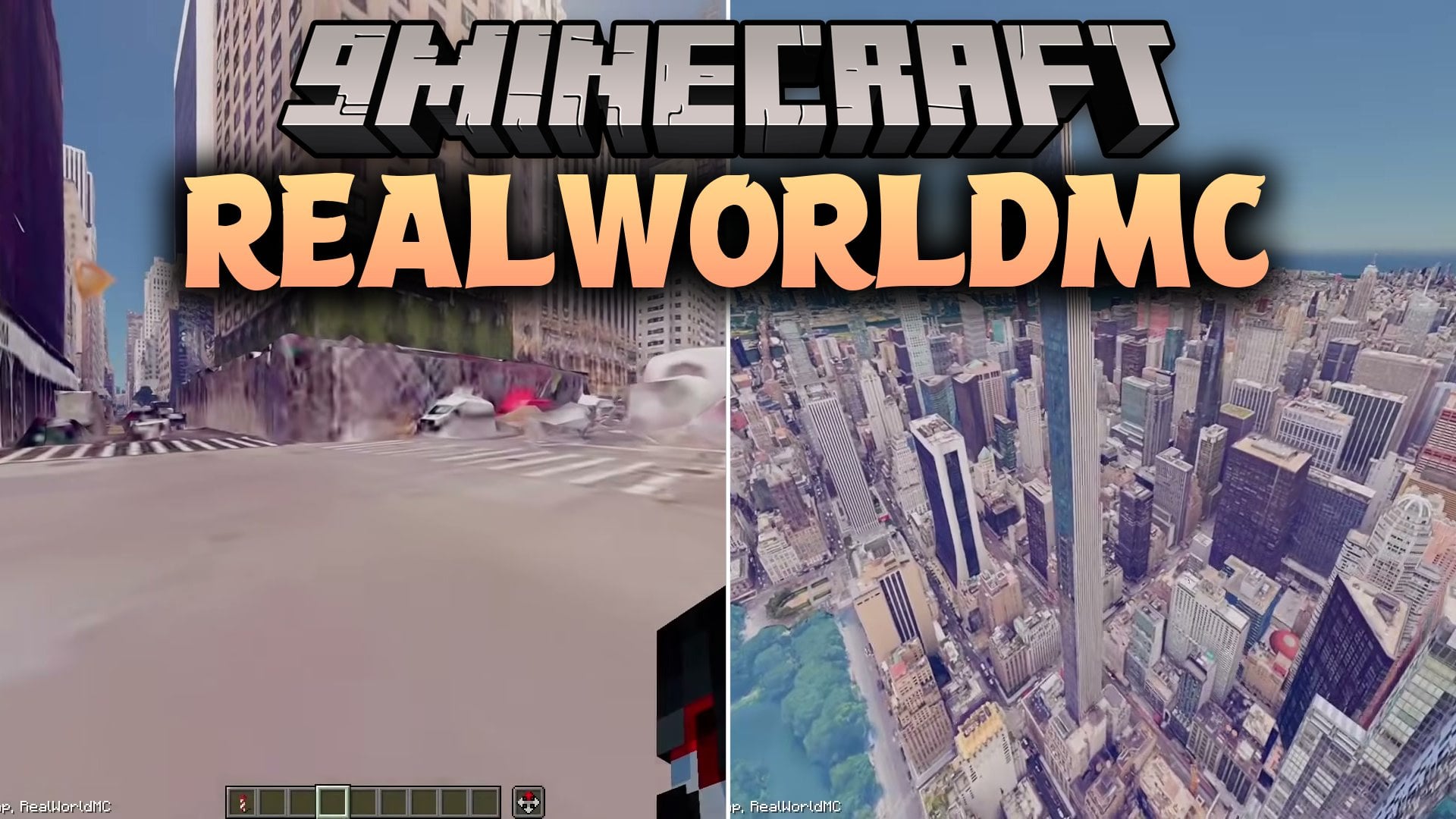
RealWorldMC Mod brings real-world 3D map scenery and Street View straight into Minecraft. You can fly over famous cities, visit distant landmarks by name, and explore realistic places from the ground. The mod lets you place regular blocks and spawn mobs right on top of real city streets. It gives you a brand-new way to travel across Earth, orbit the planet, or even check out flyovers of Mars and the Moon.
Features:
- Real Earth Scenery: Spawns real-world 3D buildings and ground models using online map data.
- Street View Mode: Lets you walk down streets, follow directional arrows, and place blocks inside real photos.
- Fast Travel: Teleports you directly to cities or specific coordinates with simple chat commands.
- Built-In Flight: Gives you smooth gliding and hovering controls without needing an elytra.
- Space Flyovers: Adds high-altitude travel so you can orbit Earth or fly past the Moon and Mars.
- Offers one hundred starter spots when you generate a new custom world.
- Supports Cesium as an alternate provider for 3D map terrain.
- Works alongside standard Minecraft blocks, animals, and monsters.
Commands:
/earth help: Shows a list of available mod commands in the chat./earth goto <location>: Teleports you to a specific city name or coordinate set./earth fly: Toggles free hover and glide mode on or off./earth streetview: Enters the ground-level Street View mode at your current position./earth back: Exits Street View and returns to regular view.
How to Use:
- Provide your map provider credentials and maintain an active internet connection.
- Open Minecraft and select Create New World.
- Set the game mode to Creative and turn on commands.
- Select the Real World world type in the world creation menu.
- Type
/earth flyor/earth gotoin chat to start exploring cities across the globe.
Screenshots:


RealWorldMC Mod Download Links
Quick facts
- Edition: Minecraft Java
- File type: .jar
- Minecraft version listed: 1.21.1
- How to install: Install the matching mod loader (Forge, Fabric or NeoForge) for your Minecraft version. → Download the .jar. → Put it in the .minecraft/mods folder and launch that loader profile.
- Where to get it: In MC Java Mods, or directly above on this page.
Install steps are the general flow for this file type — How to install Minecraft Java mods & modpacks walks through it step by step.
File checked by MCModsHub
- Downloads as 528099.mcaddon
- Download size: 35.8 MB
- Download link checked 17 Oct 2026 — working
- Mirrored on our own servers — the download does not depend on the original host
These come from our own check of the pack file, not from the source page.