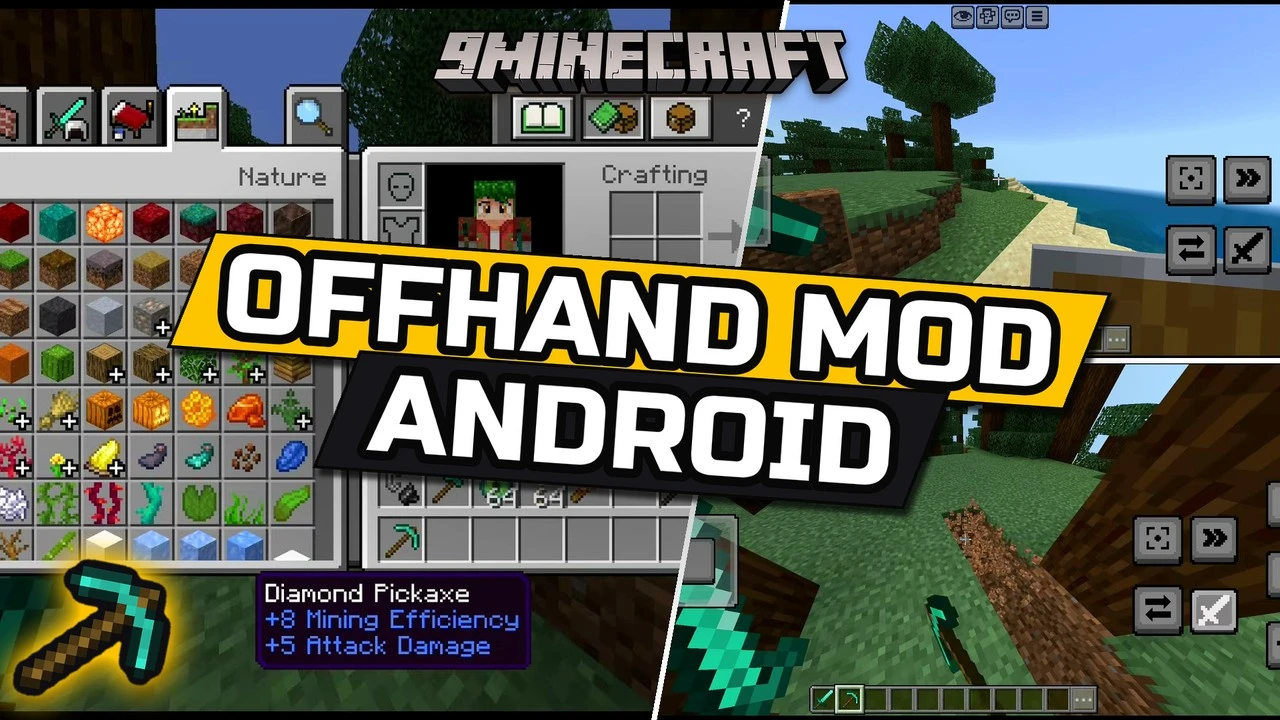
Offhand Android Mod (26.52) – Real Java-Style Offhand for MCPE on LeviLauncher
Minecraft Bedrock add-on. Download on the author's site.
⬇ Download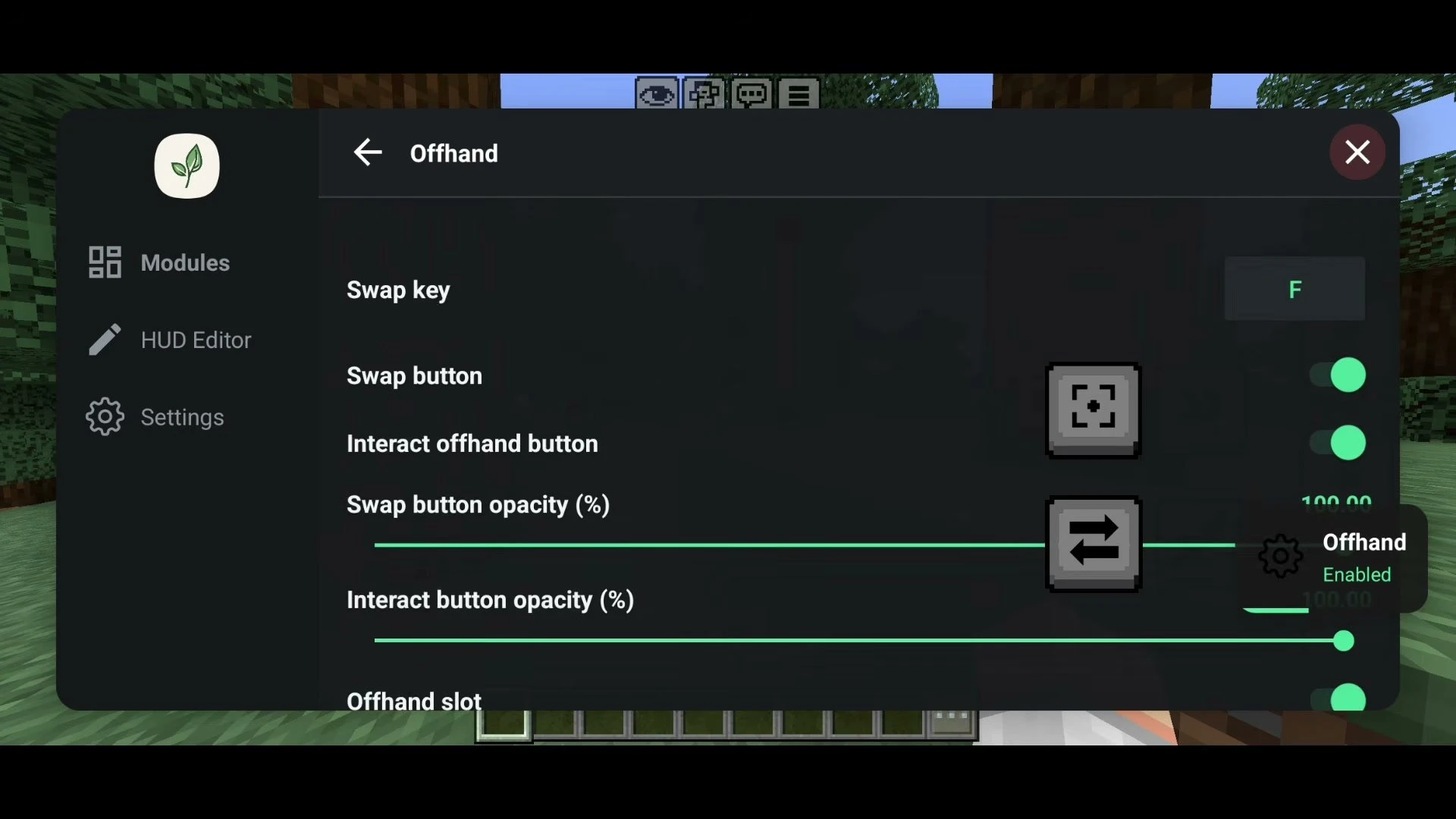
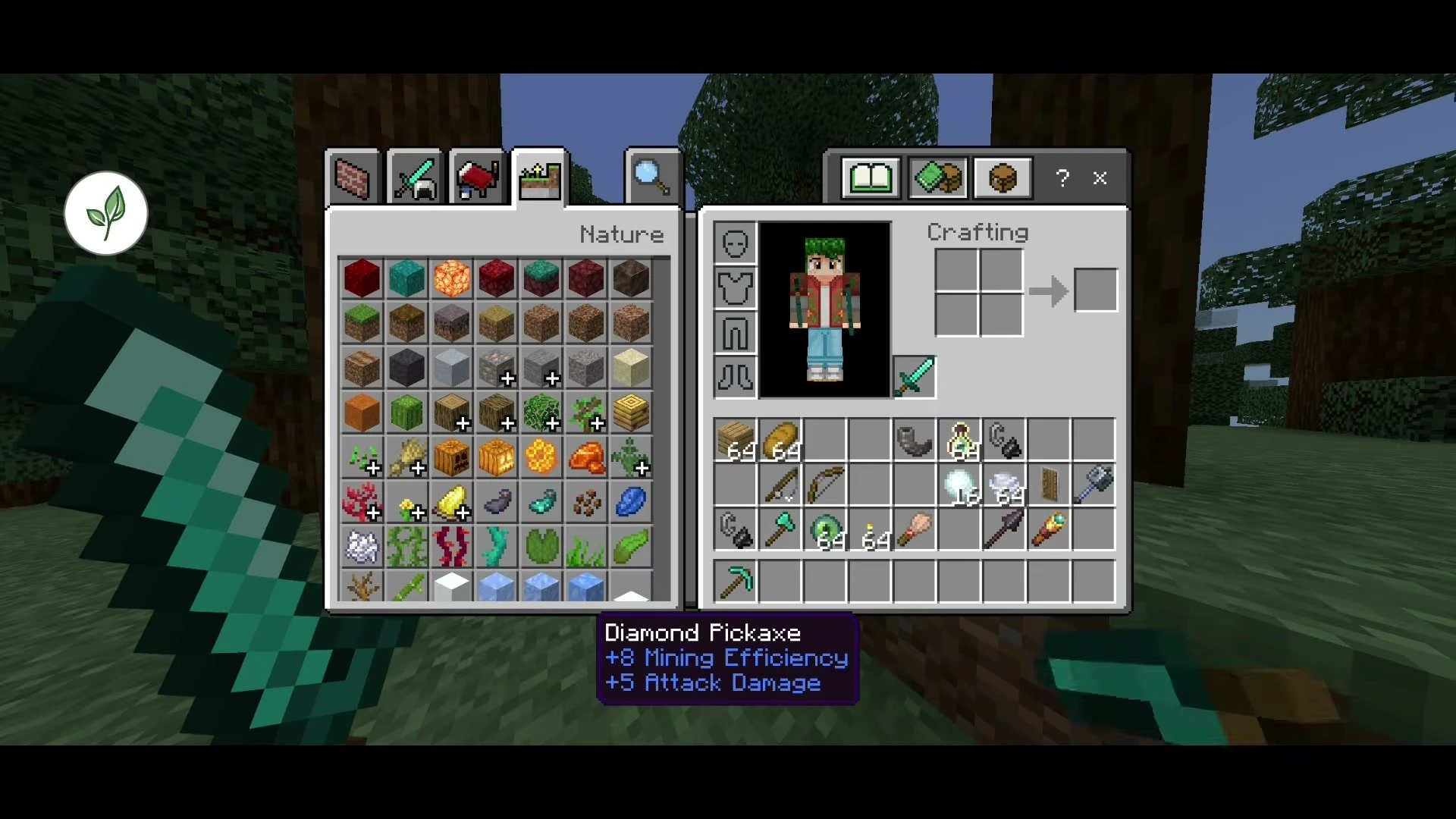
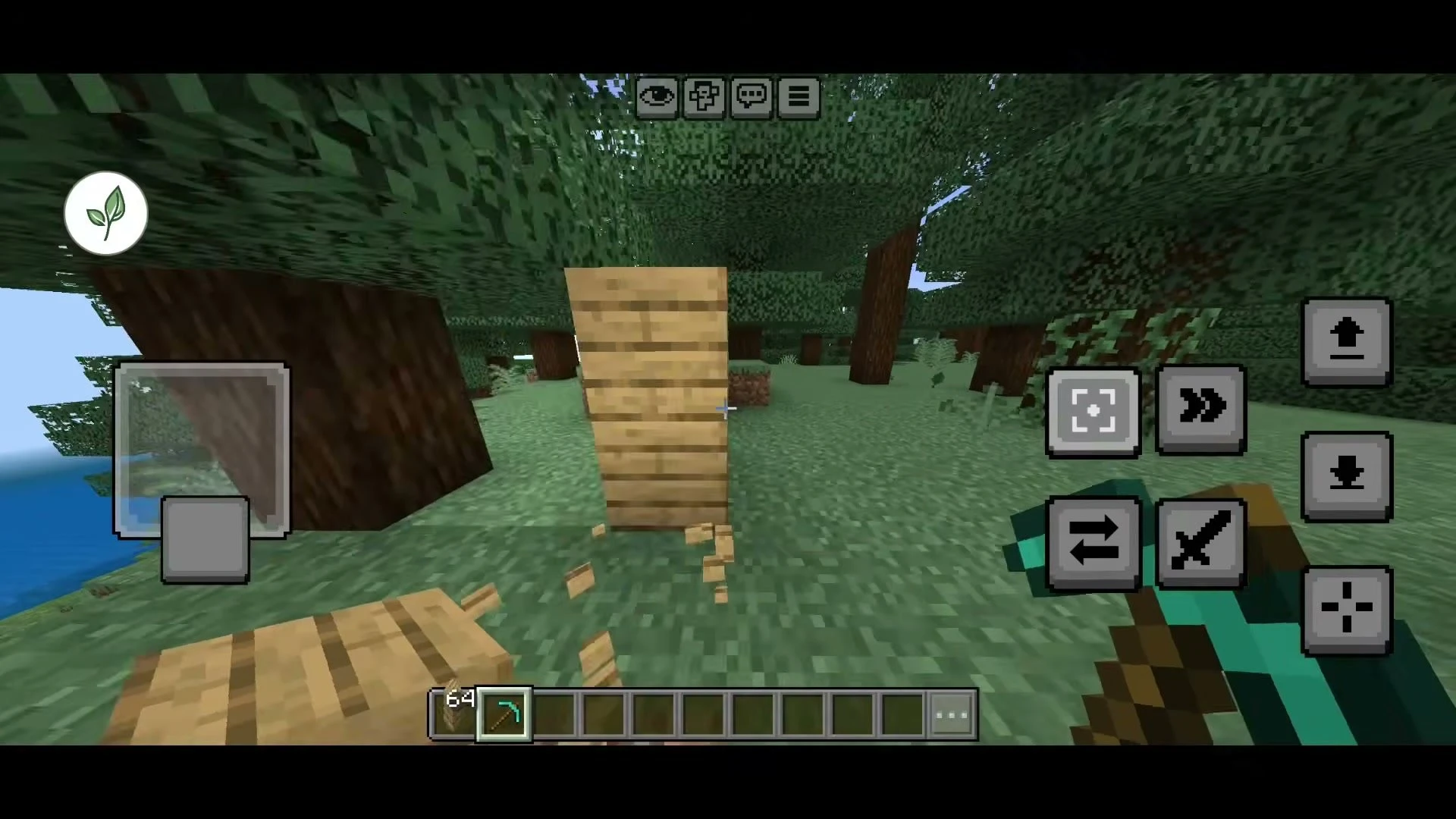
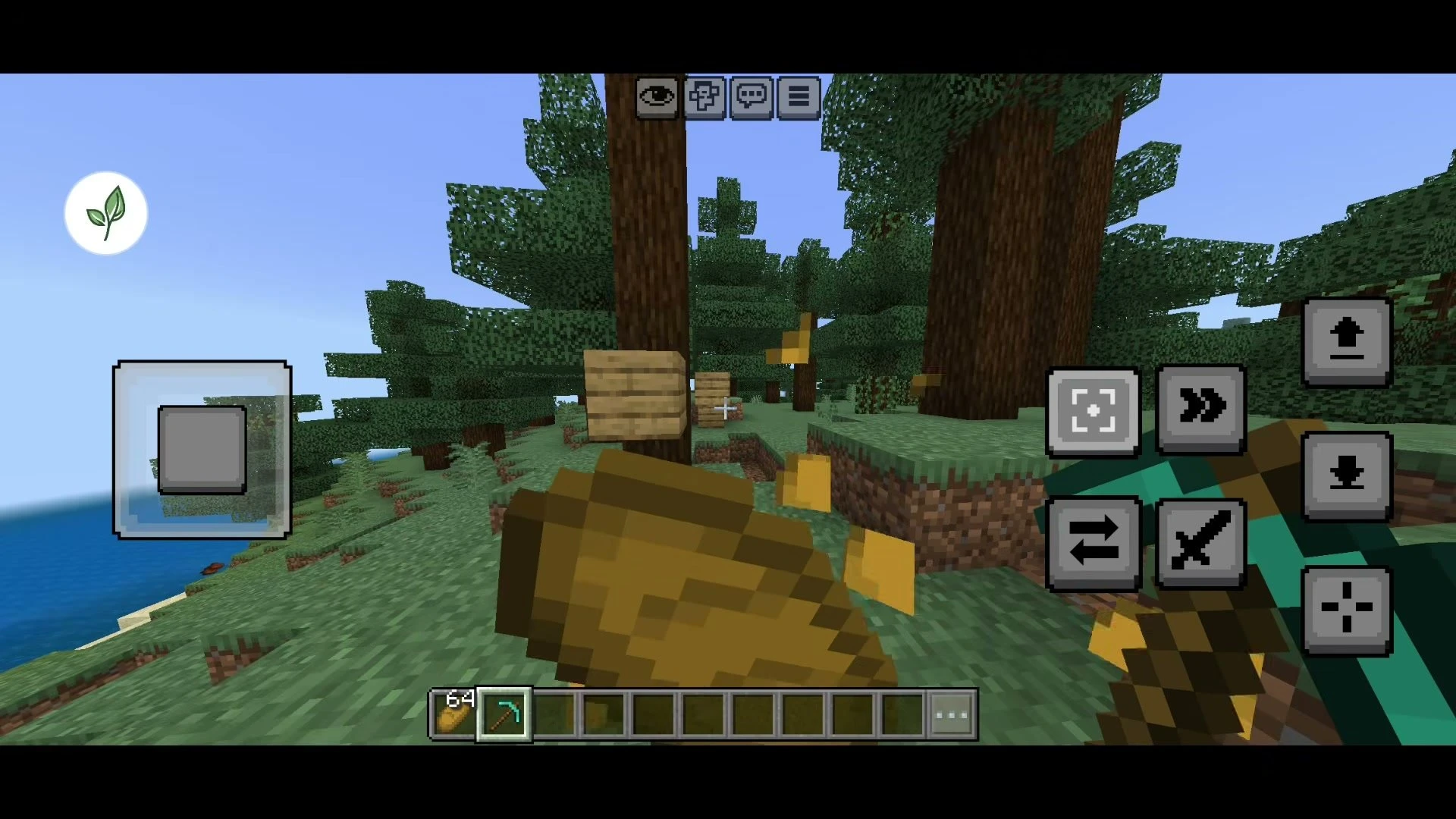
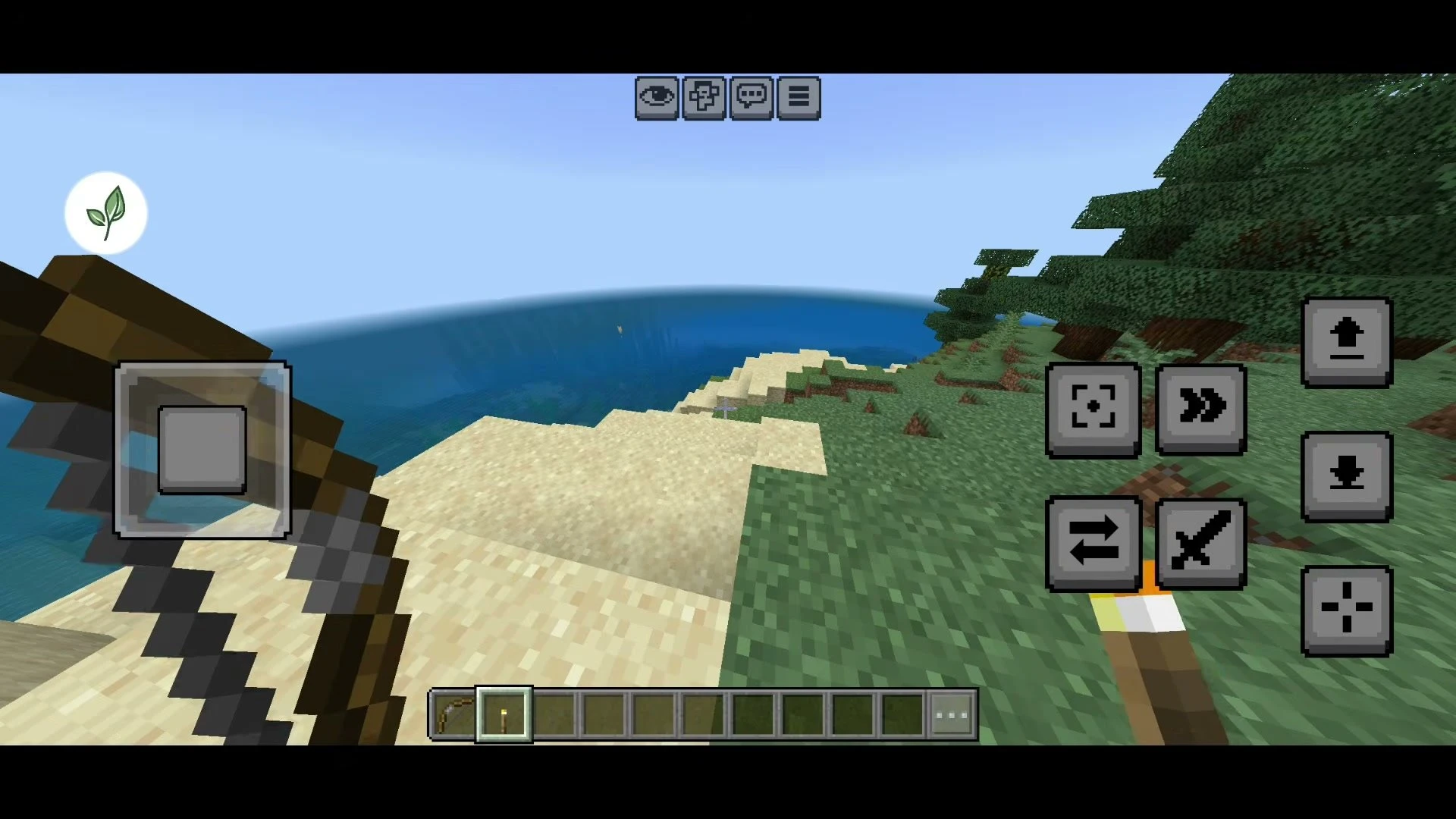
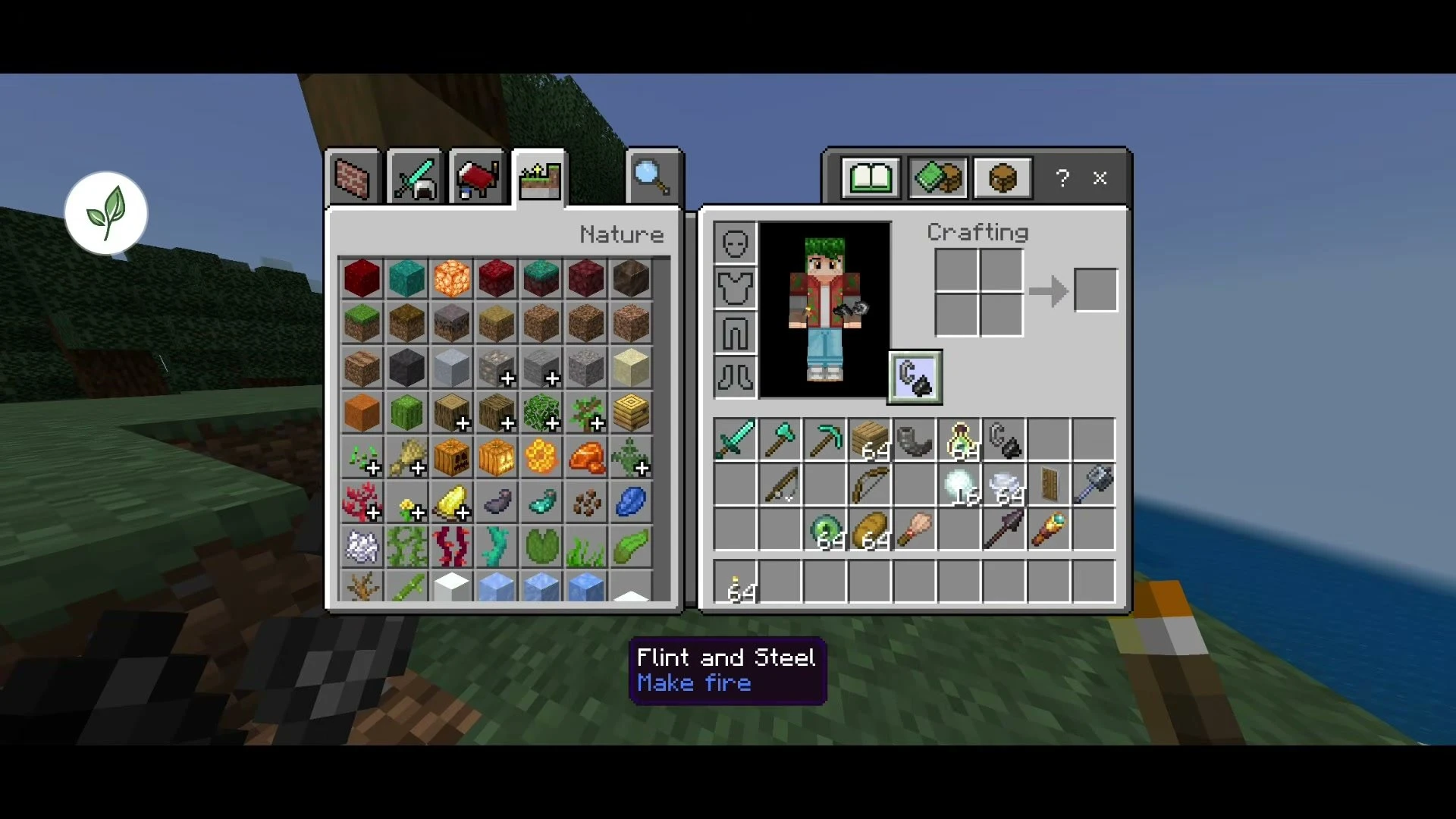
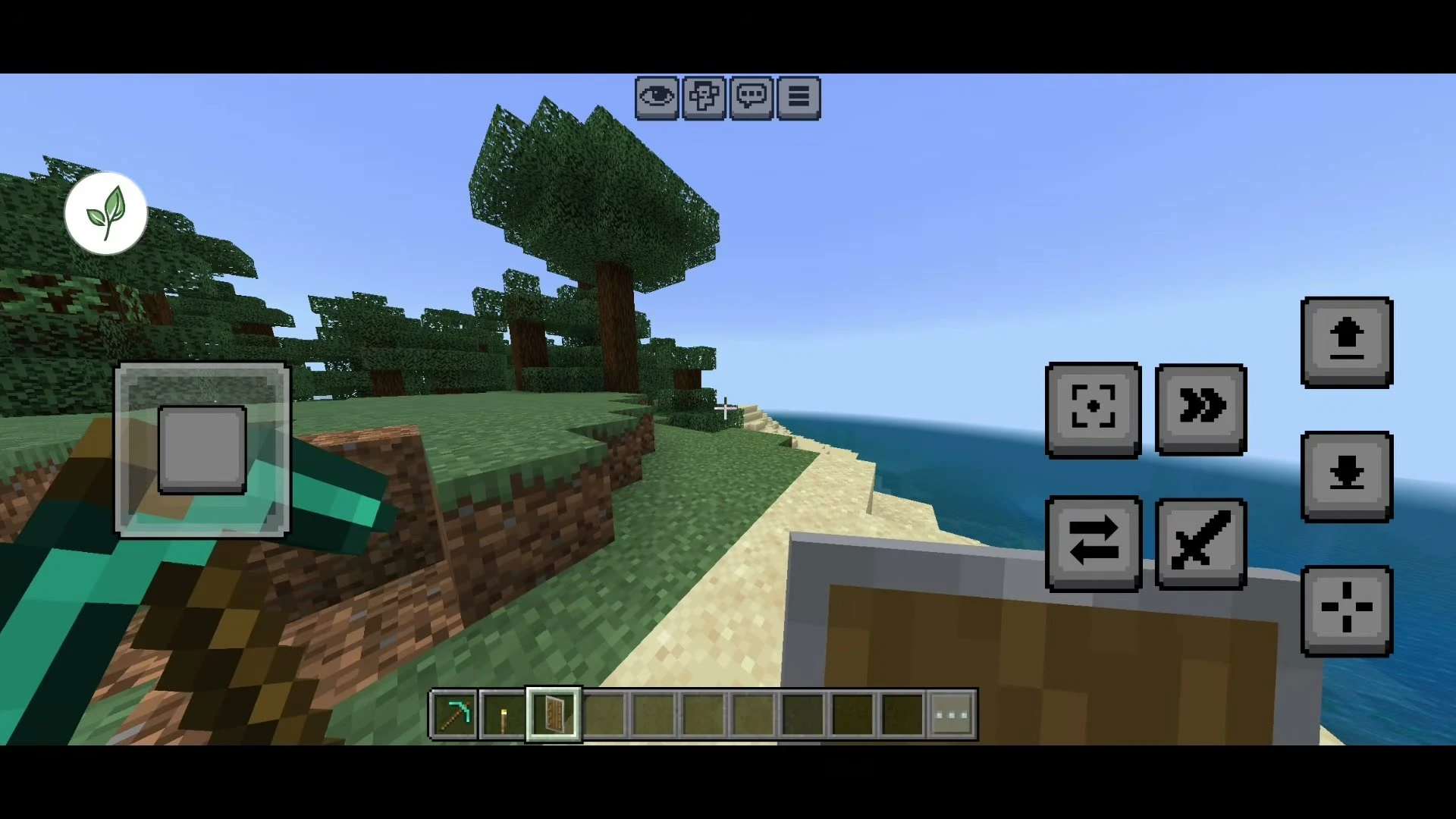
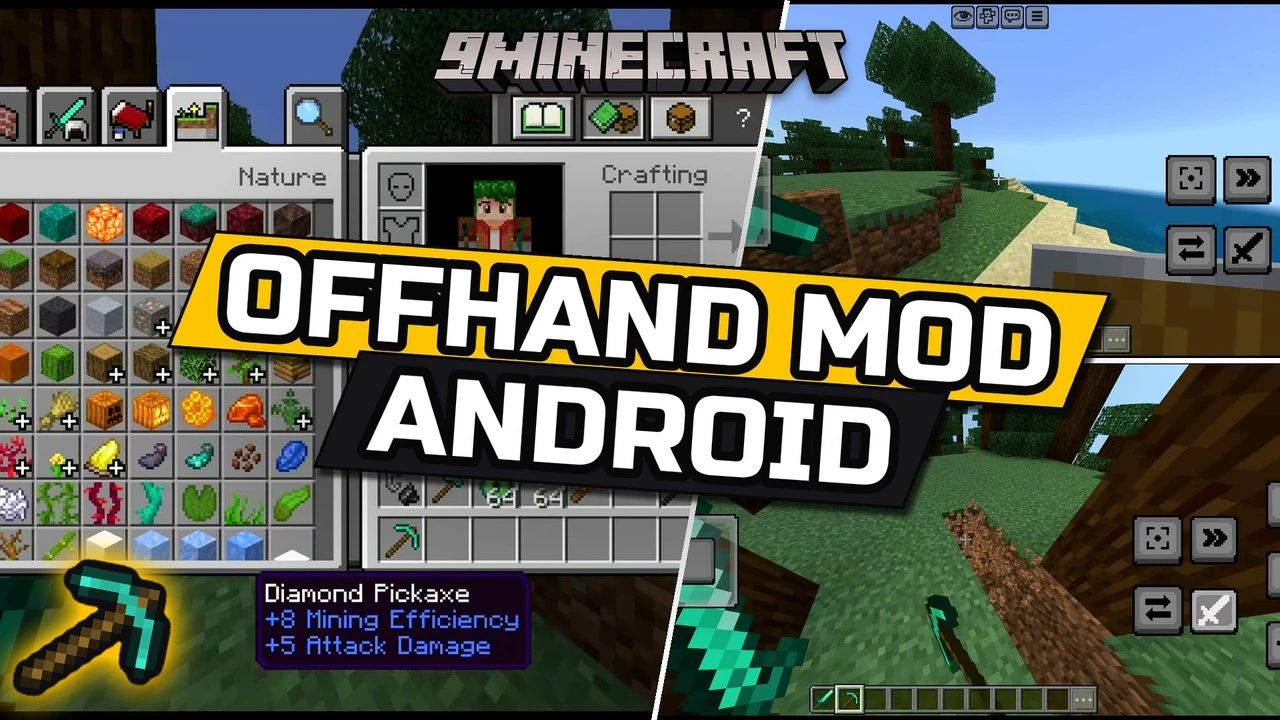
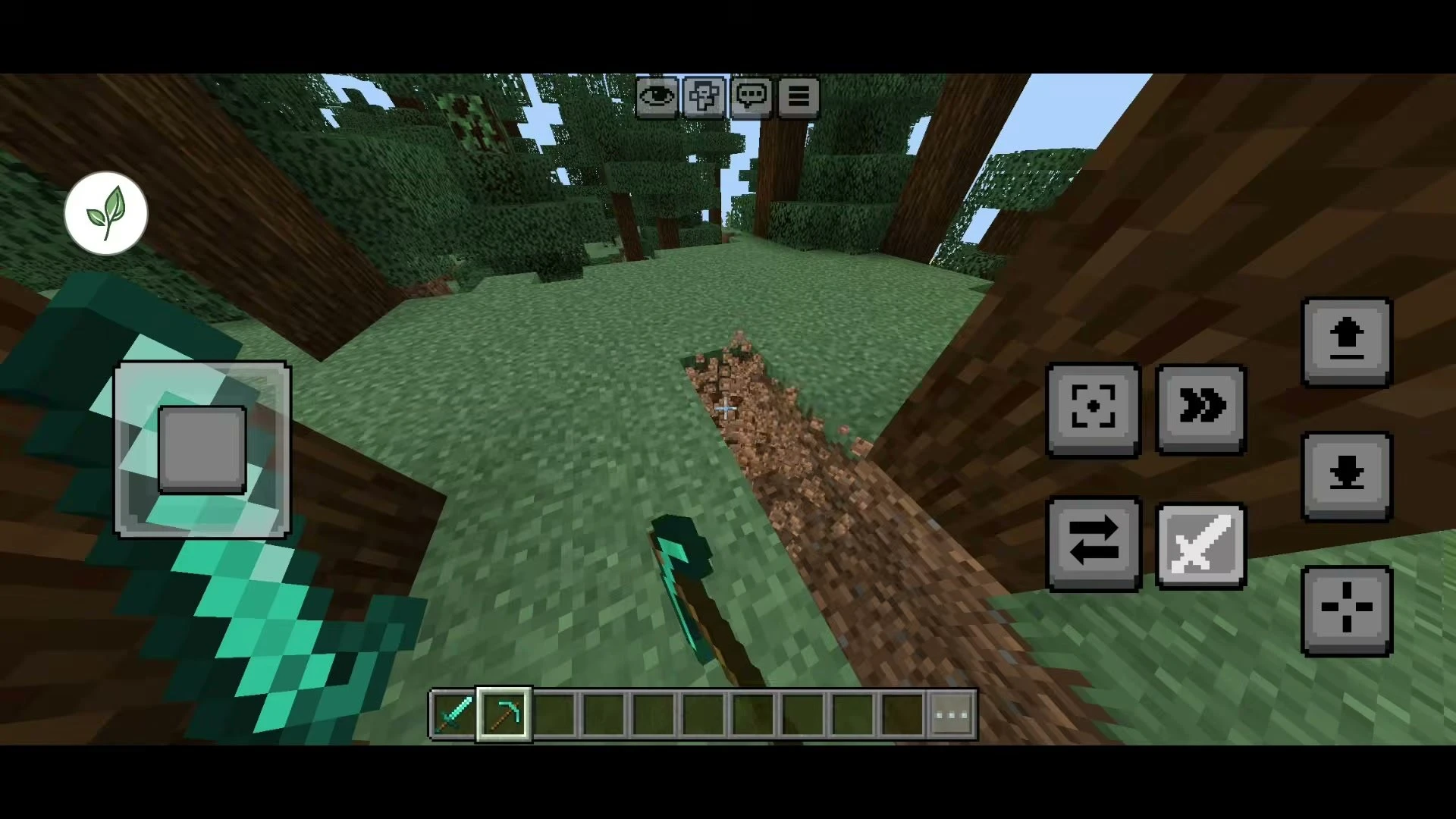
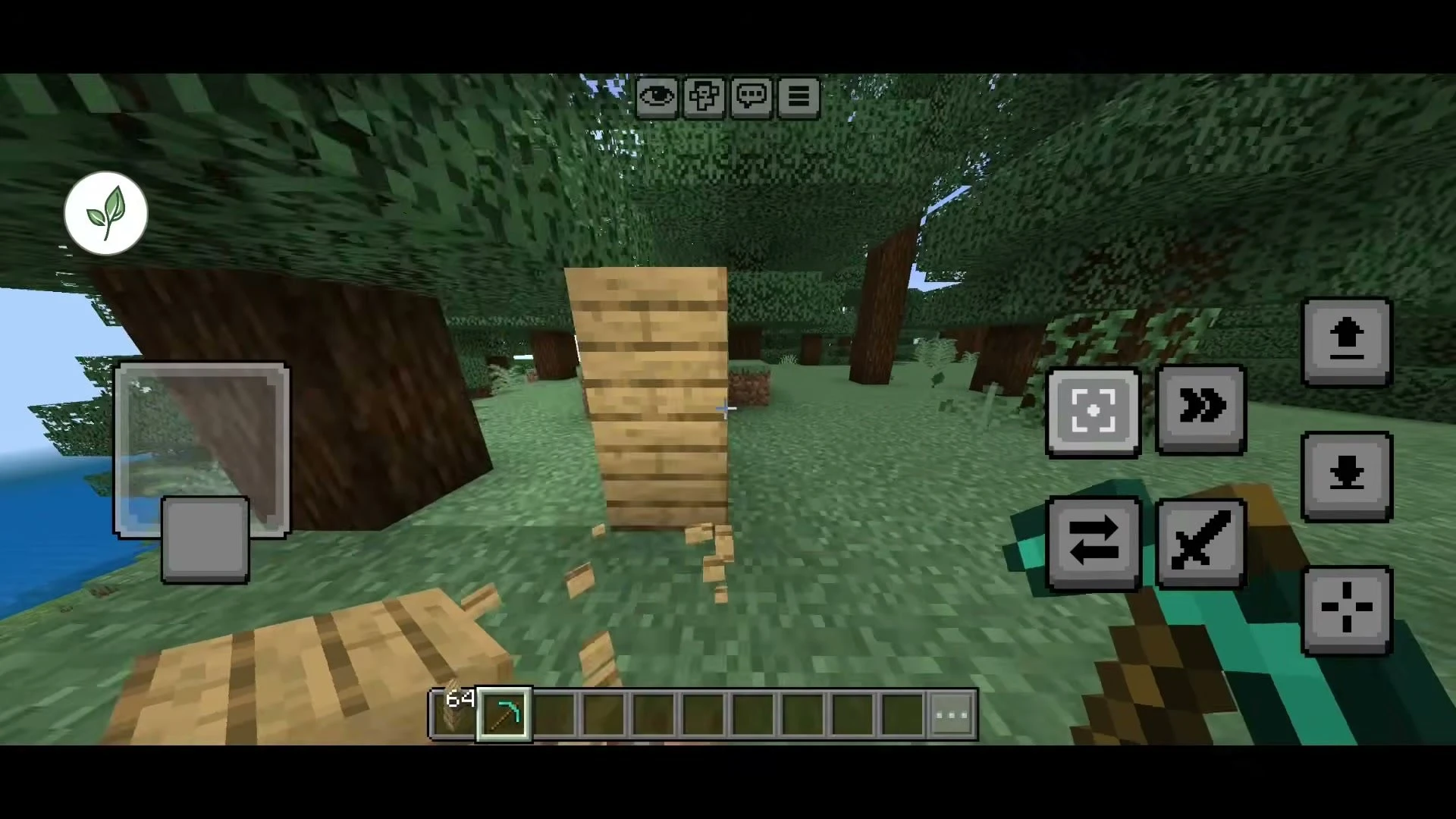
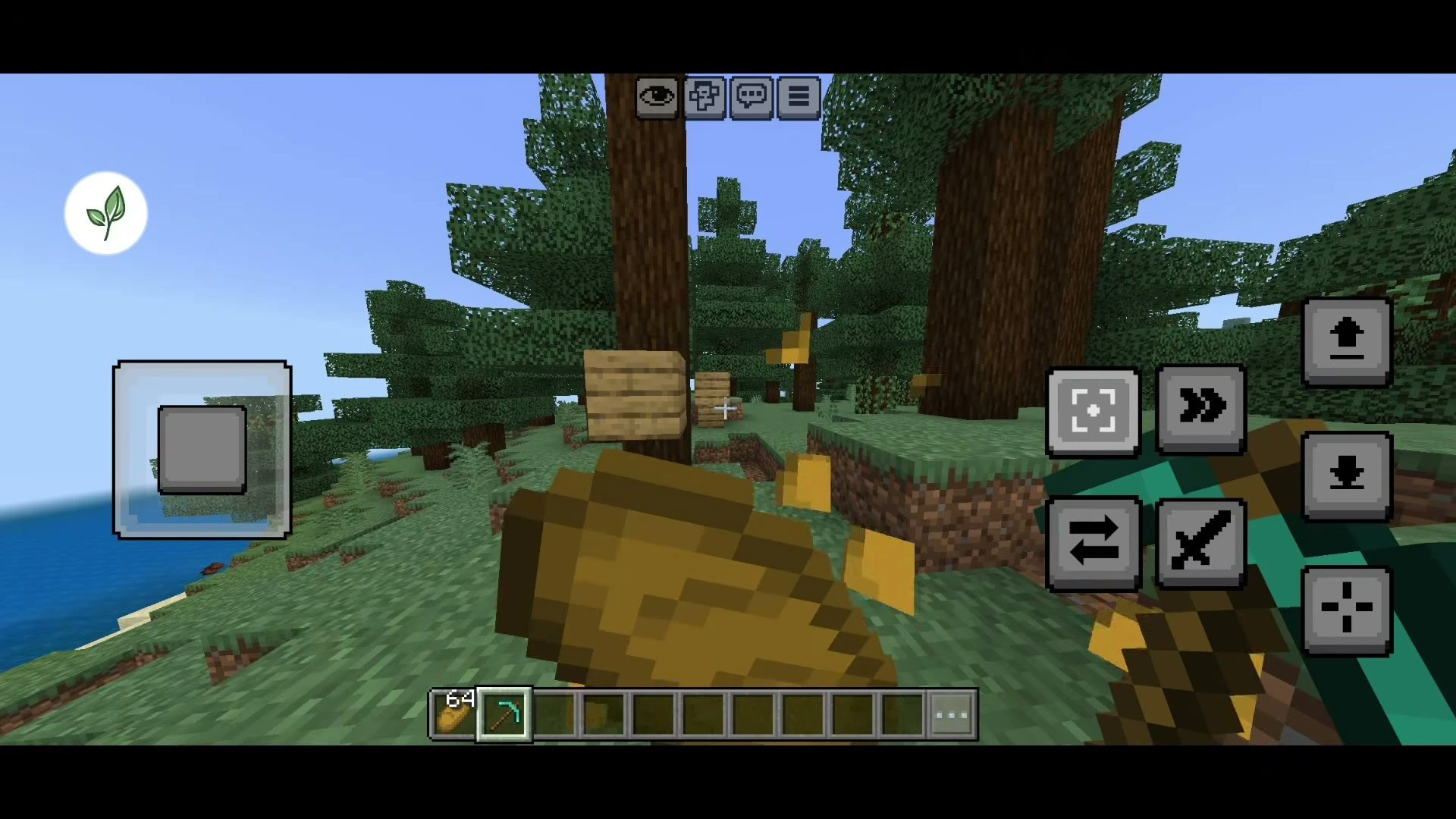
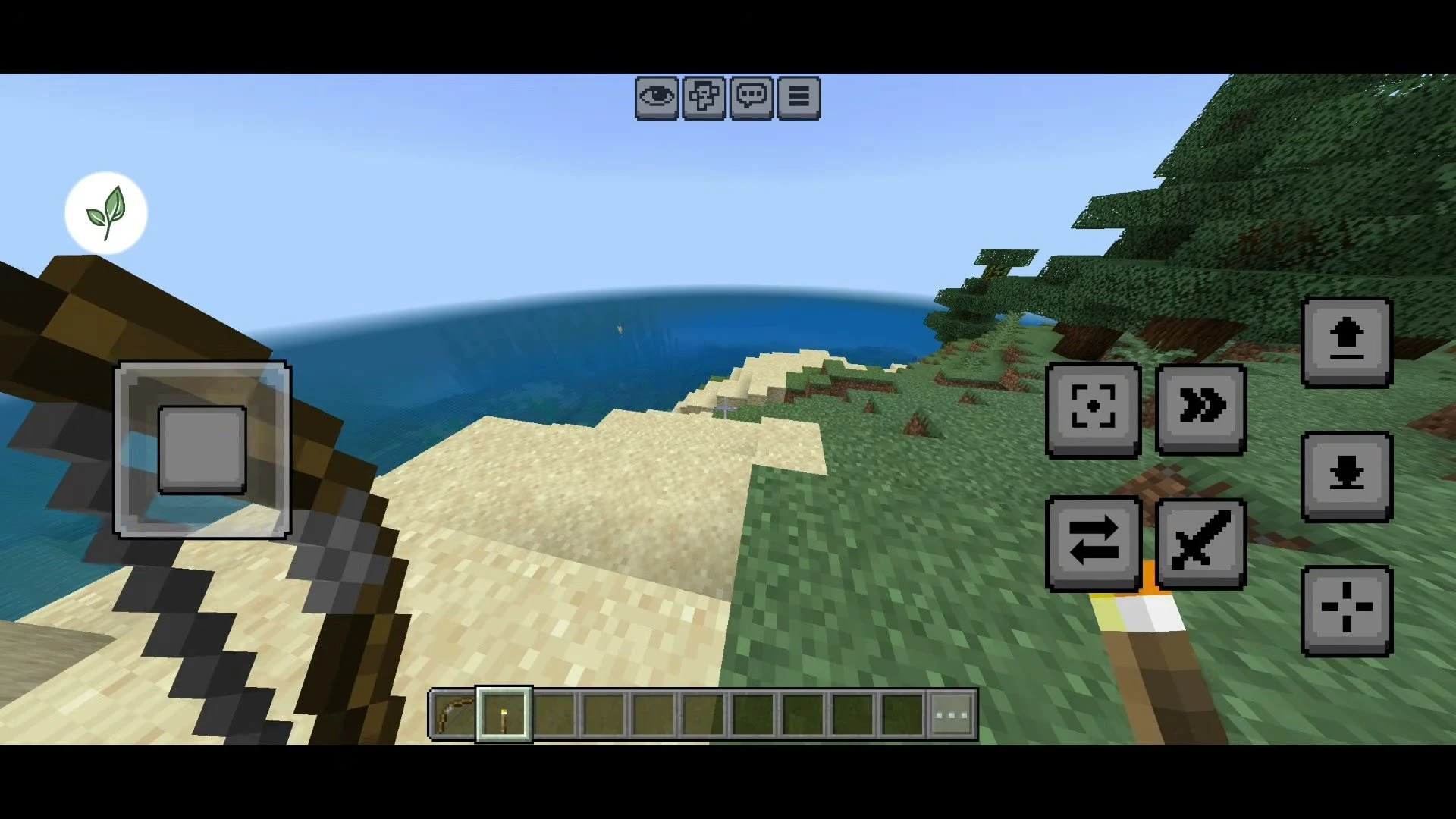
Offhand Android Mod finally brings a real, Java-style offhand to Minecraft Bedrock on Android. Vanilla Bedrock only lets you put a few items like shields, totems and maps in your second hand, but this native LeviLauncher mod lets you hold almost anything there – a torch, a pickaxe, food or blocks – and actually use it.
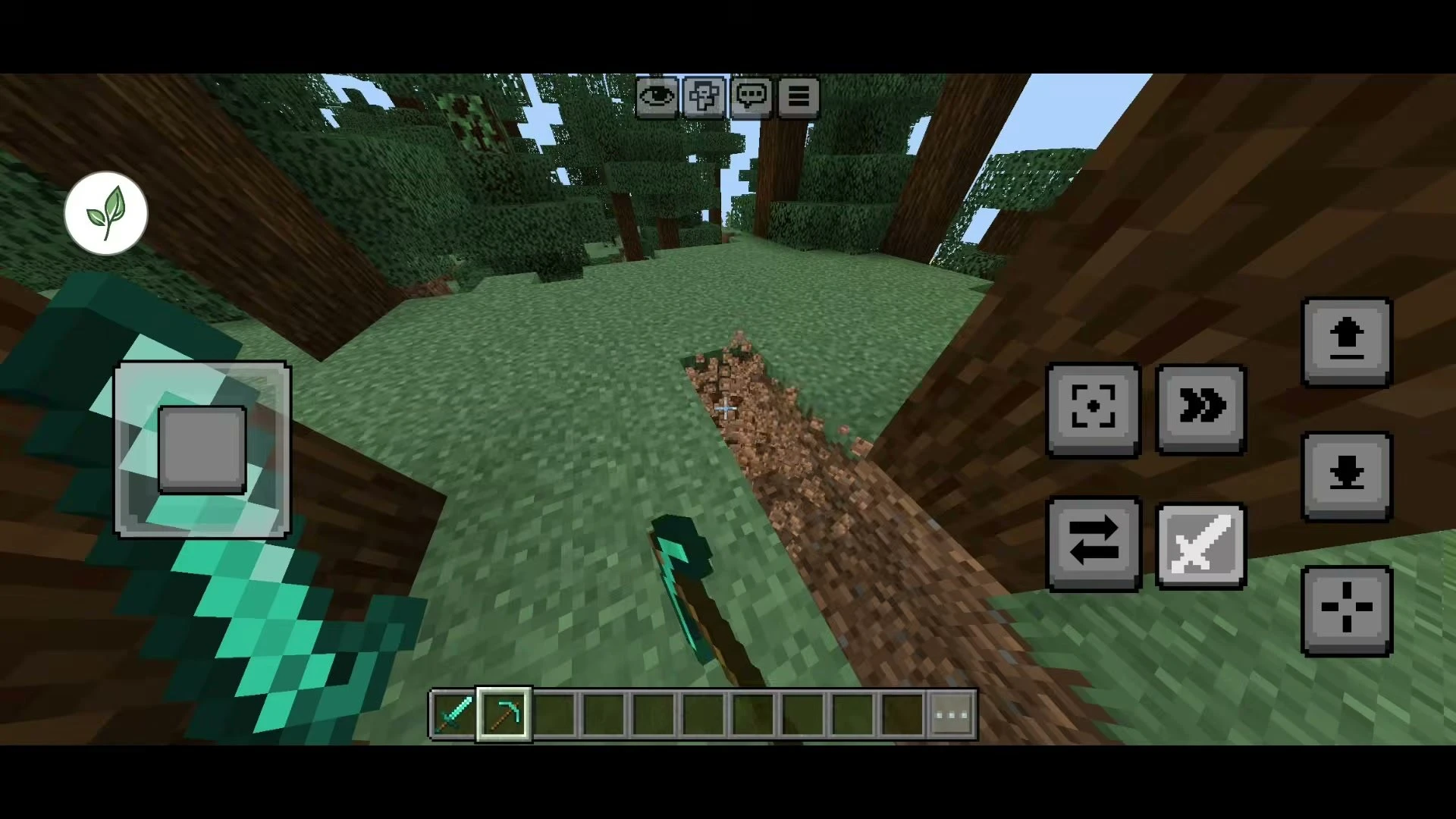
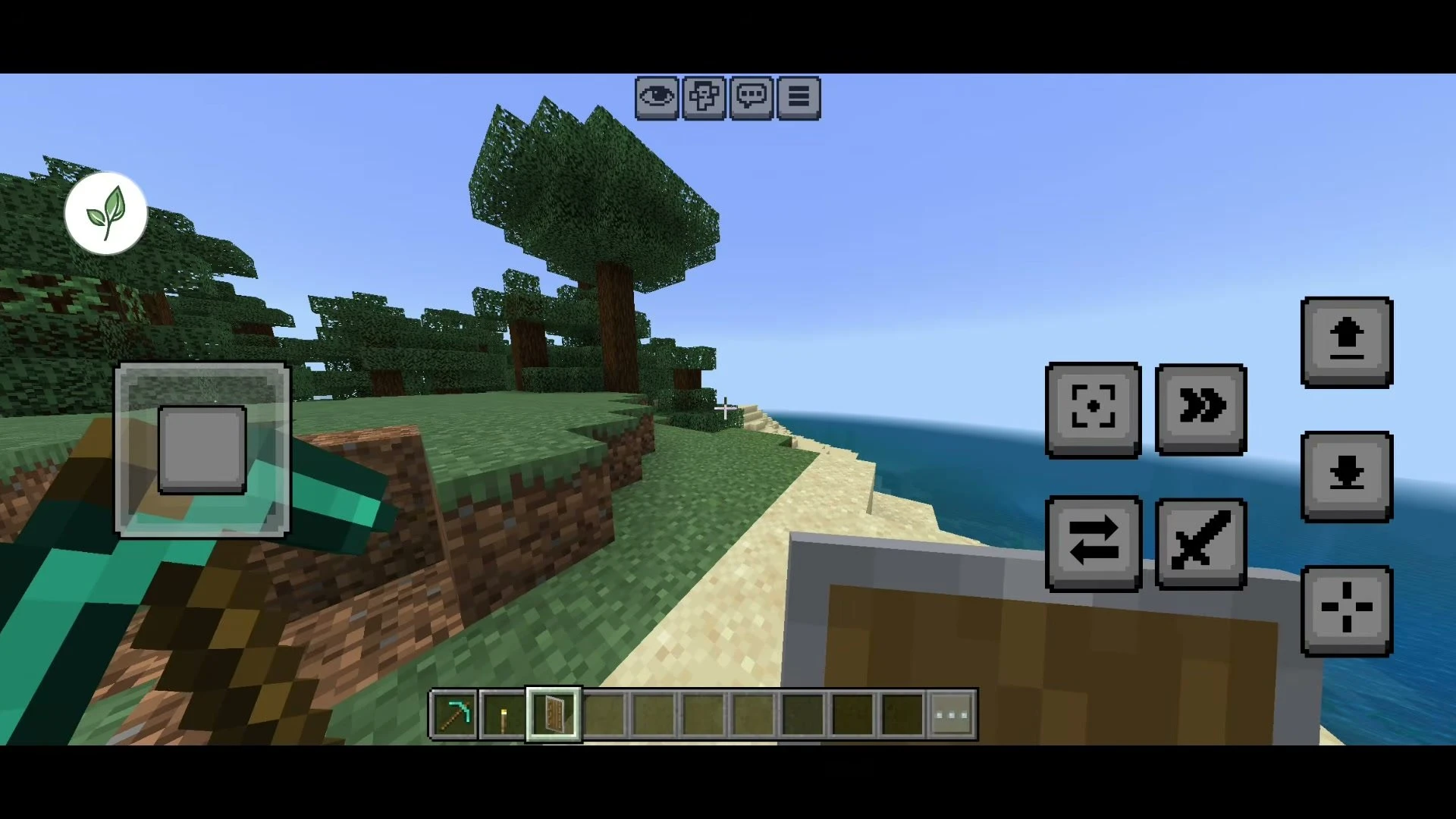
It is MrPokeG’s Android port of Frederox’s popular Offhand mod for Windows, made with the original author’s permission. Two new touch buttons appear on screen: one swaps the items between your hands and one uses whatever is in your offhand, so you can place torches while mining, eat without switching slots or block with a shield in a fight.
Supported Versions:
Built for Minecraft Bedrock 1.26.52 (26.52) on Android, loaded as a native mod inside LeviLauncher. Native mods are tied to the game build they were made for, so use it with Minecraft 26.52.
Features:
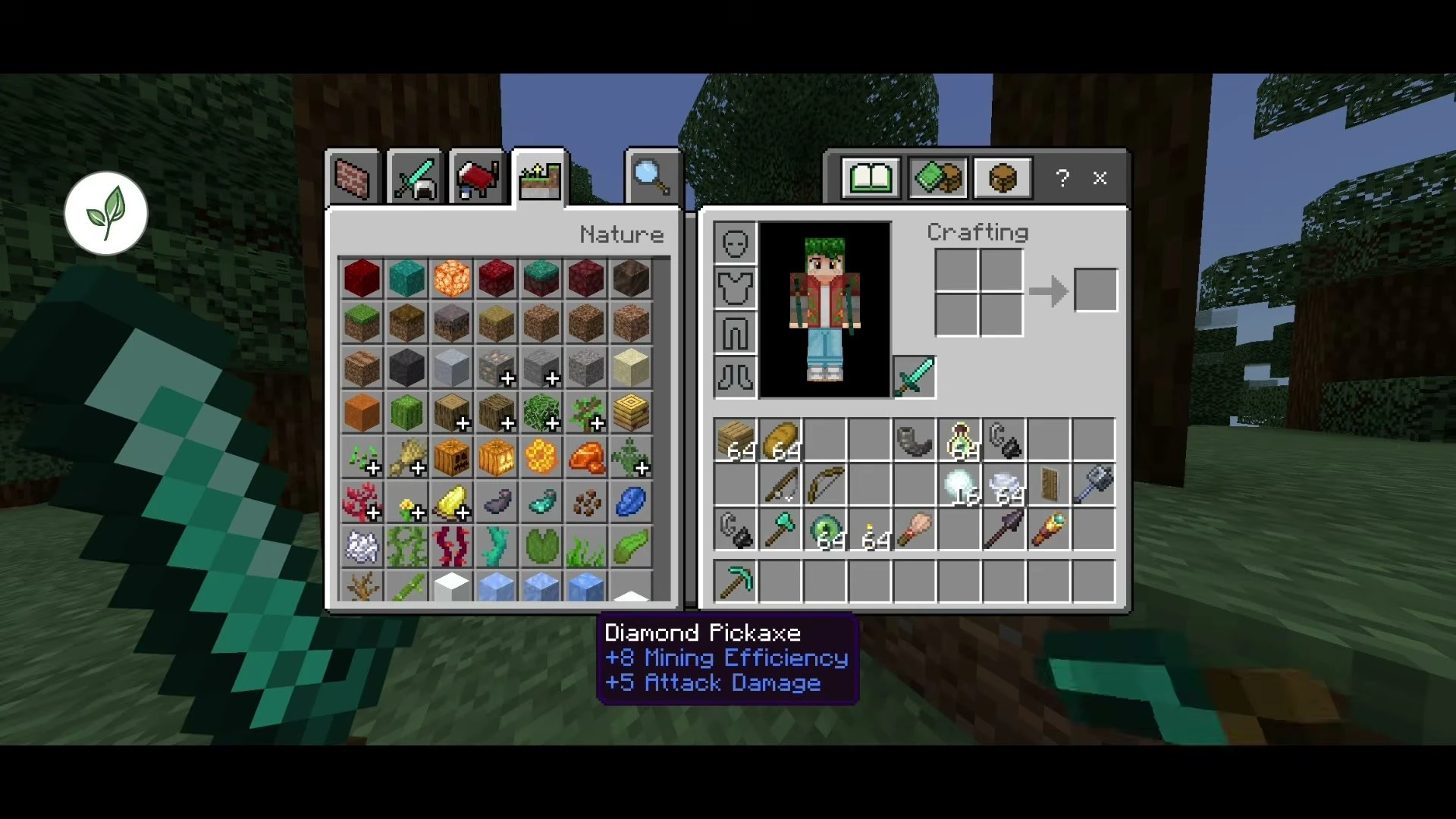
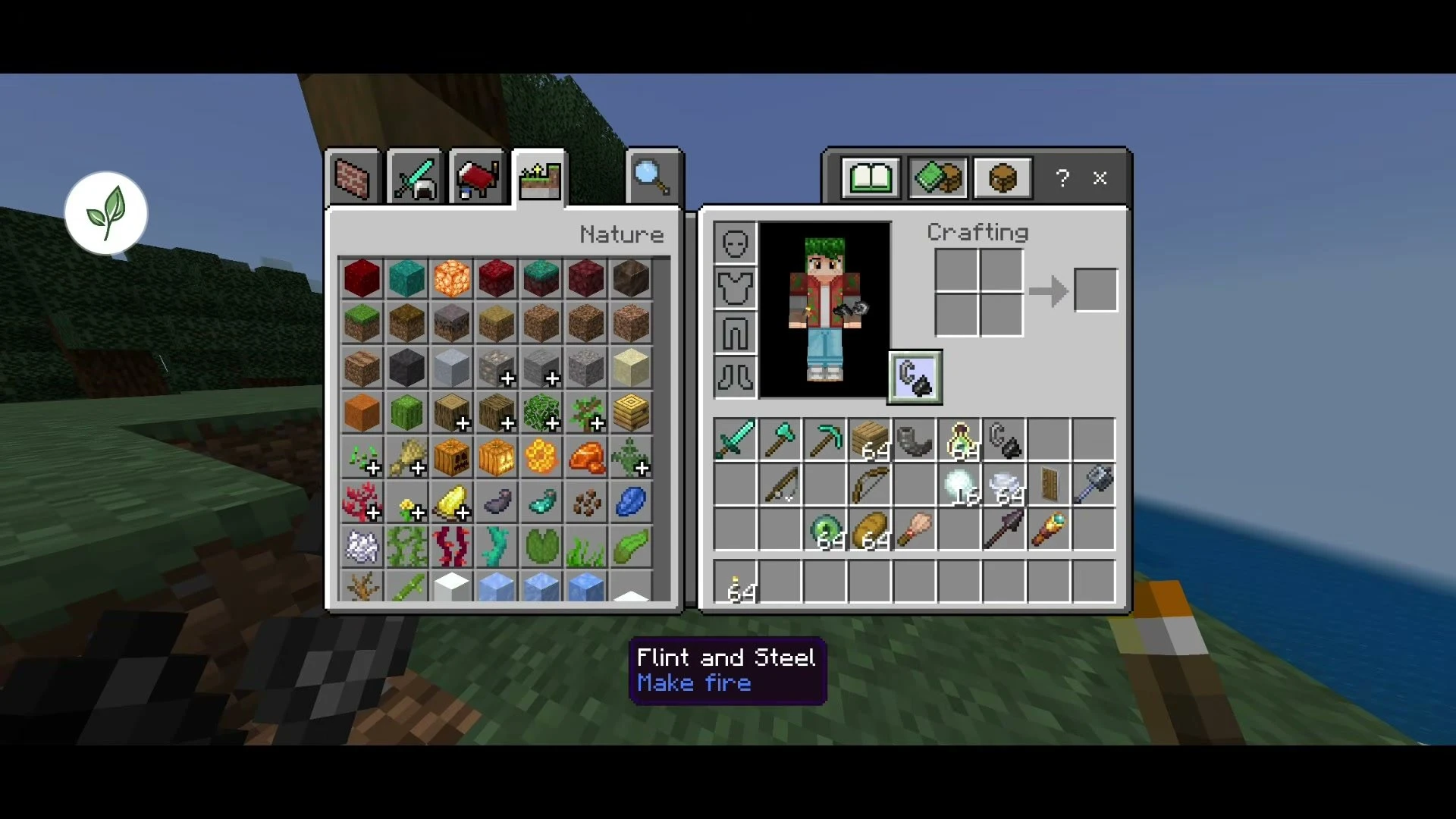
- Adds a real offhand slot to your inventory and HUD – put almost any item in it.
- Swap items between your main hand and offhand with the Swap button, or the F key when playing with a keyboard.
- A dedicated Interact button uses your offhand item: place blocks, eat food, throw items, light fires with flint and steel and more.
- Block attacks with a shield while still holding a weapon or tool in your main hand.
- Use tools and attack with the item in your offhand.
- Custom first-person and third-person offhand animations, including tridents and the spyglass.
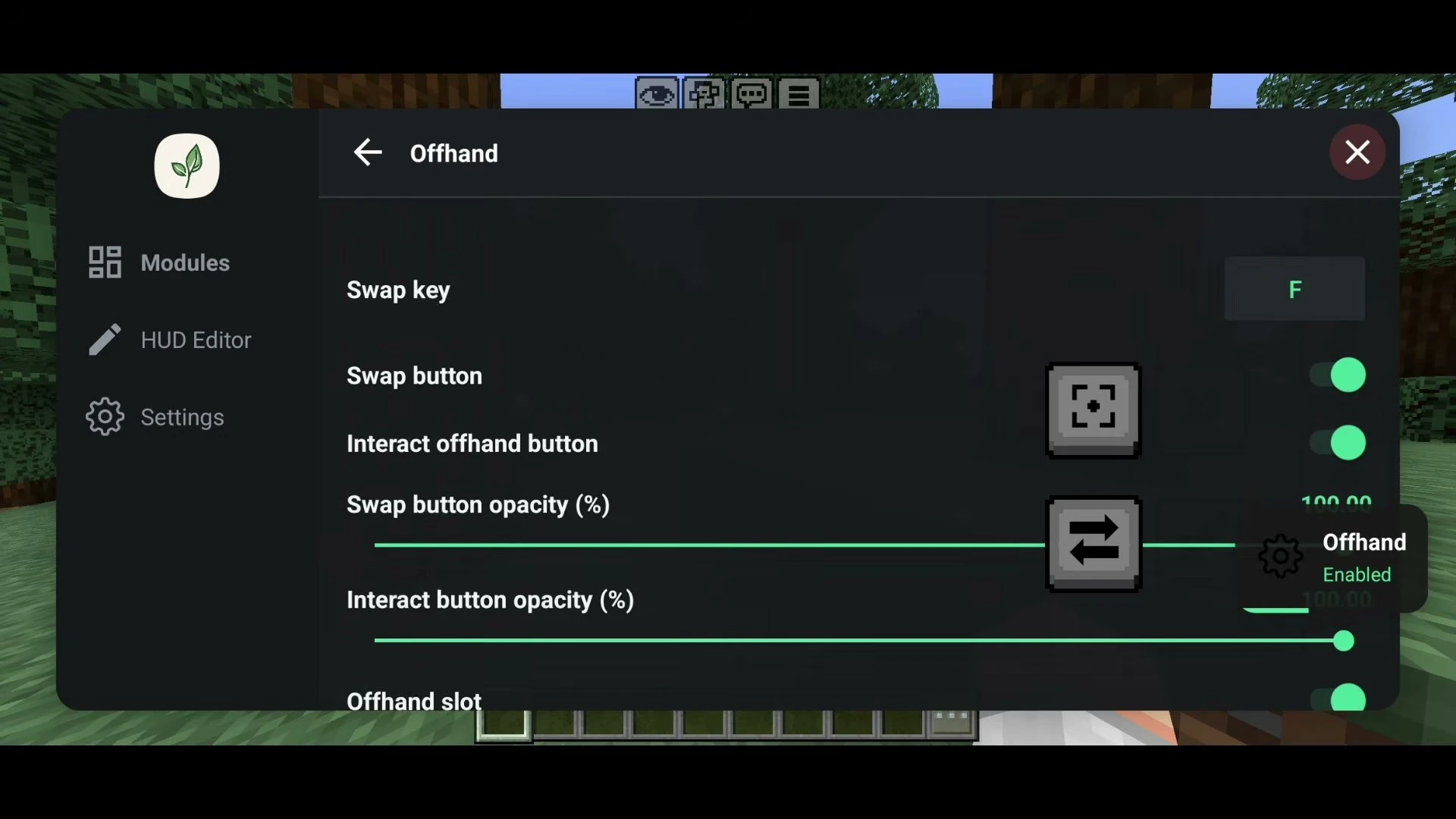
- Settings page with the swap key, button toggles, button opacity, slot scale and slot position, plus HUD Editor support.
- Ships its own small resource pack for the offhand slot and animations, applied automatically by the launcher.
Screenshots:
How to Install:
- Install LeviLauncher on your Android device and import your official Minecraft Bedrock 26.52 APK into it.
- Download the Offhand ZIP file from the link below. Do not extract it – LeviLauncher imports the ZIP package directly.
- Open LeviLauncher, go to Mods and add the ZIP file (or move it into your Downloads folder, tap Scan and then Add).
- Enable the Offhand mod and launch Minecraft from LeviLauncher.
- In game, open the mod menu (leaf button) to change the Offhand settings, or use the HUD Editor to move the offhand slot and buttons.
- Tap the Swap button to move your held item to the offhand, then tap the Interact button to use it.
Important Notes:
- This is an Android-only native mod. Windows players can use Frederox’s original Offhand mod instead.
- The offhand is client-side. On servers, some offhand actions may not work or may be blocked by anti-cheat.
Offhand Android Mod Download Links
- Edition: Minecraft Bedrock
- File type: .mcpack or .mcaddon
- How to install: Download the .mcpack or .mcaddon file. → Open it — Minecraft imports it. → In your world: Behavior Packs → Available → Activate, then the same under Resource Packs.
- Where to get it: Opens on the file's original source — not every file is mirrored on our own servers.
Install steps are the general flow for this file type — How to install Minecraft Bedrock addons & mods walks through it step by step.
Offhand Android Mod (26.52) – Real Java-Style Offhand for MCPE on LeviLauncher is a free Minecraft Bedrock addon. Download it and open it directly in the game.