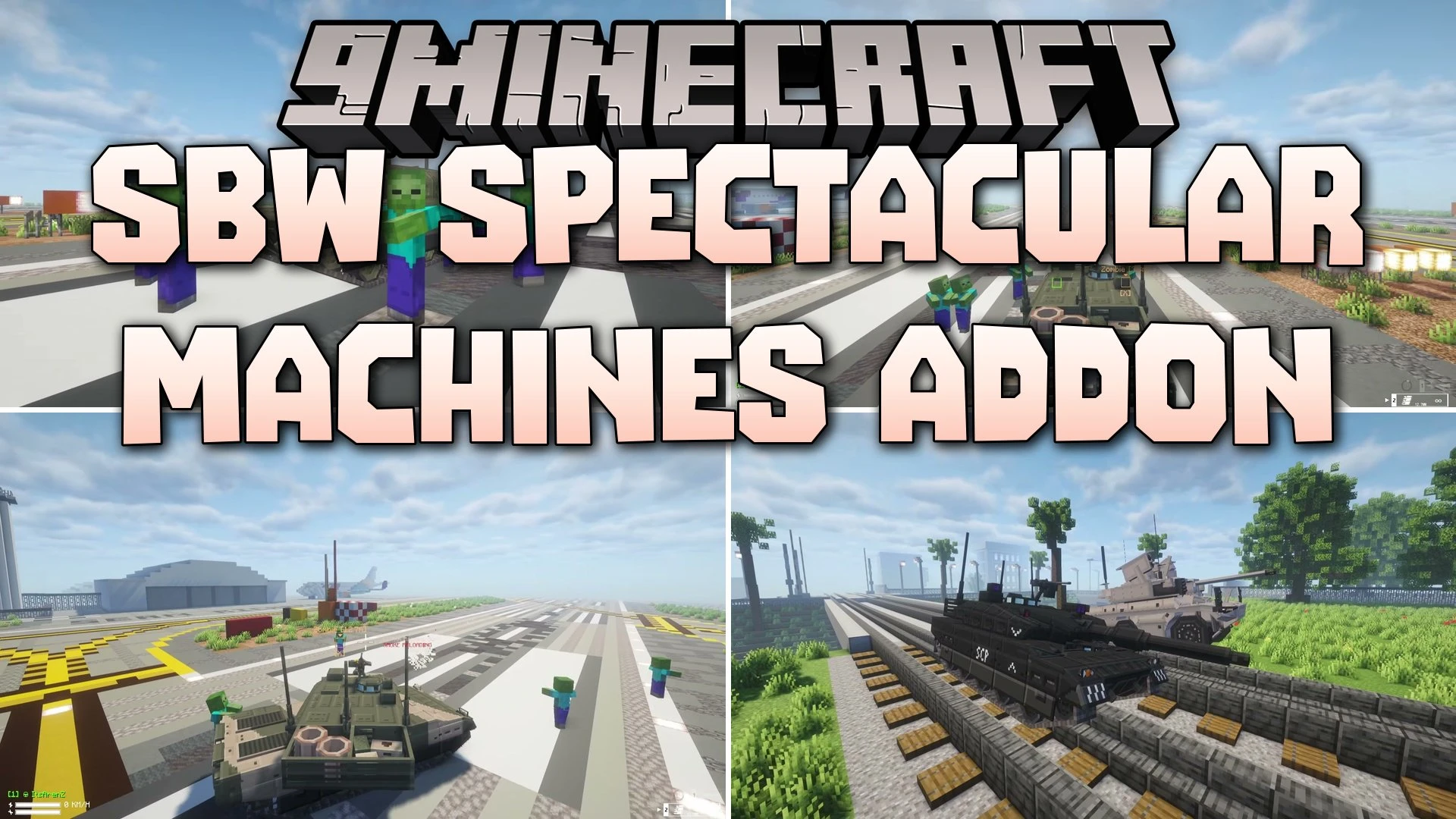
SBW Spectacular Machines Addon Mod (1.20.1) – Drive Modern Tanks in Open Ground
Java mod listed for Minecraft 1.20. File opened and checked on 17 Oct 2026; downloads from the MC Java Mods app on Android.
⬇ Download


SBW Spectacular Machines Addon Mod extends SuperbWarfare with twelve drivable modern military vehicles. You get access to main battle tanks, infantry fighting vehicles, and armored trucks. Wheeled vehicles let you drive in first-person view directly from the cockpit. All machines connect with weapon systems, thermal optics, and fire control tools from the core mod. You can craft each vehicle during survival play or spawn them in creative mode.
Features:
- Adds twelve modern military vehicles to your world.
- Lets you steer wheeled machines with real first-person cabin views.
- Includes working gun turrets and remote weapon stations.
- Connects with thermal optics and target fire controls.
- Lets you craft vehicles at the Vehicle Assembling Table or loot them from drop containers.
- Ships with a dedicated creative inventory tab and dual-language localization.
Tanks:
- Type 10 with camo paint.
- Type 10S black flagship model.
- M60 Patton heavy tank.
Infantry Fighting Vehicles:
- Kurganets-25 armored troop transport.
- T-15 Armata heavy combat vehicle.
Recon and Fire Support:
- EBRC Jaguar multi-role vehicle.
- Boxer CRV combat reconnaissance vehicle.
MRAPs and Armored Trucks:
- MaxxPro Elite protected transport.
- Kozak-5 patrol vehicle.
- SBA-60-K2 Bulat heavy armored truck.
How to Use:
- Craft a Vehicle Assembling Table or locate a drop container.
- Assemble your chosen combat machine at the table.
- Right-click to climb into the driver seat or weapon station.
- Switch to first-person view to navigate cockpits and look through thermal optics.
Screenshots:


SBW Spectacular Machines Addon Mod Download Links
- Edition: Minecraft Java
- File type: .jar
- Minecraft version listed: 1.20.1
- How to install: Install the matching mod loader (Forge, Fabric or NeoForge) for your Minecraft version. → Download the .jar. → Put it in the .minecraft/mods folder and launch that loader profile.
- Where to get it: In MC Java Mods, or directly above on this page.
Install steps are the general flow for this file type — How to install Minecraft Java mods & modpacks walks through it step by step.
- Downloads as 528127.mcaddon
- Download size: 2.2 MB
- Download link checked 17 Oct 2026 — working
- Mirrored on our own servers — the download does not depend on the original host
These come from our own check of the pack file, not from the source page.