STONEBORN Modded Compatibility GUI SBMC Resource Pack (1.20.1)
Java resource pack listed for Minecraft 1.20. Downloads from the MC Java Mods app on Android.
⬇ Download
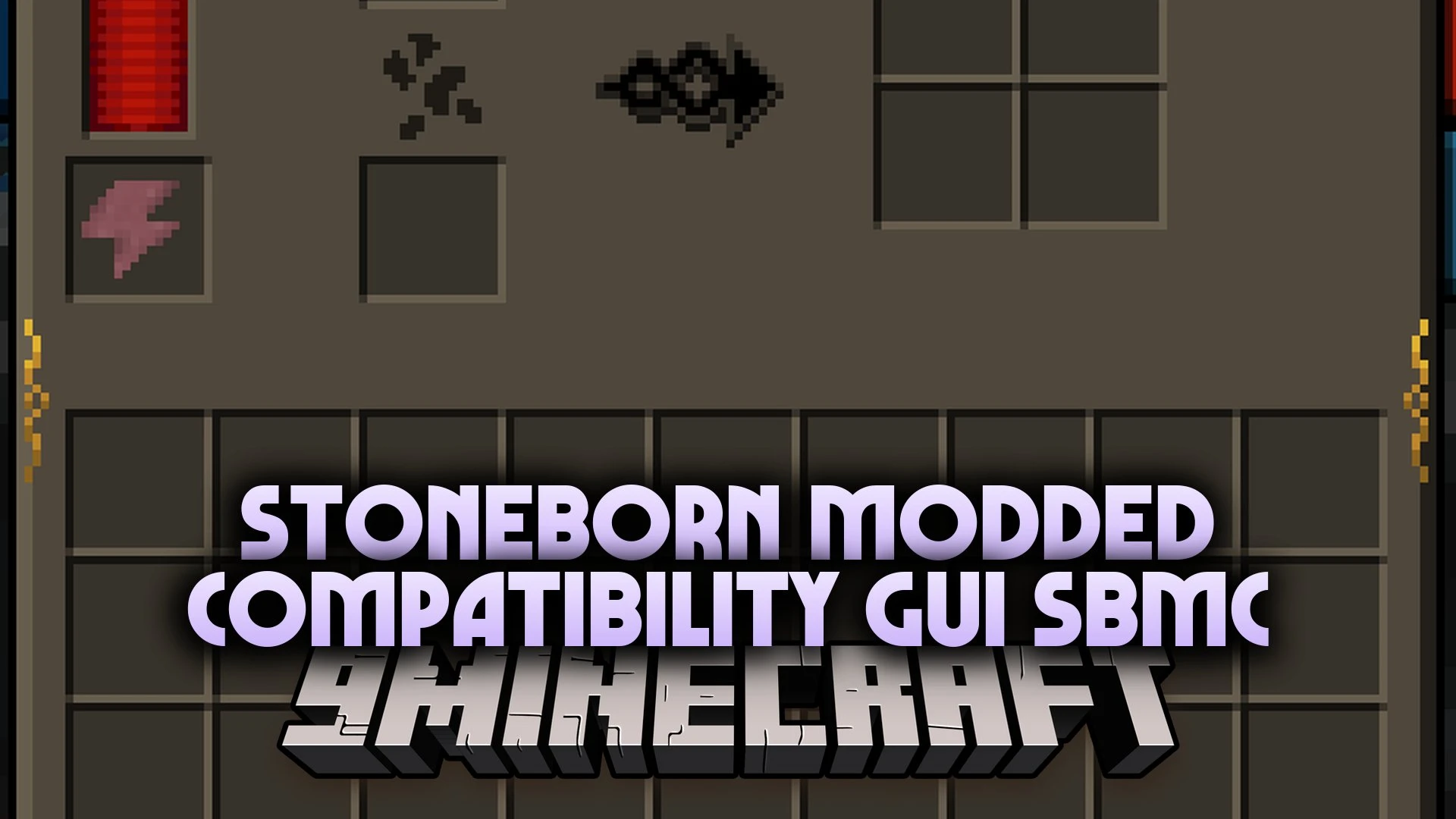
STONEBORN Modded Compatibility GUI SBMC Resource Pack extends the Stoneborn UI pack with custom interfaces for over 250 mods. It brings a dark dwarven look to item containers, storage boxes, and machinery blocks across big modpacks. Every menu window replaces vanilla textures with carved stone borders, brass trims, and clean dark backdrops. Titles across menus and containers display in a matching warm gold shade. This pack keeps your modded setups looking clean and uniform from start to finish.
Features:
- Massive Mod Coverage: Restyles interface menus for more than 250 popular community mods.
- Unified Container Titles: Shows container and menu headers in bright gold and orange text.
- Dwarven Visual Theme: Swaps simple grey frames for carved stone borders and dark fantasy plates.
- Health and Armor Icons: Supplies custom status bar icons for armor points and extra health stacks.
- Fits smoothly alongside the base Stoneborn resource pack in your active pack list.
- Reskins storage containers including backpacks, item chests, and roost boxes.
- Refreshes machinery panels for tech setups like Applied Energistics 2 and Thermal Expansion.
- Recolors cooking screens and food crafting tables from mods like Farmer’s Delight.
- Keeps inventory grid slots and button layouts easy to read during daily gameplay.
Popular Mods Included:
- Tech mods: updates screens for Applied Energistics 2, PneumaticCraft, and Thermal Expansion.
- Storage mods: skins interfaces for Backpacked, Sophisticated Backpacks, Traveler’s Backpack, and Iron Chests.
- Food and adventure mods: transforms menus for Farmer’s Delight, Quark, Alex’s Mobs, and Iron’s Spells ‘n Spellbooks.
STONEBORN Modded Compatibility GUI SBMC Resource Pack Download Links
- Edition: Minecraft Java
- File type: .zip (resource pack)
- Minecraft version listed: 1.20.1
- How to install: Download the .zip resource pack — do not unzip it. → Put it in .minecraft/resourcepacks. → Enable it in Options → Resource Packs.
- Where to get it: In MC Java Mods, or directly above on this page.
Install steps are the general flow for this file type — How to install Minecraft Java resource packs walks through it step by step.
- Downloads as 528146.mcpack
- Download size: 9.8 MB
- Download link checked 17 Oct 2026 — working
- Mirrored on our own servers — the download does not depend on the original host
These come from our own check of the pack file, not from the source page.