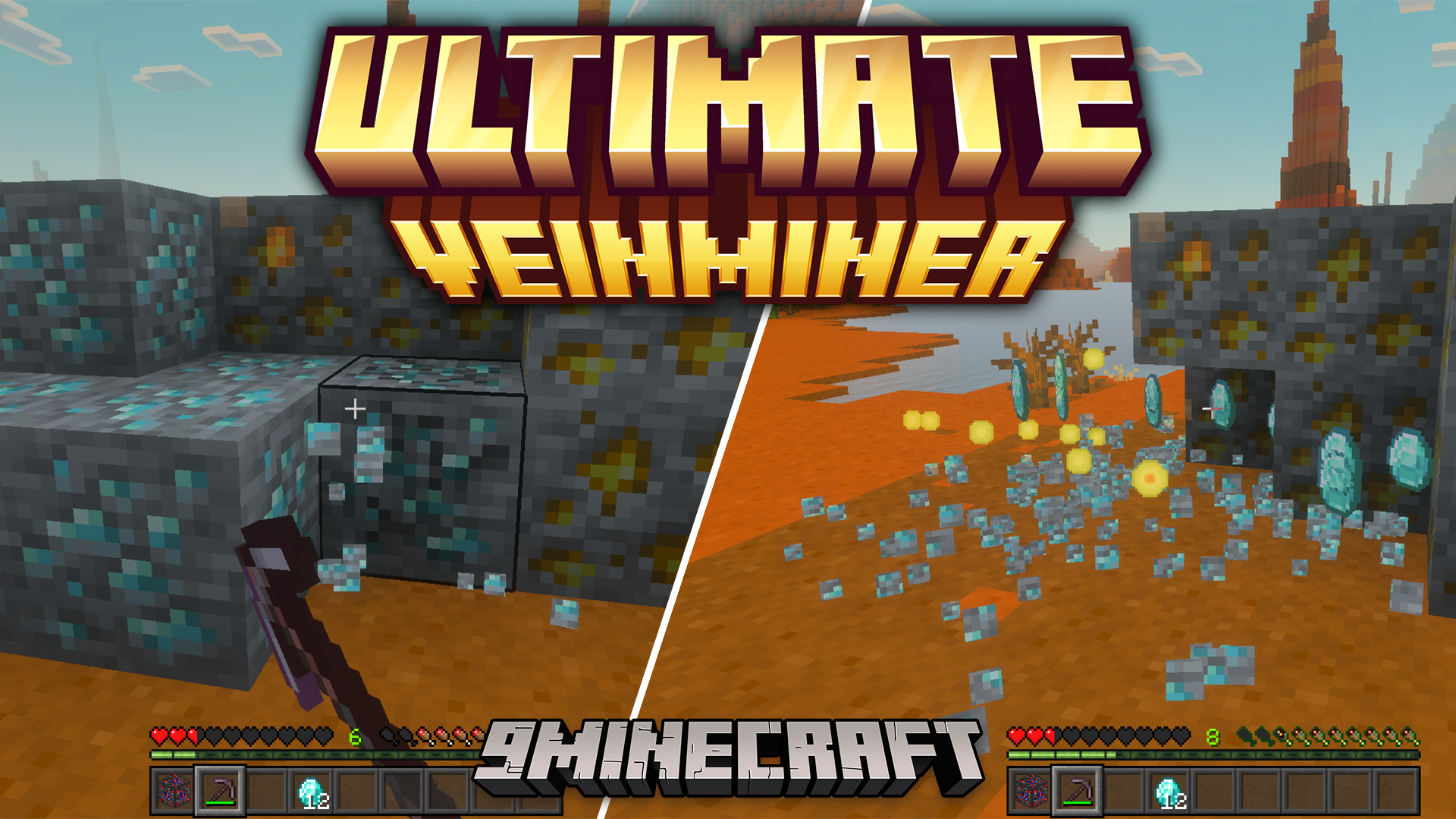
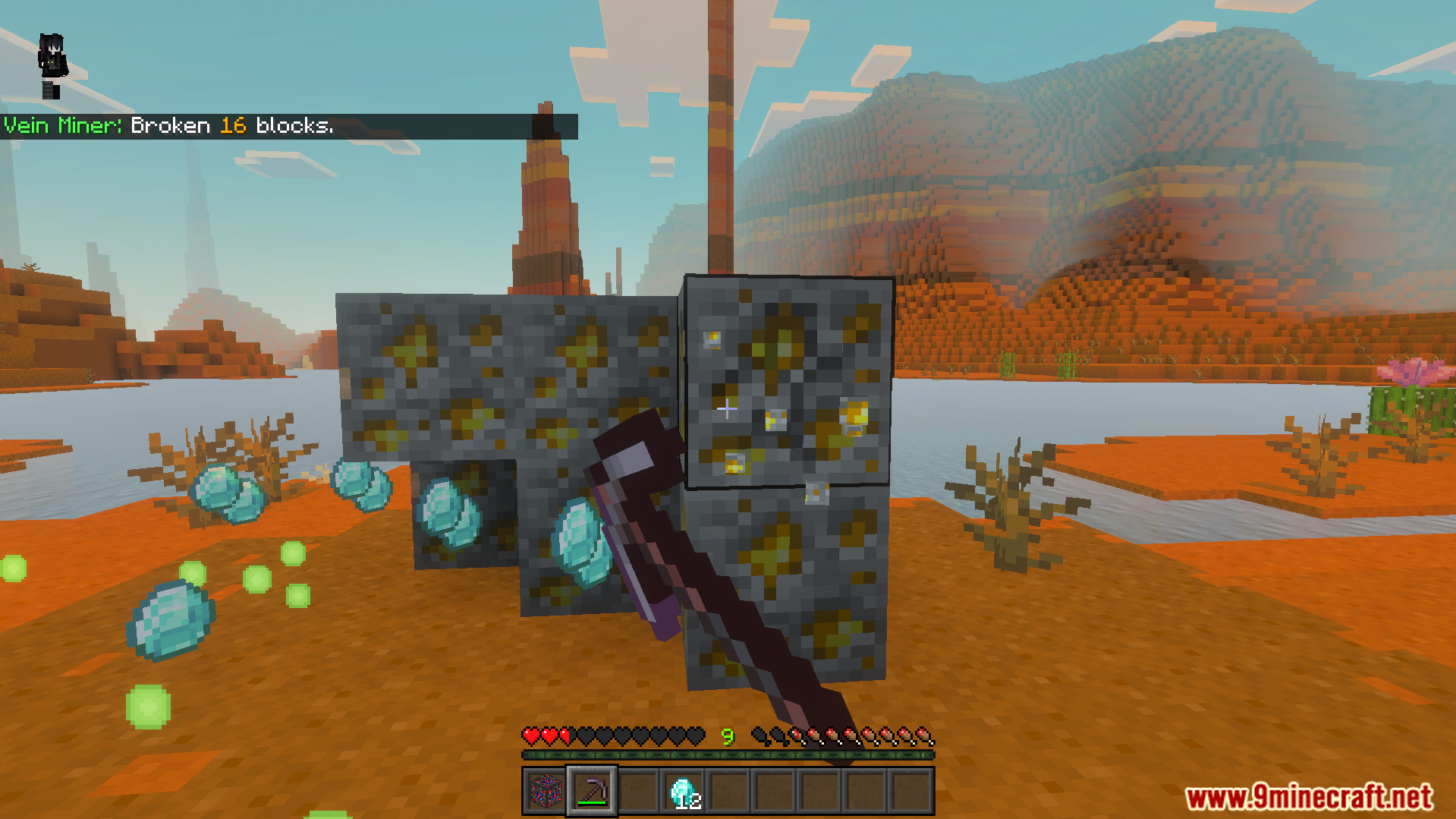
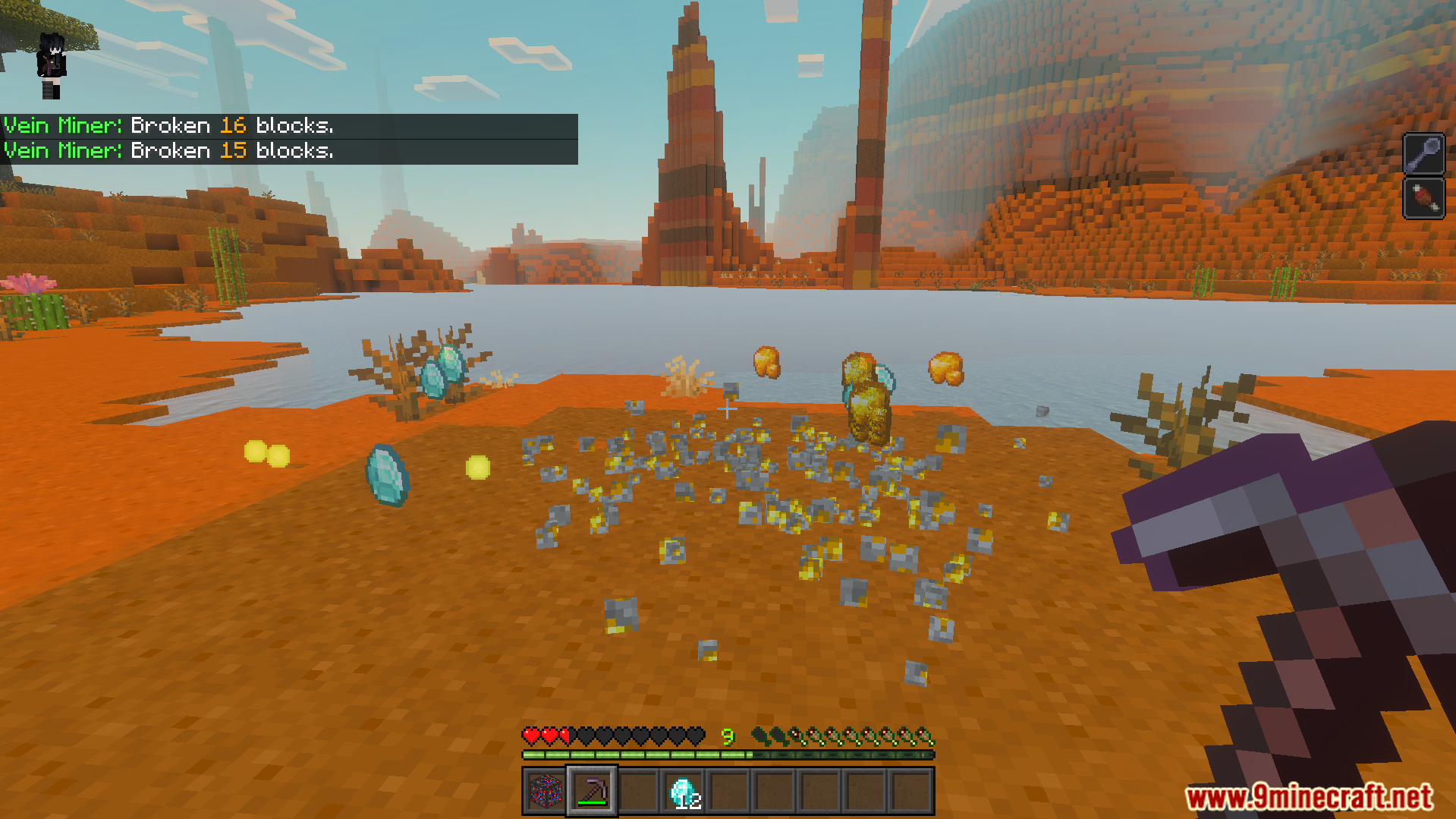
Ultimate Veinminer Addon lets you mine connected blocks like ores and logs all at once. This tool adds a special menu that you open by looking down and crouching. It also allows you to protect your base from other miners by placing a blocker block.
Features:
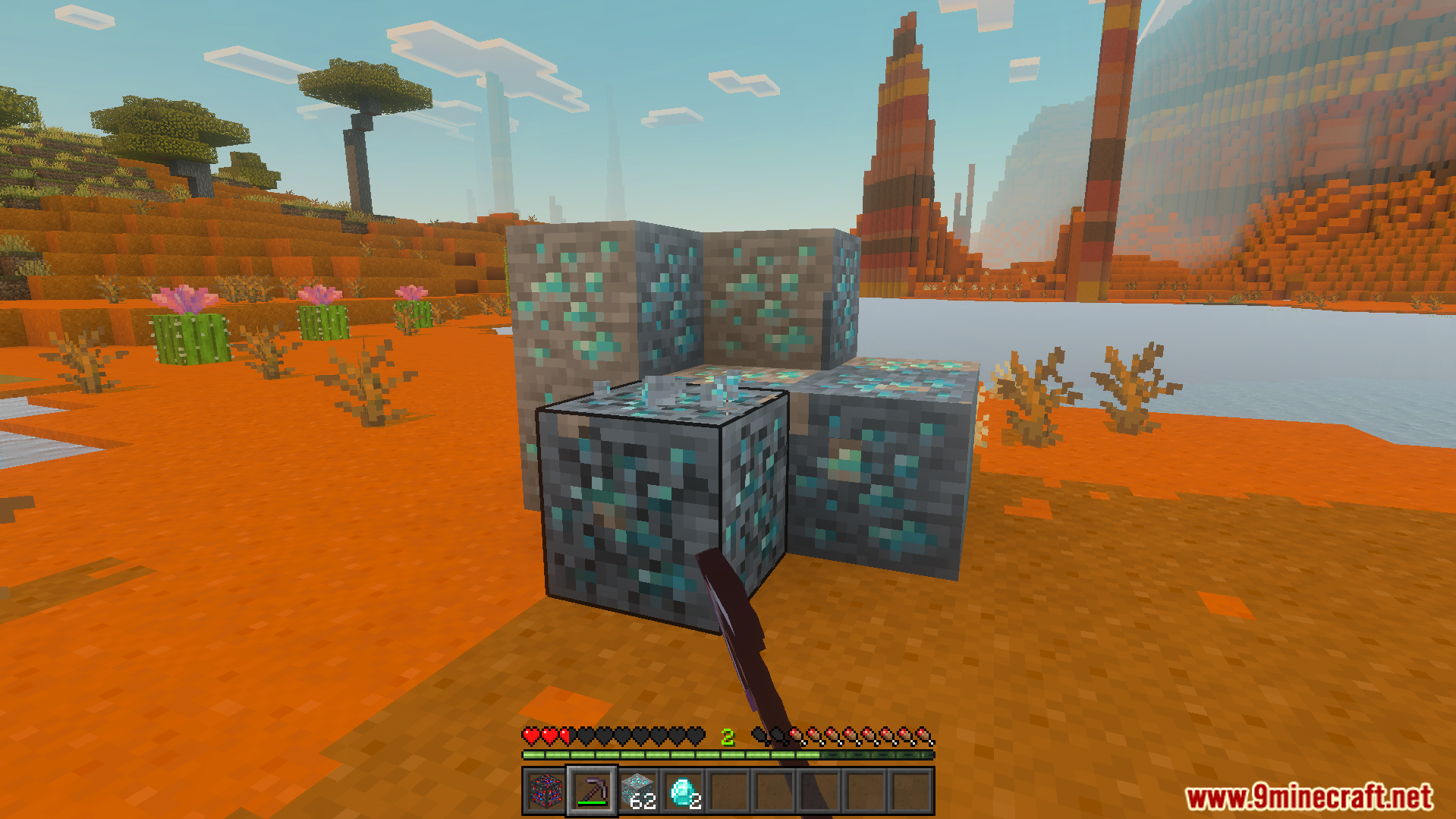
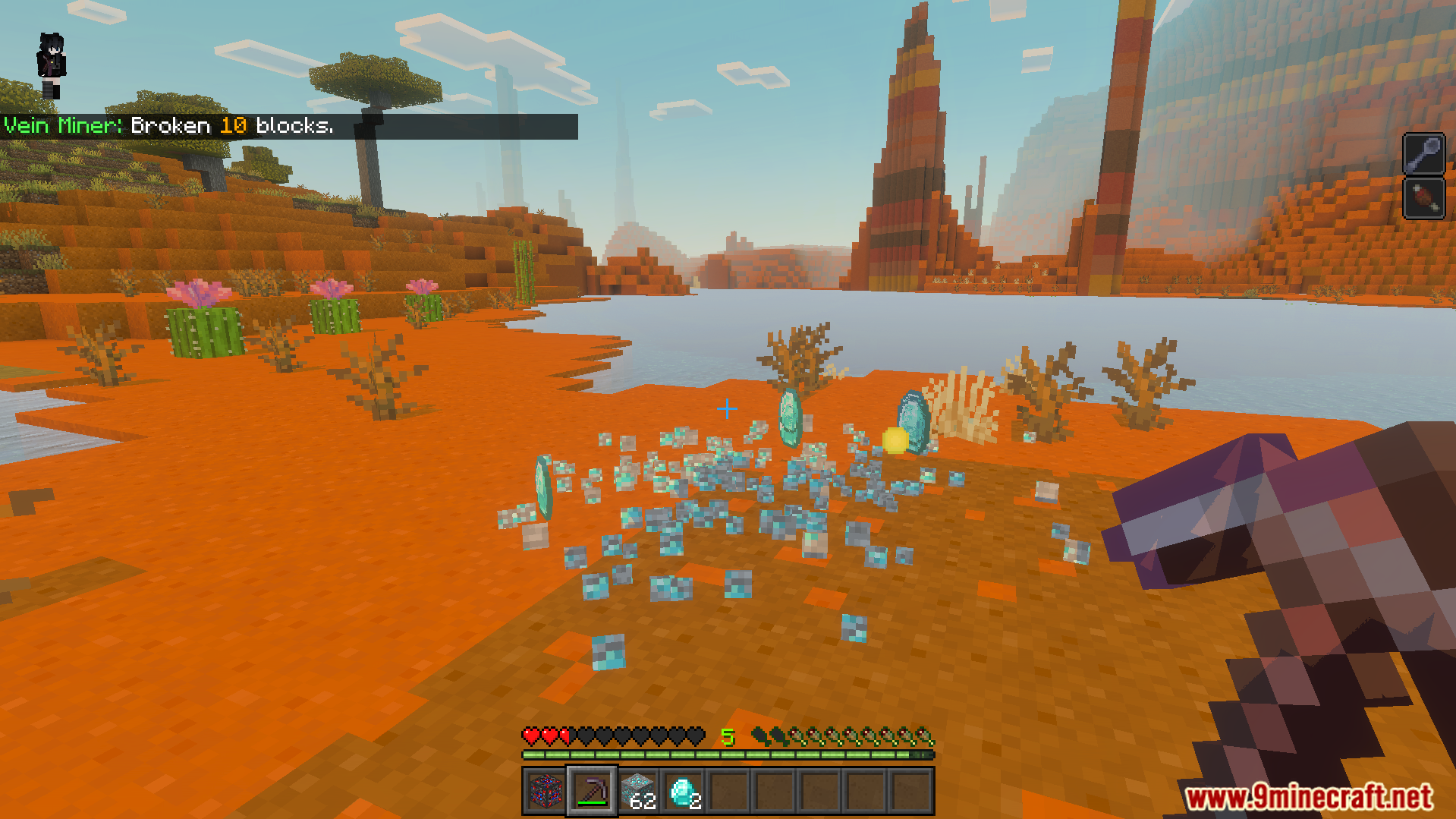
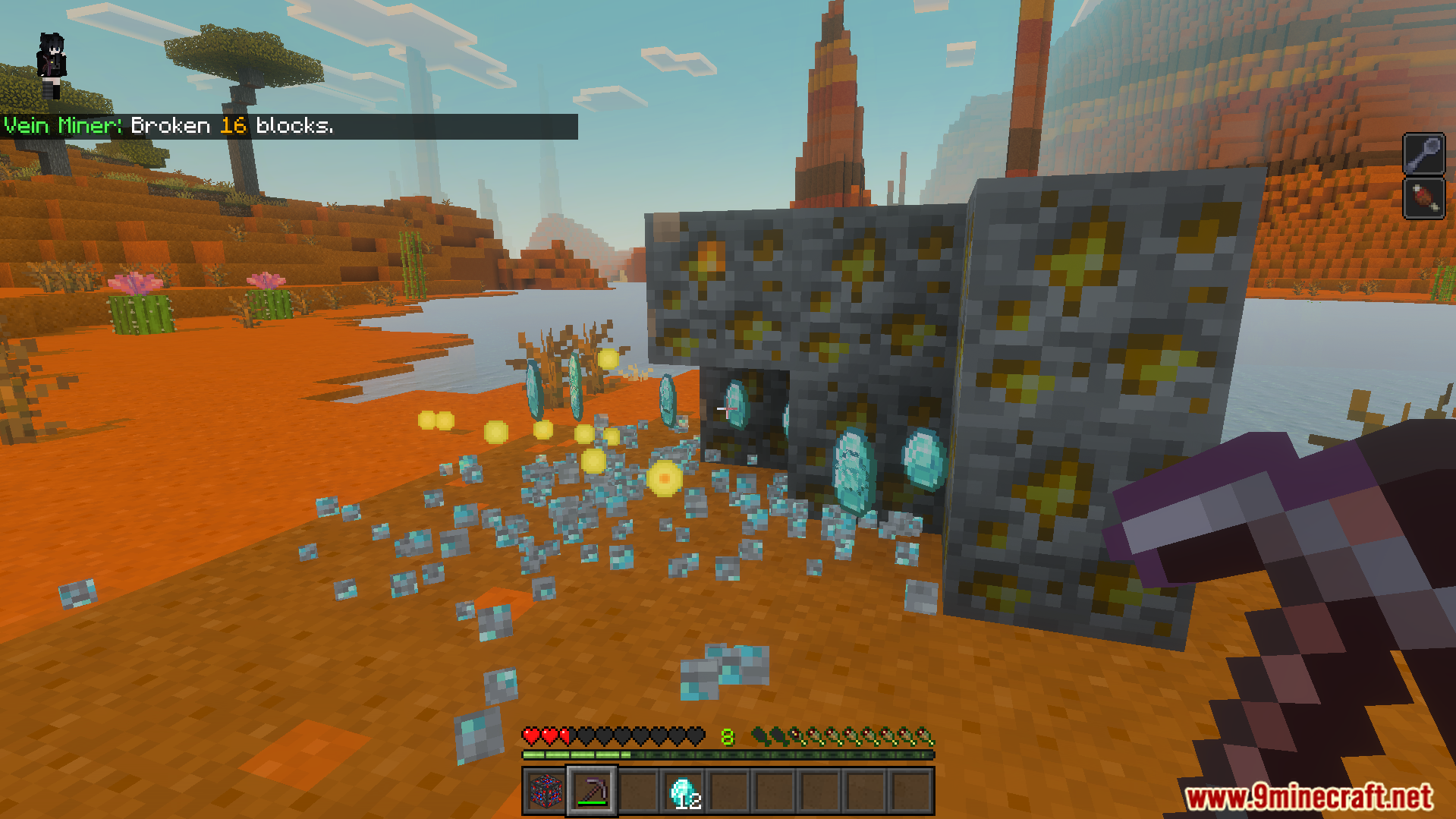
Breaks connected ores and trees with a single hit.
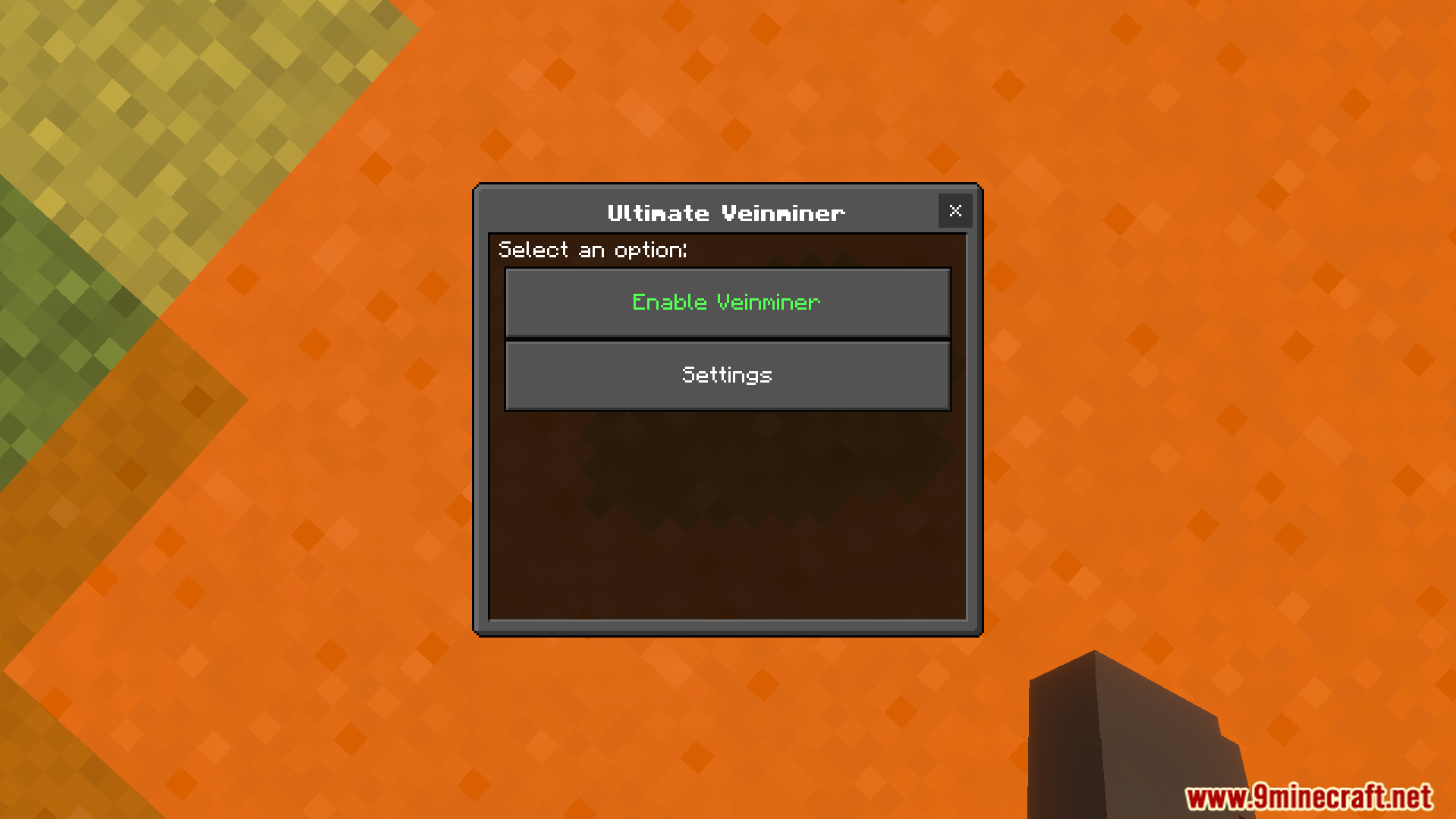
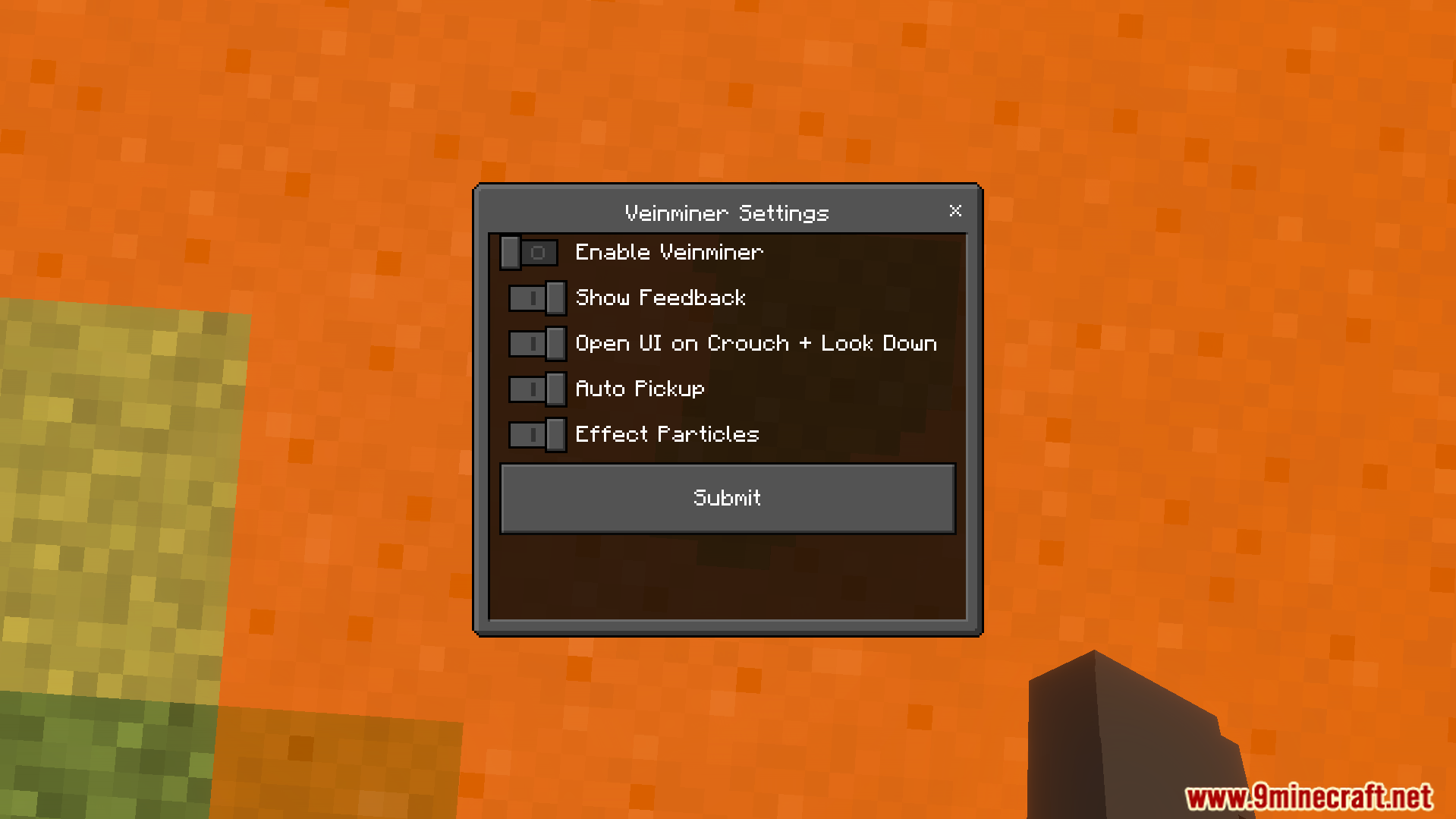
Opens a settings menu when you look down and crouch.
Lets you disable the menu for up to sixty minutes.
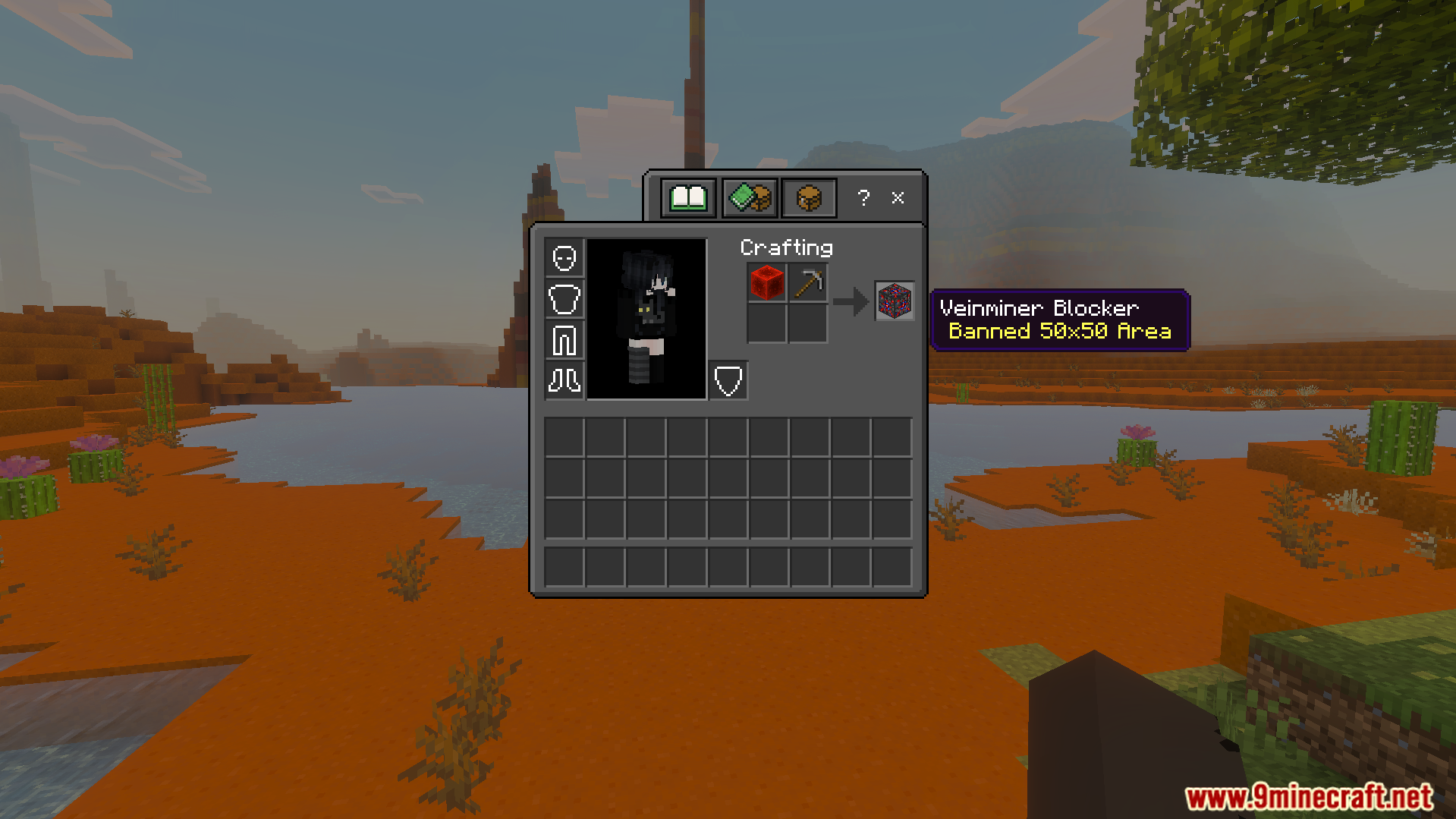
Adds a special blocker block to stop mining in areas.
Protects a fifty block area from other players using this tool.
Configuration:
You can configure the addon settings through the built-in menu. Look down and crouch to open this menu in your world. The menu lets you turn the tool on or off. You can also hide the menu for five, thirty, or sixty minutes while building. Players can craft a blocker with redstone and a pickaxe to protect a fifty block area.
Screenshots:
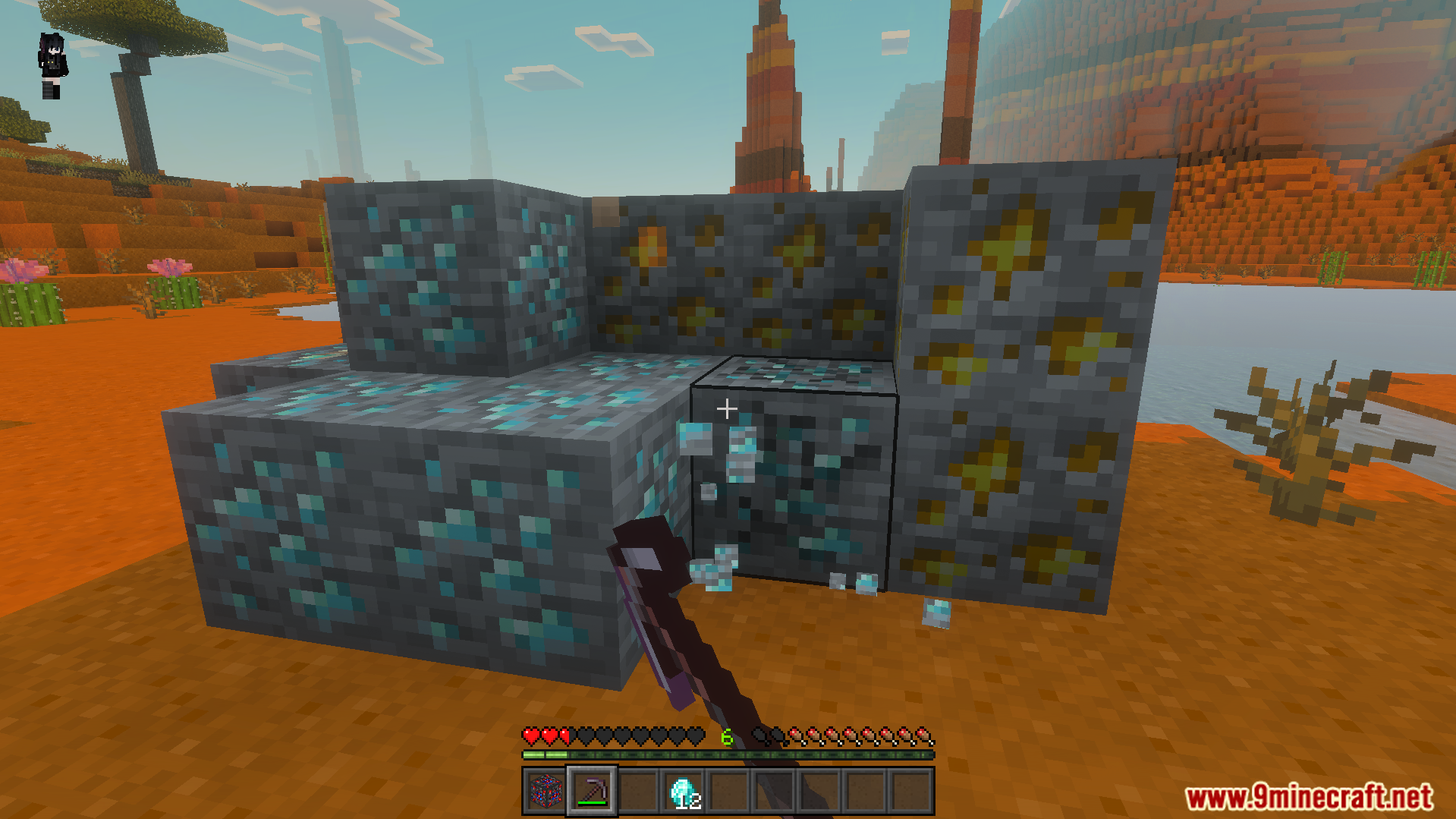
Crafting a blocker with a redstone block and a pickaxe for protectionThe Ultimate Veinminer settings menu opened by looking down and crouchingSettings menu for the Ultimate Veinminer Addon with options to enable featuresPlayer using a pickaxe to mine connected ore blocks with a single hitUltimate Veinminer Addon displays a message after breaking multiple blocks at oncePlayer mining a large cluster of diamond and gold ores in mesa biomeMining gold ore blocks while diamonds and experience orbs drop on groundUltimate Veinminer Addon breaking sixteen connected ore blocks with a single hitPlayer collects diamonds and gold after mining connected blocks with the vein miner
Ultimate Veinminer Addon Download Links
Quick facts
Edition: Minecraft Bedrock
File type: .mcpack or .mcaddon
Minecraft version listed: 1.21
How to install: Download the .mcpack or .mcaddon file. → Open it — Minecraft imports it. → In your world: Behavior Packs → Available → Activate, then the same under Resource Packs.
Where to get it: In MCModsHub, or directly above on this page.