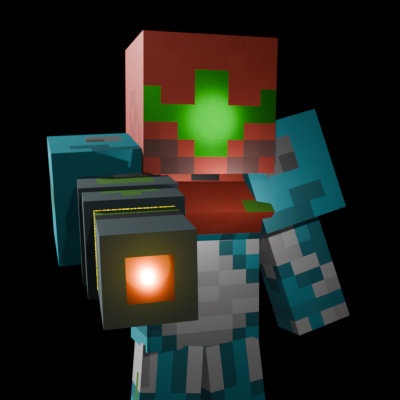
AddonsBedrock
Metroid
Bedrock add-on listed for Minecraft 26.x. File opened and checked on 17 Oct 2026; installs from the MC Bedrock Mods app on Android.
⬇ Download on CurseForgeThe author built this one for Minecraft 26.50. On other versions it may install and then do nothing.
How to use this Add-On
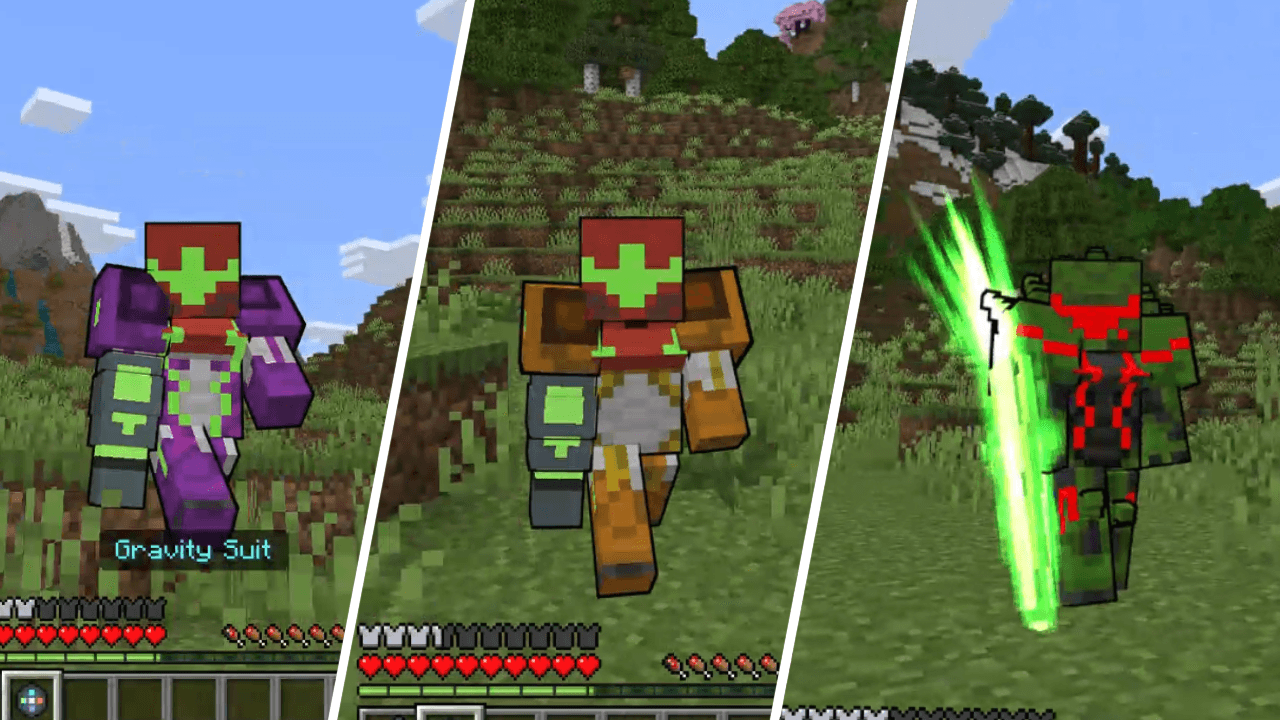
- Once you obtain an Iron Chestplate you are given a new recipe! Look in the recipe book to find what you need to craft the Power Armor. You can also craft the Gravity, Varia, and Metroid armor! For each armor you are given 2 items (3 items for the Metroid Armor) which let you shuffle between various abilities. This is what they do:
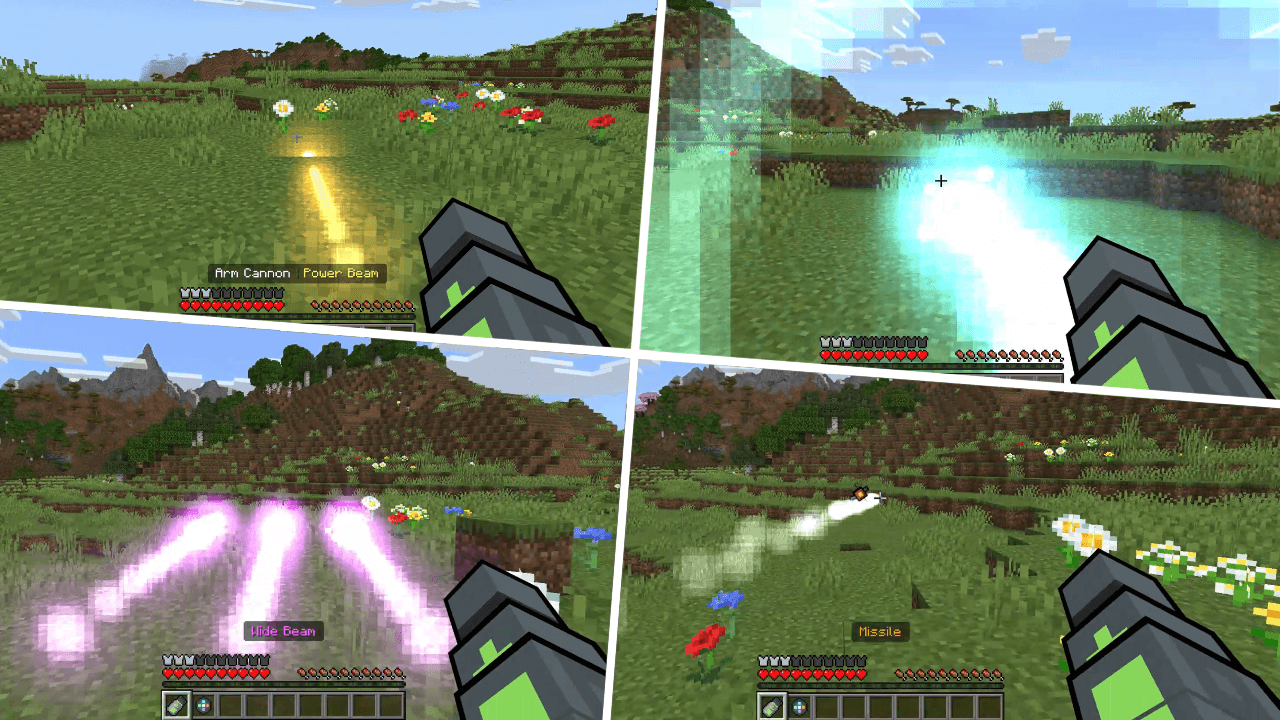
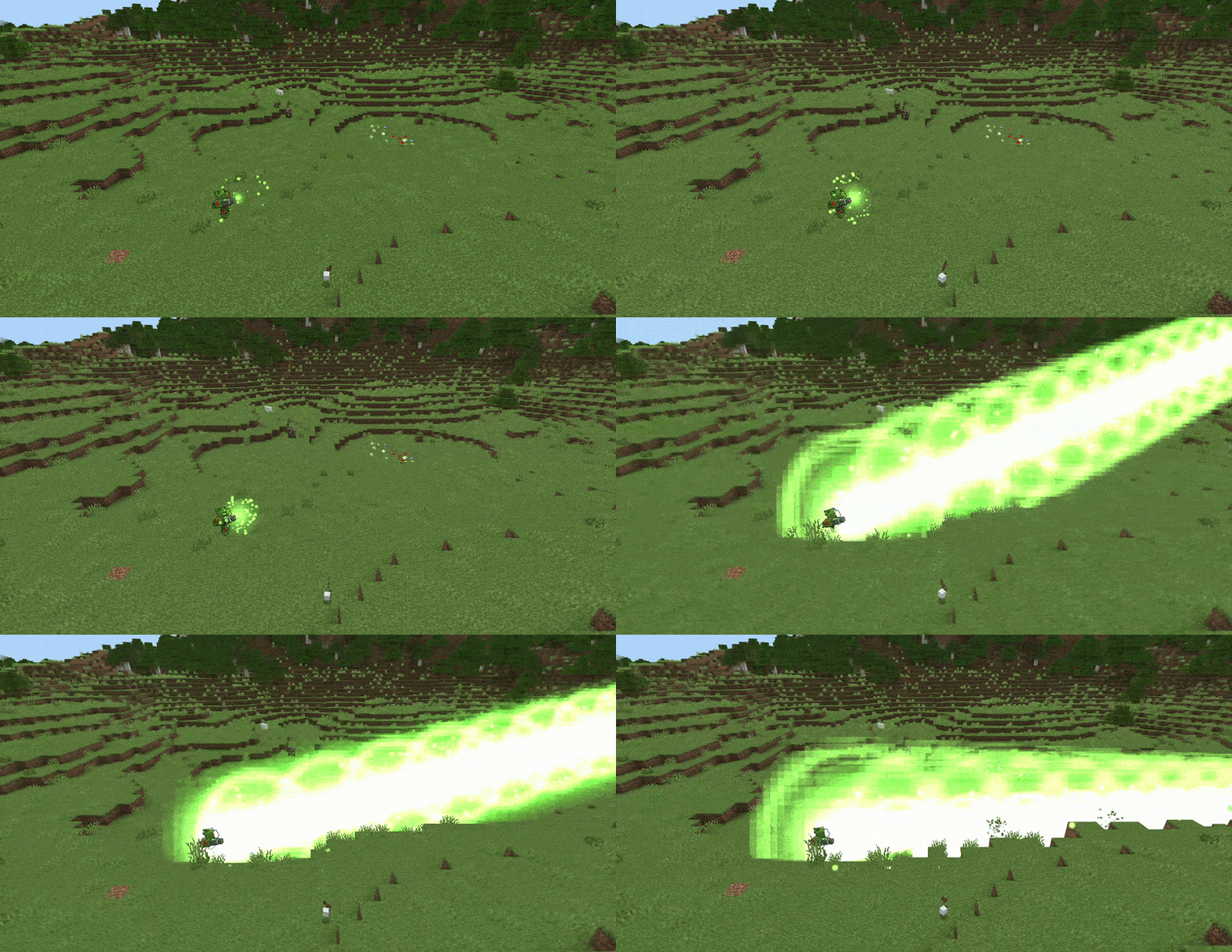
- Arm Cannon: Sneak + Right-click to shift between different modes! In the default mode you can send out a normal shot. Hold right-click to charge it up and fire an even stronger blast! Other modes include a wide beam, missile, and grapple shot which can be used to pull yourself towards objects or mobs towards you! The Metroid Armor has an additional ultimate blast ability that is very powerful!
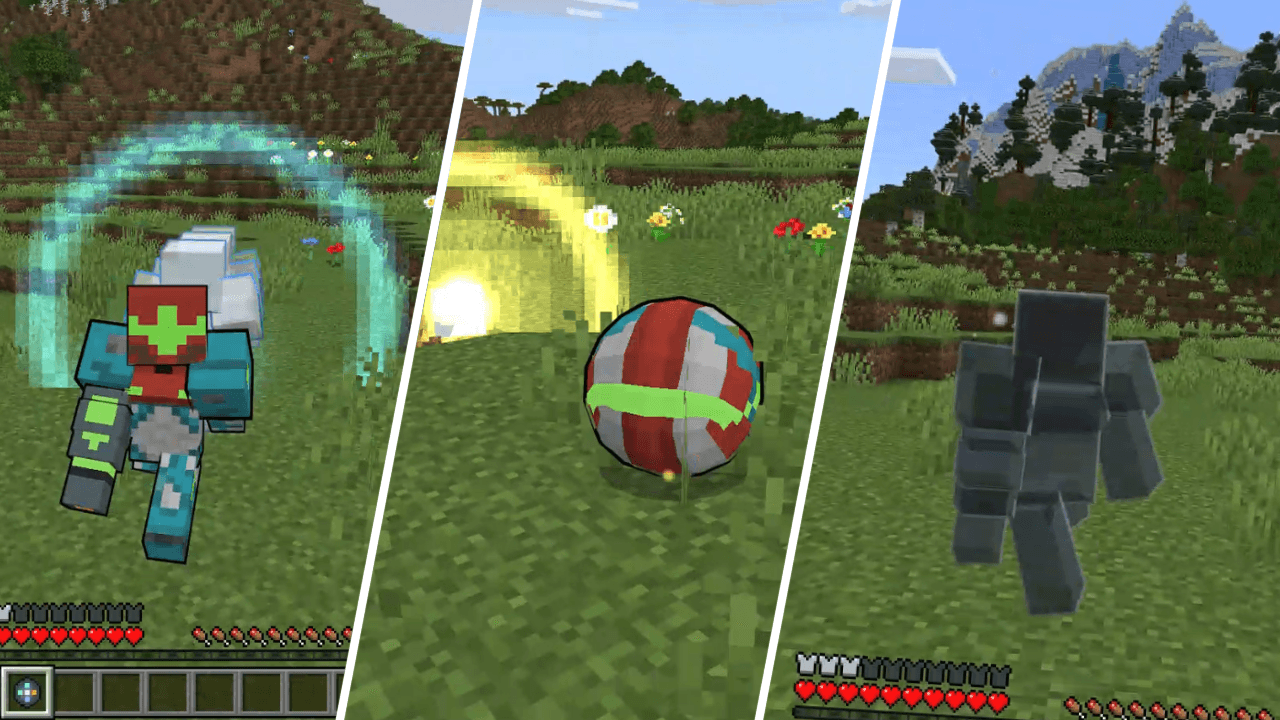
- Suit Abilities: Sneak + Right-click to shift between different abilities. Morph Ball lets you roll up into a ball. Right-click to drop bombs, Sneak to revert to normal. Flash Shift is a fancy dash. Phantom Cloak changes your apperance. Spider-Magnet lets you stick to the ceiling. Melee Counter can be used nearby mobs and gives you a free charge shot.
- Energy Lance: Exclusive to the Metroid Armor, right-click a mob to deal some extra dmage.
- Arm Cannon: Sneak + Right-click to shift between different modes! In the default mode you can send out a normal shot. Hold right-click to charge it up and fire an even stronger blast! Other modes include a wide beam, missile, and grapple shot which can be used to pull yourself towards objects or mobs towards you! The Metroid Armor has an additional ultimate blast ability that is very powerful!
Quick facts
- Edition: Minecraft Bedrock
- File type: .mcpack or .mcaddon
- Minecraft version listed: 26.50
- How to install: Download the .mcpack or .mcaddon file. → Open it — Minecraft imports it. → In your world: Behavior Packs → Available → Activate, then the same under Resource Packs.
- Where to get it: Opens on CurseForge — not every file is mirrored on our own servers.
Install steps are the general flow for this file type — How to install Minecraft Bedrock addons & mods walks through it step by step.
File checked by MCModsHub
- Pack type: .mcaddon — behaviour and resource pack in one file
- Download size: 149 KB
- Download link checked 17 Oct 2026 — working
These come from our own check of the pack file, not from the source page.