AddonsBedrock
Sync Minecraft Time with Real-Time Addon (26.x, 1.21) – MCPE/Bedrock
Bedrock add-on listed for Minecraft 1.19–1.21 (behavior pack only). Needs Beta APIs. File opened and checked on 20 Sep 2026; installs from the MC Bedrock Mods app on Android.
⬇ Download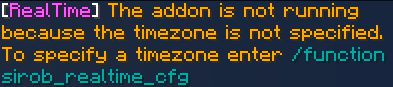
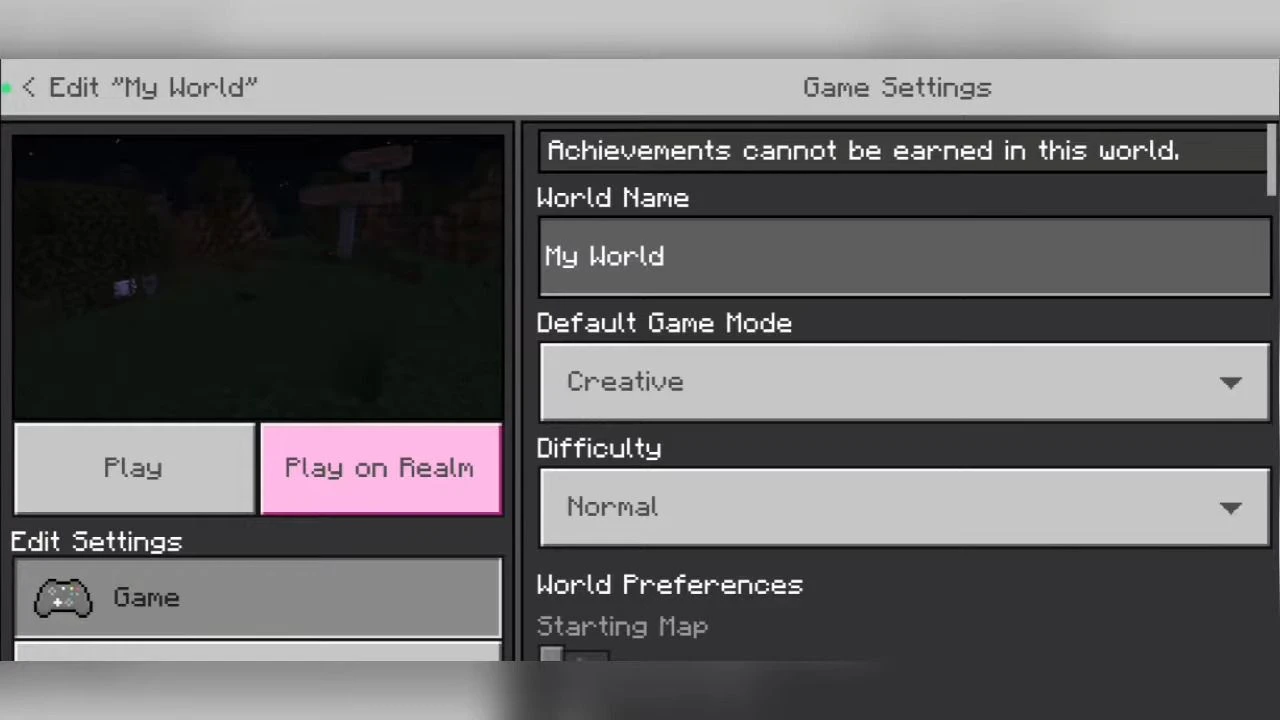
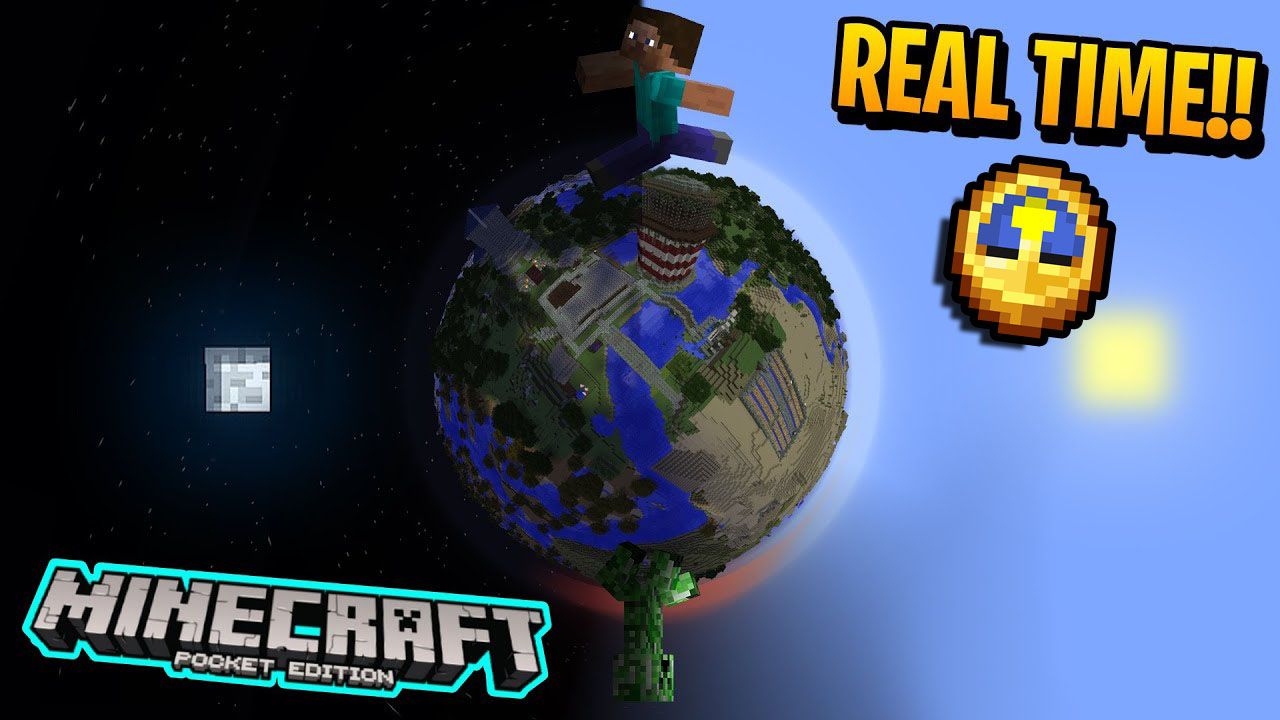
Sync Minecraft Time with Real-Time Addon is a unique Minecraft addon that brings an element of realism to the game. This addon synchronizes the time in Minecraft with the real-time on your device. Whether it’s daytime or nighttime outside, it will be the same in your Minecraft world. This synchronization is fully compatible with any other add-on, supports multiplayer, and has excellent performance.
Features:
- Fully compatible with any other addon.
- Supports multiplayer.
- Very good performance (only 1 command run once per minute).
- Ability to turn an addon on or off without restarting the world.
How to use it?
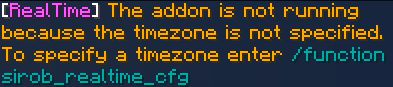
- After entering the world with this addon you will see the following message:
- This addon receives the time in UTC and does not know your local time. To fix this you need to specify your time zone.
How to specify your time zone?
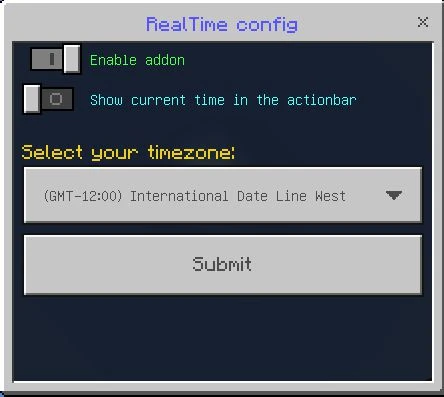
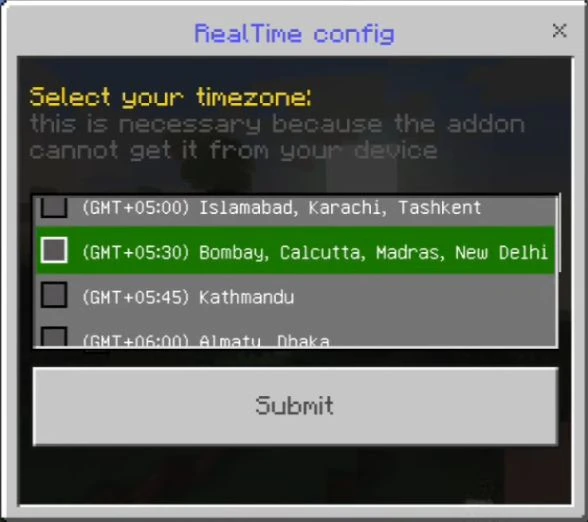
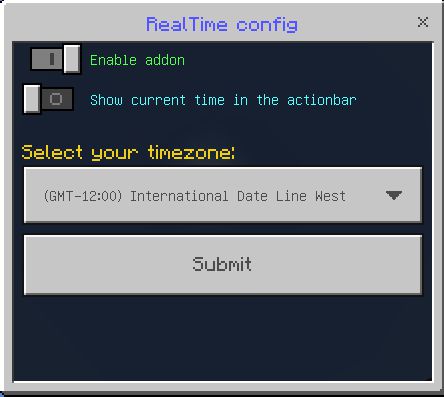
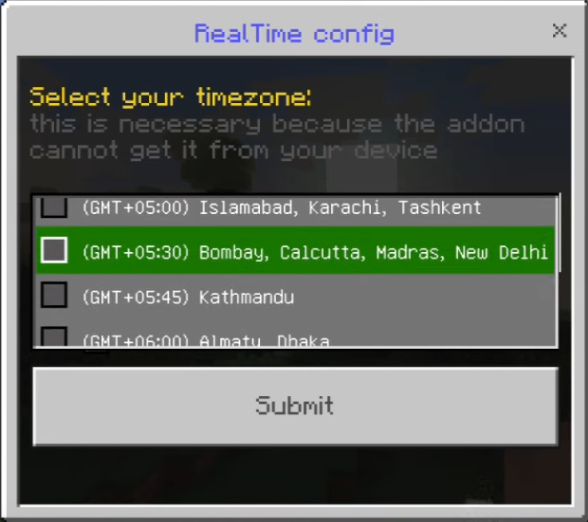
- Just enter the command /function sirob_realtime_cfg and you will open a settings window:
- After selecting the time zone, click “Submit” and the addon will work!
- Enable addon. Allows you to quickly turn an addon on or off without reloading the world.
- Show the current time in the action bar. Allows you to know if you have selected the correct time zone. If the time displayed does not match the time on your device, then you have set the wrong time zone.
How to use this addon on the Realm?
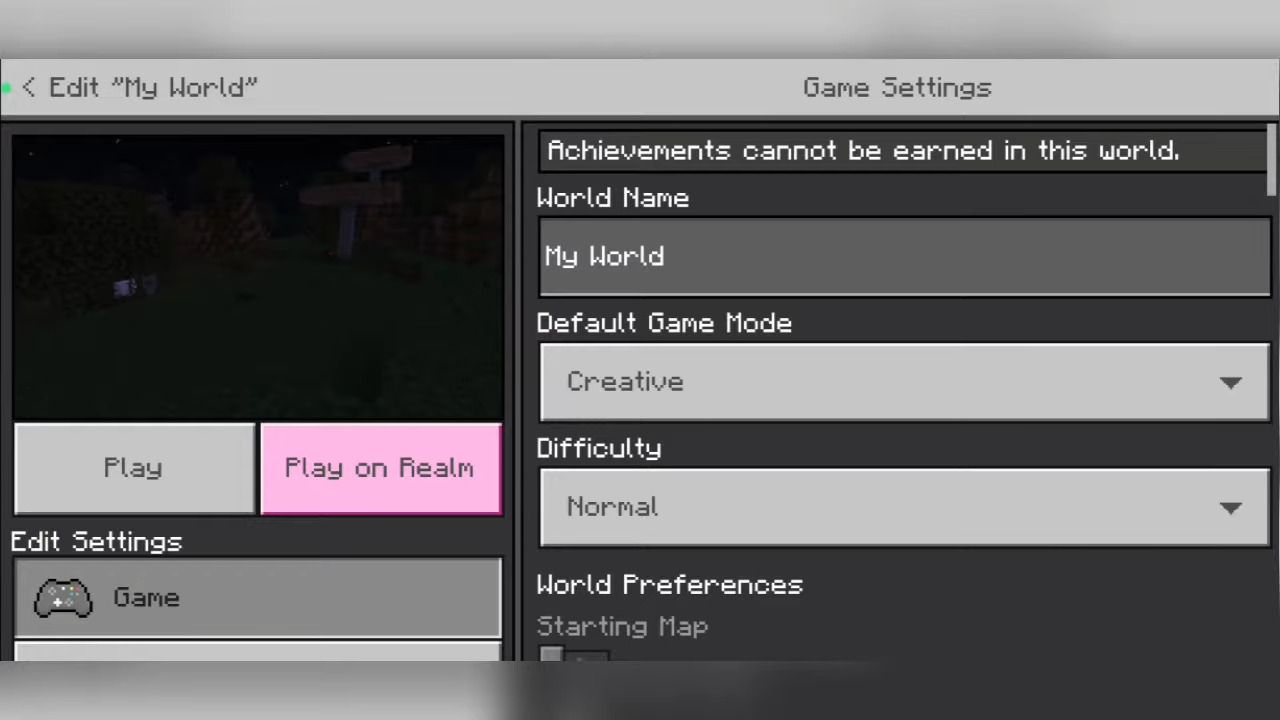
- Download the world from your realm, enable the necessary experiments, add this addon to it, and upload it back to the realm.
Installation Note:
- This addon is compatible with any other addon.
- This addon only works with the 1.19.40 “release” version or higher.
Sync Minecraft Time with Real-Time Addon Download Links
Quick facts
- Edition: Minecraft Bedrock
- File type: .mcpack or .mcaddon
- Minecraft version listed: 1.21
- How to install: Download the .mcpack or .mcaddon file. → Open it — Minecraft imports it. → In your world: Behavior Packs → Available → Activate, then the same under Resource Packs.
- Where to get it: In MCModsHub, or directly above on this page.
Install steps are the general flow for this file type — How to install Minecraft Bedrock addons & mods walks through it step by step.
File checked by MCModsHub
- Pack type: .mcpack — a single pack
- Manifest requires Minecraft 1.19.0 or newer
- Needs Beta APIs switched on in the world settings
- Complete pack — everything it depends on is inside the file
- Download size: 86 KB
- Download link checked 22 Jul 2026 — working
- Mirrored on our own servers — the download does not depend on the original host
These come from our own check of the pack file, not from the source page.