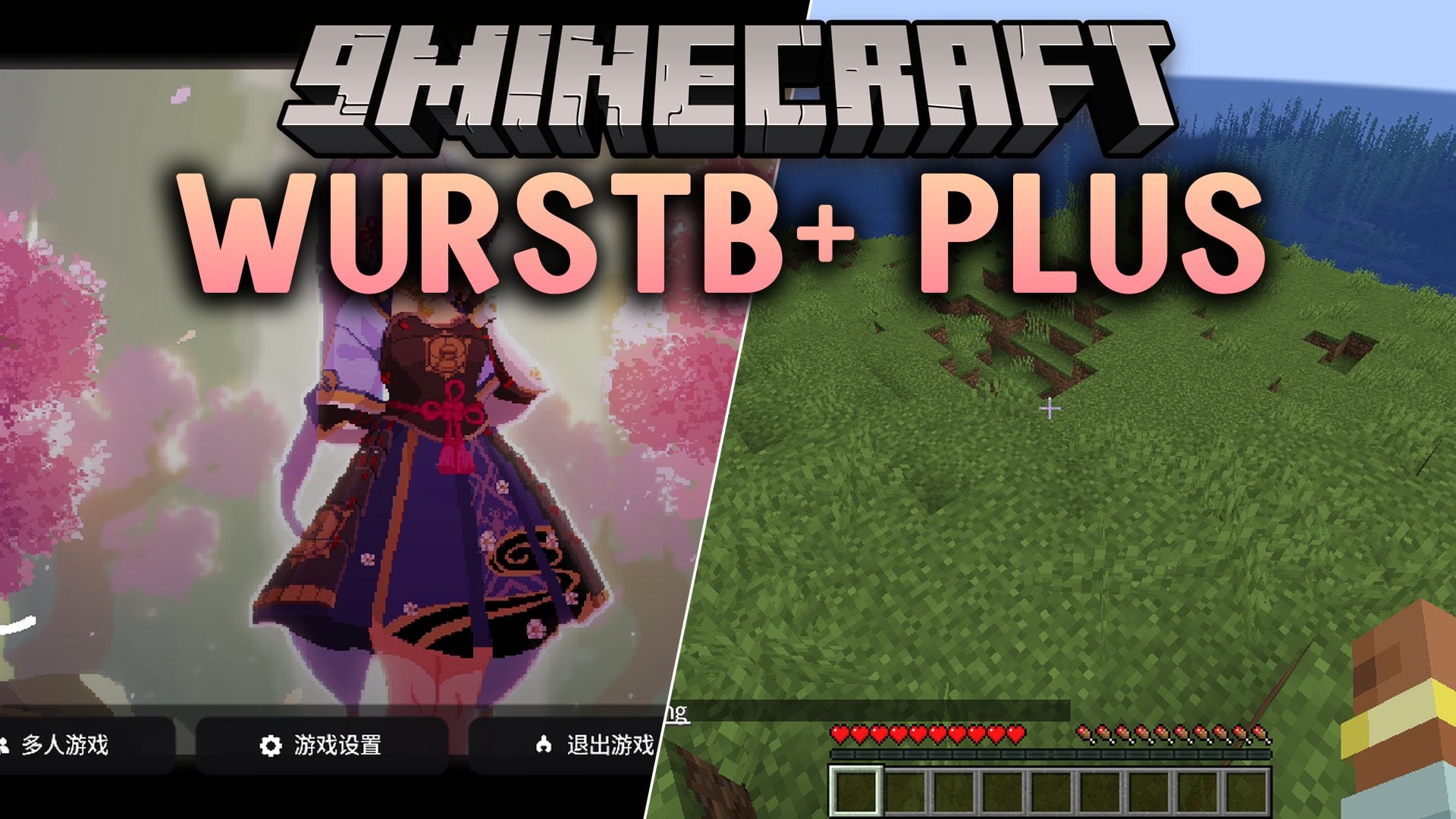
WurstB+ Plus Mod (1.20.1) – Automate Mining and Travel Across Survival Worlds
Java mod listed for Minecraft 1.20. Download on the author's site.
⬇ Download


WurstB+ Plus Mod brings a familiar utility toolset directly to your favorite mod loader. It gives you handy tools for combat, movement, and survival tasks during regular gameplay. You can load this mod alongside your other favorite additions without needing a separate game launcher. It keeps your controls simple and helps you test and tweak your setup in any world.
Features:
- Baritone Pathfinding: Helps you walk, mine, and travel to specific blocks with automated movement tools.
- Client-Side Utilities: Gives you handy aids for combat, movement, and general survival tasks.
- Loader Choices: Runs across different setups including Fabric, Forge, and NeoForge builds.
- Bundled Packages: Packs needed extras like Kotlin, Skiko, and FFmpeg right inside the file.
- Provides simple config files so you can adjust settings to match your playstyle.
- Runs as a normal jar file straight inside your standard mods folder.
- Includes combat tweaks and anti-cheat notes for multiplayer environments.
How to Use:
- Install the matching mod loader for your game version.
- Place the downloaded jar file into your mods folder.
- Start Minecraft using that loader profile to load the tools.
Screenshots:


WurstB+ Plus Mod Download Links
- Edition: Minecraft Java
- File type: .jar
- Minecraft version listed: 1.20.1
- How to install: Install the matching mod loader (Forge, Fabric or NeoForge) for your Minecraft version. → Download the .jar. → Put it in the .minecraft/mods folder and launch that loader profile.
- Where to get it: Opens on the file's original source — not every file is mirrored on our own servers.
Install steps are the general flow for this file type — How to install Minecraft Java mods & modpacks walks through it step by step.
WurstB+ Plus Mod (1.20.1) – Automate Mining and Travel Across Survival Worlds is a free Minecraft Java mod. Compatible with Minecraft 1.20.1. Download it and open it directly in the game.