ModsJava
Nerv Printer Mod (1.21.11) – Build Huge Mapart Automatically on Any Server
Java mod listed for Minecraft 1.21. Downloads from the MC Java Mods app on Android.
⬇ Download


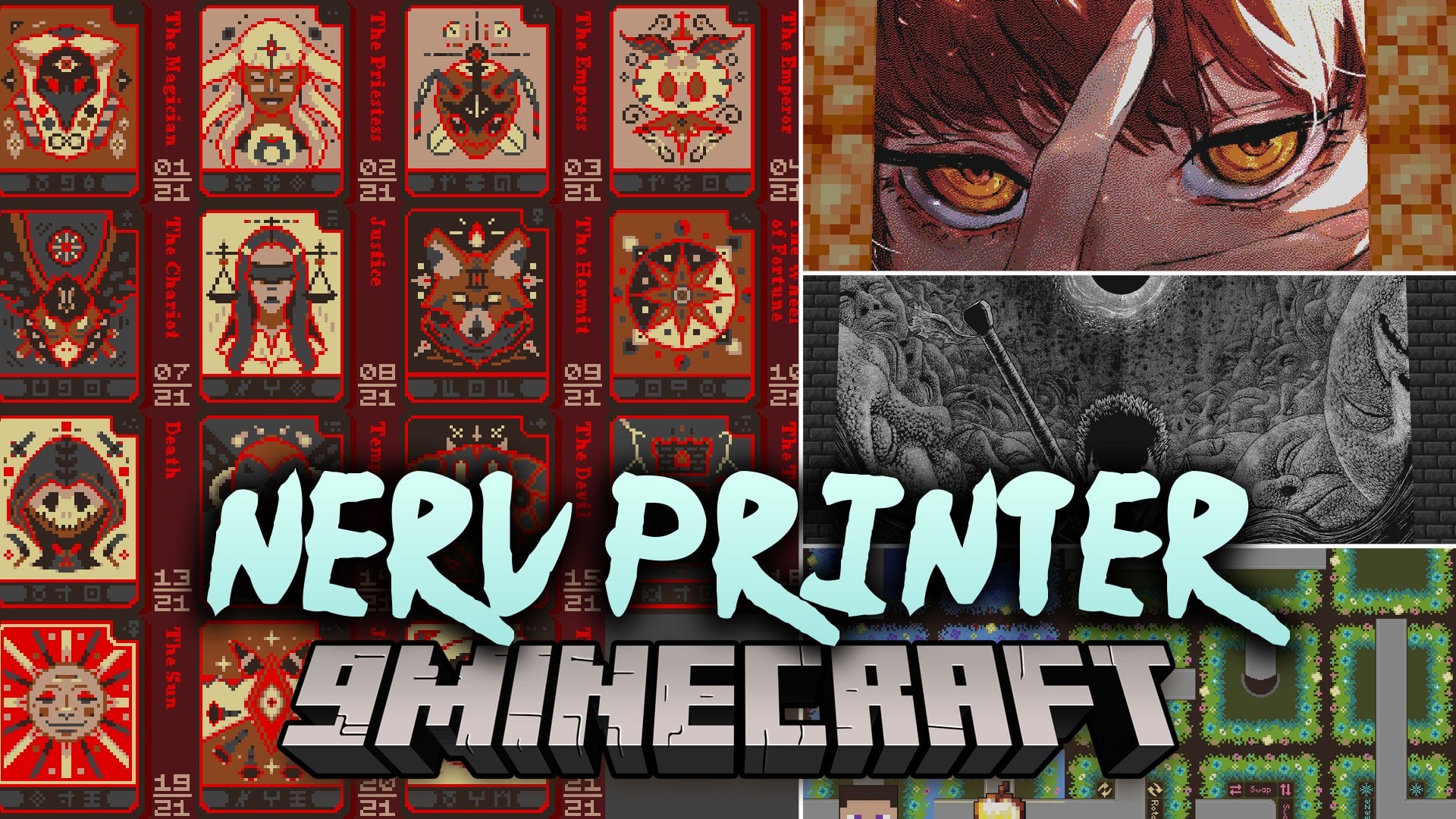
Nerv Printer Mod extends Meteor Client with automatic mapart building tools. The mod turns NBT blueprint files into finished pixel art in your world. It places blocks on its own once you start the print job. You can build art on multiplayer servers, even those with strict anti-cheat rules. It works with standard flat art as well as staircased designs.
Features:
- Autonomous Printing: Places blocks automatically across the entire build area after you start the job.
- Strict Server Compatibility: Works reliably on multiplayer servers that have strict anti-cheat checks.
- Multi-Account Printing: Coordinates multiple accounts with one master bot directing helper bots on the same platform.
- Specialized Printers: Includes a Carpet Printer for duping servers and a Suppression Printer that uses two to five accounts for staircased colors.
- Map Namer: Labels unnamed maps with a semi-automatic naming tool.
- Platform Saving: Stores platform coordinates in a JSON file so you can load your setup on later runs.
- Works with all block types and staircased building styles.
- Reads 1×1 NBT files prepared from online mapart generators like MapartCraft.
- Creates a dedicated nerv-printer folder inside your game directory on first launch.
- Requires a platform built to line up with map chunk borders.
How to Use:
- Export your art as a 1×1 NBT file using a mapart tool.
- Place the NBT file inside the nerv-printer folder in your Minecraft directory.
- Build a platform that matches your map chunk lines in your world.
- Open the print menu and start the build to let the mod place blocks.
Screenshots:
Nerv Printer Mod Download Links
Quick facts
- Edition: Minecraft Java
- File type: .jar
- Minecraft version listed: 1.21.11
- How to install: Install the matching mod loader (Forge, Fabric or NeoForge) for your Minecraft version. → Download the .jar. → Put it in the .minecraft/mods folder and launch that loader profile.
- Where to get it: In MC Java Mods, or directly above on this page.
Install steps are the general flow for this file type — How to install Minecraft Java mods & modpacks walks through it step by step.
File checked by MCModsHub
- Downloads as 528640.mcaddon
- Download size: 165 KB
- Download link checked 18 Oct 2026 — working
- Mirrored on our own servers — the download does not depend on the original host
These come from our own check of the pack file, not from the source page.