ModsJava
Item Particles Mod (26.3, 1.20.1) – Make Weapon Displays Glow Brightly
Java mod listed for Minecraft 1.20. Downloads from the MC Java Mods app on Android.
⬇ Download


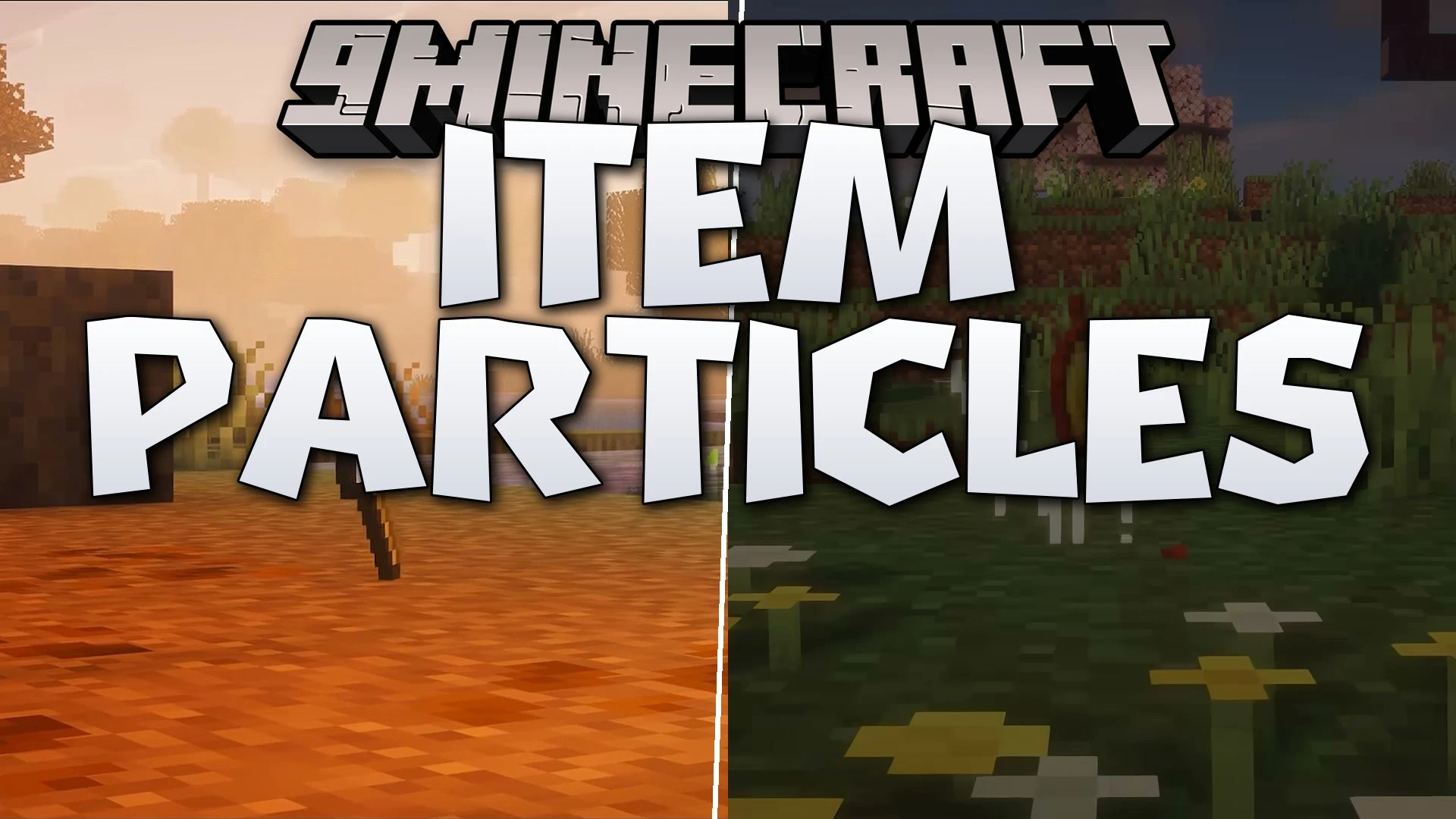
Item Particles Mod brings colorful visual effects to items across your world. Held tools, dropped loot, and items placed on shelves or inside item frames emit custom particles. The mod works entirely on the client side, so you can join any server without issues. It helps your gear stand out while you explore, mine, or decorate your home.
Features:
- Handheld Item Effects: Displays particle effects when you hold items in first-person or third-person view.
- World Item Support: Spawns neat particles around dropped items, shelf items, and item frames.
- Automatic Mod Compatibility: Uses a family system to read tags and keywords, giving particles to items from other mods automatically.
- Client-Side Only: Operates entirely on your client, meaning you can use it on any multiplayer server.
- In-Game Settings: Lets you adjust particle count and cooldown sliders to keep your screen clear.
- Data-Driven System: Works with resource packs so you can make custom particles with custom physics, sizes, textures, and colors.
- You can adjust particle movement details like speed, bounce, and floating heights.
- Custom particle files let you change sprite rotation and visual animations.
How to Use:
- Open the mod configuration screen from your mod settings menu.
- Adjust the particle count slider to change how many particles appear around items.
- Set the cooldown value to control how often new particles spawn.
- Save your settings to update the item effects immediately.
Screenshots:


Item Particles Mod Download Links
Quick facts
- Edition: Minecraft Java
- File type: .jar
- Minecraft version listed: 1.20.1
- How to install: Install the matching mod loader (Forge, Fabric or NeoForge) for your Minecraft version. → Download the .jar. → Put it in the .minecraft/mods folder and launch that loader profile.
- Where to get it: In MC Java Mods, or directly above on this page.
Install steps are the general flow for this file type — How to install Minecraft Java mods & modpacks walks through it step by step.
File checked by MCModsHub
- Downloads as 528646.mcaddon
- Download size: 1.8 MB
- Download link checked 18 Oct 2026 — working
- Mirrored on our own servers — the download does not depend on the original host
These come from our own check of the pack file, not from the source page.