ModsJava
V Widgets Mod (26.3, 1.21.1) – Never Miss Critical Timers in Combat
Java mod listed for Minecraft 1.21. Downloads from the MC Java Mods app on Android.
⬇ Download


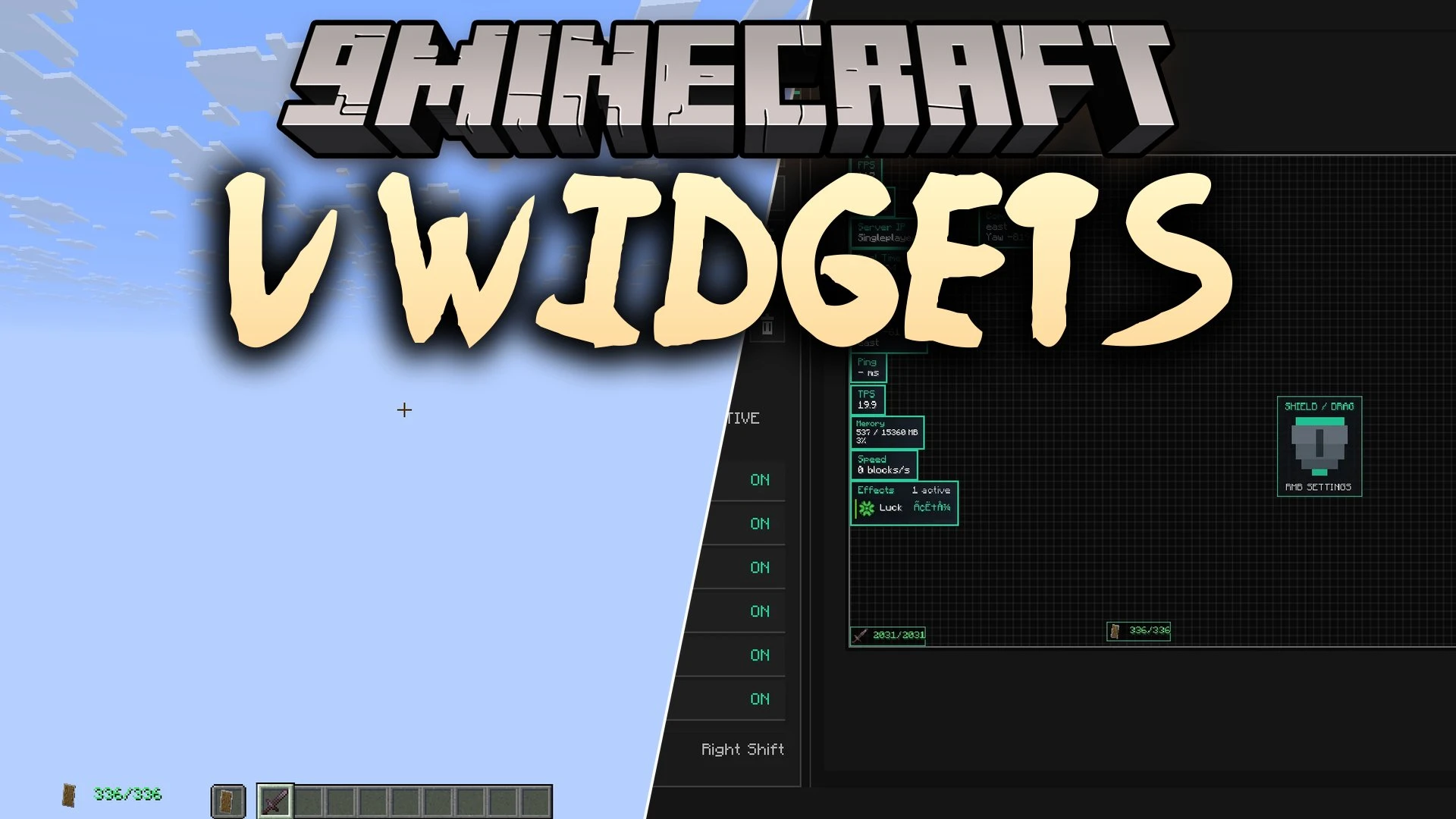
V Widgets Mod brings clean and customizable on-screen displays to your game. It gives you full control over useful information modules like armor durability, status effects, frames per second, and ping. Every module starts turned off, allowing you to choose exactly what appears on your screen without unnecessary visual clutter.
Features:
- Shows current frame rates and live server ping with fast update rates.
- Displays equipped armor and held items with exact durability numbers or percentages.
- Lets you place durability text to the left, right, top, or bottom of your gear icons.
- Adds an offhand item display next to your main hotbar.
- Renders your inventory contents directly on the screen in a clean vanilla art style.
- Tracks your mouse click speed with a built-in clicks per second counter.
- Provides live coordinates, facing direction, current biome name, and in-game time.
- Includes a sprint status icon that you can hide when walking or standing still.
- Shows active potion effects with clear icons and remaining countdown timers.
- Adds an optional TNT countdown timer that shifts colors from green to red before exploding.
- Lets you move, resize, and adjust first-person view positions for shields and fire overlays.
- Includes layout presets so you can save and swap different screen configurations quickly.
How to Use:
- Open the in-game editor menu to start setting up your screen layout.
- Drag any widget to your desired position on the screen.
- Right-click specific modules inside the editor to tweak their size and display settings.
- Save your customized layout or switch between different presets.
Screenshots:
V Widgets Mod Download Links
Quick facts
- Edition: Minecraft Java
- File type: .jar
- Minecraft version listed: 1.21.1
- How to install: Install the matching mod loader (Forge, Fabric or NeoForge) for your Minecraft version. → Download the .jar. → Put it in the .minecraft/mods folder and launch that loader profile.
- Where to get it: In MC Java Mods, or directly above on this page.
Install steps are the general flow for this file type — How to install Minecraft Java mods & modpacks walks through it step by step.
File checked by MCModsHub
- Downloads as 528657.mcaddon
- Download size: 805 KB
- Download link checked 18 Oct 2026 — working
- Mirrored on our own servers — the download does not depend on the original host
These come from our own check of the pack file, not from the source page.