Home›Bedrock›Addons›Construct Addon (1.26.50) – Build Perfect Structures with Holographic Blueprints
AddonsBedrock
Construct Addon (1.26.50) – Build Perfect Structures with Holographic Blueprints
Bedrock add-on listed for Minecraft 26.x. Download on the author's site.
⬇ Download
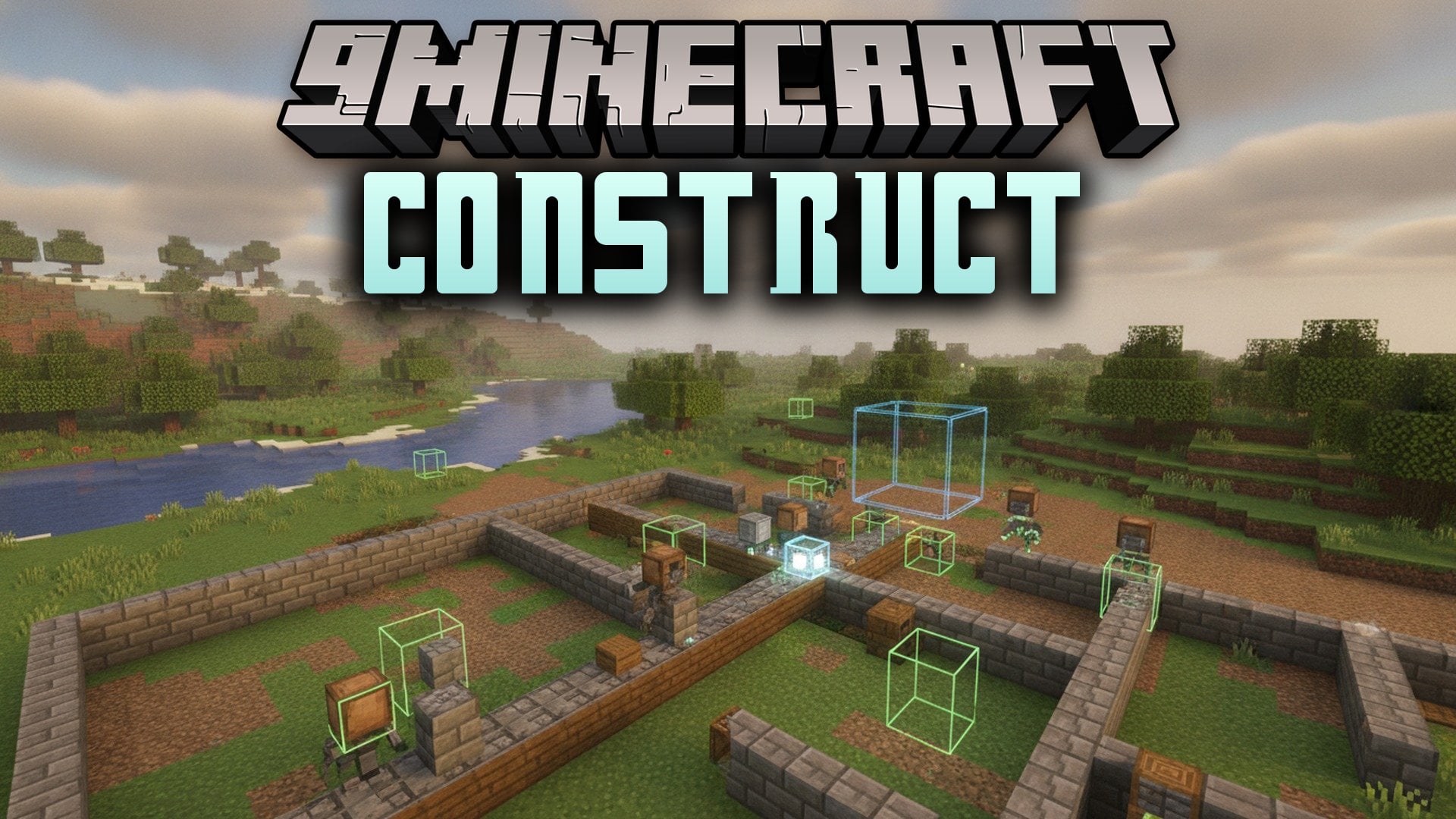
Construct Addon projects holographic blueprints directly into your Bedrock world to guide your survival builds. It shows you where every block belongs so you never misplace a wall or roof. The addon checks your work and marks any wrong blocks in real time. It lets you rebuild your favorite creations from creative mode without guessing.
Features:
- Structure Hologram: Displays the complete shape of your build in the world while you place blocks.
- Block Validation: Highlights wrong blocks with clear markers so you spot mistakes right away.
- Easy Place: Puts blocks in the correct spots and directions automatically.
- Material Grabbing: Takes all the needed building blocks from nearby chests in one simple click.
- Layered Building: Shows your construction one slice at a time to keep complex builds simple.
- Structure Management: Lets you spawn, move, and edit multiple building templates at the same time.
- Reads structures saved with vanilla structure blocks or the basic structure command.
- Construct Addon works with imported .mcstructure files placed inside the pack structures folder.
- Includes language options for American English and Chinese.
Commands:
/construct:construct: Gives you the special menu item used to control blueprints.
How to Use:
- Turn on the Beta APIs toggle inside your world experiment settings.
- Activate both the resource pack and behavior pack in your world settings.
- Type
/construct:constructin chat or take the tool from the creative inventory Items tab. - Use the item to open the menu, pick a saved blueprint, and begin placing blocks.
Construct Addon Download Links
Quick facts
- Edition: Minecraft Bedrock
- File type: .mcpack or .mcaddon
- Minecraft version listed: 1.26.50
- How to install: Download the .mcpack or .mcaddon file. → Open it — Minecraft imports it. → In your world: Behavior Packs → Available → Activate, then the same under Resource Packs.
- Where to get it: Opens on the file's original source — not every file is mirrored on our own servers.
Install steps are the general flow for this file type — How to install Minecraft Bedrock addons & mods walks through it step by step.
Construct Addon (1.26.50) – Build Perfect Structures with Holographic Blueprints is a free Minecraft Bedrock addon. Compatible with Minecraft 1.26.50. Download it and open it directly in the game.