AddonsBedrock
Advanced Waypoint Addon (26.x, 1.21) – MCPE/Bedrock Mod
Bedrock add-on listed for Minecraft 1.21 (behavior + resource pack). File opened and checked on 4 Oct 2026; installs from the MC Bedrock Mods app on Android.
⬇ Download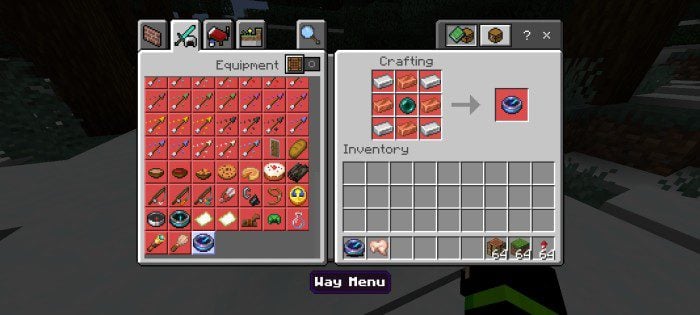
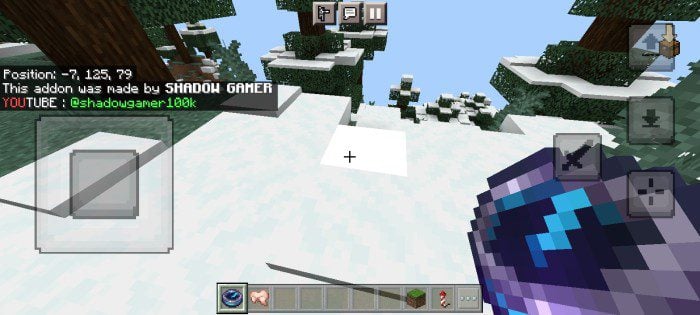
Advanced Waypoint Addon lets you travel faster in your Minecraft bedrock world by allowing you to save locations or coordinates with custom names. Then you can teleport to them from anywhere.
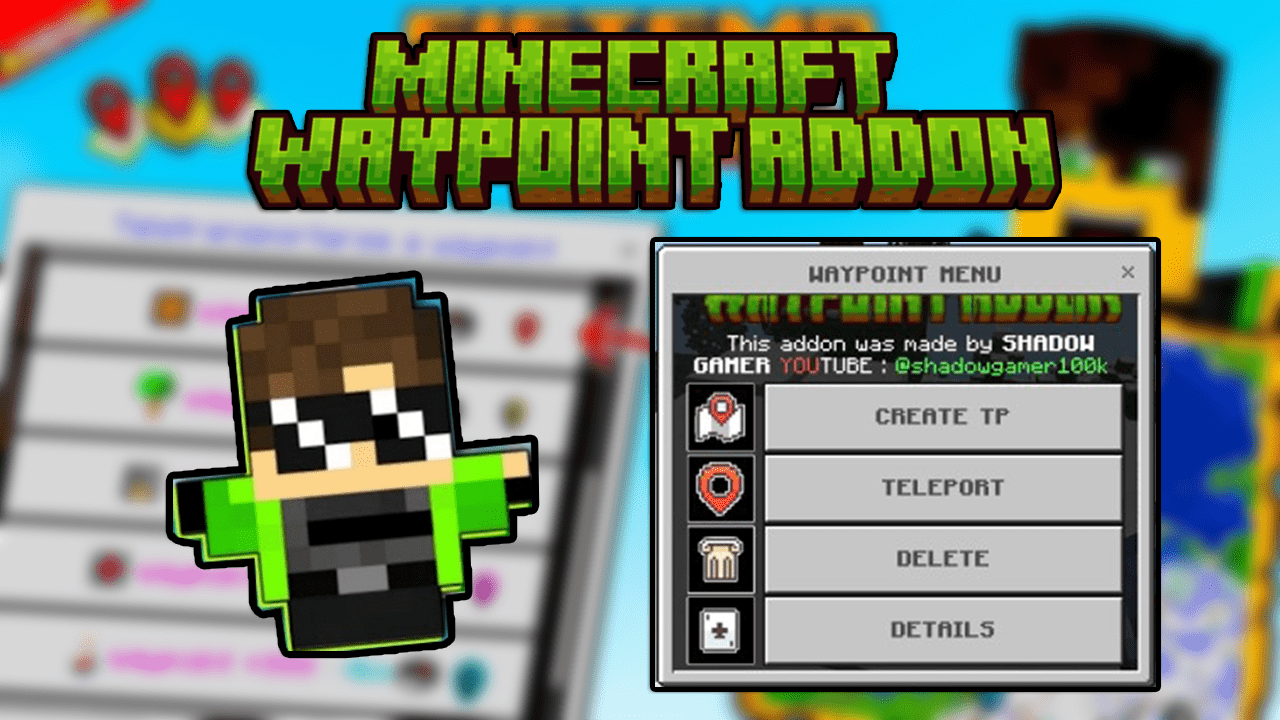
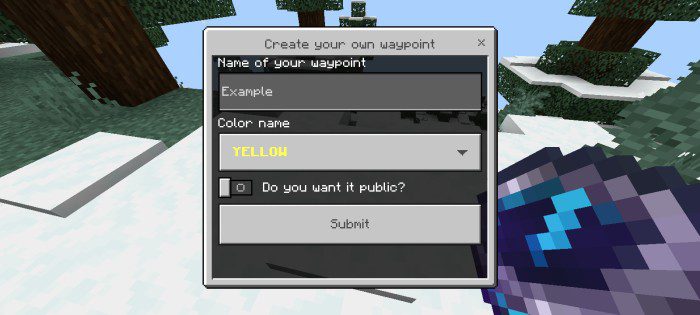
 The form:
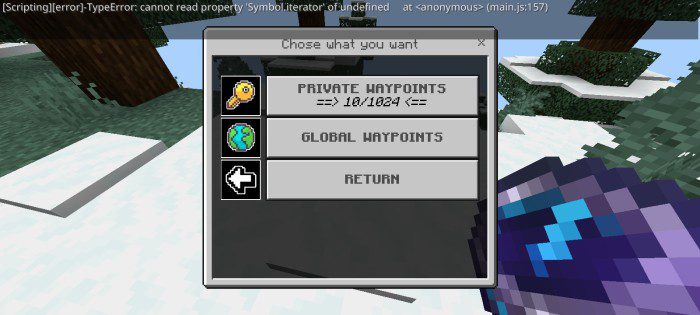
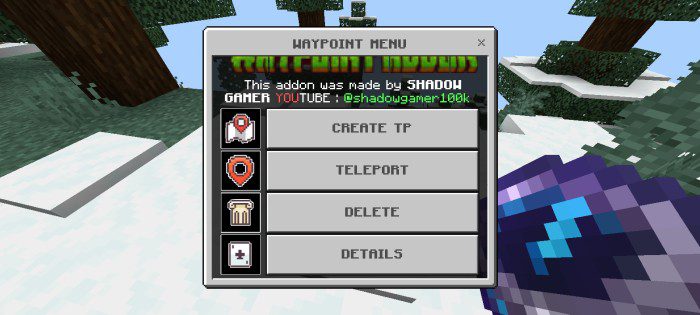 The buttons:
 Planned Features:
Features:
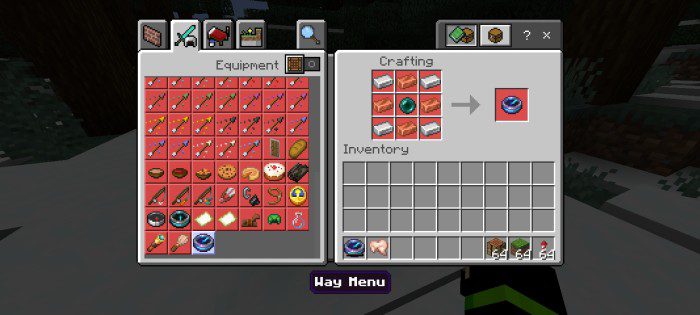
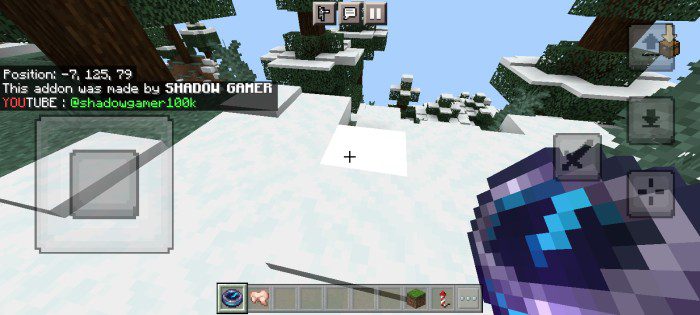
Way Menu item:- So to open the waypoint menu you need a specific item called “Way Menu” Just click right-click with this item or a long click if you are on mobile and after the menu will open to you this is the recipe for this item:
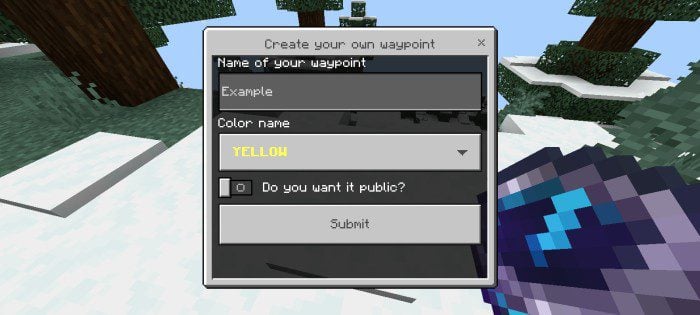
The form:
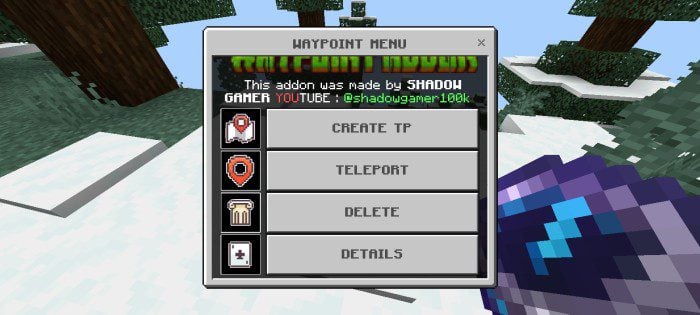
The buttons:
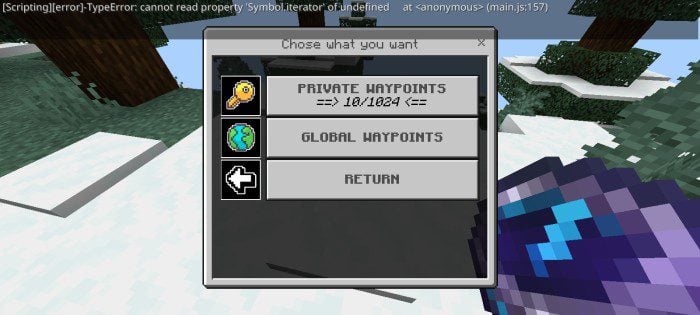
- The first button is responsible for creating the waypoint, and this is done through the specifications that you enter, such as the name, the color of the name, and whether it is private or public.
- The second button shows you this menu:
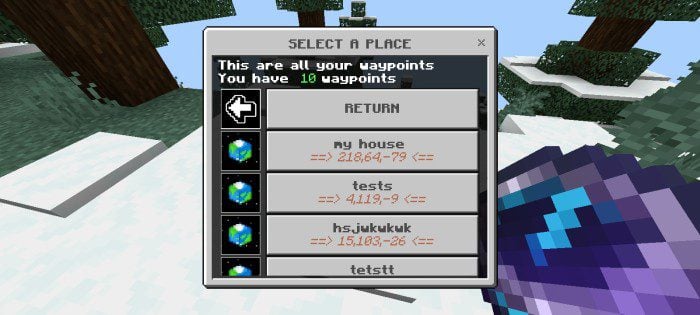
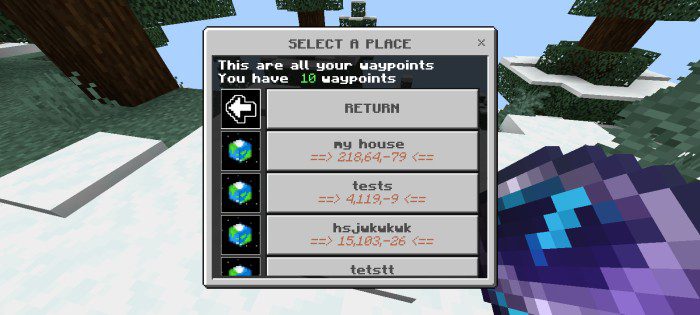
- The first button is for your private waypoints, and it shows you all of your private waypoints, which you can move to by simply clicking on it.
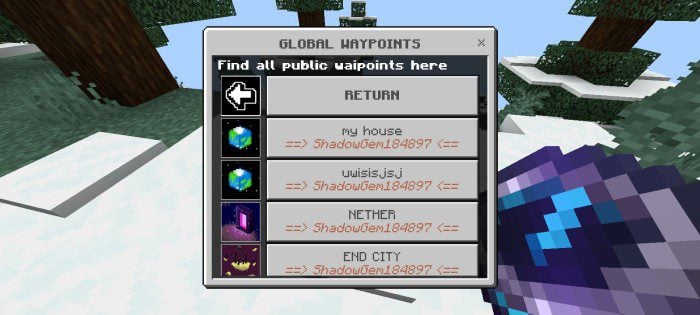
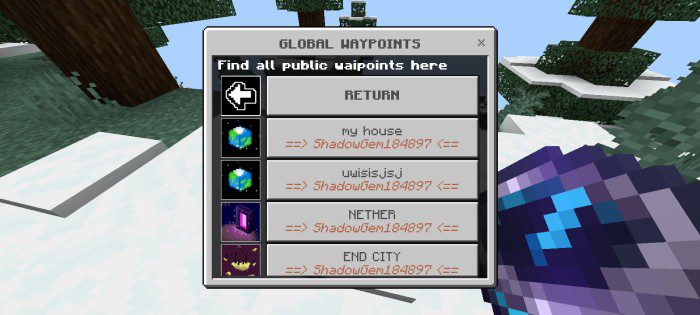
- The second button is for public waypoints, which are all the waypoints that players in your server have made public. Anyone can move to it, and it appears to all of them.
- Note: The images that appear on the options buttons change depending on the dimensions in which you place those waypoints.
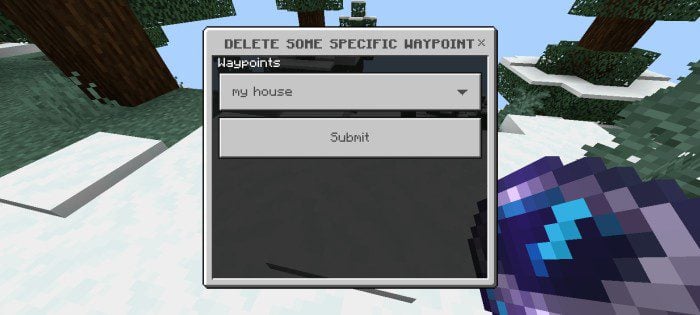
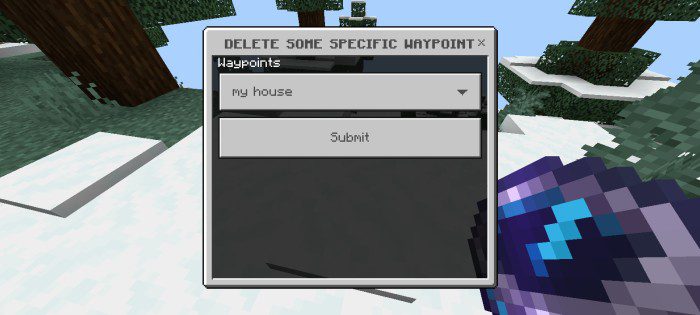
- We return to the main menu with the third button, which enables you to delete any waypoints you have created. Just choose its name and press Done. As for if the waypoints are in another dimension, it will fly to that dimension and delete it there
Planned Features:
- Adding points is what will be deducted from you for every teleport, and if you do not have them, you will not be teleported.
Installation Note:
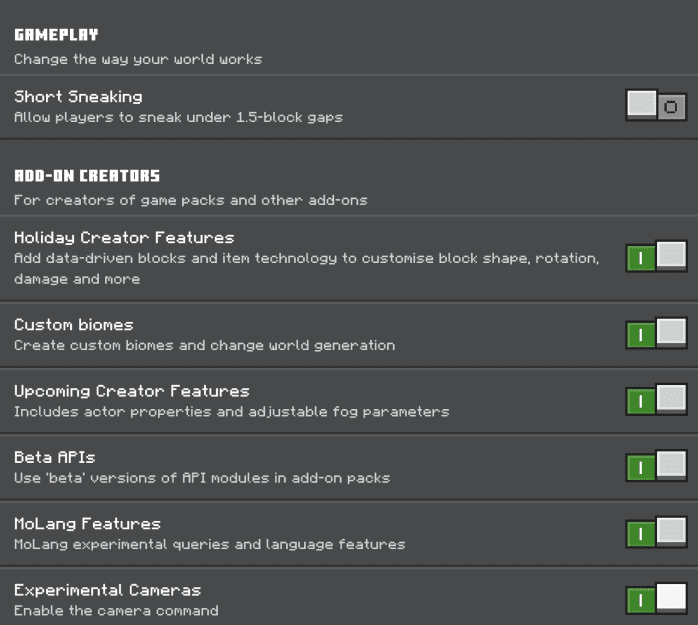
- Make sure you turn on the Experimental Gameplay.
Advanced Waypoint Addon Download Links
Quick facts
- Edition: Minecraft Bedrock
- File type: .mcpack or .mcaddon
- Minecraft version listed: 1.21
- How to install: Download the .mcpack or .mcaddon file. → Open it — Minecraft imports it. → In your world: Behavior Packs → Available → Activate, then the same under Resource Packs.
- Where to get it: In MCModsHub, or directly above on this page.
Install steps are the general flow for this file type — How to install Minecraft Bedrock addons & mods walks through it step by step.
File checked by MCModsHub
- Pack type: .mcaddon — behaviour and resource pack in one file
- Manifest requires Minecraft 1.21.100 or newer
- Complete pack — everything it depends on is inside the file
- Download size: 90 KB
- Download link checked 22 Jul 2026 — working
- Mirrored on our own servers — the download does not depend on the original host
These come from our own check of the pack file, not from the source page.