ShadersJava
EyeComfort Shaders (26.3, 1.20.1) – Warm Lighting and Tone Sliders
Java shader pack listed for Minecraft 1.20. Downloads from the MC Java Mods app on Android.
⬇ Download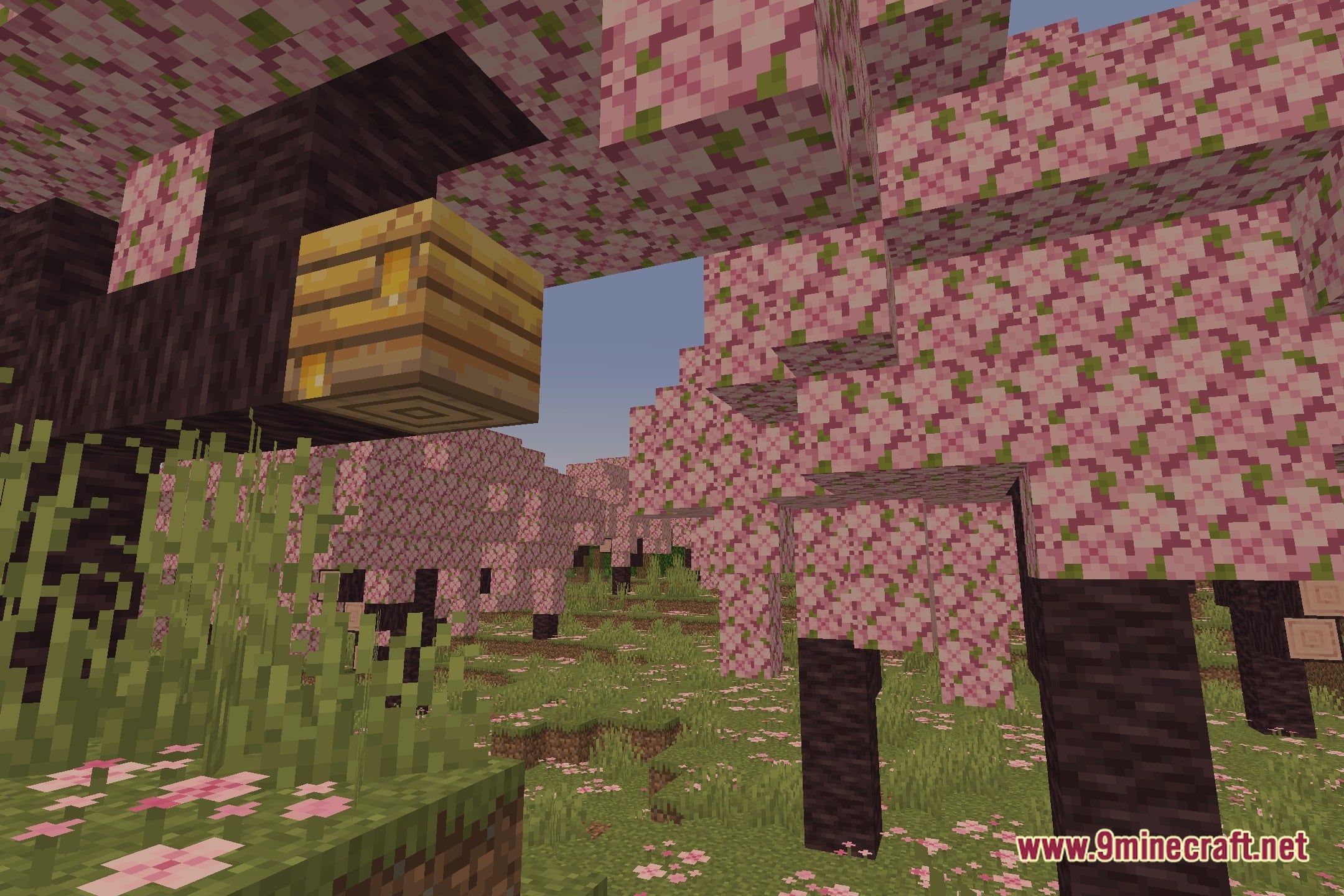
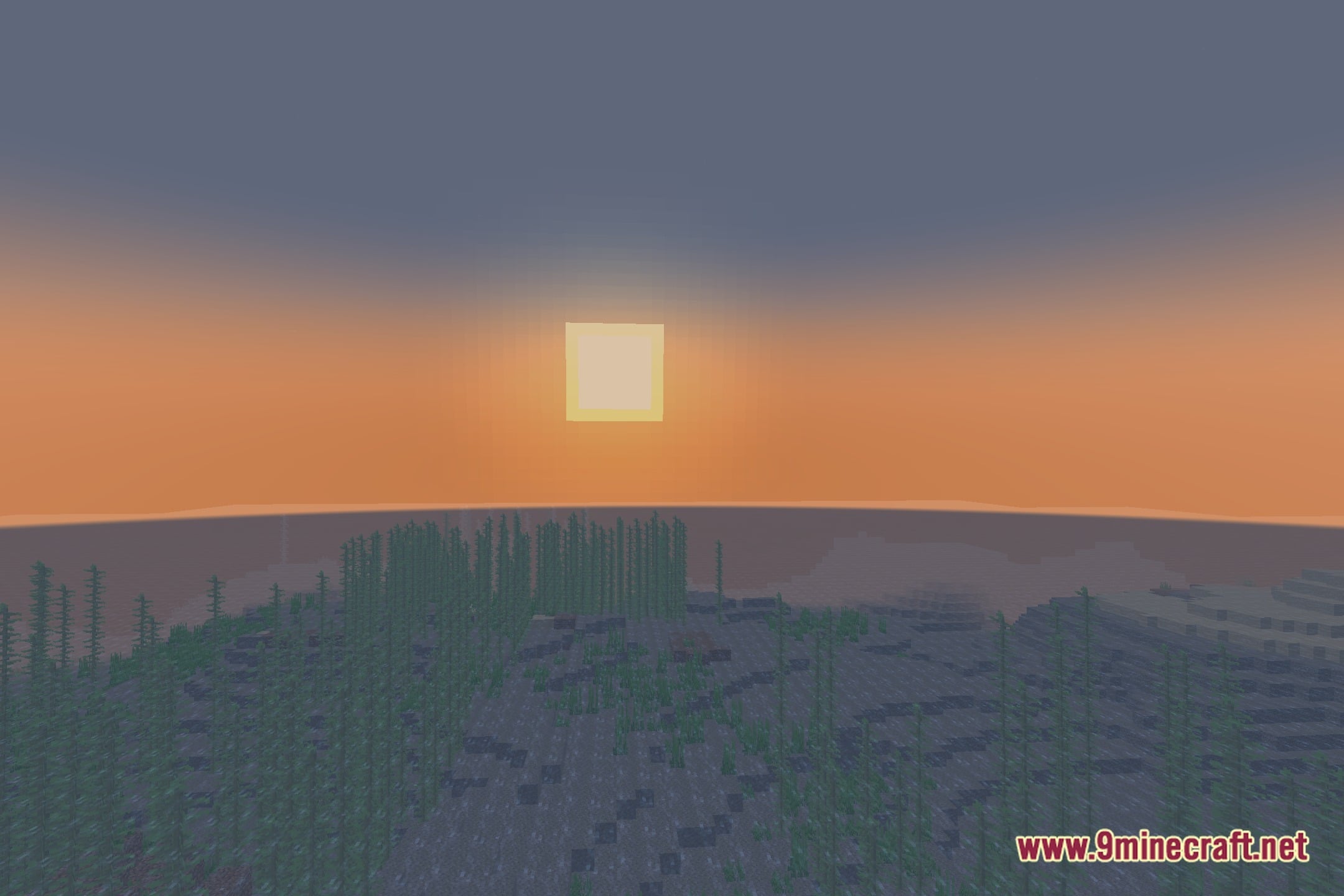
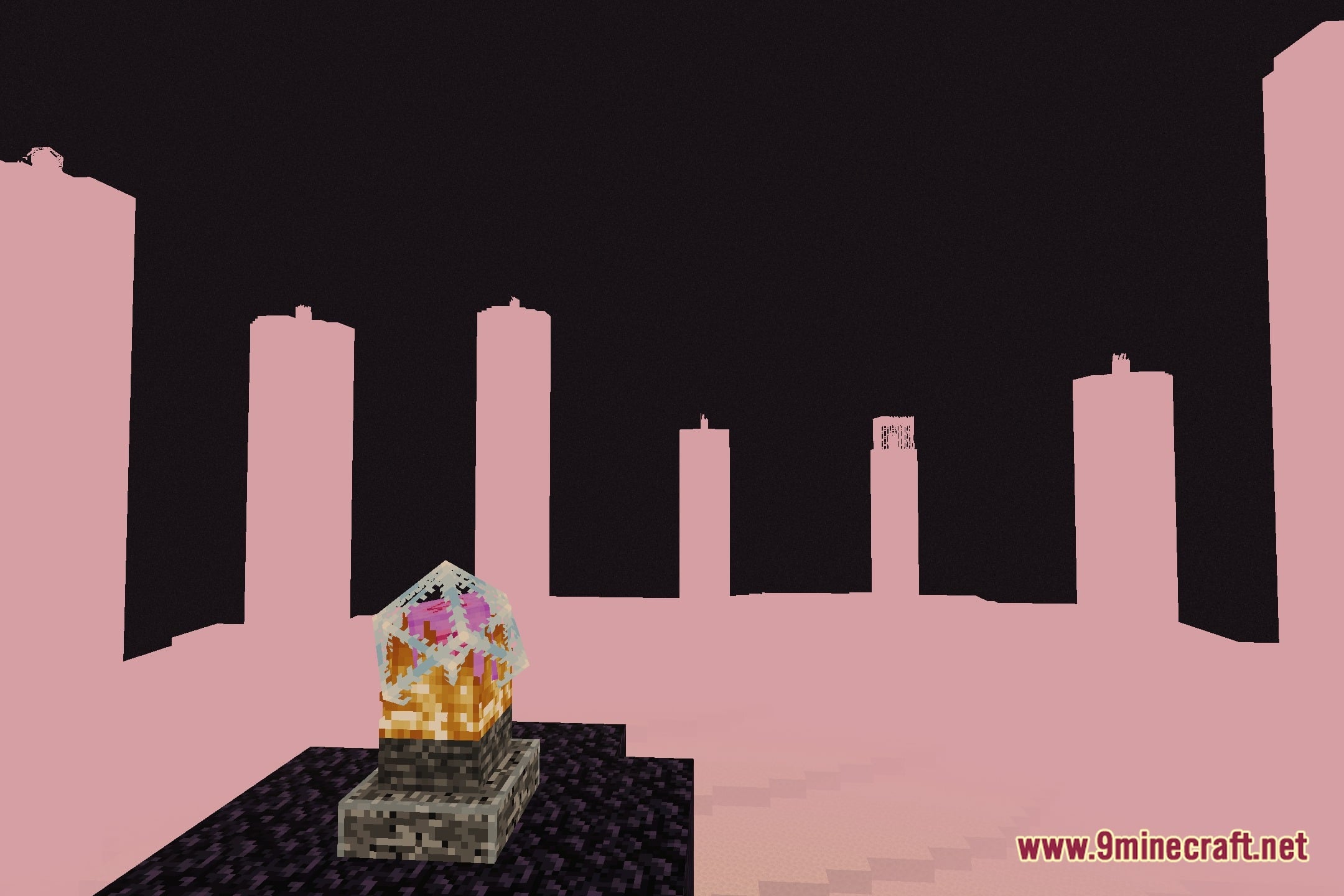
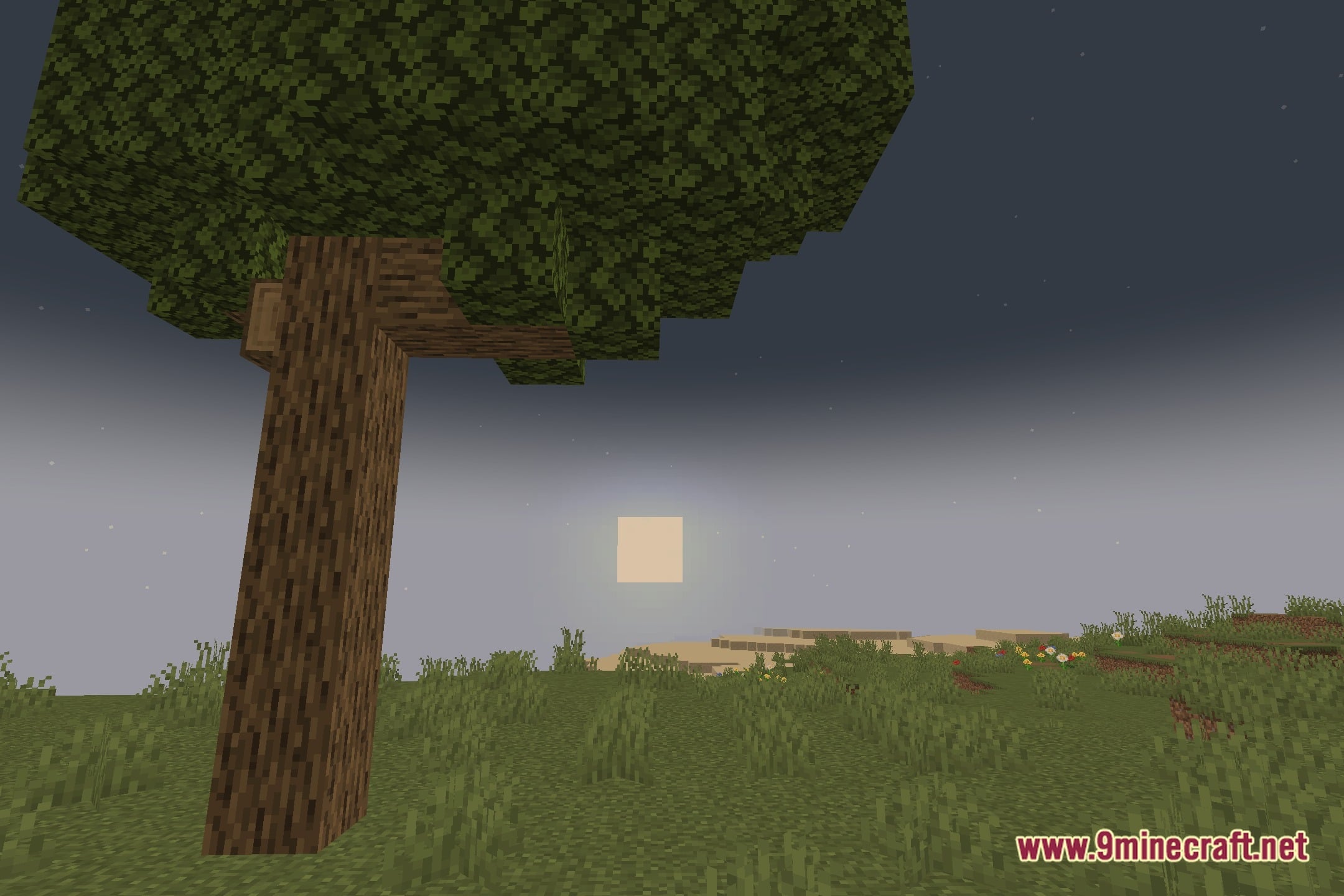
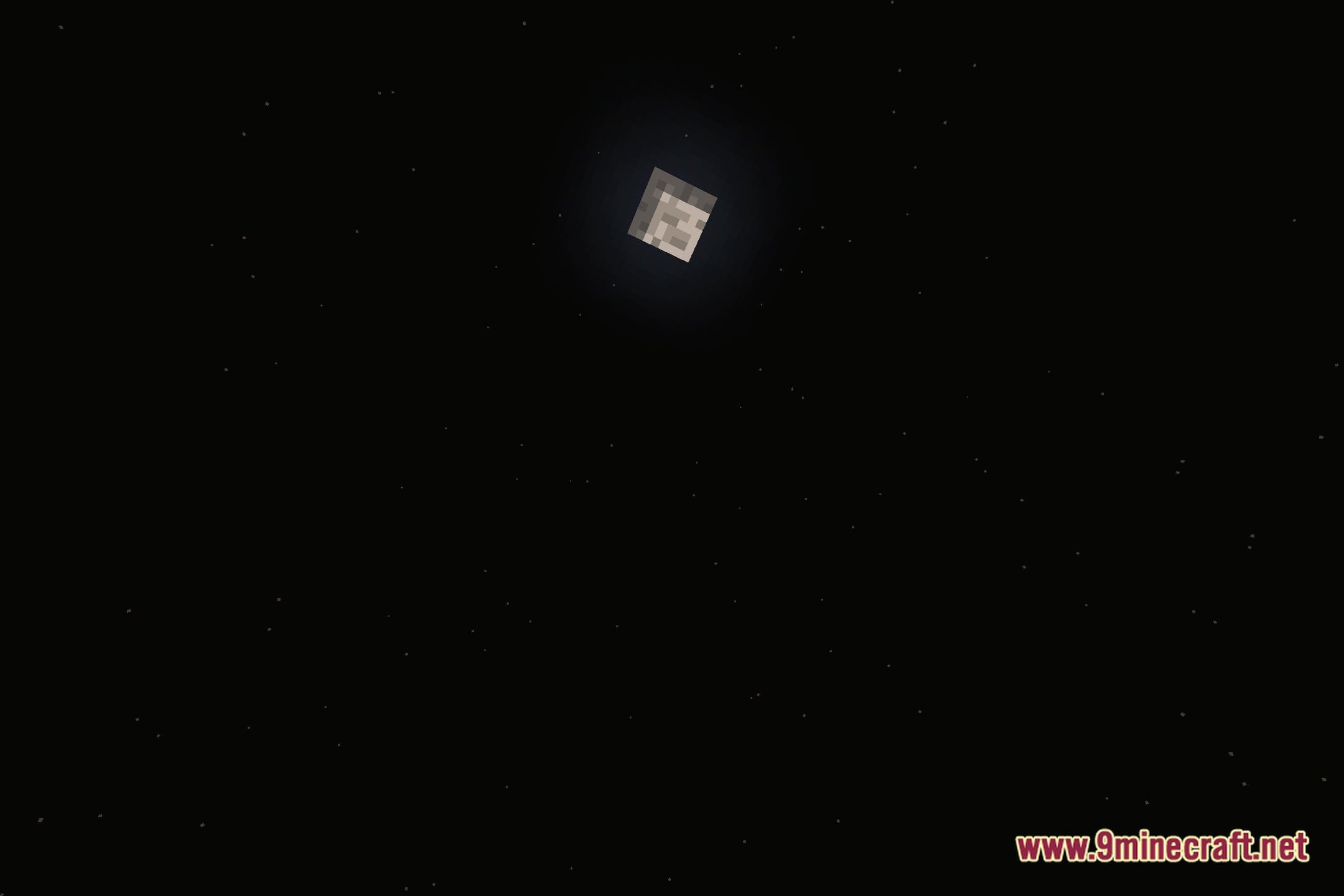
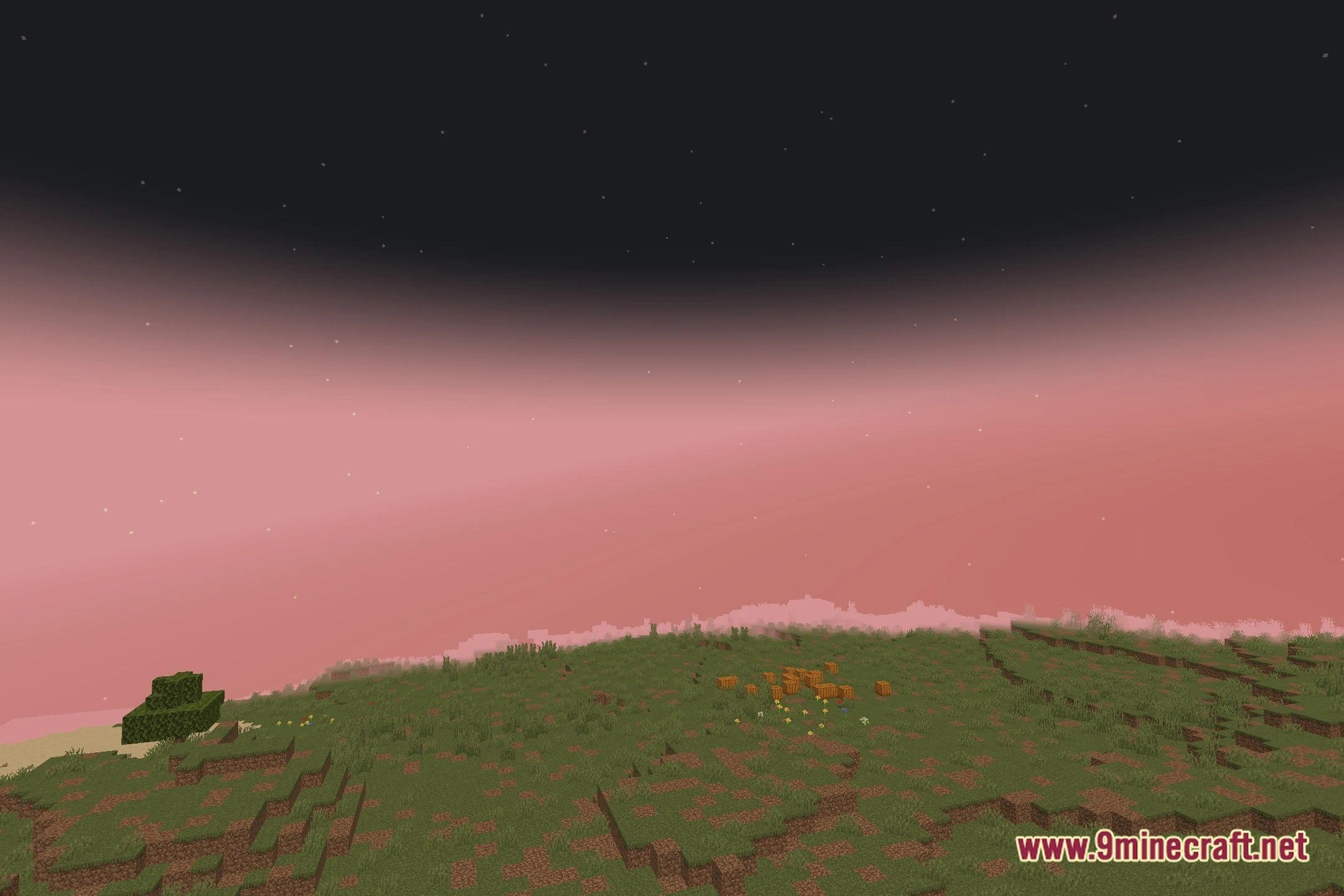
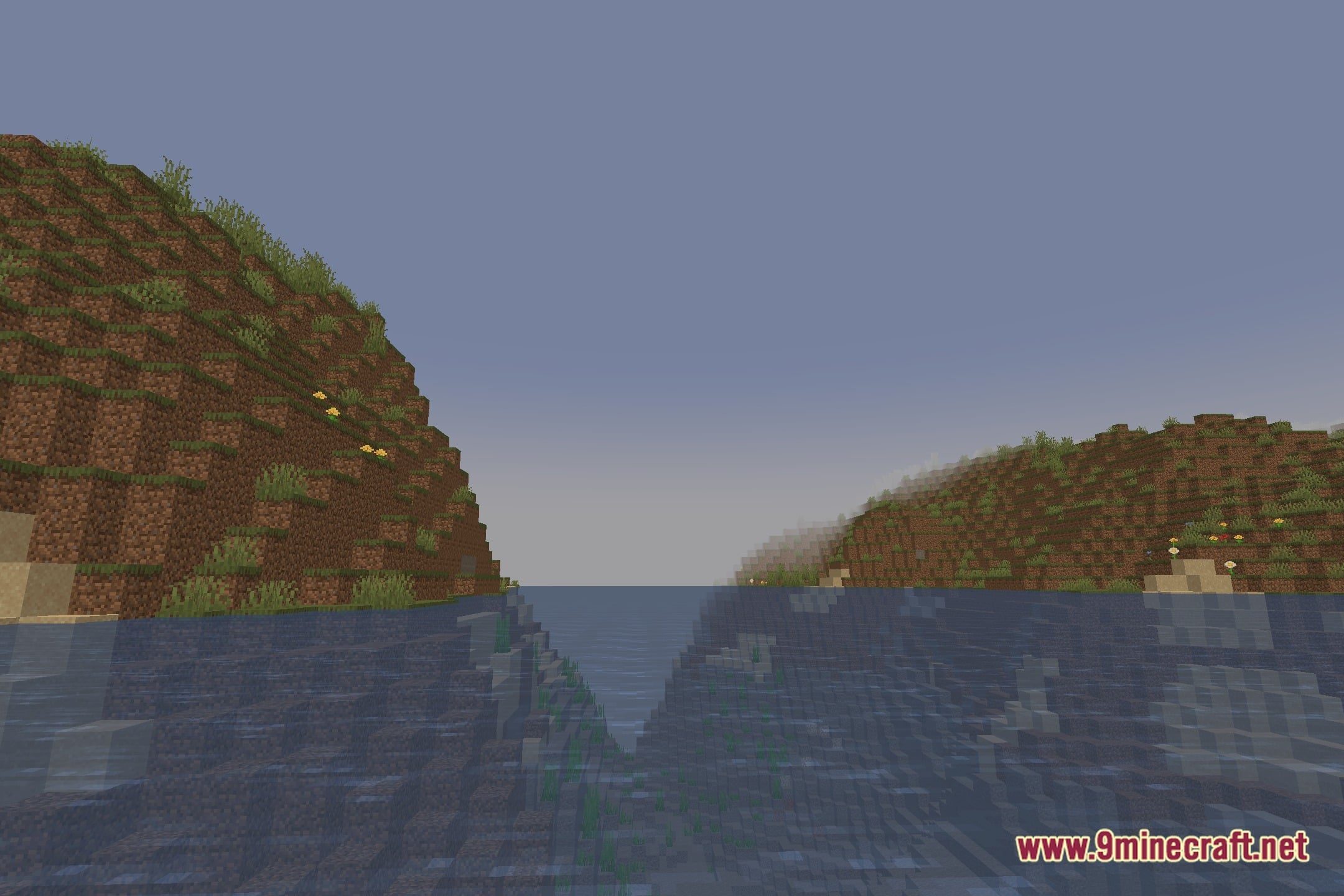
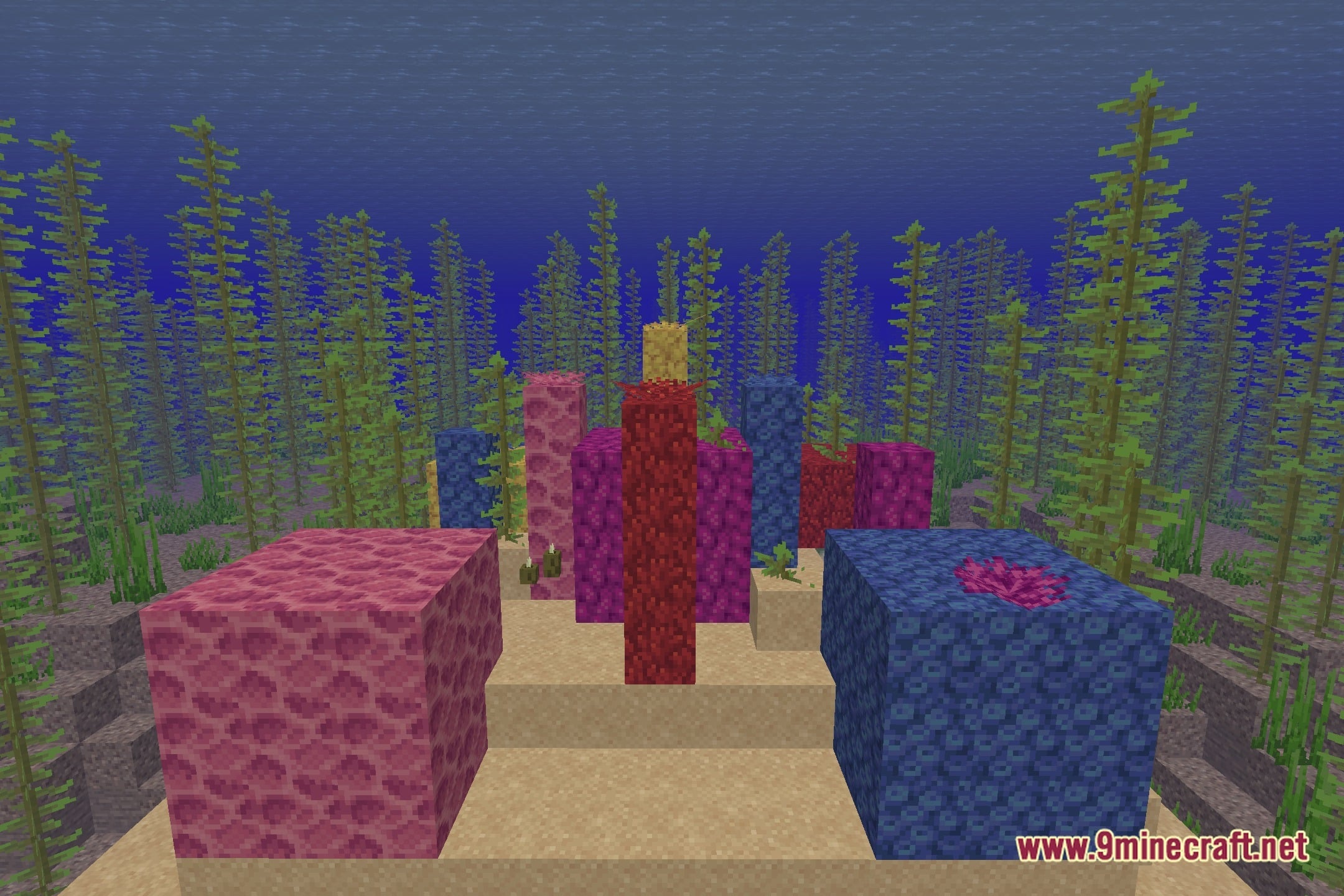
EyeComfort Shaders transforms lighting across the world to give blocks and skies a warmer, gentle look. This shader pack focuses on visual comfort by softening harsh screen tones during everyday gameplay. Players can fine-tune different image values directly in the settings menu to match personal tastes. It runs cleanly on the Iris shader loader without changing standard block models.
Features:
- Warm Visual Style: Softens bright screens with a gentle, warm tone during gameplay.
- Color Temperature Control: Lets you adjust warm and cool screen tones to match your taste.
- Tone Sliders: Provides custom sliders for contrast, black levels, white levels, and highlights.
- Saturation Settings: Adjusts overall color strength from faded visuals to rich colors.
- Built-In Presets: Includes four ready-to-use visual presets for quick adjustments.
- Multi-Language Menus: Offers in-game configuration menus in both English and Spanish.
- Runs on the Iris shader loader for straightforward setup.
Screenshots:
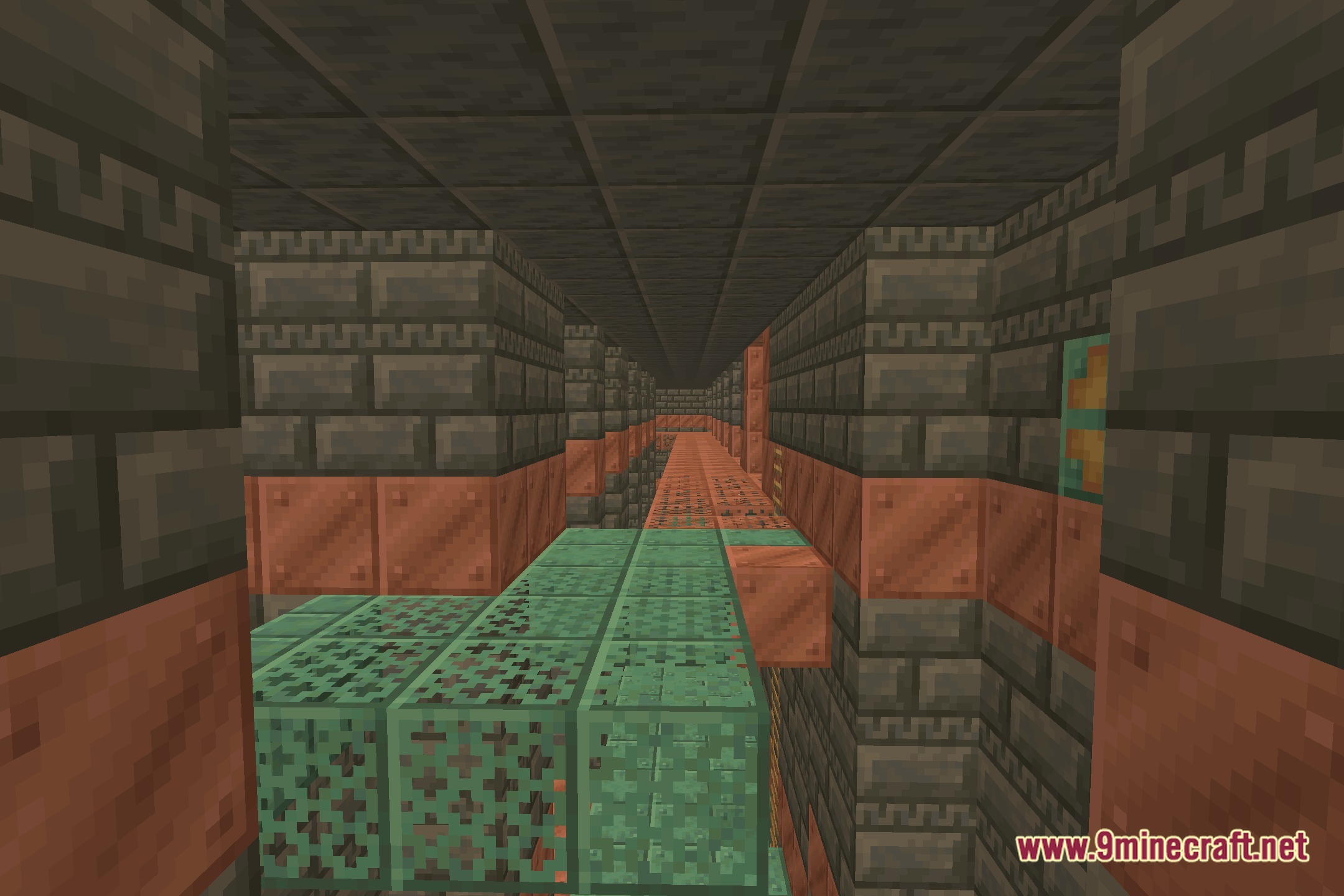
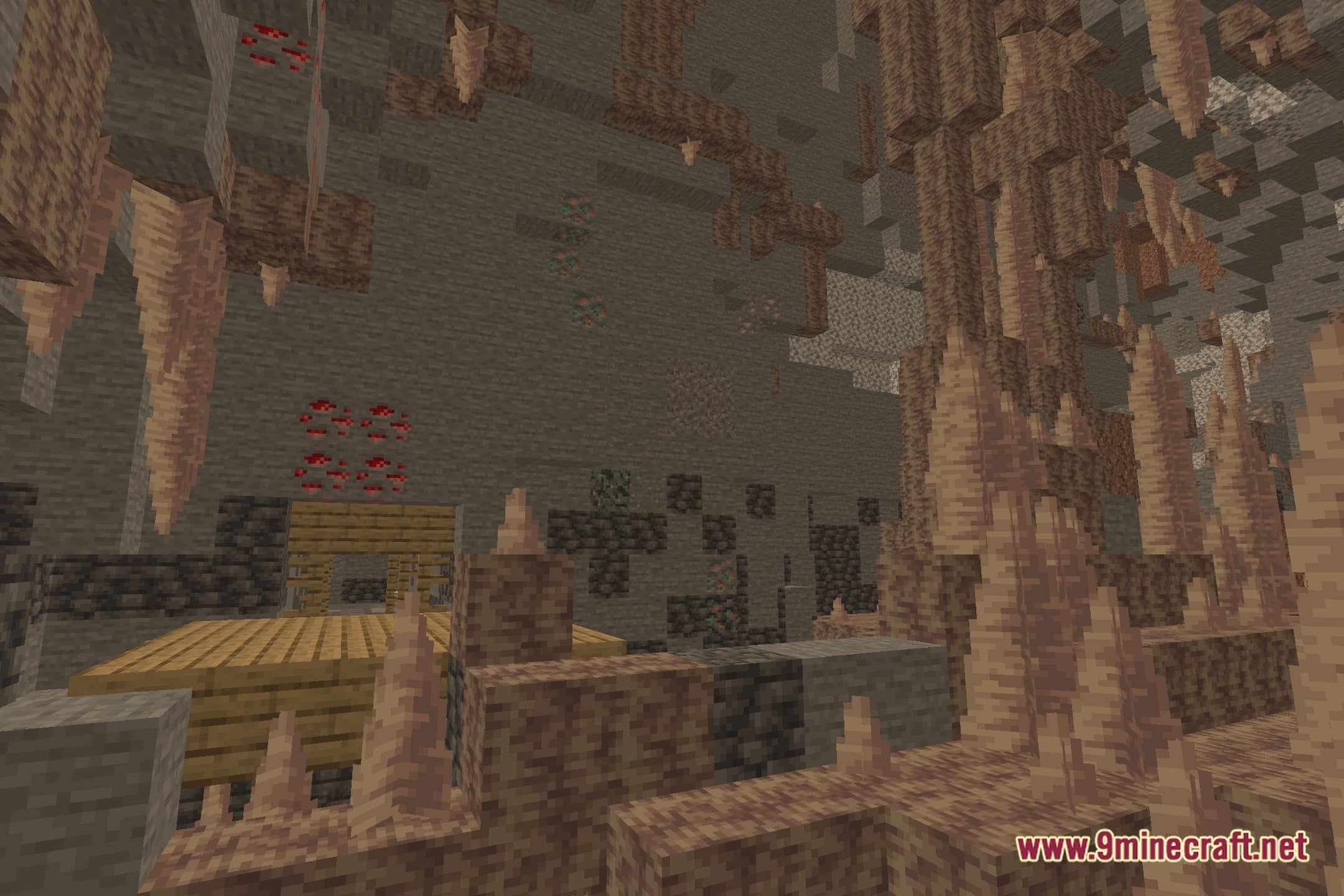
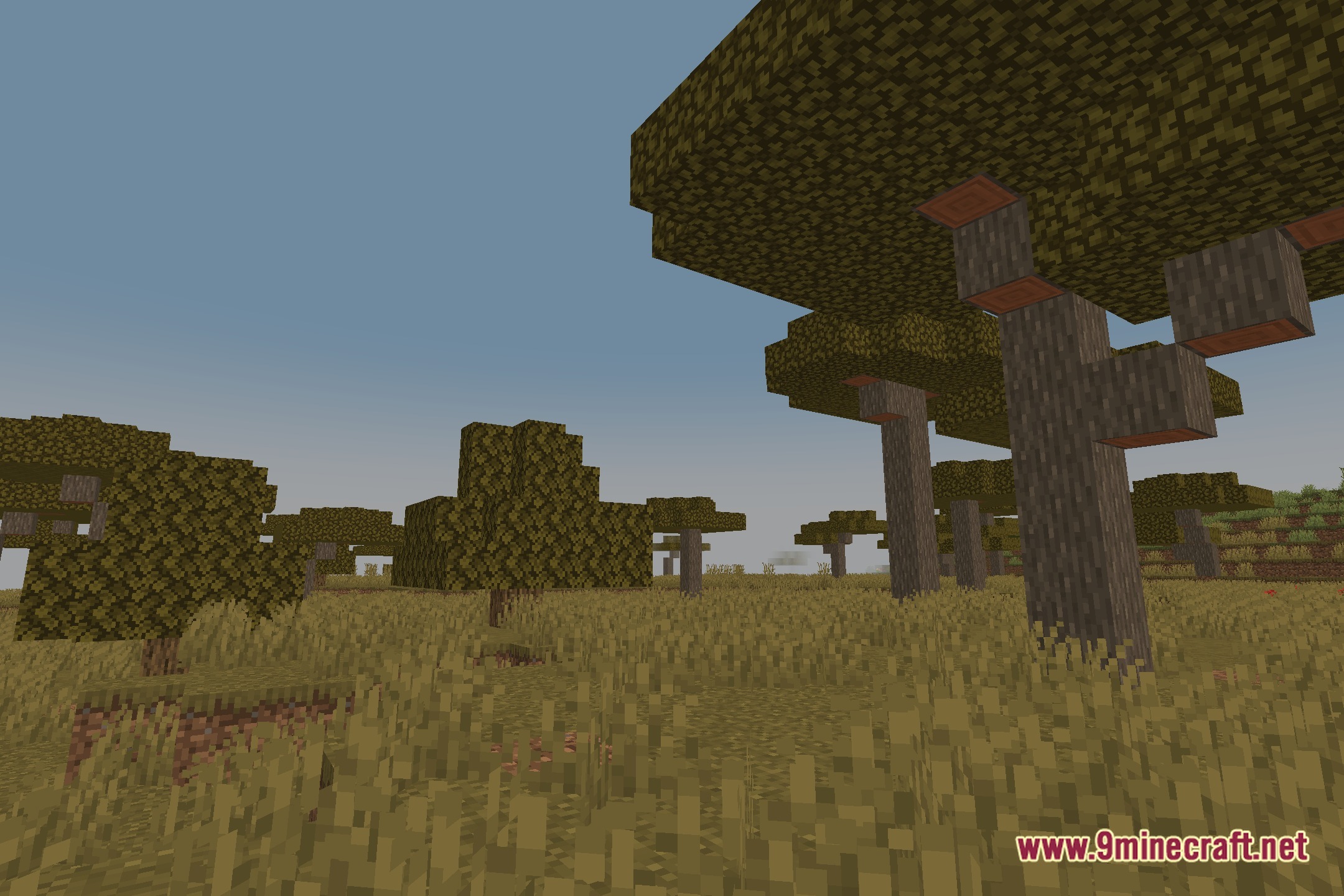
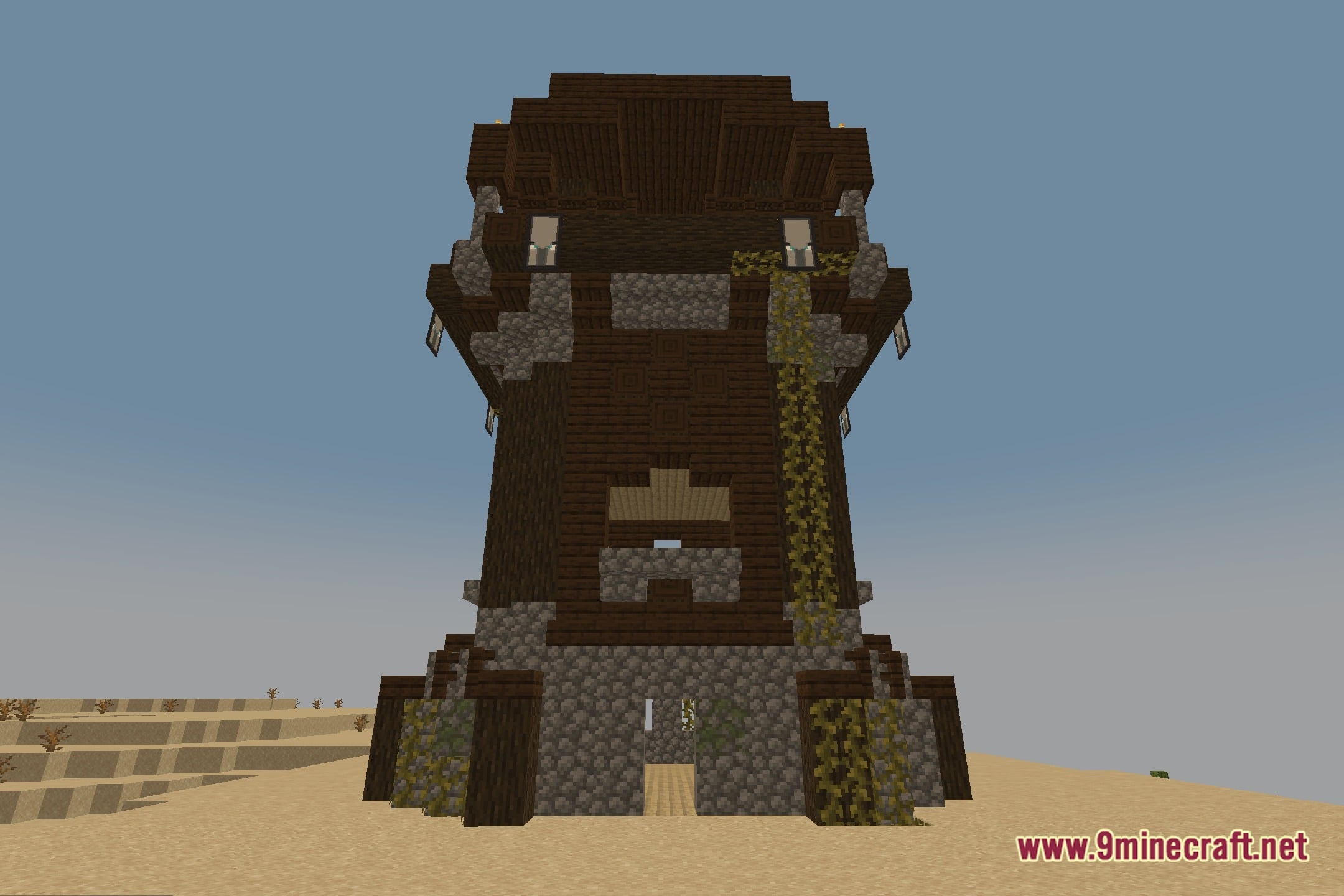
EyeComfort Shaders Download Links
Quick facts
- Edition: Minecraft Java
- File type: .zip (resource pack)
- Minecraft version listed: 1.20.1
- How to install: Download the .zip resource pack — do not unzip it. → Put it in .minecraft/resourcepacks. → Enable it in Options → Resource Packs.
- Where to get it: In MC Java Mods, or directly above on this page.
Install steps are the general flow for this file type — see the MC Java Mods guides for the full walkthrough.
File checked by MCModsHub
- Downloads as 528850.mcpack
- Download size: 41 KB
- Download link checked 18 Oct 2026 — working
- Mirrored on our own servers — the download does not depend on the original host
These come from our own check of the pack file, not from the source page.