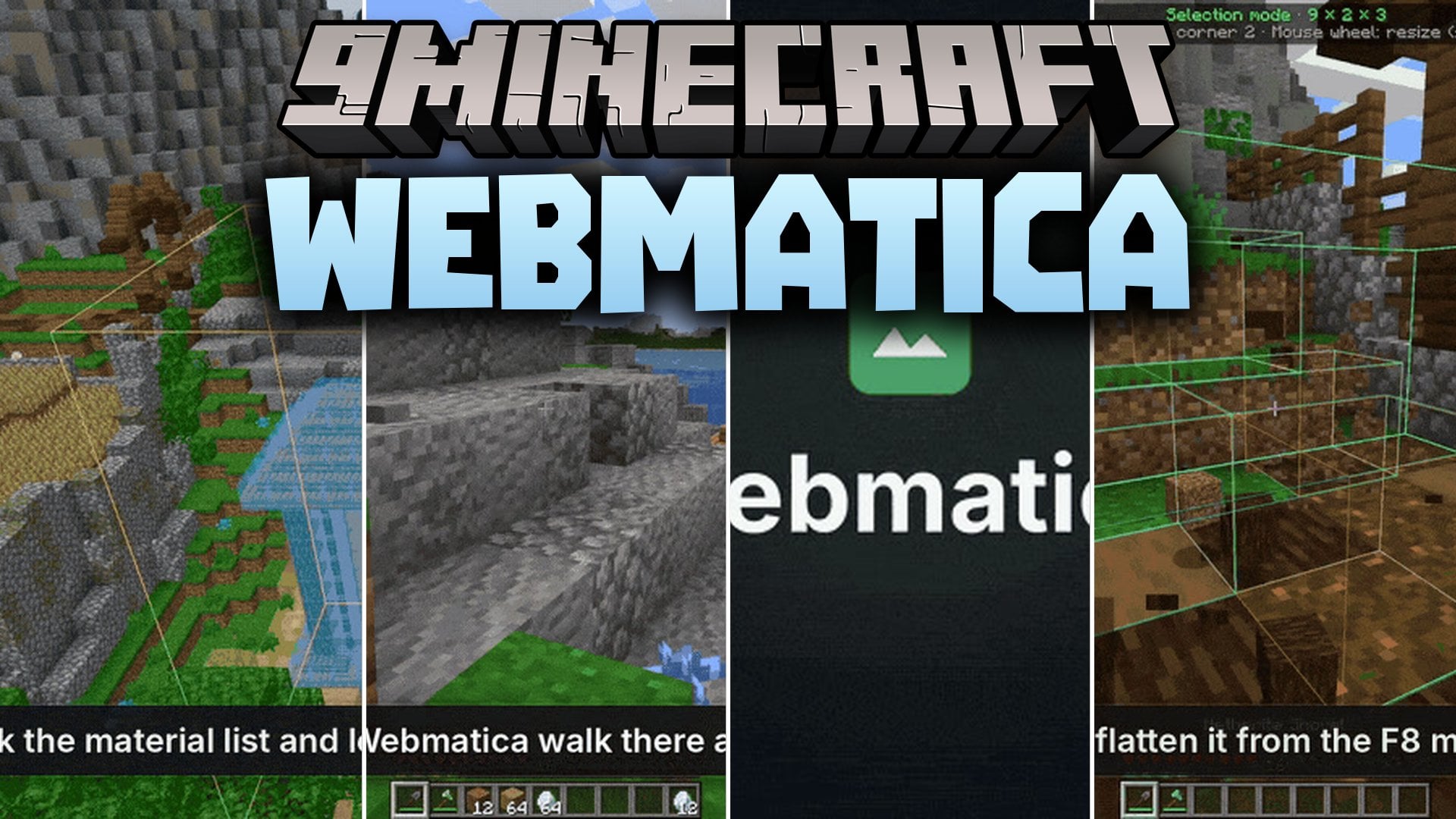
Webmatica Mod (1.21.11) – Track Stored Items and Automate Builds From Your Web Browser
Java mod listed for Minecraft 1.21. Download on the author's site.
⬇ Download


Webmatica Mod connects your Minecraft world to a local web browser interface. It displays your world map, shows full 3D views, and tracks every item stored inside your chests. The mod saves chunks you visit and remembers container inventories without sending extra data to the server. You can also edit building plans, control player movement, and automate building tasks directly from your screen.
Features:
- Browser Interface: Runs a local map viewer in your browser with a 3D view, waypoints, player radar, and timelapse video exports.
- Storage Tracker: Remembers items inside opened chests and shulker boxes, letting you search for items across all storage and highlight chests through walls.
- Schematic Editor: Reads .litematic, .schem, and .nbt files so you can copy, rotate, fill, move, and undo block edits.
- Built-In Movement: Lets you right-click any location on the map to make your character walk there automatically without needing Baritone.
- Block Printer: Places schematic blocks when your character walks near the build area.
- Baritone Integration: Works with Baritone to clear land, fill holes, farm crops, and finish large build queues.
- Turns selected areas of your world into brand new schematic files.
- Saves visited chunks locally as normal region files without sending data to server chat.
- Fetches chosen item stacks into your pockets and quickly stashes your inventory.
- Sends schematics directly to Litematica if you prefer that tool.
- Includes a server-safe toggle that turns off automation, Baritone, and X-Ray features on multiplayer servers.
Commands:
/wm: Opens the in-game menu showing your chest search tools and active jobs.
How to Use:
- Press F10 to launch the interactive viewer in your web browser.
- Press F8 or type
/wmin chat to open the storage search and task menu. - Press B to open the area selection tool and create or modify schematics.
- Right-click any point on the web browser map to make your character walk to that spot.
Screenshots:


Webmatica Mod Download Links
- Edition: Minecraft Java
- File type: .jar
- Minecraft version listed: 1.21.11
- How to install: Install the matching mod loader (Forge, Fabric or NeoForge) for your Minecraft version. → Download the .jar. → Put it in the .minecraft/mods folder and launch that loader profile.
- Where to get it: Opens on the file's original source — not every file is mirrored on our own servers.
Install steps are the general flow for this file type — How to install Minecraft Java mods & modpacks walks through it step by step.
Webmatica Mod (1.21.11) – Track Stored Items and Automate Builds From Your Web Browser is a free Minecraft Java mod. Compatible with Minecraft 1.21.11. Download it and open it directly in the game.