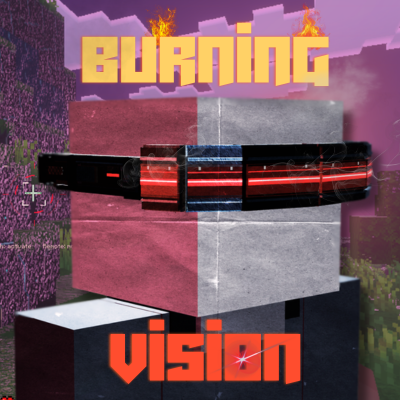
Burning Vision
Bedrock add-on listed for Minecraft 26.x. Installs from the MC Bedrock Mods app on Android.
Turn your stare into a weapon with cyberpunk goggles, selectable vision modes, lingering laser beams, and explosive electrical fire that spreads across…
⬇ Download on CurseForge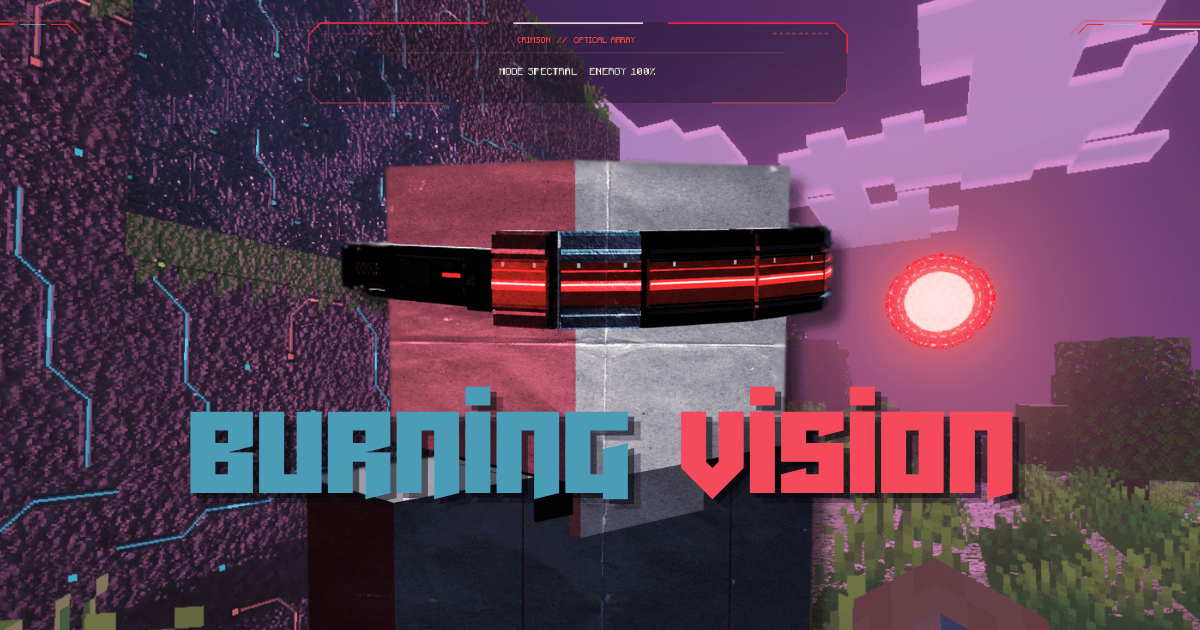
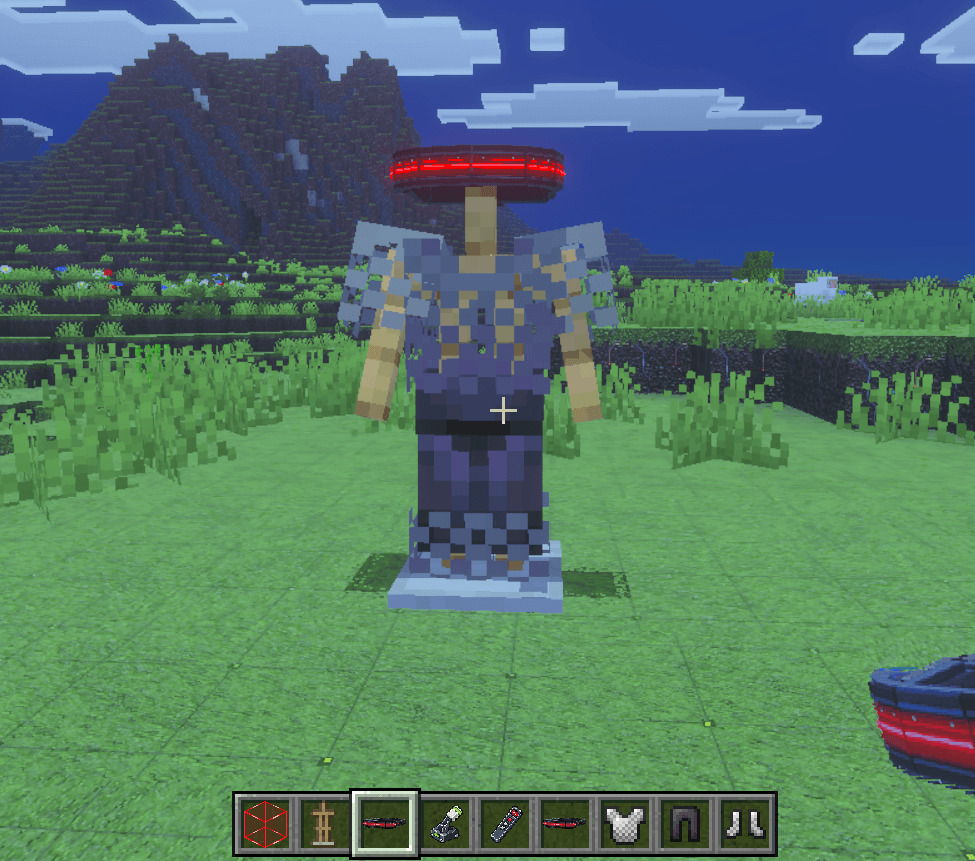
That creeper had a pretty good plan until you looked at it.
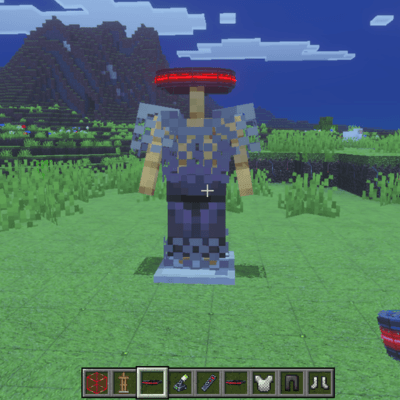
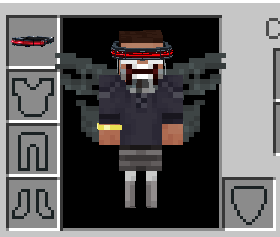
Burning Vision brings laser goggles, five visor abilities, futuristic building materials, and a full cyberpunk atmosphere to Minecraft Bedrock. Cut through terrain, detonate mobs, scan a threat before picking a fight, or build with solid crimson energy all from the same pair of goggles.
And once you’ve got the gear, you’ll probably want a base that looks the part.
Five modes. One very unfair pair of goggles.
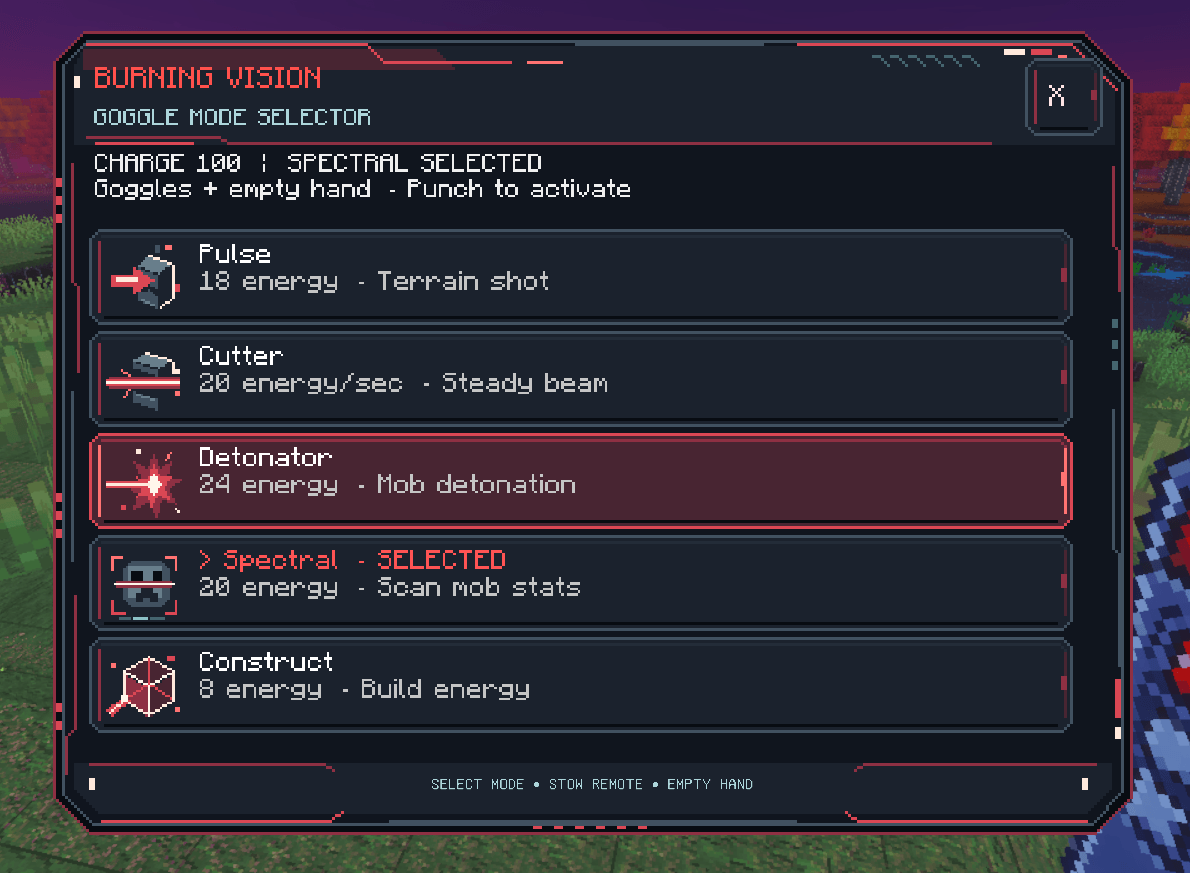
Use the Visor Remote to open a custom illustrated cyberpunk menu and choose your ability:
Pulse: Fire a terrain-cutting laser shot with a reach of up to 96 blocks. Good for making an entrance where there wasn’t one.
Cutter: Activate a continuous beam that follows your aim, carving through terrain and damaging mobs up to 64 blocks away. Keep looking, keep cutting.
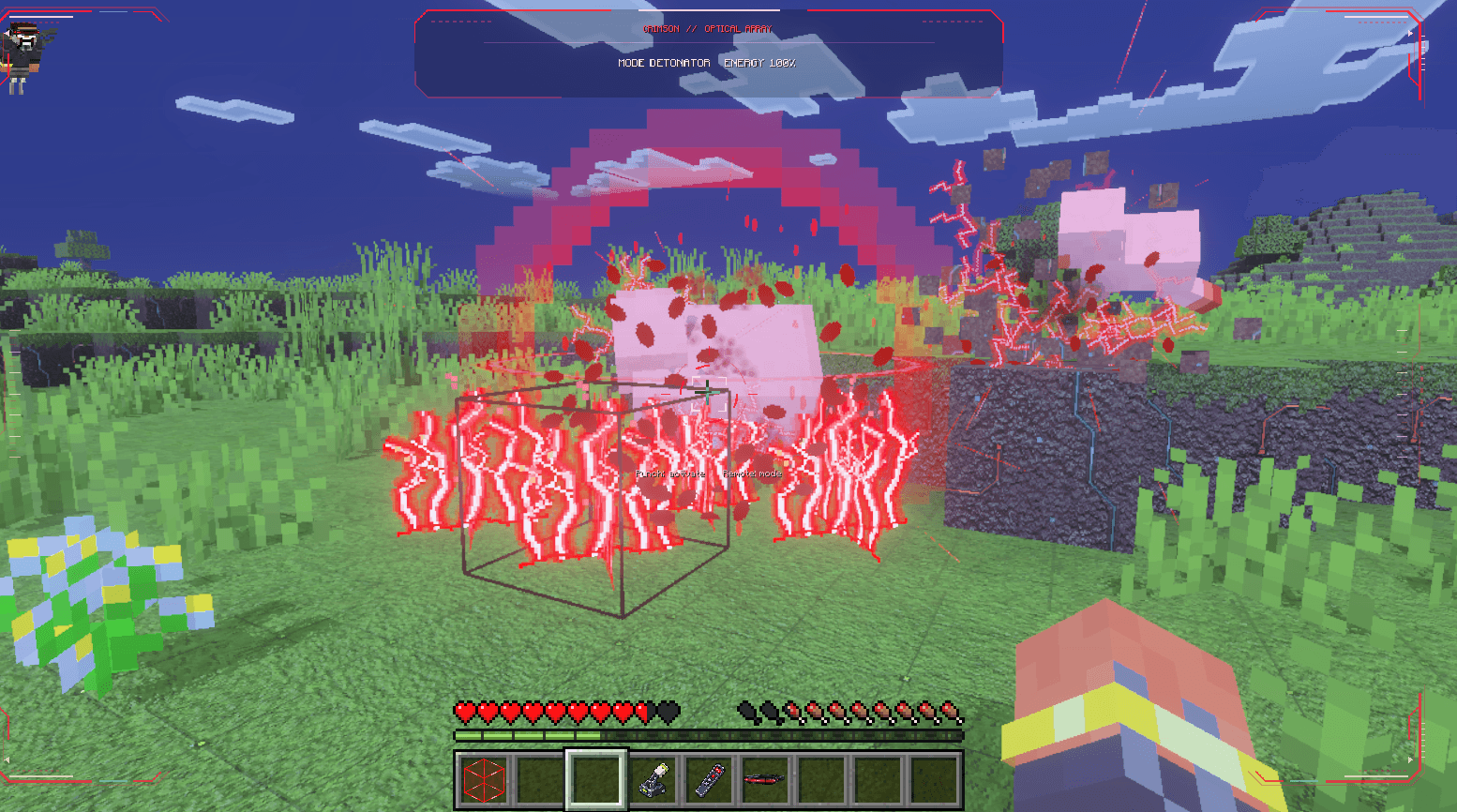
Detonator: Launch an explosive shot that hits mobs hard and catches nearby creatures in the blast. Impacts can ignite custom electrical fire, leaving more trouble behind after the shot lands.
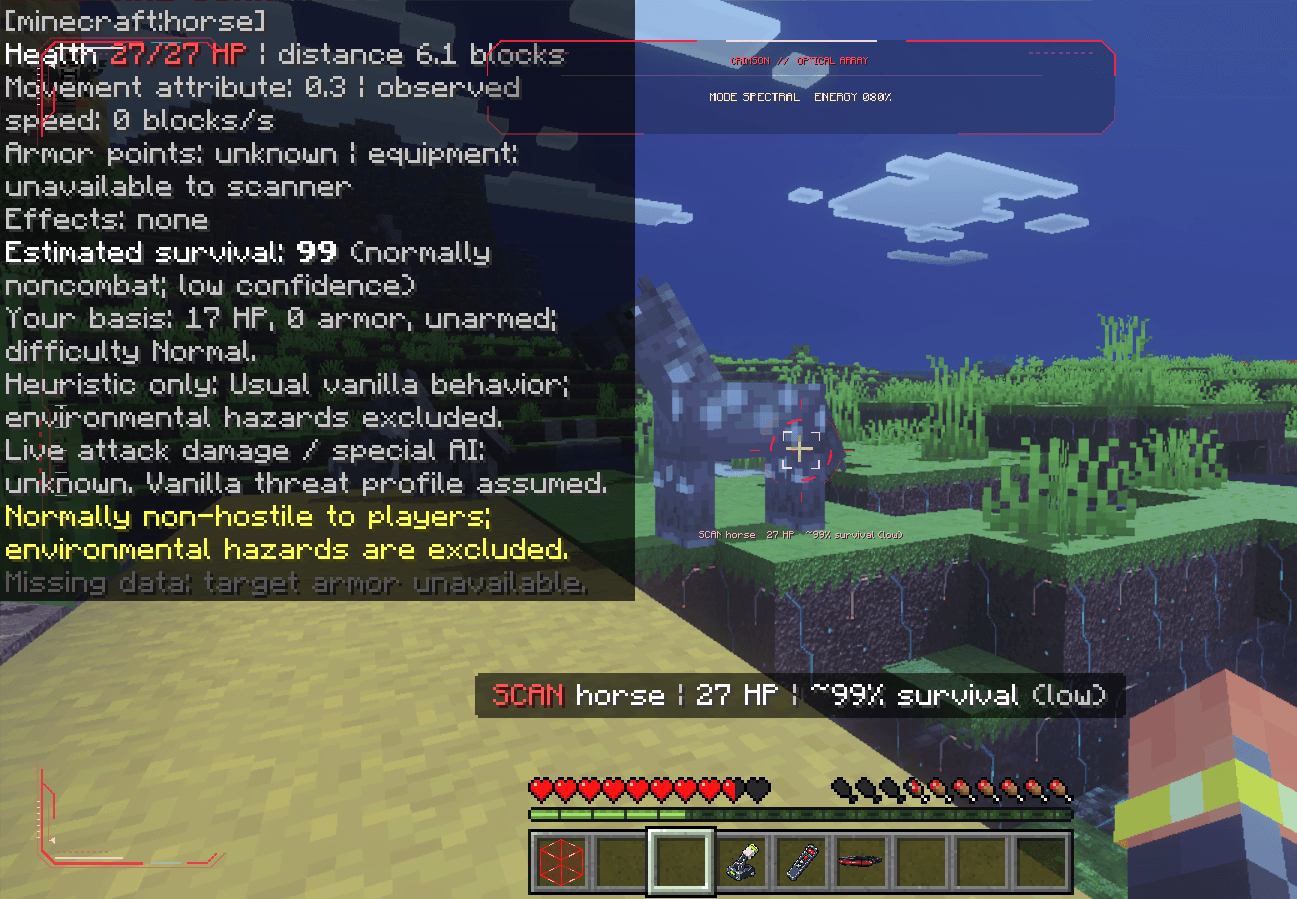
Spectral: Scan a living mob up to 64 blocks away to reveal its health, equipment, armor, active effects, and movement information. You also get an estimated survival chance based on your condition and equipment. It’s an estimate, so maybe don’t use it as your entire plan.
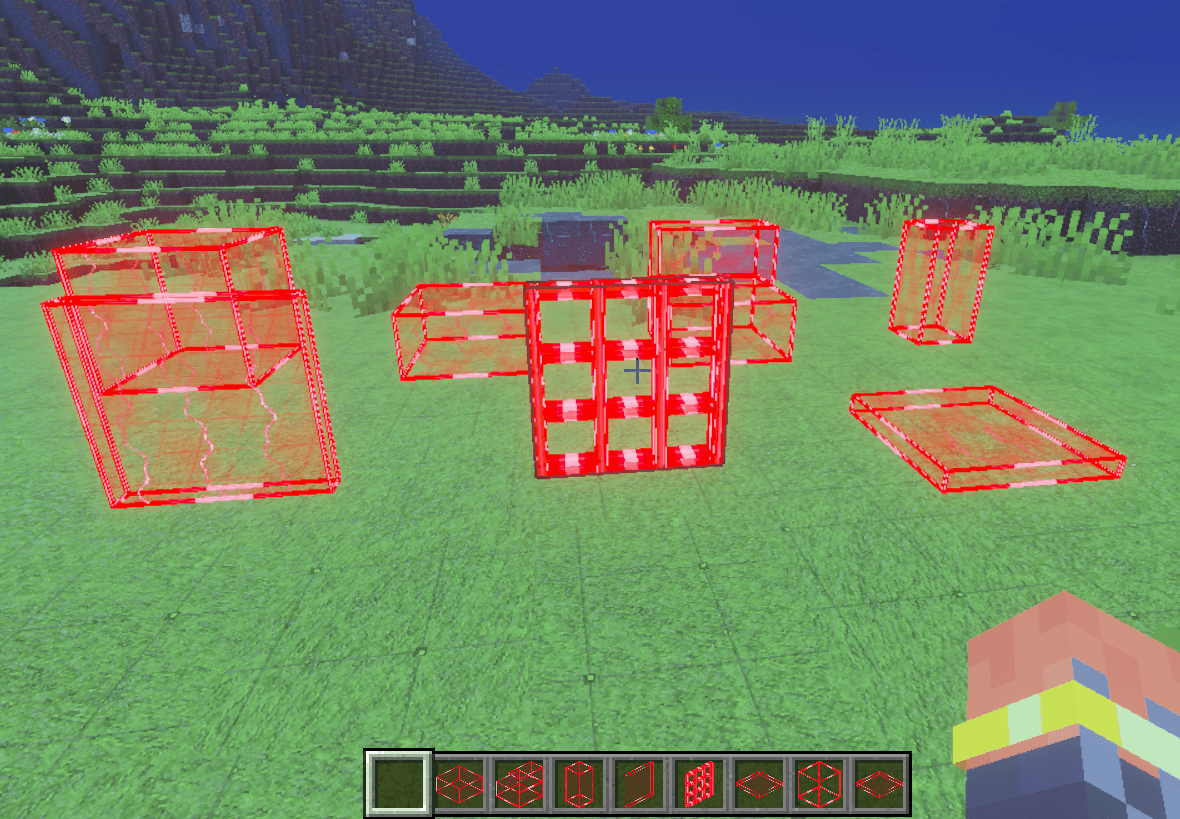
Construct: Materialize crimson energy blocks wherever you aim. Build against an existing surface or form a block out in open space.
Shots leave bright laser trails that linger before fading, with custom impact effects, particles, and sounds backing up the action.
Electrical fire
Detonator impacts can leave a new kind of fire on the ground and electrically ignite mobs. It spreads across nearby surfaces and can consume flammable materials, turning a single impact into a growing patch of chaos.
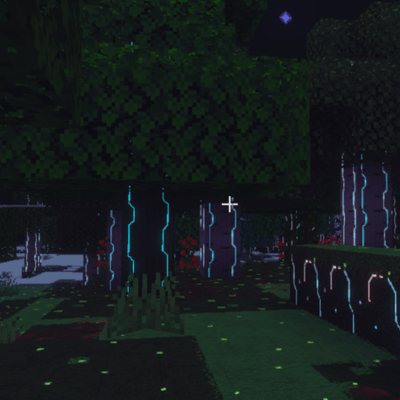
Your wooden starter house deserves some distance from the testing area.
Build something worth defending
The addon includes 28 custom building blocks, with PBR materials made for its futuristic style.
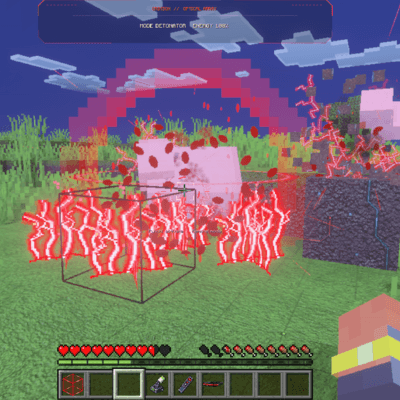
The 20 cyberpunk construction blocks come in four material sets:
Obsidian Alloy
Brushed Titanium
Violet Ceramic
Neon Circuitry
Each set includes an armored block, recessed panel, structural pillar, slab, and stairs. Mix them into a small workshop or go all in on a neon fortress. Crafting and stonecutting recipes give you access to the different shapes.
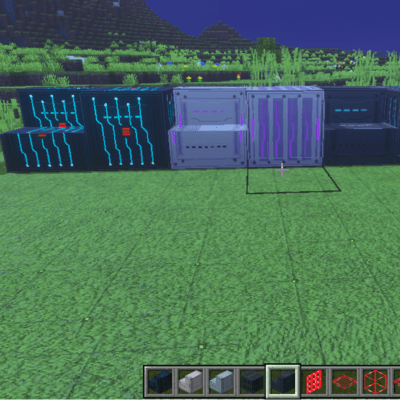
The eight Crimson Energy shapes include blocks, slabs, stairs, pillars, panels, lattices, frames, and tiles.
These do more than decorate your base: nearby mobs are vaporized by the energy field, without dropping loot or XP. Players are excluded from that effect, so you can walk through your own build without meeting the same fate. Keep pets and other mobs you want to keep away from the energy blocks.
The world gets the cyberpunk treatment, too
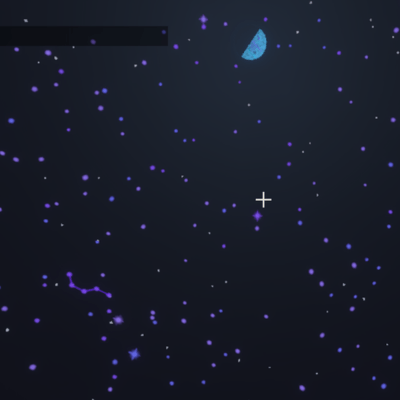
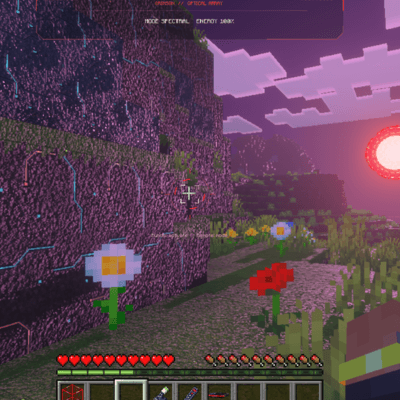
Burning Vision includes custom world textures, PBR surfaces, atmospheric fog, color grading, and dramatic lighting designed for Vibrant Visuals. Cool cyan light, violet shadows, and pink sunsets carry the theme beyond your equipment.
The Overworld also defaults to the pack’s acid-rain atmosphere. Want clear skies? Craft the Global Antacid Switch and use it to turn the rain off across the Overworld. Use it again to bring it back. Your choice saves with the world.
Getting started
-
Craft the Burning Vision Goggles and equip them in your helmet slot.
-
Use the Visor Remote to choose a mode. A remote is automatically provided when you first equip the goggles, as long as you have inventory space.
-
Switch to an empty hotbar slot.
-
Punch to activate your selected ability.
Cutter stays active until you crouch, hold an item, remove the goggles, or run out of energy. Touch players can also crouch to activate an idle ability.
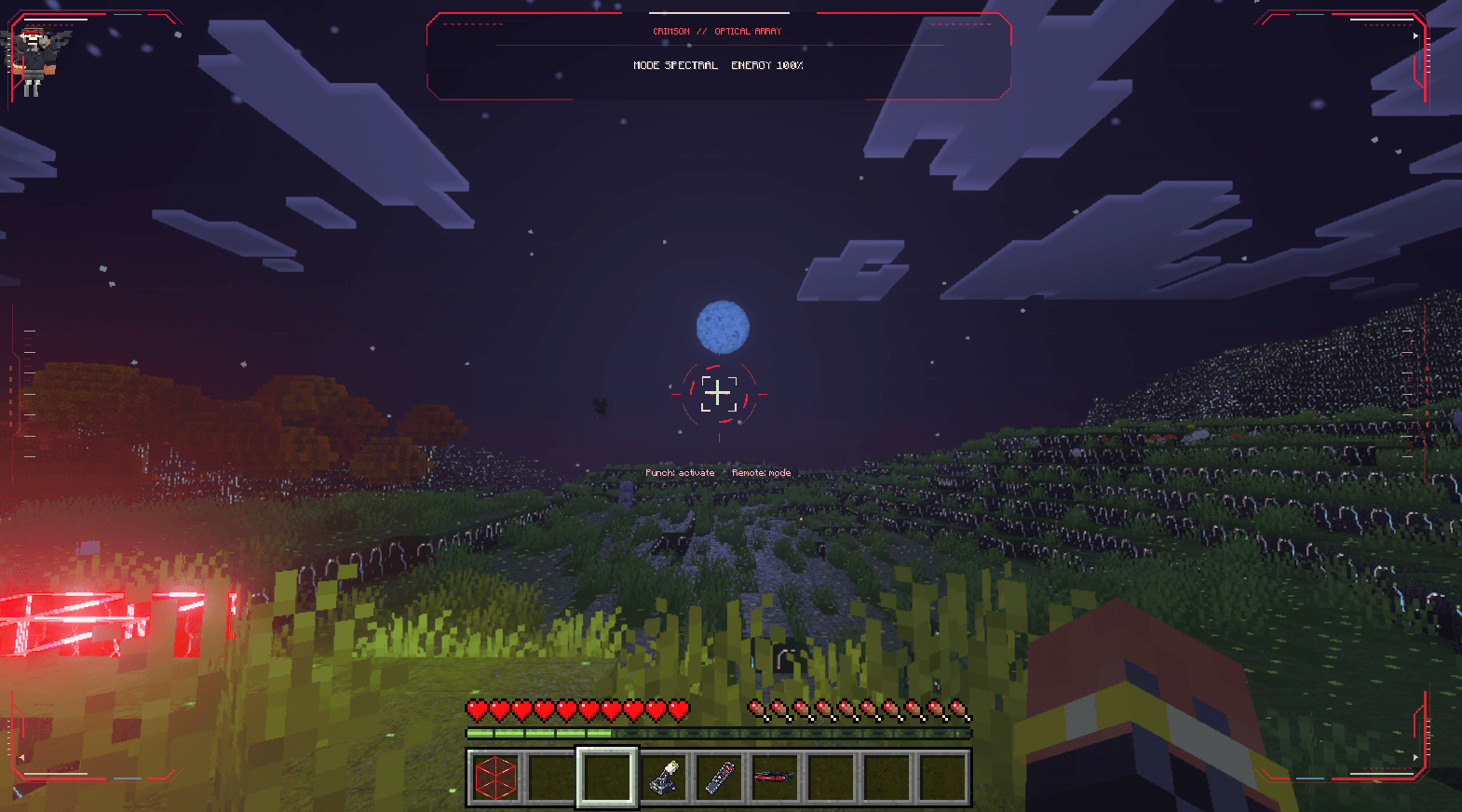
The custom visor HUD shows your selected mode, remaining charge, and control prompts. Every ability uses energy, and the goggles recharge automatically after a short pause. Your charge and selected mode save between sessions.
Crafting
The goggles require four iron ingots, two amethyst shards, one redstone block, one netherite ingot, and one glass block.
You can also craft replacement remotes using three iron nuggets, one redstone dust, and one quartz.
The Global Antacid Switch uses one lever, one quartz, and one redstone dust. Crimson Energy Blocks can be crafted using glass, redstone, quartz, and amethyst, then converted into the other energy shapes.
Installation and visuals
Import the included .mcaddon and enable both the behavior pack and resource pack on your world. The download contains the linked pair.
Use a Bedrock version compatible with the pack’s minimum engine version of 1.26.0. For the intended lighting and PBR appearance, enable Vibrant Visuals on a supported device. Most modern devices have Vibrant Visuals set as their default. Be sure you are part of the crowd.
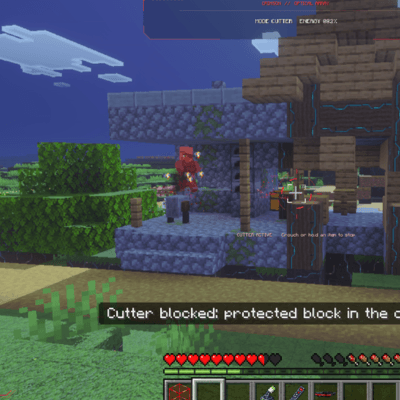
Pick your mode. Clear your hand. Make eye contact. Just fire...get it...hehe...
Created by Ballblaster_Studios.
- Edition: Minecraft Bedrock
- File type: .mcpack or .mcaddon
- Minecraft versions listed: 26.0, 26.10, 26.11
- How to install: Download the .mcpack or .mcaddon file. → Open it — Minecraft imports it. → In your world: Behavior Packs → Available → Activate, then the same under Resource Packs.
- Where to get it: Opens on CurseForge — not every file is mirrored on our own servers.
Install steps are the general flow for this file type — How to install Minecraft Bedrock addons & mods walks through it step by step.
- Pack type: .mcaddon — behaviour and resource pack in one file
- Download size: 8.7 MB
- Download link checked 19 Oct 2026 — working
These come from our own check of the pack file, not from the source page.