
Wither Lag Fix
Bedrock add-on listed for Minecraft 1.21–26.x (behavior pack only). File opened and checked on 19 Oct 2026; installs from the MC Bedrock Mods app on Android.
Stops the Wither from burying your world in dropped blocks. Smoother fights, and nothing valuable gets deleted
⬇ Download on CurseForge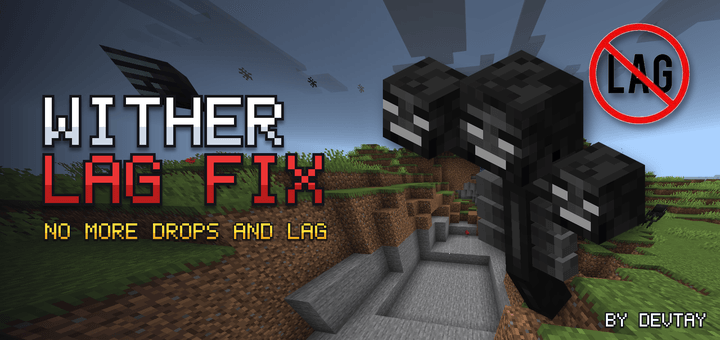
Wither Lag Fix
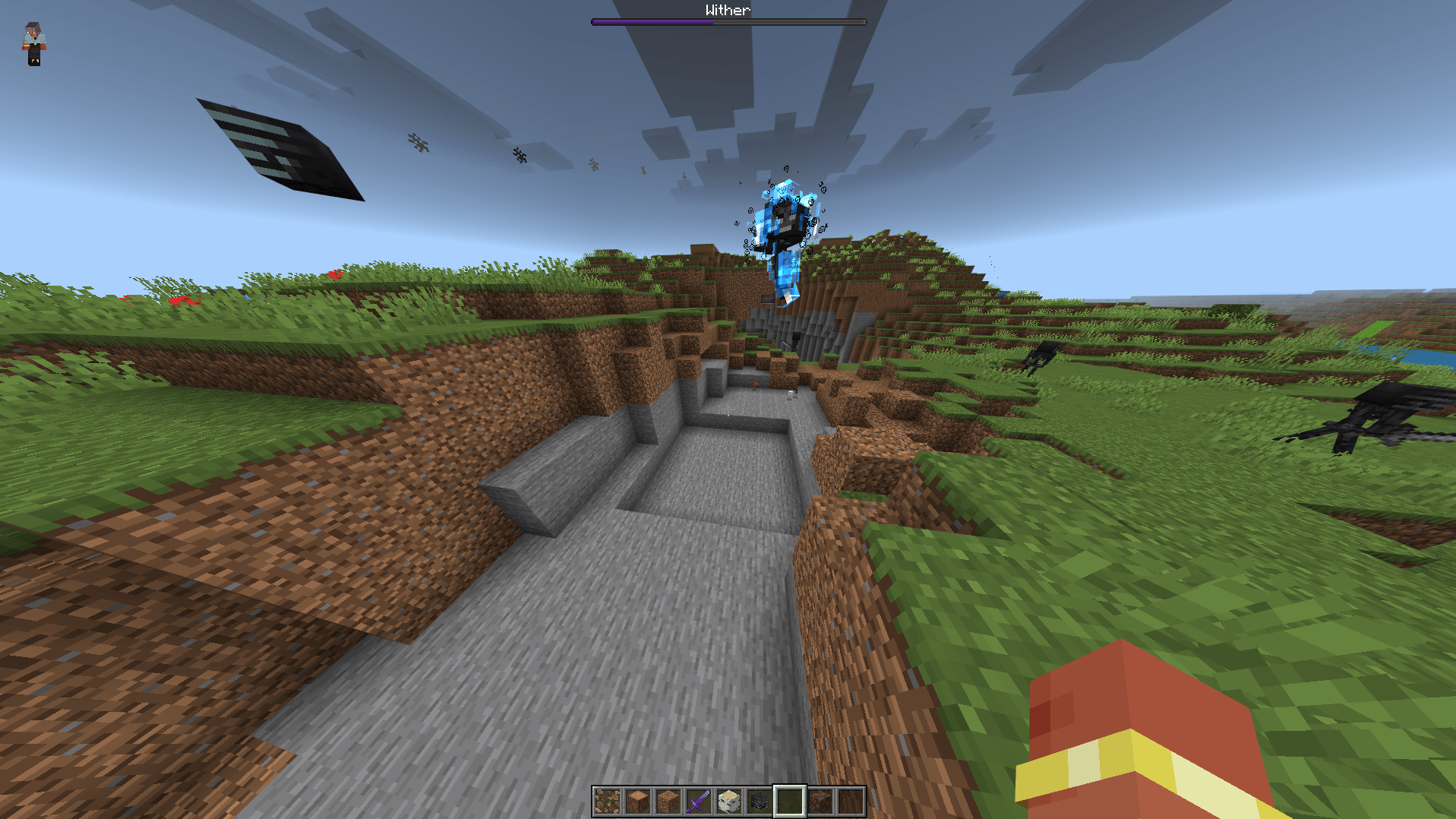
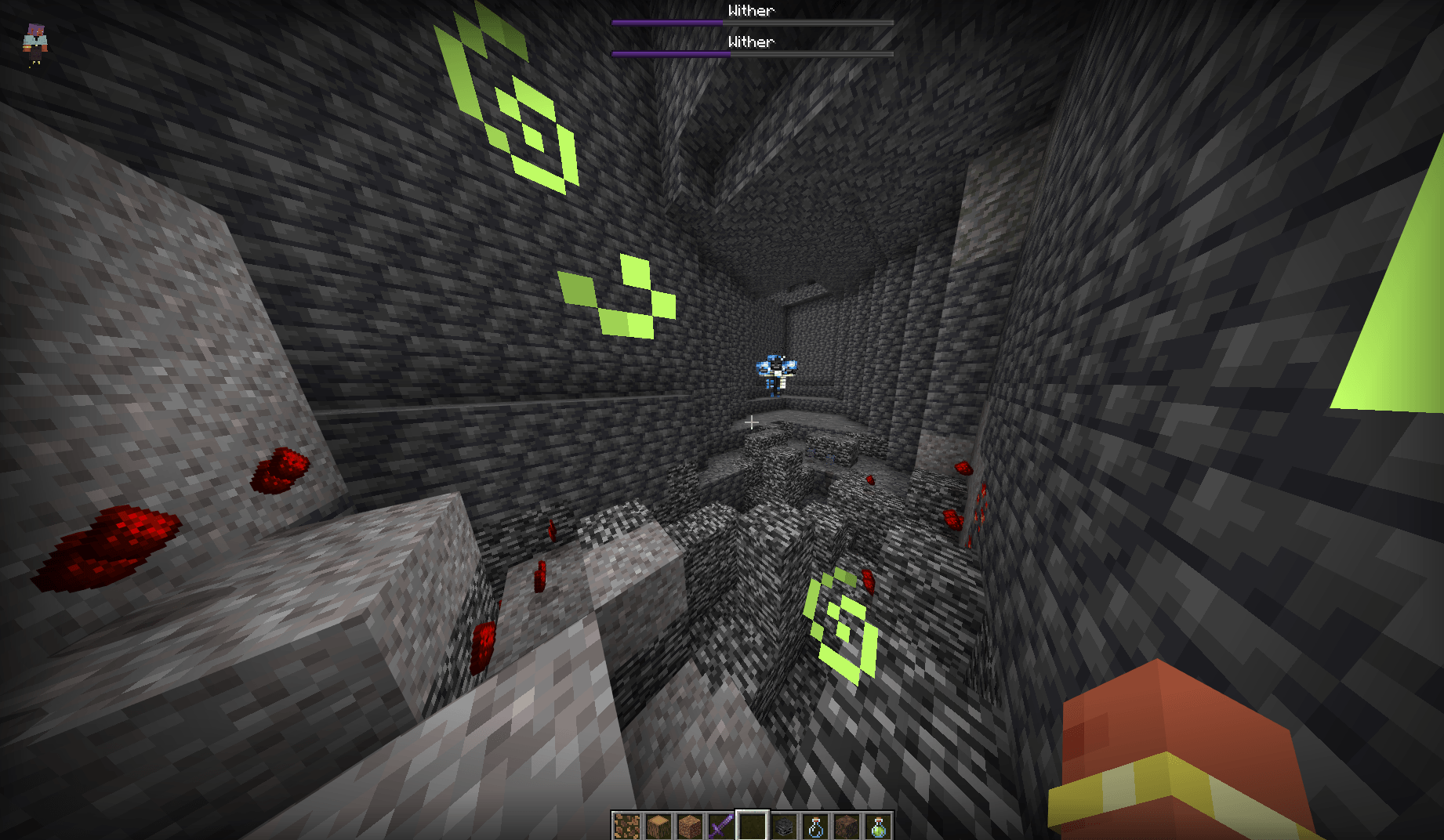
In Bedrock, the Wither digs its way down during its second phase and leaves hundreds of dropped blocks behind. On phones and weaker PCs that turns the fight into a slideshow.
This addon removes those junk drops the moment they land. The Wither itself is untouched: it still breaks blocks, still explodes, still fights exactly like vanilla. Your world just doesn't fill up with cobblestone.
What gets removed
Only common terrain drops, and only near a Wither or its explosions:
- Stone, cobblestone, deepslate, cobbled deepslate, granite, diorite, andesite, tuff, calcite, dripstone
- Dirt, coarse dirt, rooted dirt, mud, moss block, gravel, flint, sand, red sand, sandstone, red sandstone, clay balls, terracotta
- Netherrack, soul sand, soul soil, blackstone, basalt, smooth basalt, magma block, end stone
- Leaf litter, pink petals, wildflowers, firefly bushes, sticks, saplings, mangrove propagules, azalea, dandelions, poppies, seeds, snowballs
What is never removed
- Anything not on the list above: ores, diamonds, tools, armor, food, logs, building blocks, shulker boxes
- The Nether Star
- Renamed items
- Items dropped by a player who dies near the Wither
How it works
- Cleanup only runs within a few blocks of a living Wither and inside Wither skull explosions
- When the Wither dies, cleanup continues at its last position for 10 seconds to catch the death explosion
- TNT, creepers and every other explosion are left alone
- With no Wither in the world, the addon does practically nothing
Compatibility
- Does not modify the Wither or any vanilla file, so it works alongside other addons
- No experimental toggles needed
- Bedrock 1.21.130 or newer
Known limits
If you throw a junk item like cobblestone right next to the Wither mid-fight, it will be removed too. Everything valuable is safe.
Bugs and suggestions are welcome in the comments.
Made by Devtay
- Edition: Minecraft Bedrock
- File type: .mcpack or .mcaddon
- Minecraft versions listed: 1.21.130, 1.21.131, 1.21.132
- How to install: Download the .mcpack or .mcaddon file. → Open it — Minecraft imports it. → In your world: Behavior Packs → Available → Activate, then the same under Resource Packs.
- Where to get it: Opens on CurseForge — not every file is mirrored on our own servers.
Install steps are the general flow for this file type — How to install Minecraft Bedrock addons & mods walks through it step by step.
- Pack type: .mcaddon — behaviour and resource pack in one file
- Manifest requires Minecraft 1.21.130 or newer
- Complete pack — everything it depends on is inside the file
- Download size: 18 KB
- Download link checked 19 Oct 2026 — working
These come from our own check of the pack file, not from the source page.