
Serenidade - A voz de uma mãe
Bedrock add-on listed for Minecraft 26.x. Download on the author's site.
A caring motherly presence for Minecraft Bedrock. Hidden milestones, mystery, and the full story after the dragon. Still in development.
⬇ Download on CurseForge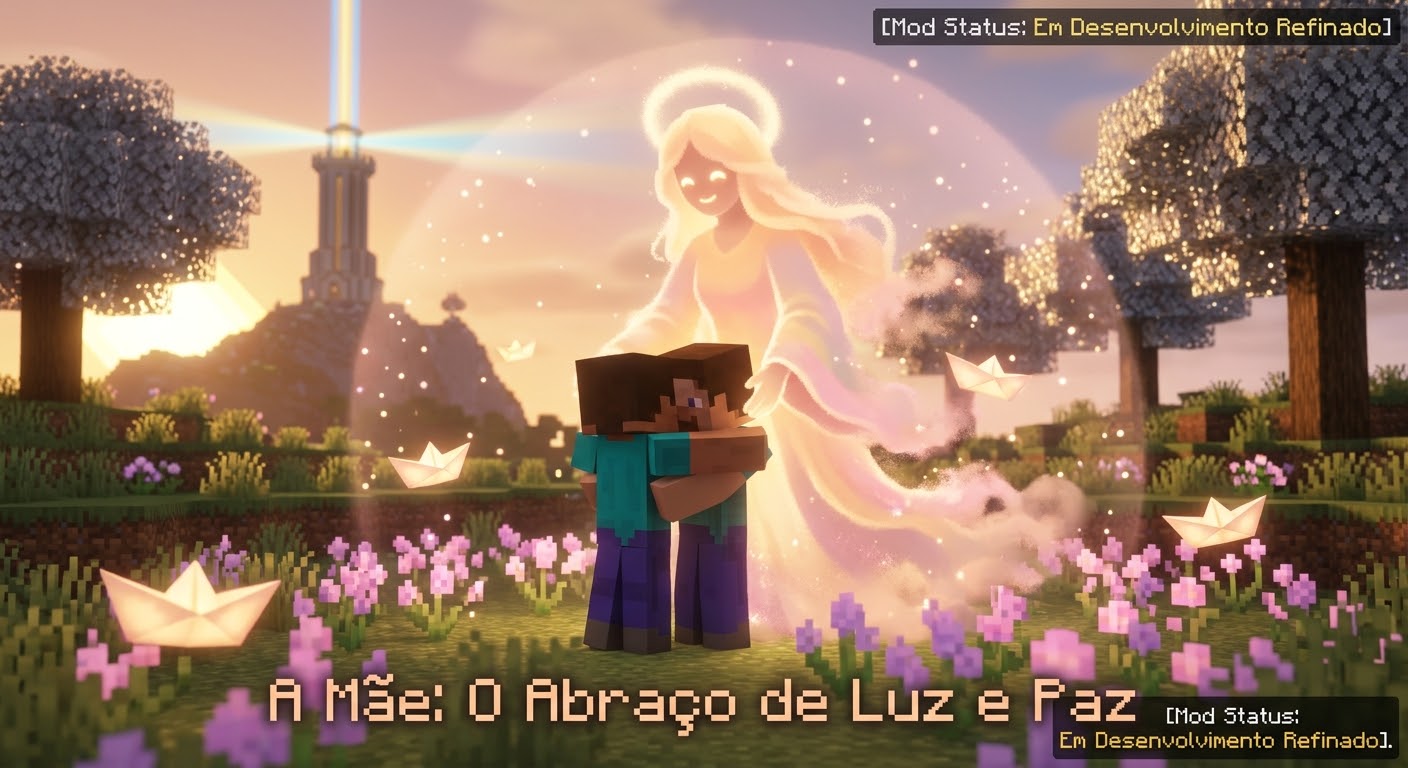
Serenidade - A Mother's Voice
STILL IN DEVELOPMENT / AINDA EM DESENVOLVIMENTO
Minecraft Bedrock Edition addon (NOT Java).
A caring motherly presence that guides you through the world.
She reacts to your journey with short messages as you progress.
After you defeat the Ender Dragon and return to the Overworld, the full story is told in chat.
Features:
- Contextual mother messages (exploration, combat, dimensions)
- Hidden milestones (mystery intended, no map markers)
- Full story unlock after the dragon
- Tone: mother and child (not romance)
HOW TO PLAY / COMO JOGAR
1) Import the .mcaddon file
2) Enable BOTH packs: Resource Pack + Behavior Pack
3) World: enable Beta APIs / Script API
4) Cheats ON if you want commands
5) Play normally — the mother will speak at key moments
6) After the dragon and returning home, the full story appears in chat
Command (only after the dragon): /serenidade:historia
7) Optional: /serenidade:respirar
Chat examples: saudade | por onde eu começo
Credits: Jhones (Historiador)
You may use and share. Please keep the credits and do not break the mod.
- Edition: Minecraft Bedrock
- File type: .mcpack or .mcaddon
- Minecraft versions listed: 26.0, 26.3, 26.10
- How to install: Download the .mcpack or .mcaddon file. → Open it — Minecraft imports it. → In your world: Behavior Packs → Available → Activate, then the same under Resource Packs.
- Where to get it: Opens on CurseForge — not every file is mirrored on our own servers.
Install steps are the general flow for this file type — How to install Minecraft Bedrock addons & mods walks through it step by step.
Serenidade - A voz de uma mãe is a free Minecraft Bedrock addon. Compatible with Minecraft 26.0, 26.3, 26.10, 26.11 and newer. Downloaded 6 times (via CurseForge). Download it and open it directly in the game.