
SlashSlabs
Java mod listed for Minecraft 26.x. Downloads from the MC Java Mods app on Android.
Server-side half-slab steps on every one-block terrain rise, so players walk the world without jumping — no client mod needed.
⬇ Download on ModrinthSlashSlabs
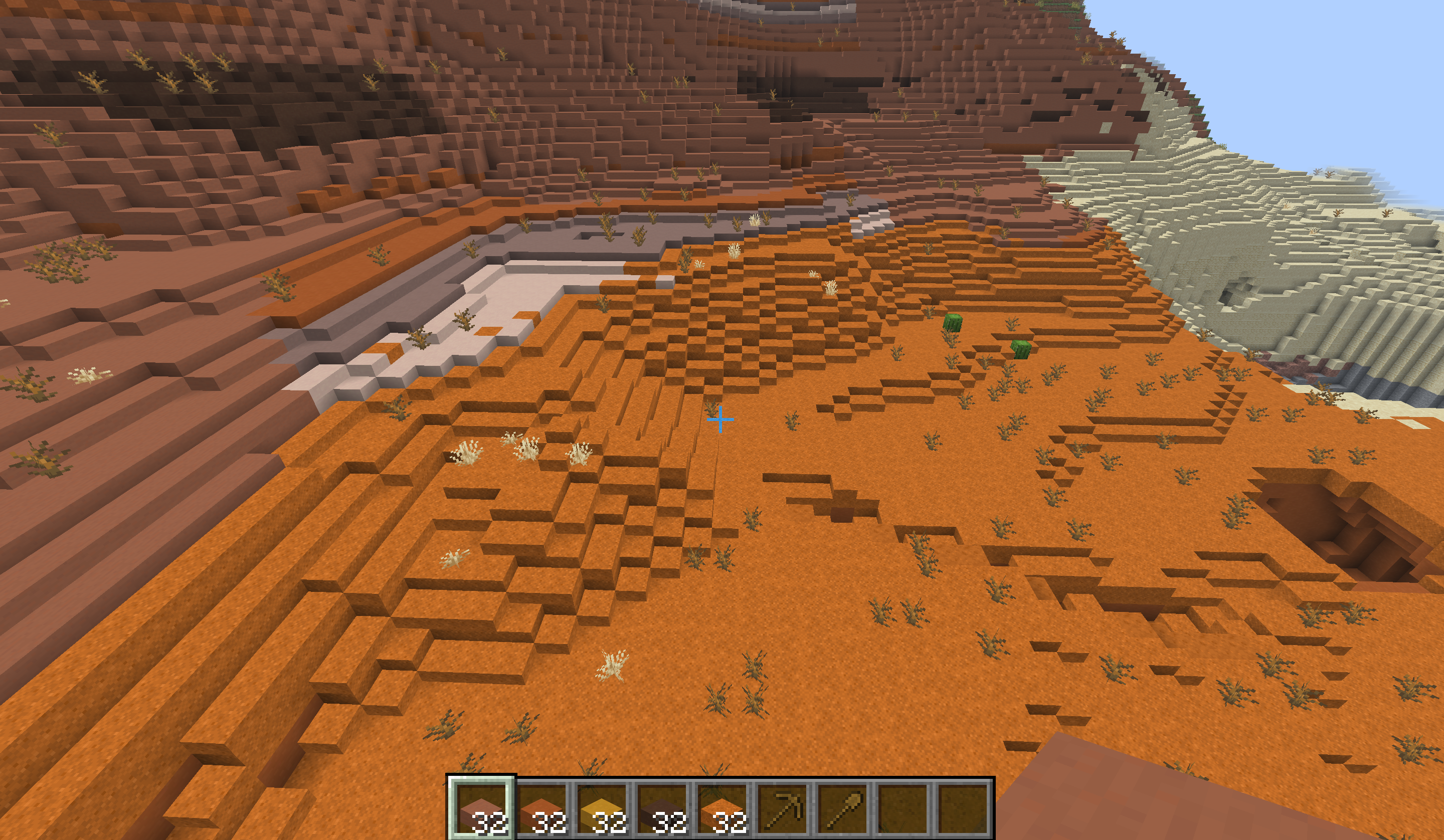
Walk the world without jumping. SlashSlabs is a server-side Fabric mod that puts a half-slab step on every one-block rise in newly generated terrain. Hills, shores and badlands mesas become slopes you can walk up.
Players install nothing. Stock vanilla clients join and see real-looking slabs, delivered through a resource pack that the server sends automatically.
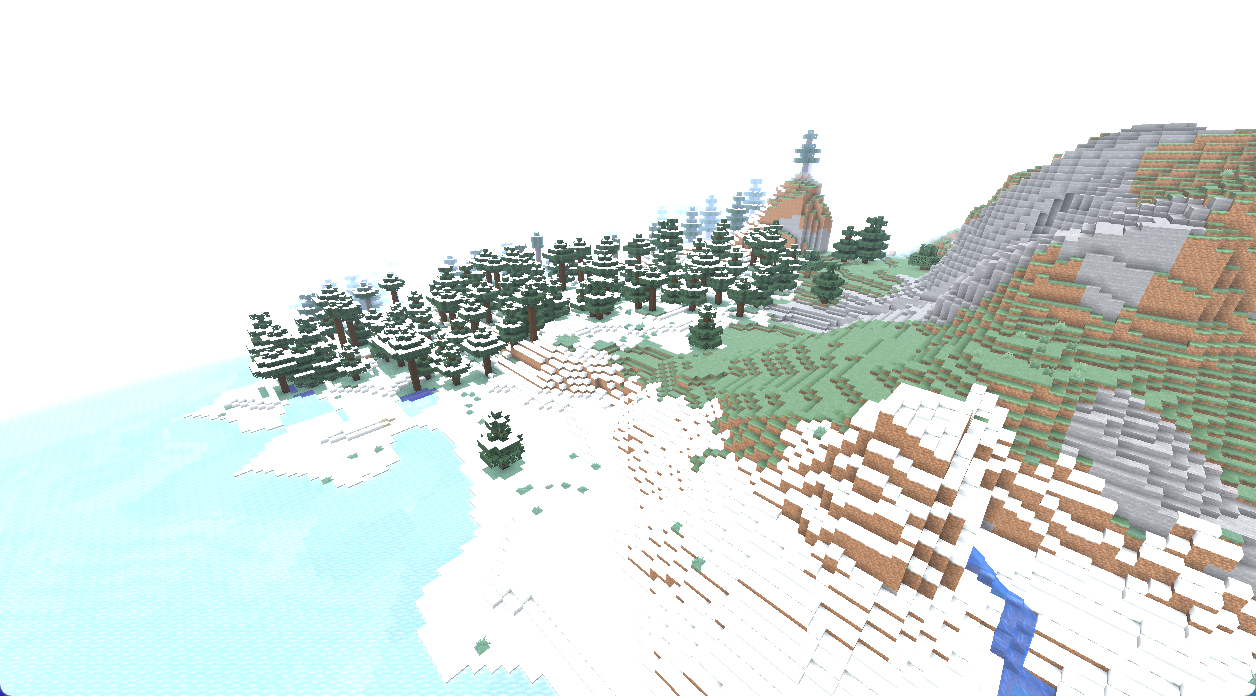
Before and after
The same hill from the same camera, with SlashSlabs:
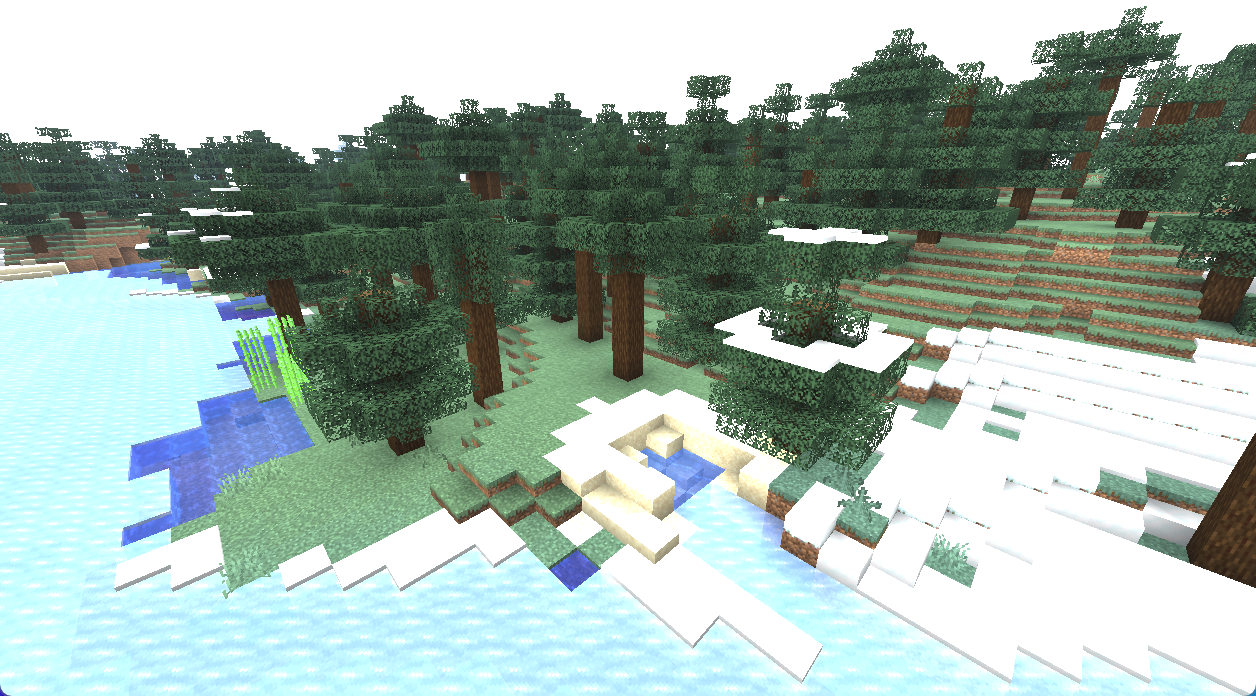
…and in plain vanilla:
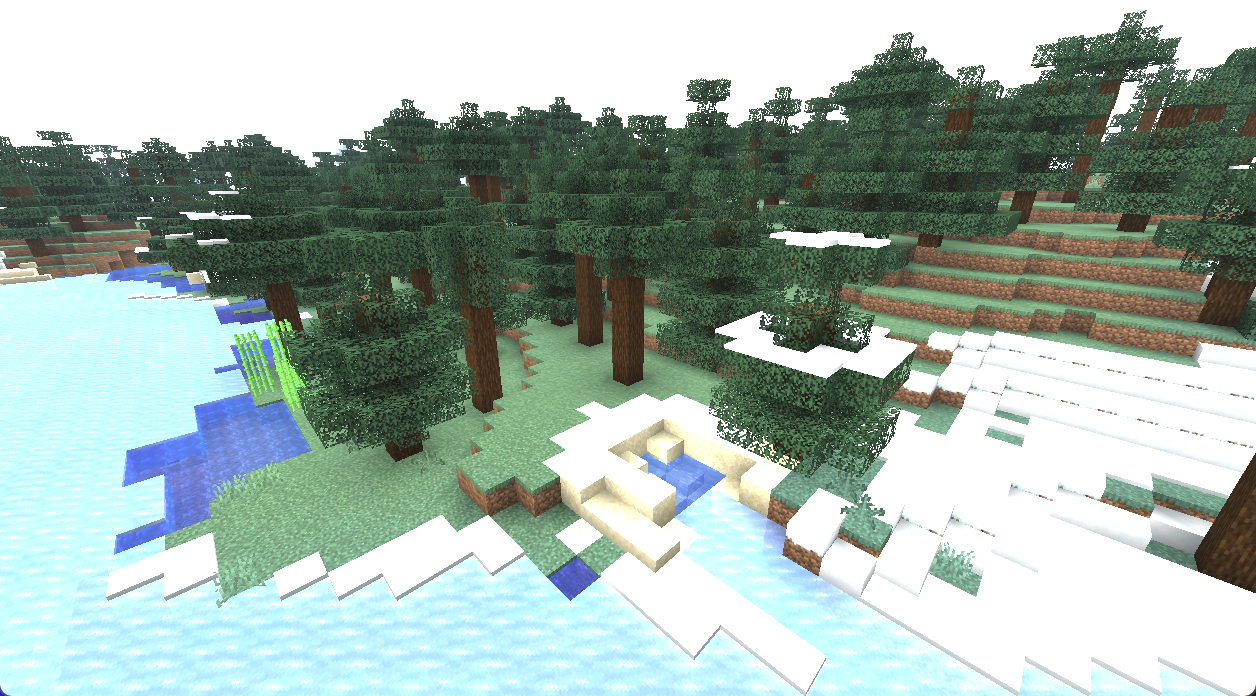
What it does
When a chunk generates, SlashSlabs finds every column whose neighbour is exactly one block higher and places a bottom slab on the lower one. A one-block rise becomes two half steps.
| Surface at the rise | Step placed |
|---|---|
| Grass block | Grass slab, in the nearest of three greens for the biome |
| Dirt, coarse dirt, rooted dirt, podzol, mycelium | Dirt slab |
| Sand · red sand | Sand slab · red sand slab |
| Terracotta (plain, orange, yellow, brown, red, white, light gray) | The matching terracotta slab |
| Stone, cobblestone, deepslate, tuff, andesite, diorite, granite, blackstone, sandstone, red sandstone, mud | The matching vanilla slab |
| Snowy biomes | Snow layers |
| Shallow water | A waterlogged slab |
It leaves alone:
- cliffs (rises of two blocks or more);
- structures such as villages, ruins and towers;
- flowers and saplings;
- deep water, and anything next to lava.
It reads only the finished surface, so it works with any terrain generator or worldgen datapack.
Real blocks, not decoration
The new slabs are proper blocks:
- Grass slabs spread and die like grass, and pull grass from neighbouring blocks. Silk Touch keeps them as grass.
- Slabs have recipes: 3 blocks make 6 slabs, 2 slabs make 1 block, and the stonecutter works too.
- Two slabs placed together become the vanilla full block.
- Mining runs at the real block's speed, and terracotta needs a pickaxe.
- Break and footstep sounds come from the real material: grass sounds like grass, sand like sand.
How vanilla clients see custom blocks
SlashSlabs is built on Polymer, which comes bundled.
Each custom slab is sent to the client as a spare vanilla block state with exactly a slab's shape. Bottom slabs borrow unused sculk sensor states, and top slabs borrow waxed copper slab states. The server's resource pack draws those states as grass, dirt, sand and terracotta.
Because the borrowed state has the right shape, collision matches the server exactly. Walking, sprinting and jumping stay in sync with no rubber-banding.
The mod jar contains no Minecraft textures. At startup the server builds the pack from the vanilla client jar.
Installation
- Put the jar for your Minecraft version in
mods/, next to Fabric API. - Start the server once, then turn on the resource-pack host in
config/polymer/auto-host.json:
{
  "enabled": true,
  "required": true,
  "type": "polymer:automatic",
  "message": "This server needs its resource pack for terrain slabs."
}
- Restart the server.
polymer:automatic serves the pack on the game port, so no extra port or web host is needed. Behind a proxy (Velocity, BungeeCord, TCPShield), use polymer:http_server or polymer:external instead.
Existing worlds: only newly generated chunks are smoothed automatically. To smooth terrain you've already explored, run /slashslabs smooth <radius>. It leaves player builds, paths and floors alone.
Configuration and commands
Settings live in config/slashslabs.json:
- the dimensions to smooth, and biomes to exclude;
- the structure guard;
- how deep underwater slabs may go;
- the snow layer count;
- the grass palette;
- per-block material overrides;
- an optional step-height module, which lets players walk up any one-block rise, builds included.
Every command needs op level 2, or LuckPerms nodes under slashslabs.command.*.
/slashslabs infoshows what's installed and the worldgen counters./slashslabs smooth <radius>smooths existing terrain./slashslabs purge <radius>turns every SlashSlabs block back into vanilla, for clean removal./slashslabs survey <radius>prints terrain statistics and fits a grass palette to your world.
Compatibility
- Minecraft 26.1.2, 26.2 and 26.3. Download the file for your version.
- Fabric, with Fabric API required.
- Server-side only. Don't install it on clients.
- Tested alongside a large modpack:
- performance: C2ME, Lithium, Krypton, FerriteCore;
- worldgen: Geophilic, Explorify, Structory, Towns & Towers, Dungeons & Taverns, Moog's structures, Incendium, Nullscape, Amplified Nether, Voxy World Gen V2;
- other: BlueMap, Geyser/Floodgate, LuckPerms, Ledger, Chunky.
- BlueMap renders the slabs with no extra setup.
- Voxy LODs show the retextured slabs.
- Other Polymer mods work alongside it. Only four top-slab states exist, and they are shared.
Good to know
- The resource pack is required. Without it, players see sculk sensors and copper slabs where the steps are.
- Only one-block rises are smoothed. Two-block rises and structure paths stay as they are.
- Top grass slabs, which players place, use a single green in every biome.
- Sculk sensors give off a faint light, level 1. After a slab changes nearby, you may see a barely visible glow.
- To remove the mod, run
/slashslabs purgeover your explored area first. Otherwise the slabs load as air and leave half-block holes.
- Edition: Minecraft Java
- File type: .jar
- Minecraft version listed: 26.3
- How to install: Install the matching mod loader (Forge, Fabric or NeoForge) for your Minecraft version. → Download the .jar. → Put it in the .minecraft/mods folder and launch that loader profile.
- Where to get it: Opens on Modrinth — not every file is mirrored on our own servers.
Install steps are the general flow for this file type — How to install Minecraft Java mods & modpacks walks through it step by step.
- Ships as slashslabs-0.2.1+mc26.3-fabric.jar — drop this file into the mods folder
- Download size: 1.2 MB
- Download link checked 20 Oct 2026 — working
These come from our own check of the pack file, not from the source page.